

Unlock the Monster Reference Database for RPG Campaigns
Updated on: 2025-12-10
Want smoother sessions and faster prep? This guide shows you how to build and maintain a monster reference database that cuts search time and boosts encounter design. You’ll learn practical ways to organize entries, tag abilities, and standardize stat information so your table keeps rolling. I’ll share battle-tested tips, common mistakes to avoid, and simple tools that work for both digital and paper-first GMs. By the end, you’ll have a clear plan you can start using today.
- What Is a Monster Reference Database?
- Myths vs. Facts
- Personal Experience
- How to Create and Organize Yours
- Helpful Accessories and Tools
- Q&A
- Final Thoughts & Takeaways

If you’ve ever paused mid-session to flip pages, scroll PDFs, or ping a rules forum, you know the pain of a slow search. Organizing your monsters into a single, easy-to-browse system is one of the fastest ways to remove friction from your table. Think of it like a tailored bestiary index: the right details at a glance, consistent labeling, and helpful tags so you can find what you need in seconds. Whether you’re prepping a long campaign or a one-shot, a clear structure saves time, helps balance encounters, and makes improvisation feel effortless.
What Is a Monster Reference Database?
At its core, this is a centralized catalog of your creatures built for speed and clarity. It pulls stat information, tactics, roles, tags, and notes into one place so you’re not juggling books and tabs. Instead of rewriting entire stat blocks, you summarize what matters for play: hit points, defenses, movement, damage patterns, conditions inflicted, spells, and special actions. Then you add context you can’t get from a raw stat entry—like typical terrain, social behavior, encounter hooks, and quick scaling ideas.
A good system also uses consistent fields and names. “Flying” is always “Flying,” not “Flight” one day and “Aerial” the next. Use tags to group by role (brute, controller, skirmisher), damage types, environments, or story arcs. Finally, make it searchable. Even a simple spreadsheet with filters and color-coded columns can outperform a stack of books when the party makes an unexpected choice.
Myths vs. Facts
- Myth: Building a creature catalog takes too long. Fact: Start small with your next three sessions and grow it as you play.
- Myth: You need fancy software. Fact: Spreadsheets, notes apps, or a paper binder work great if fields are consistent.
- Myth: You must copy every stat block. Fact: Capture only key numbers, tactics, and tags; link or reference full sources when needed.
- Myth: It kills spontaneity. Fact: Quick tags and templates make improvisation easier, not harder.
- Myth: It’s only for big campaigns. Fact: One-shots and conventions benefit hugely from a tidy enemy archive.
- Myth: You’ll forget to update it. Fact: A weekly five-minute review is enough to keep it fresh.
Personal Experience
I started with scattered notes and bookmarked PDFs. It worked—until it didn’t. A boss fight stalled because I couldn’t find a key reaction, and the table’s energy dipped. After that session, I built a minimal bestiary index in a spreadsheet. I used columns for role, terrain, damage type, movement, notable conditions, and “GM cues” (short reminders like “opens with cone breath, then kite”).
Within two weeks, prep time dropped by a third. During play, I stopped second-guessing damage types and recharge actions. The real win came when the party veered off my plan: I filtered by “swamp” and “skirmisher,” grabbed a suitable creature, and kept the scene flowing. The game felt smoother, and I felt more present at the table instead of buried in rules.
How to Create and Organize Yours
Use this straightforward process to set up a dependable creature catalog without overwhelm:
- Define your fields: Start with Name, Source, Role, CR/Level, HP, AC/Defenses, Movement, Damage Types, Conditions, Actions/Reactions, Spells, Terrain, Tags, Tactics, and Notes. Keep names short and consistent.
- Choose a format: A spreadsheet is perfect for filtering and quick math. A notes app works if you prefer freeform pages. A paper binder with tabbed sections can be just as quick if you color-code.
- Standardize entries: Use the same order every time. Example: “Tactics: opens at range, focuses casters, retreats at 25% HP.” Consistency beats fancy layouts.
- Tag smartly: Use tags you’ll actually filter by: environment (desert, forest), role (brute, lurker), theme (necrotic, fey), and campaign arc.
- Keep summaries short: Boil abilities down to usable cues. “Legendary Action: tail swipe (reach 10 ft, knocks prone)” is faster than a paragraph.
- Create quick templates: Make a blank row or page with your fields. Duplicate, fill, and you’re done. This makes adding new foes painless.
- Review weekly: After each session, add what you used, note surprises, and trim entries you don’t need. Five minutes is enough to stay current.
Pro tip: Include a “Scaling” note for each creature. Jot quick levers like “+10 HP, +1 attack bonus, add once-per-rest burst” so you can tune difficulty on the fly without reworking the whole encounter.

Helpful Accessories and Tools
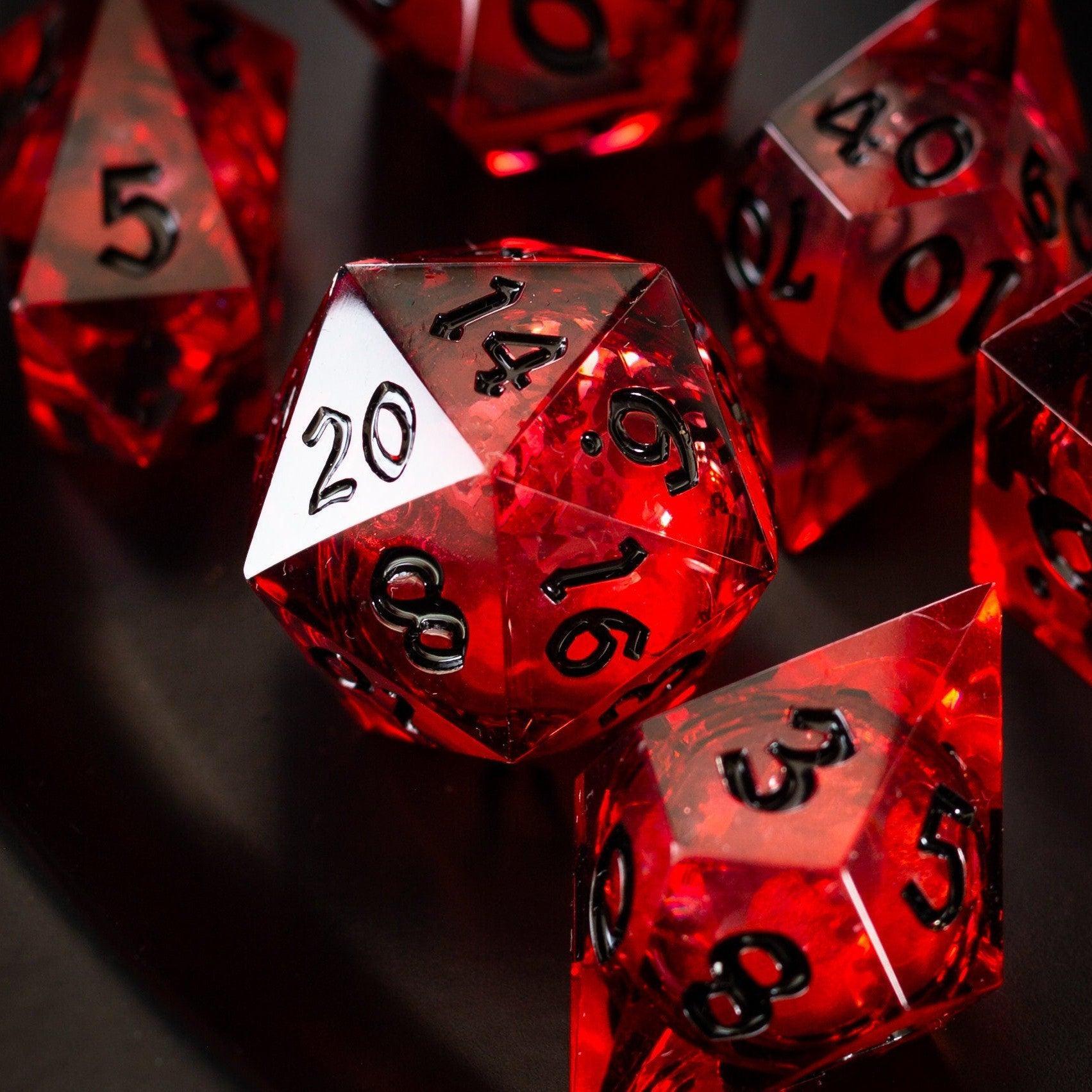
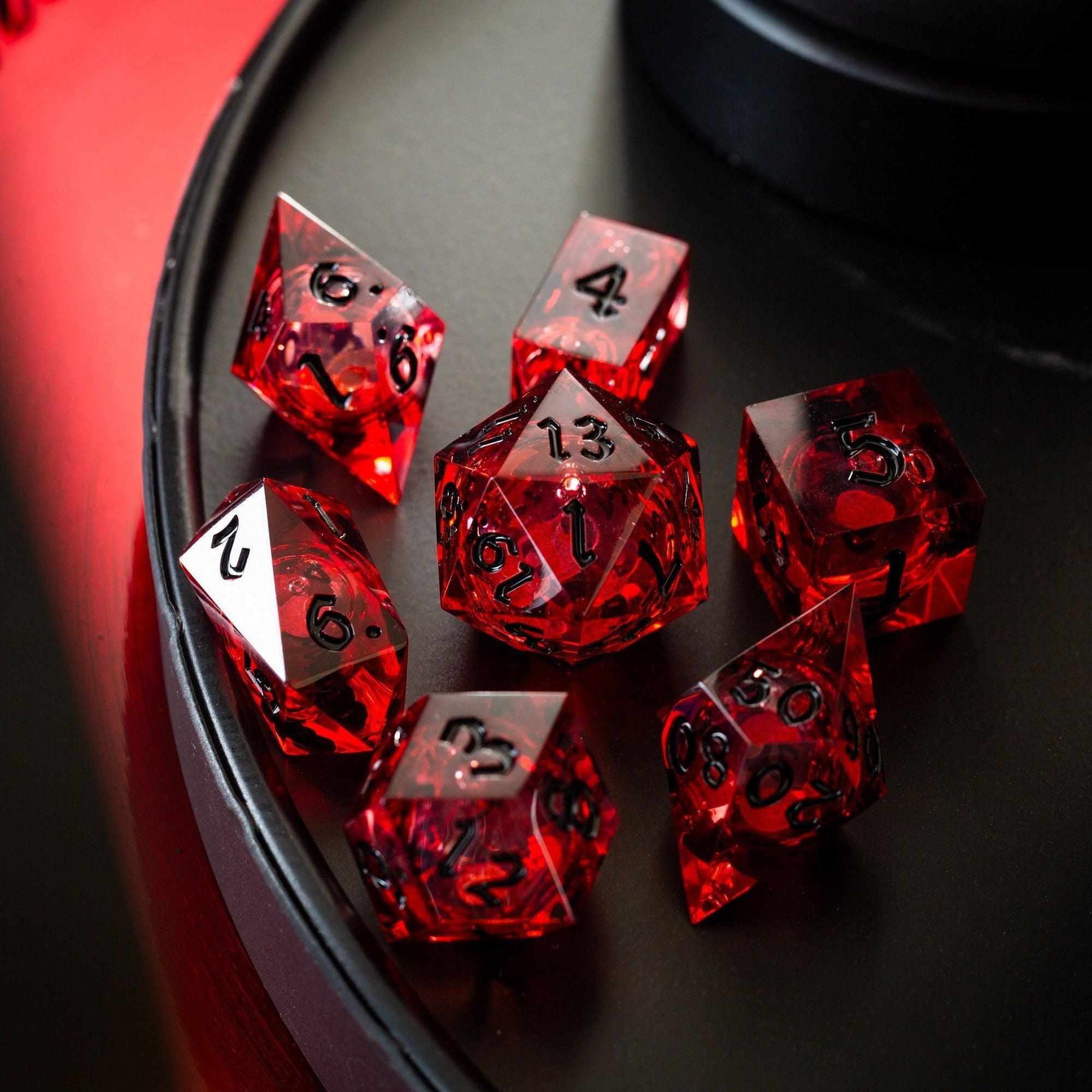
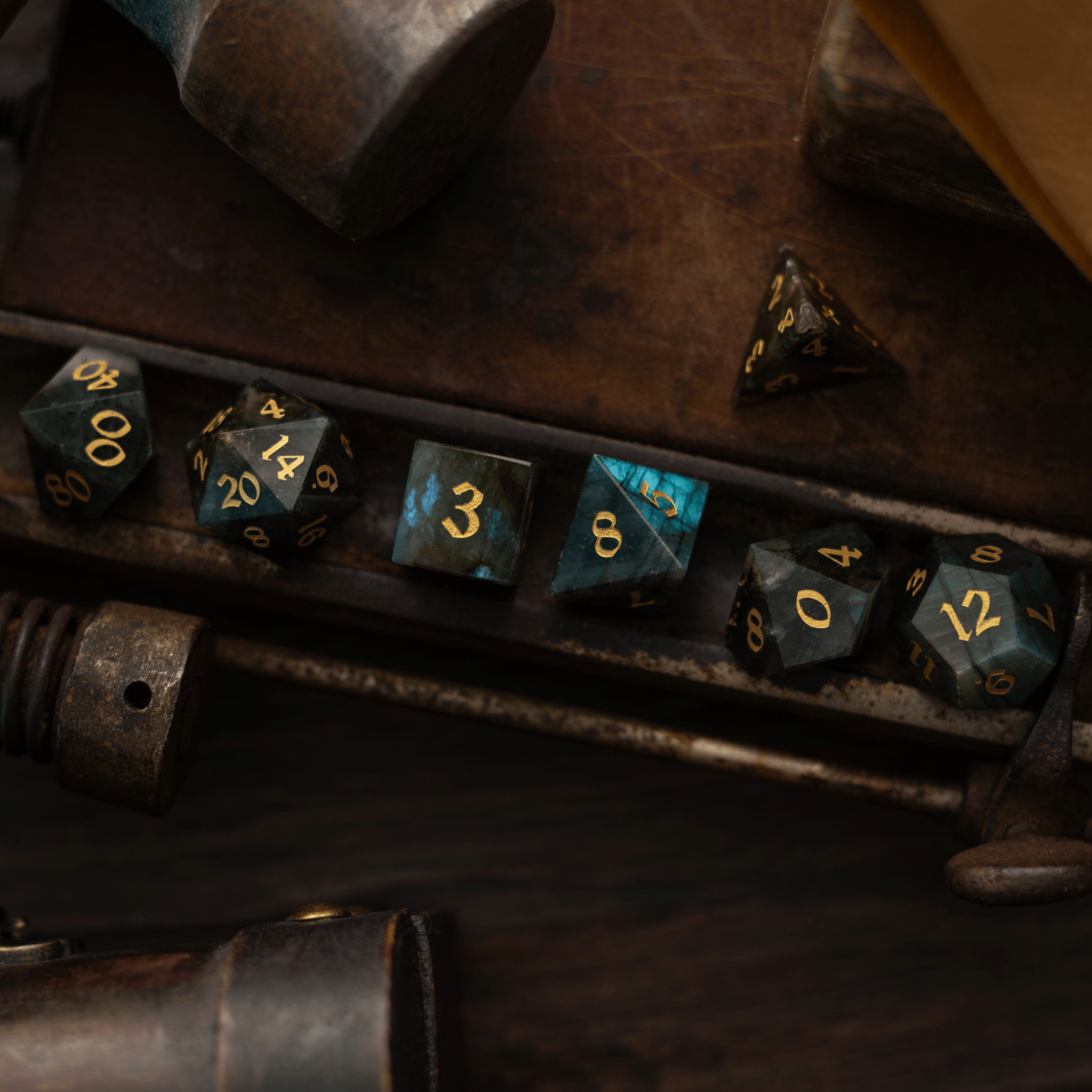
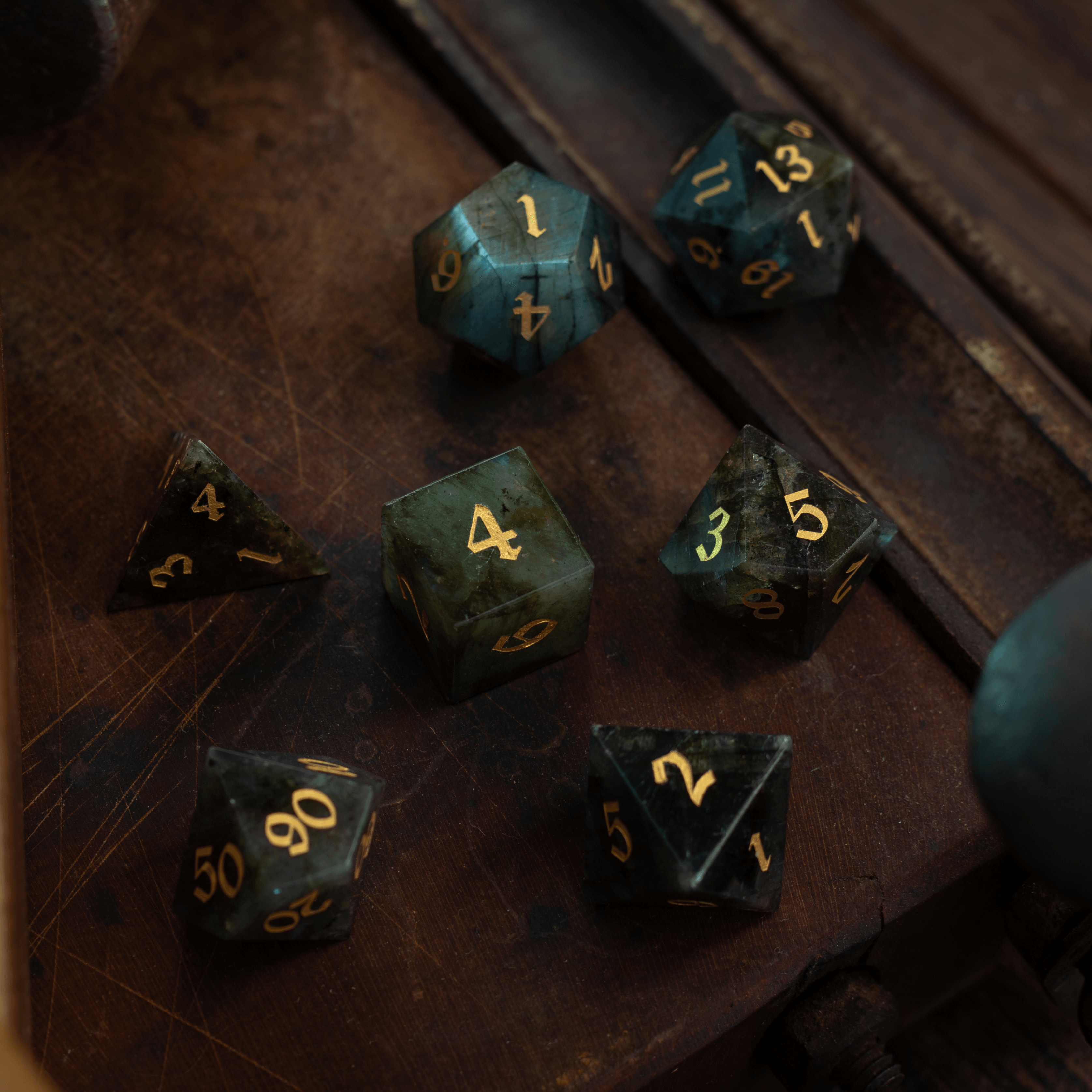
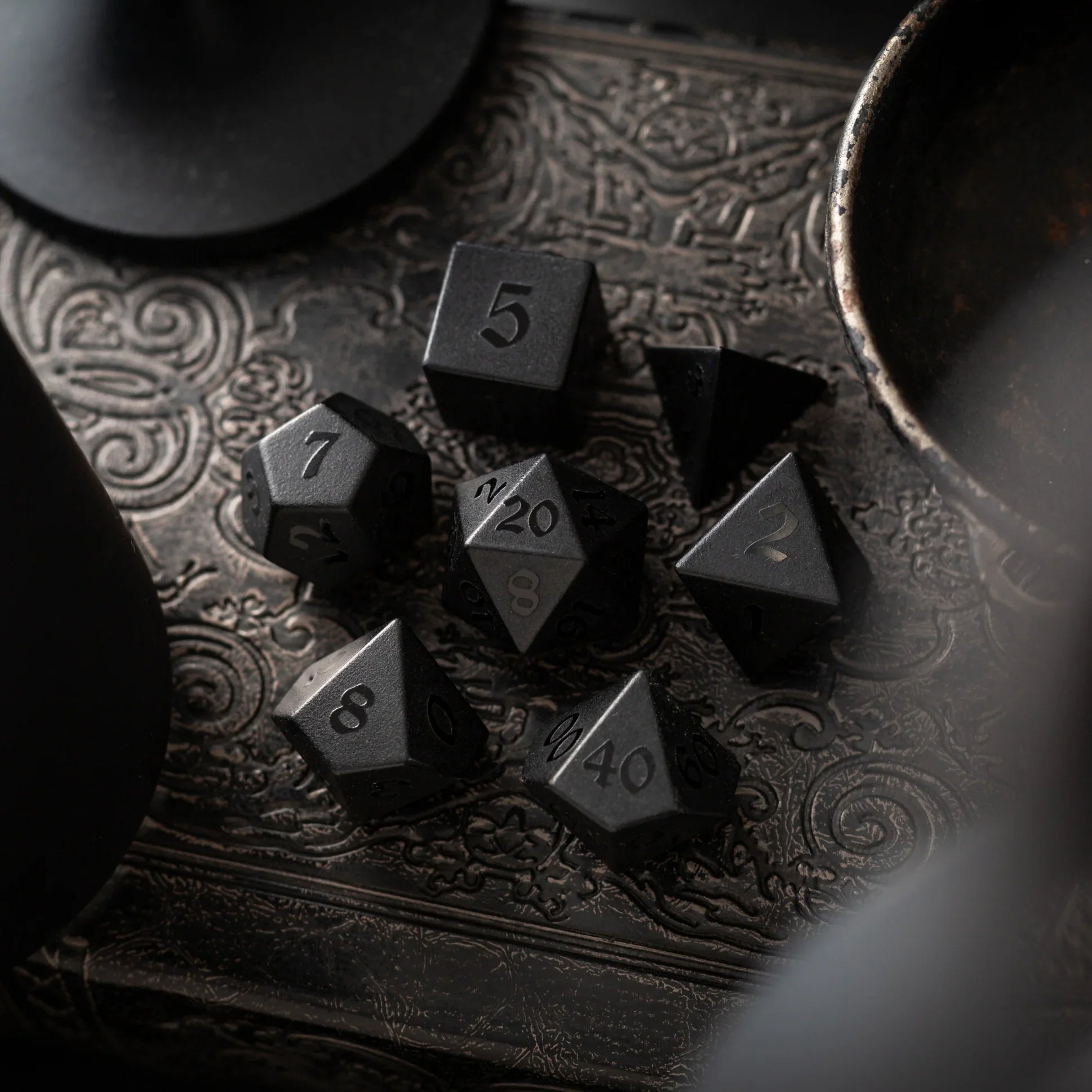
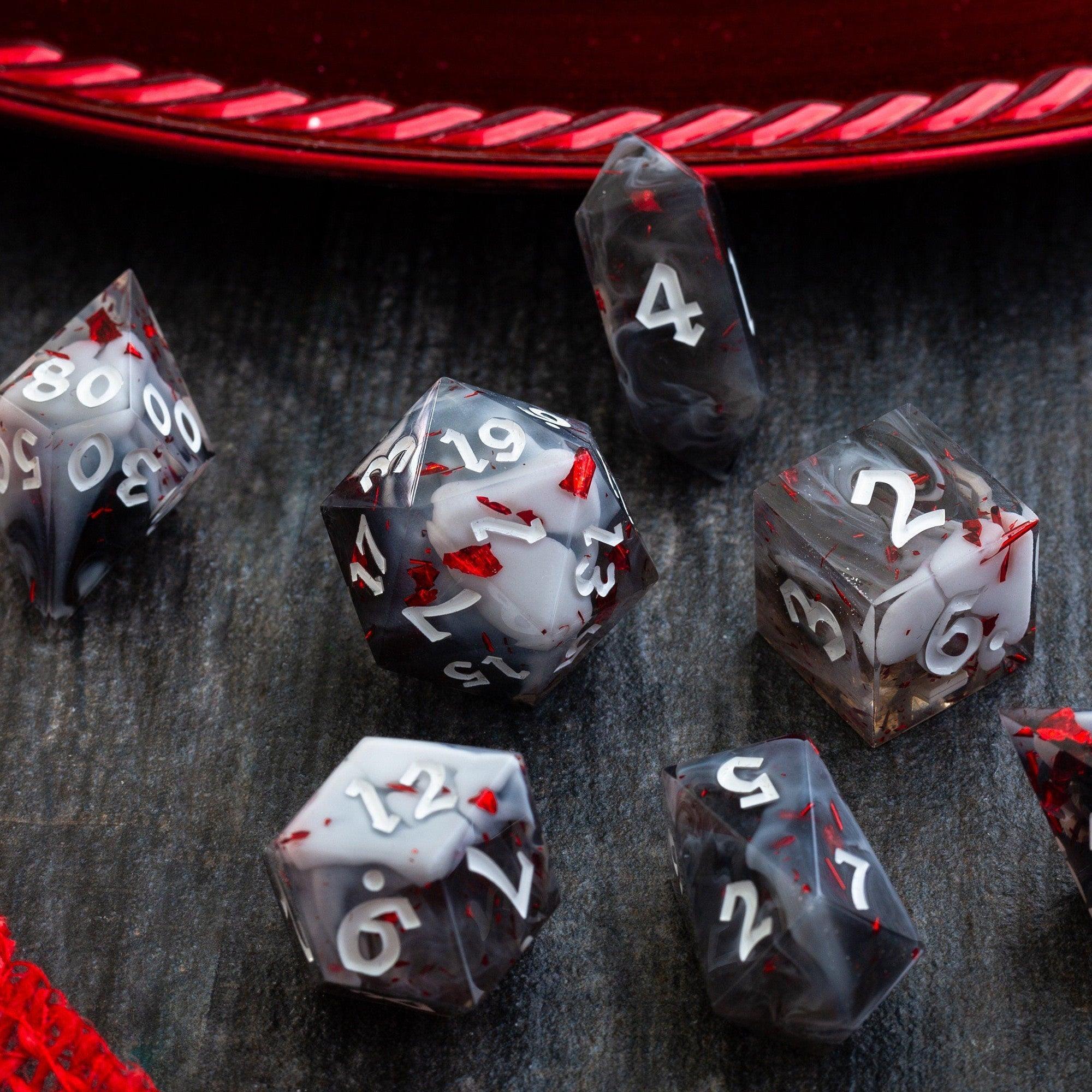
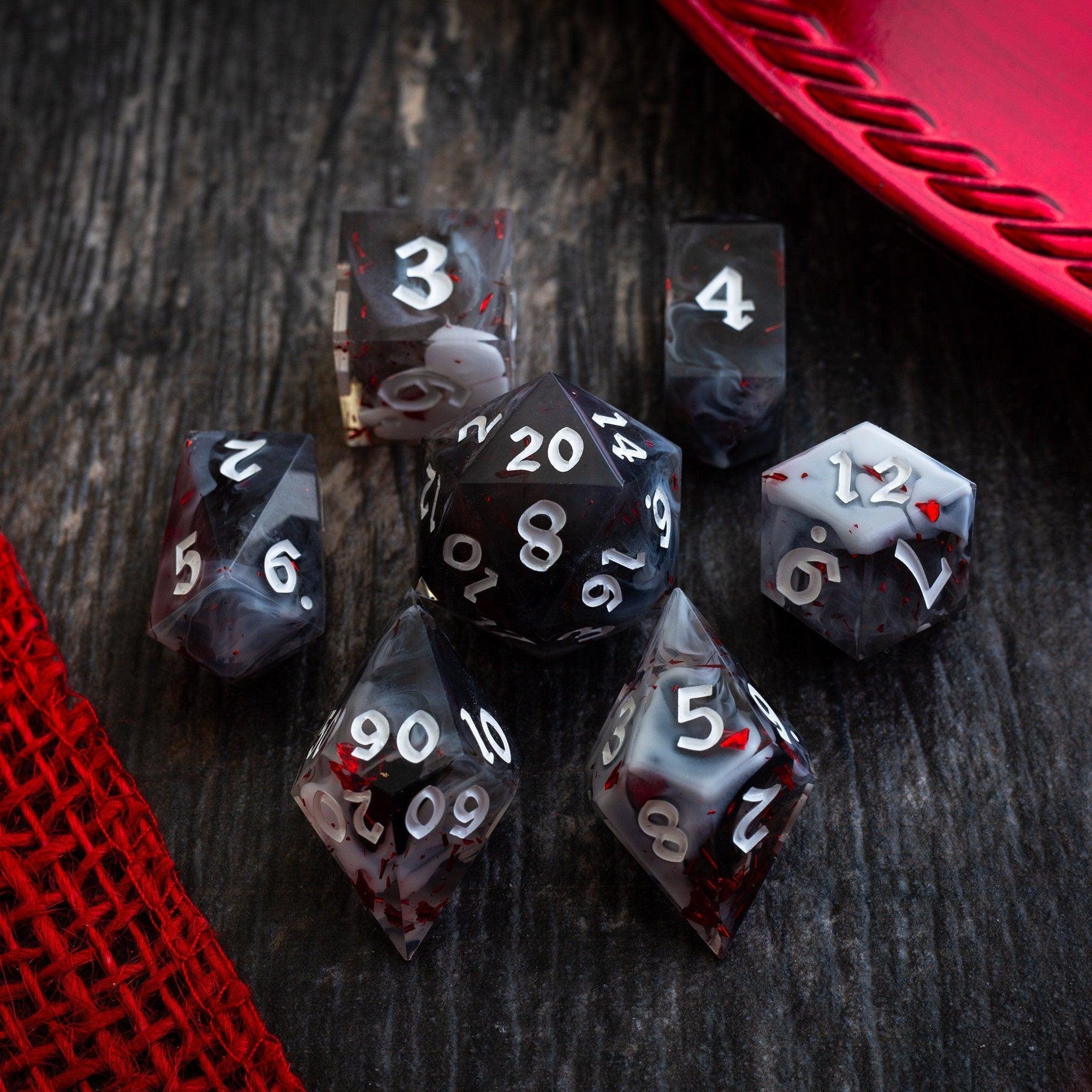
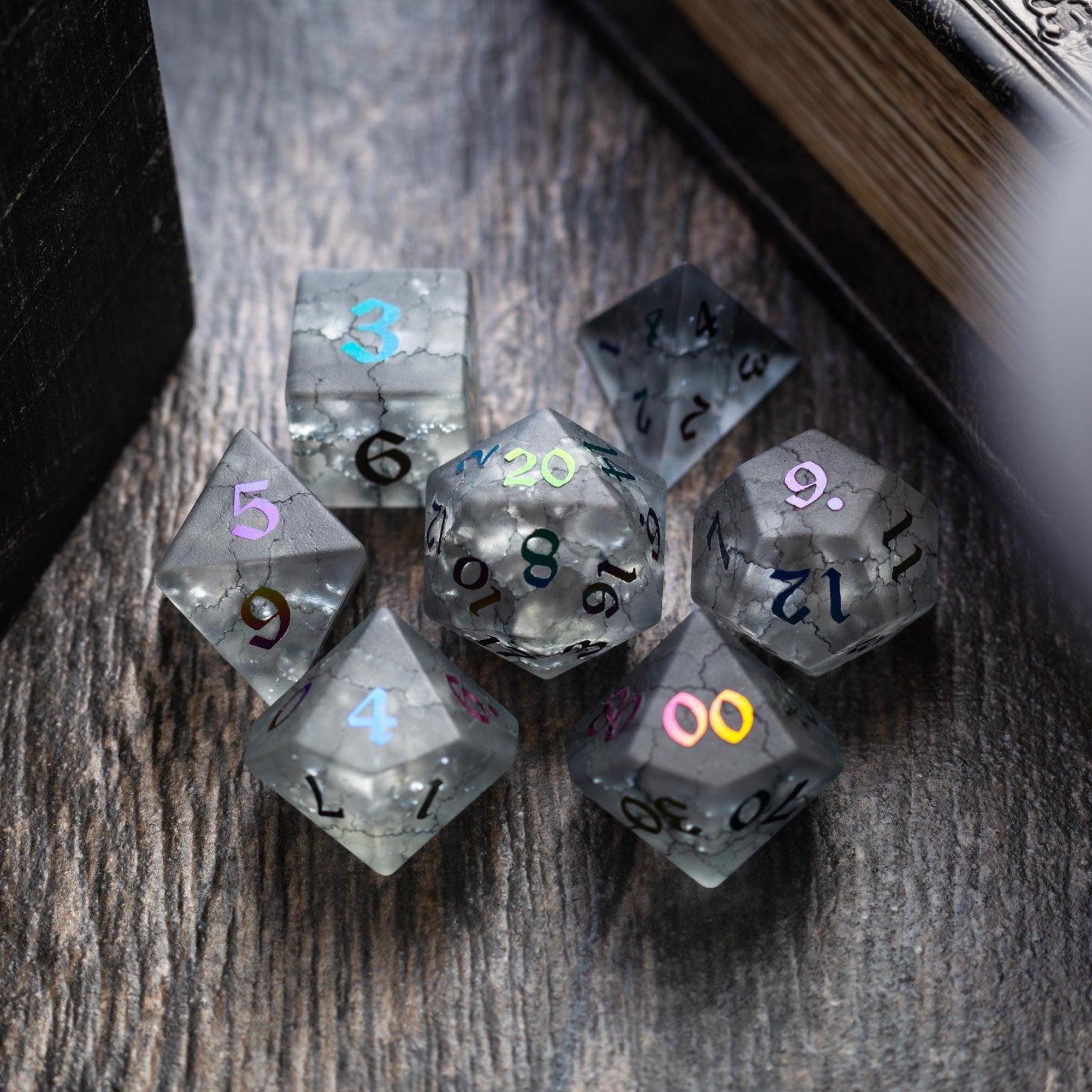
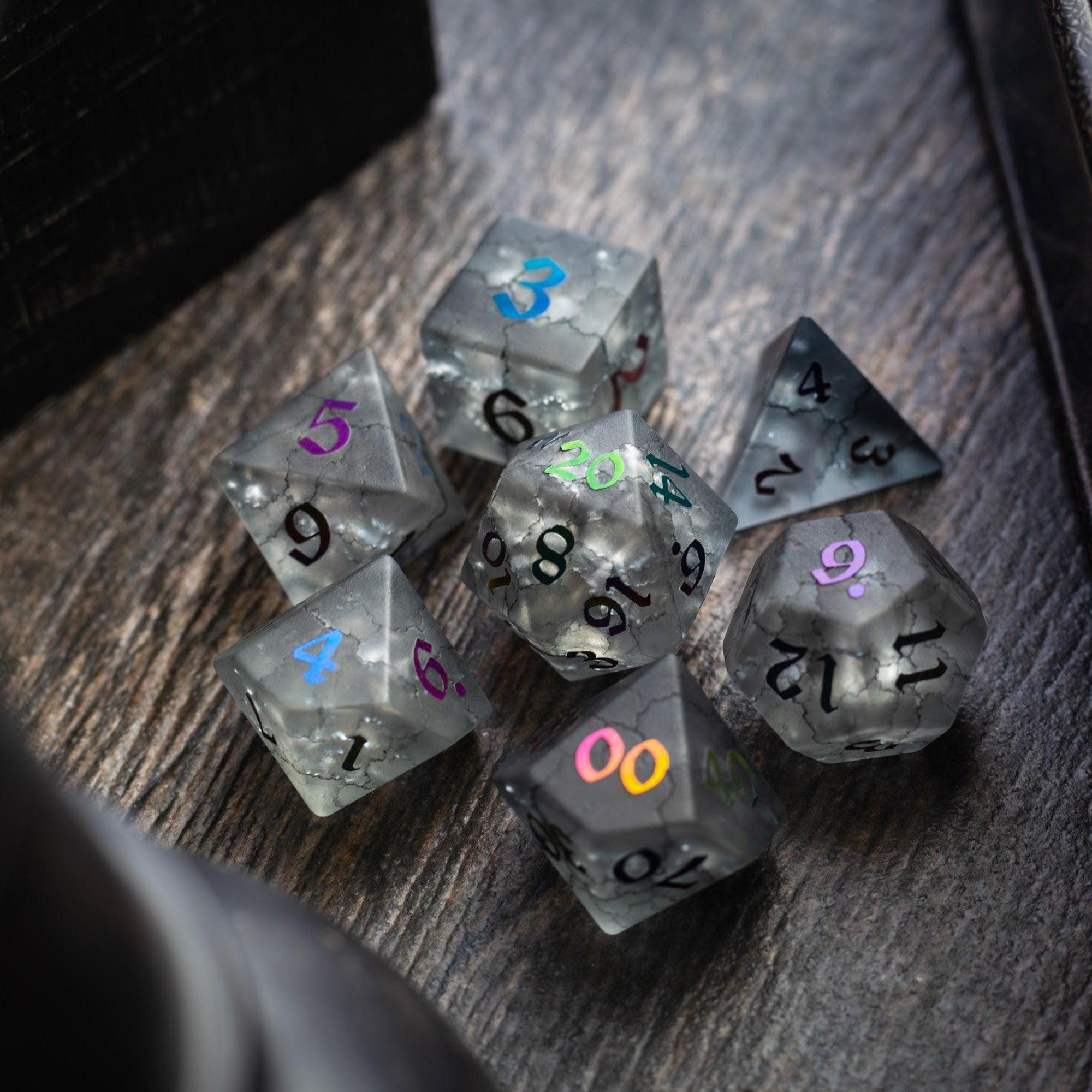
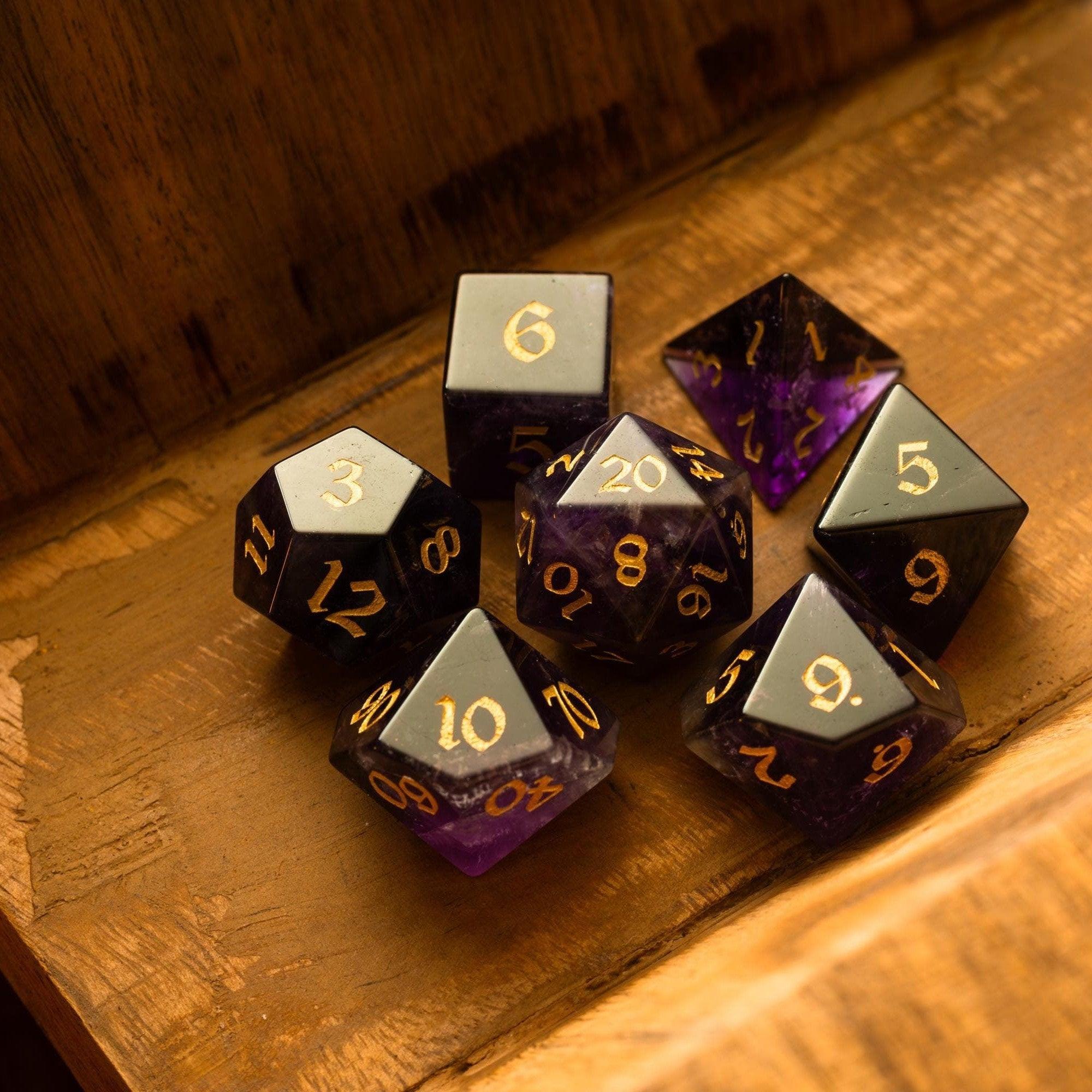
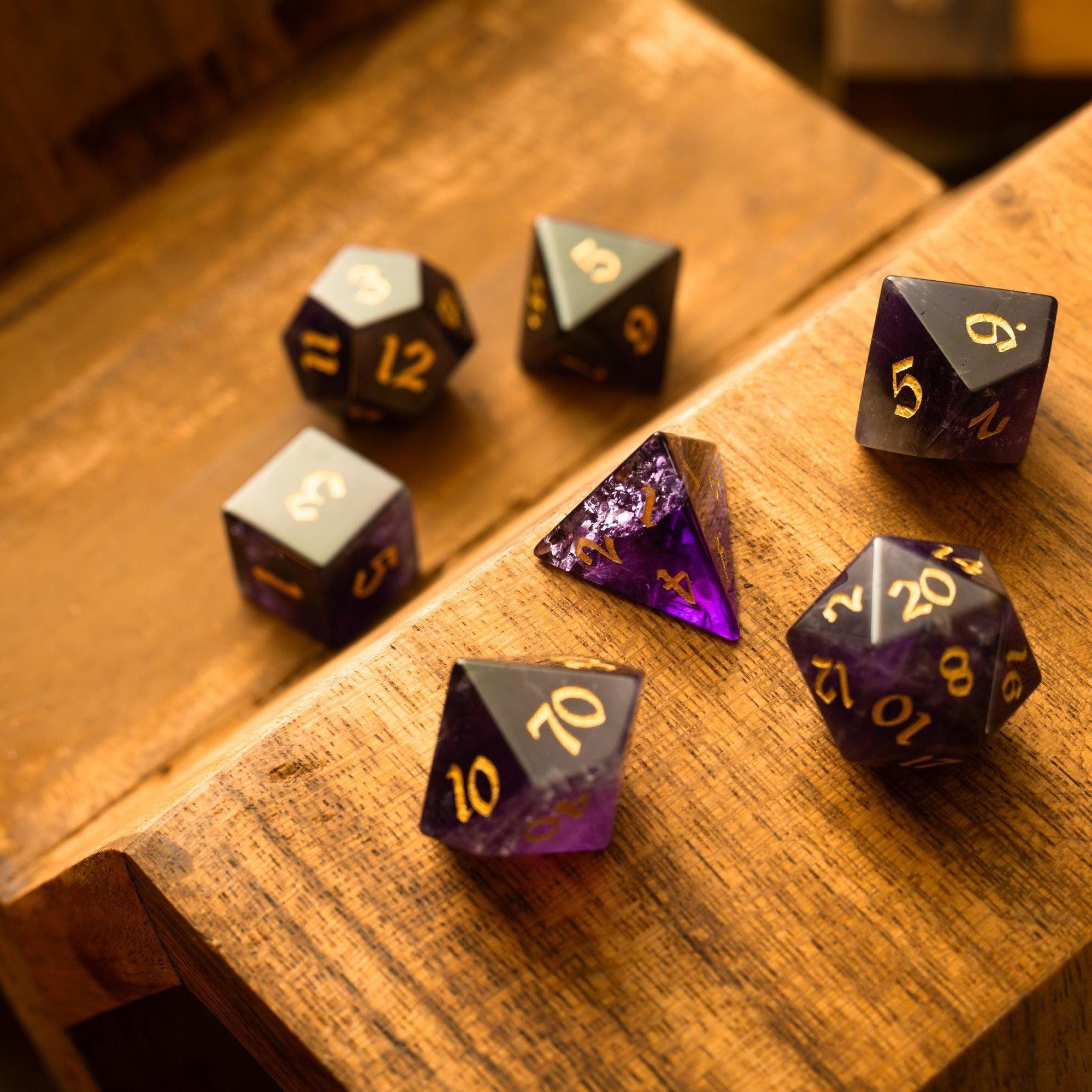
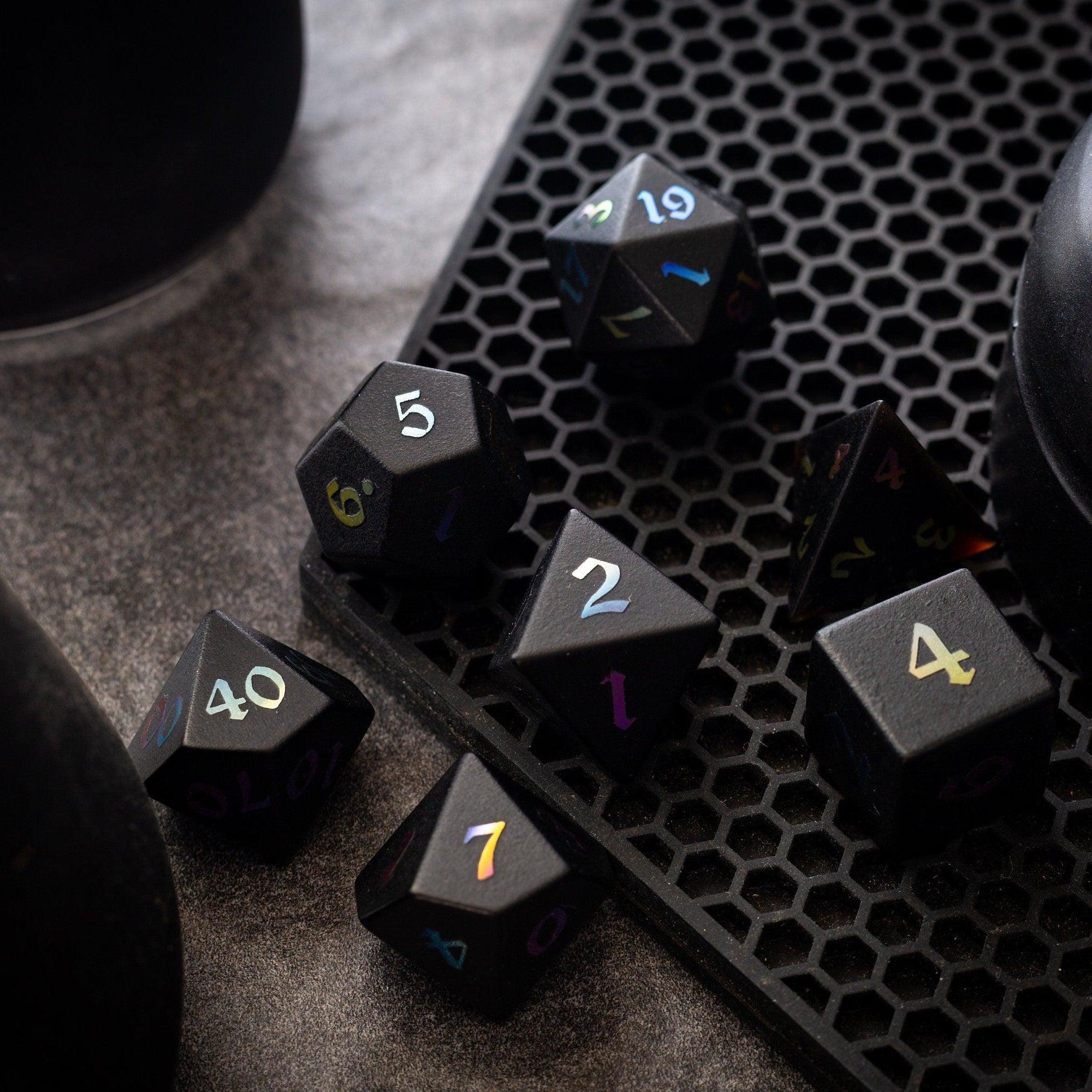
Good records are even better with tactile tools that keep momentum. If you enjoy premium dice, a distinct set per creature type (or per boss) can act as a visual cue when tracking turns. For durability and readability, consider gemstone dice that stand out at a glance. If you love flashy table moments, liquid-core dice bring that “boss is on the field” vibe. For vertical rolling and saved space, dice towers help keep rolls fair and visible.
When you want a striking, durable option for a key villain or a memorable NPC, the labradorite set pairs well with dramatic encounters and doubles as a session milestone. None of this is required, of course—but small physical cues make tracking and pacing feel smoother.
Q&A
What should I include in my creature index?
Capture the details you actually use at the table. Keep core numbers (HP, AC/defenses, movement), any signature actions or reactions, and quick spell notes. Add tags for role, terrain, and damage type so you can filter on demand. Include a short tactics line and a “Scaling” note for quick difficulty tweaks. Resist the urge to paste full blocks; use concise, game-ready summaries.
How do I keep it accurate and up to date?
Build a five-minute routine. After each session, log what you used, add discoveries (like resistances that mattered), and mark entries as “tested.” Once a week, scan new creatures you plan to run and add summaries in batches. Color-code anything “needs review” so you can spot it at a glance. Consistency beats breadth—keep it lean and reliable.
Do I need special software to build it?
No. Spreadsheets excel at sorting and filtering. Notes apps shine for nested pages and links. A paper binder can be fastest if you tab sections and use a single-page format per creature. If you prefer digital later, you can migrate. Start with the tool you’ll actually open on game night.
Final Thoughts & Takeaways
Treat your monster reference database like a living tool. Start with the creatures you’ll use next, keep entries short, and tag for the way you run your table. A simple, consistent layout beats a perfect one that never gets finished. With a few sessions under your belt, you’ll feel the difference: faster prep, smoother pacing, and fewer mid-game stalls. Your players will notice, and you’ll enjoy the game more.





Leave a comment
This site is protected by hCaptcha and the hCaptcha Privacy Policy and Terms of Service apply.