Top Character Creation Tools for Role Playing Games
Updated on: 2025-12-29
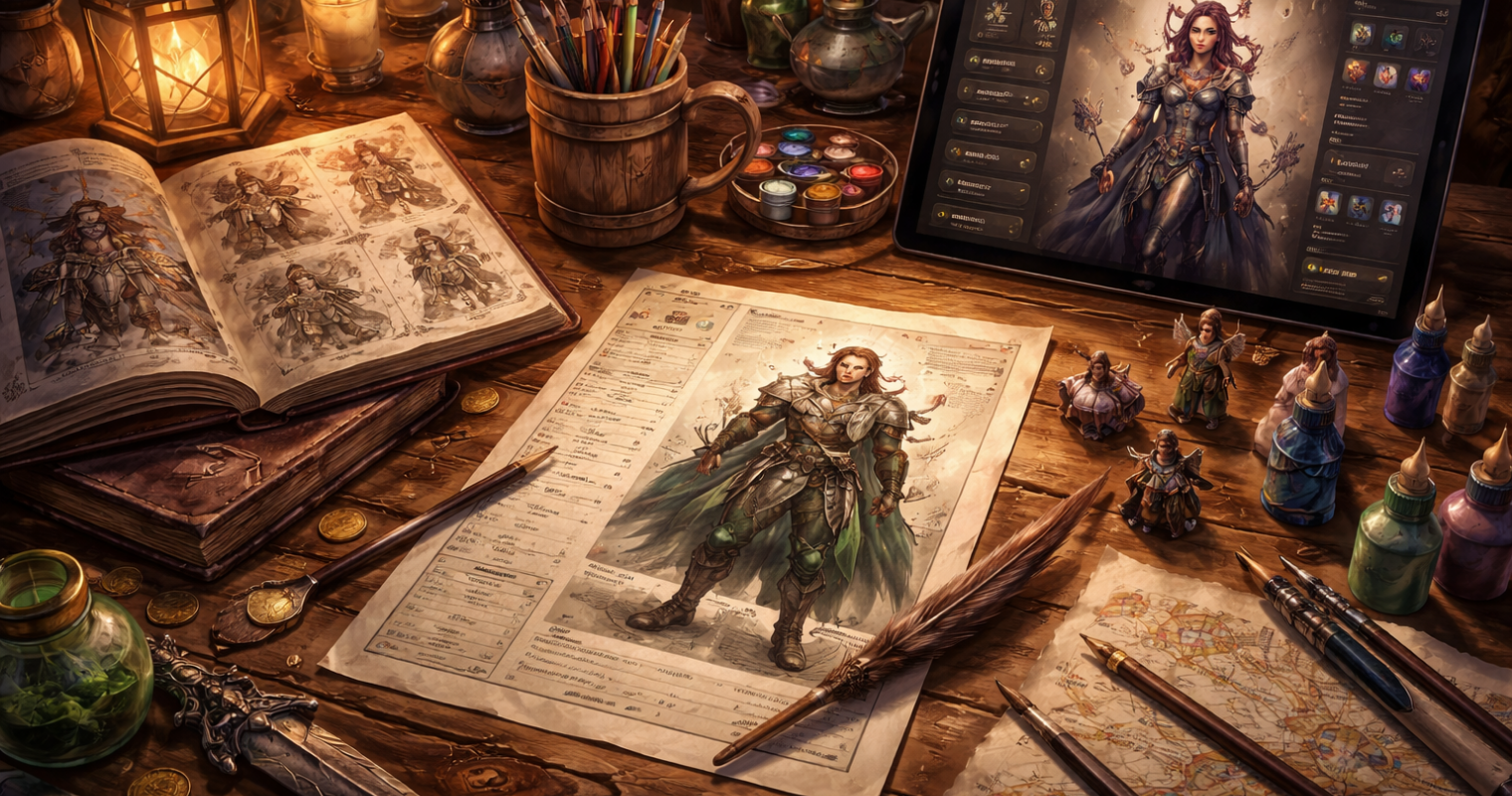
This guide offers a calm, practical overview of digital helpers for building memorable RPG characters. If you are comparing character creation tools for role-playing games, you will find clear pros and cons, realistic workflows, and thoughtful tips. We also cover common pain points—like option overload and table sync—and provide gentle solutions. Whether you are new to tabletop or a seasoned GM, the suggestions aim to save time while preserving creativity.
Table of Contents
- Common Challenges
- Comparison Section: Choosing character creation tools for role-playing games
- Summary & Recommendations
- Questions & Answers
Great characters grow from good ideas, but turning a spark into a playable sheet can take time. This guide gently walks you through helpful categories of RPG aids, with a focus on clarity, accessibility, and collaboration. You will find ways to choose tools that match your table’s style, plus simple methods to avoid overwhelm. The goal is to support creativity, not replace it, so you can enjoy the story and keep the rules handy when needed.
Common Challenges
Challenge: Too Many Options
It is easy to feel stuck when hundreds of species, classes, feats, and backgrounds compete for attention. To ease this, begin with a one-sentence concept. Then shortlist two choices per decision (for example, two classes, two backgrounds). Many character builder apps allow filters by role, complexity, or theme; use them to reduce noise. If your group agrees, set a shared scope (core content first, then optional add-ons) so everyone explores similar boundaries.
Challenge: Depth vs. Speed
Some players enjoy crunchy detail; others prefer quick-start simplicity. A kind approach is to offer two workflows: a “fast draft” for immediate play and a “deep pass” for fine-tuning between sessions. Sheet managers with auto-calculated stats and rule references can help both styles. Try a timed approach—five minutes to draft concept and stats, then add flavor and equipment after the session. This keeps momentum while still honoring depth.
Challenge: Party and GM Sync
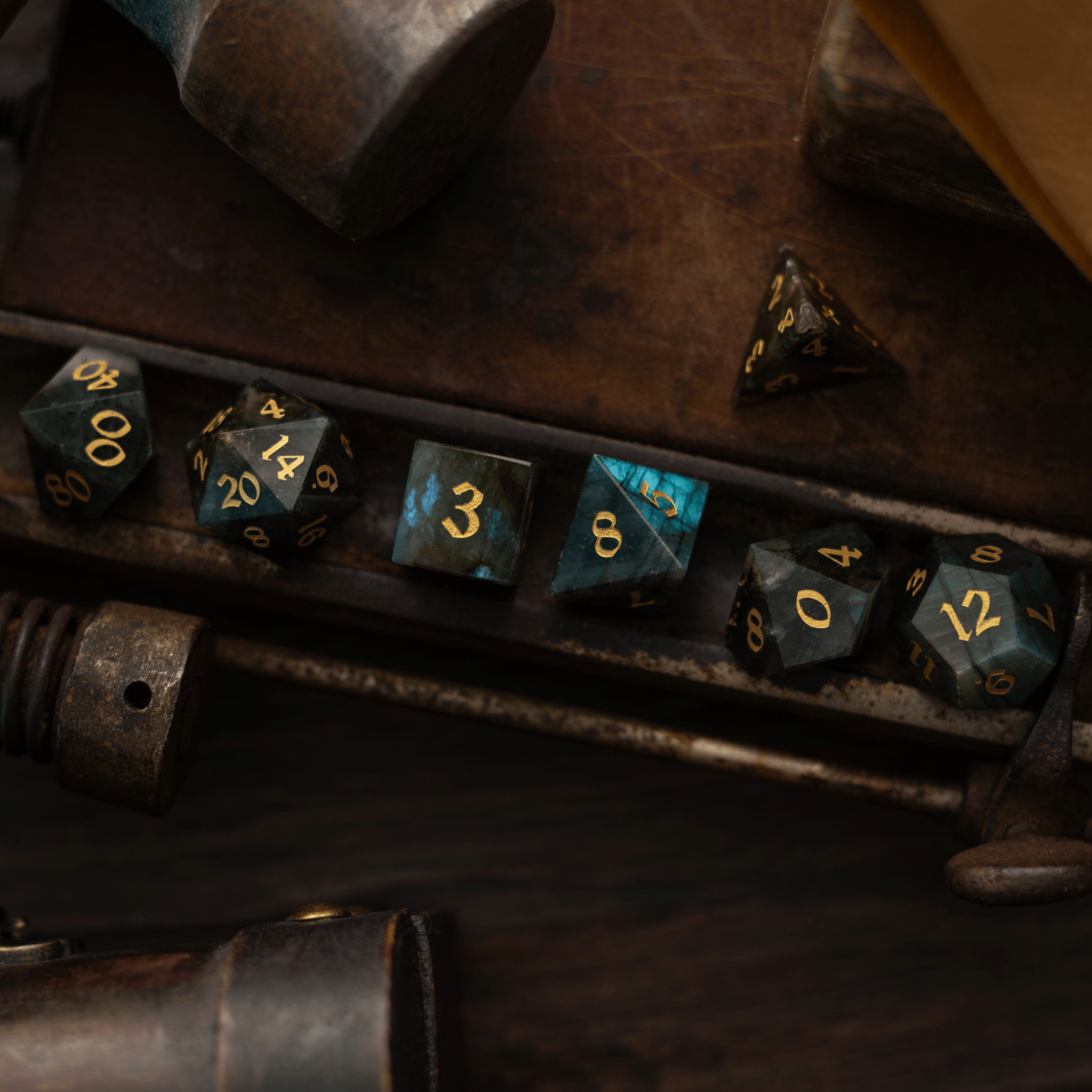
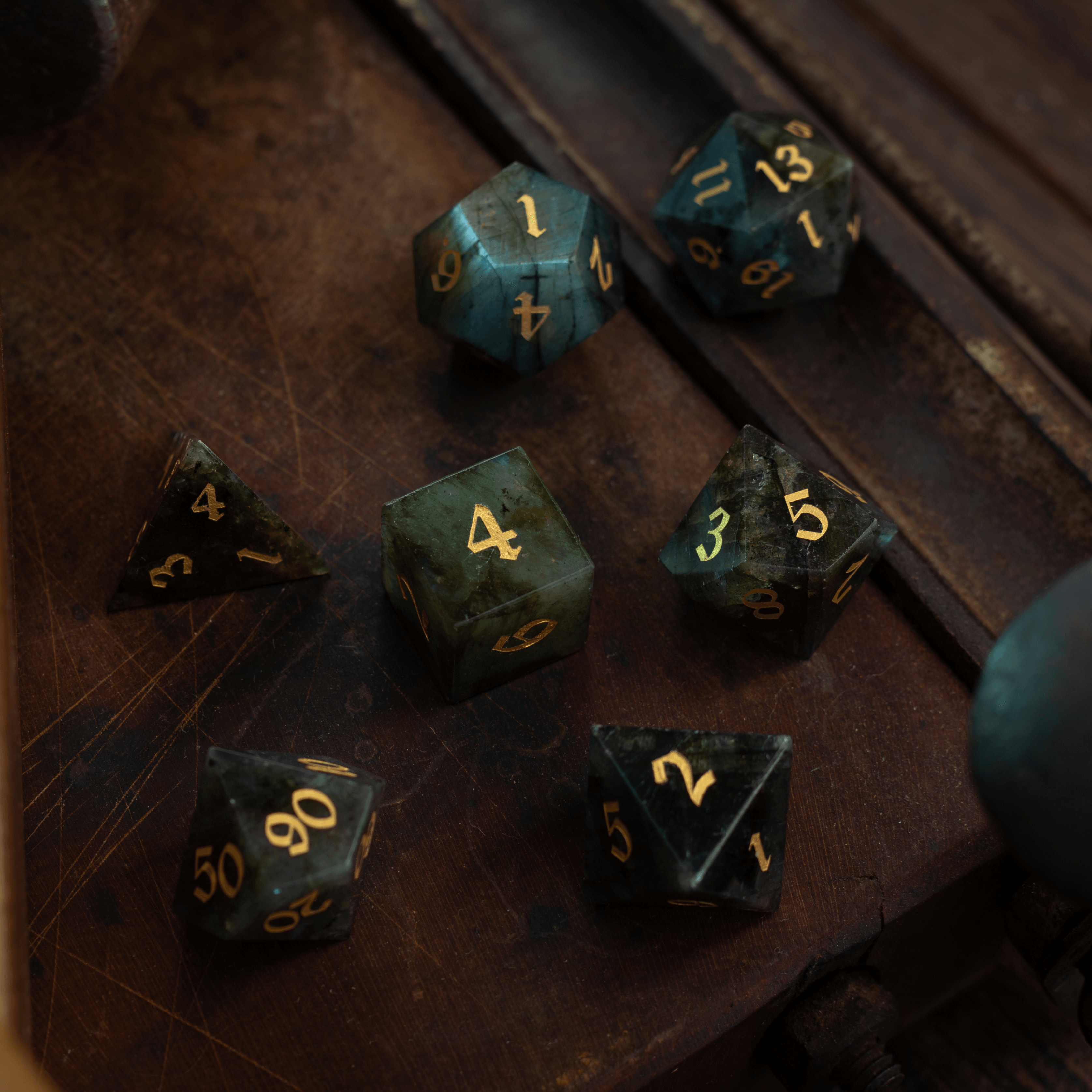
Miscommunication about sources, house rules, or point-buy values can cause rework. A shared checklist can help: list ability generation method, level range, permitted content, and custom rulings. Choose tools that export to common formats (PDF or share links) so the GM can review easily. If your table enjoys tactile play, pairing digital sheets with physical accessories—like gemstone dice or sturdy dice towers—can also keep everyone focused and organized.
Challenge: Accessibility Needs
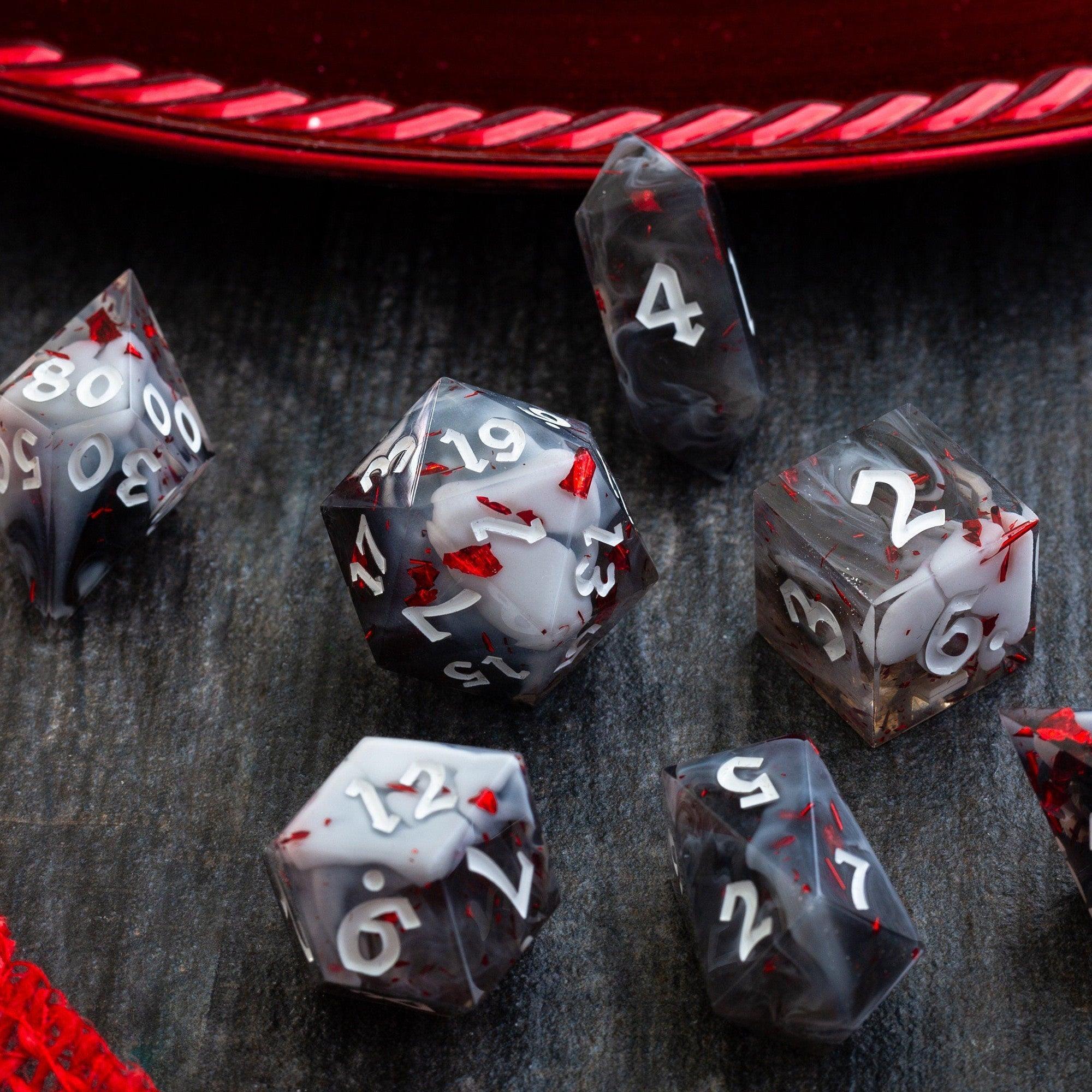
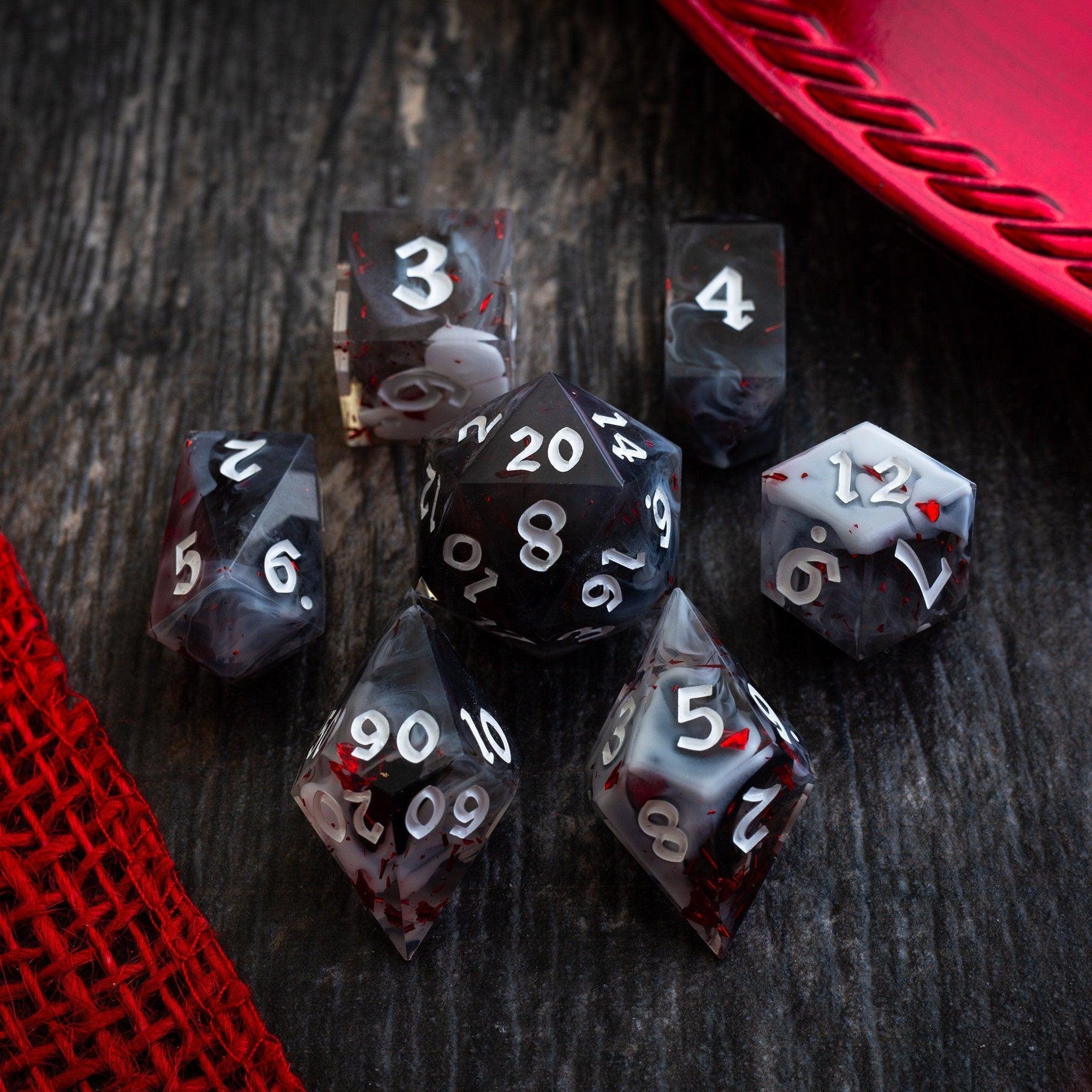
Comfort matters. Look for adjustable text size, high-contrast themes, keyboard navigation, and screen-reader labels. When sharing PDFs, consider a version with minimal textures and clear headings. If someone prefers physical sheets, you might print larger fonts and use color-safe highlights. Inclusive steps like these reduce friction and help every player shine, whether they prefer digital dashboards or pen-and-paper with a favorite liquid core dice set.
Comparison Section: Choosing character creation tools for role-playing games
Below is a simple comparison to help you decide what fits your table. Each category includes gentle strengths and trade-offs, so you can pick what supports your story and pace.
Character Sheet Managers
- Pros:
- Auto-calculations reduce math errors.
- Rule references and tooltips speed decisions.
- Export to PDF or share links for GM review.
- Cons:
- May require sign-in or subscriptions for advanced features.
- Updates can change layouts, which may surprise users.
- Complex options can feel busy on small screens.
- Best for: Players who like organized sheets, quick edits, and clear audit trails.
Random Generators and Builders
- Pros:
- Great for inspiration when you feel stuck.
- Fast creation for one-shots and backup characters.
- Often include themed presets to match genre tone.
- Cons:
- Output can feel generic without a personal pass.
- May not perfectly match house rules or custom content.
- Limited offline support in some apps.
- Best for: Sparking ideas, speeding Session Zero, and filling party gaps.
Portrait and Art Tools
- Pros:
- Visuals help players and GMs remember NPCs and hooks.
- Portraits encourage role-play and backstory depth.
- Easy to share in digital platforms or print for table tents.
- Cons:
- Art styles may not match every setting.
- Customization can be time-consuming.
- File sizes can be large for older devices.
- Best for: Groups who enjoy visual storytelling and keepsakes.
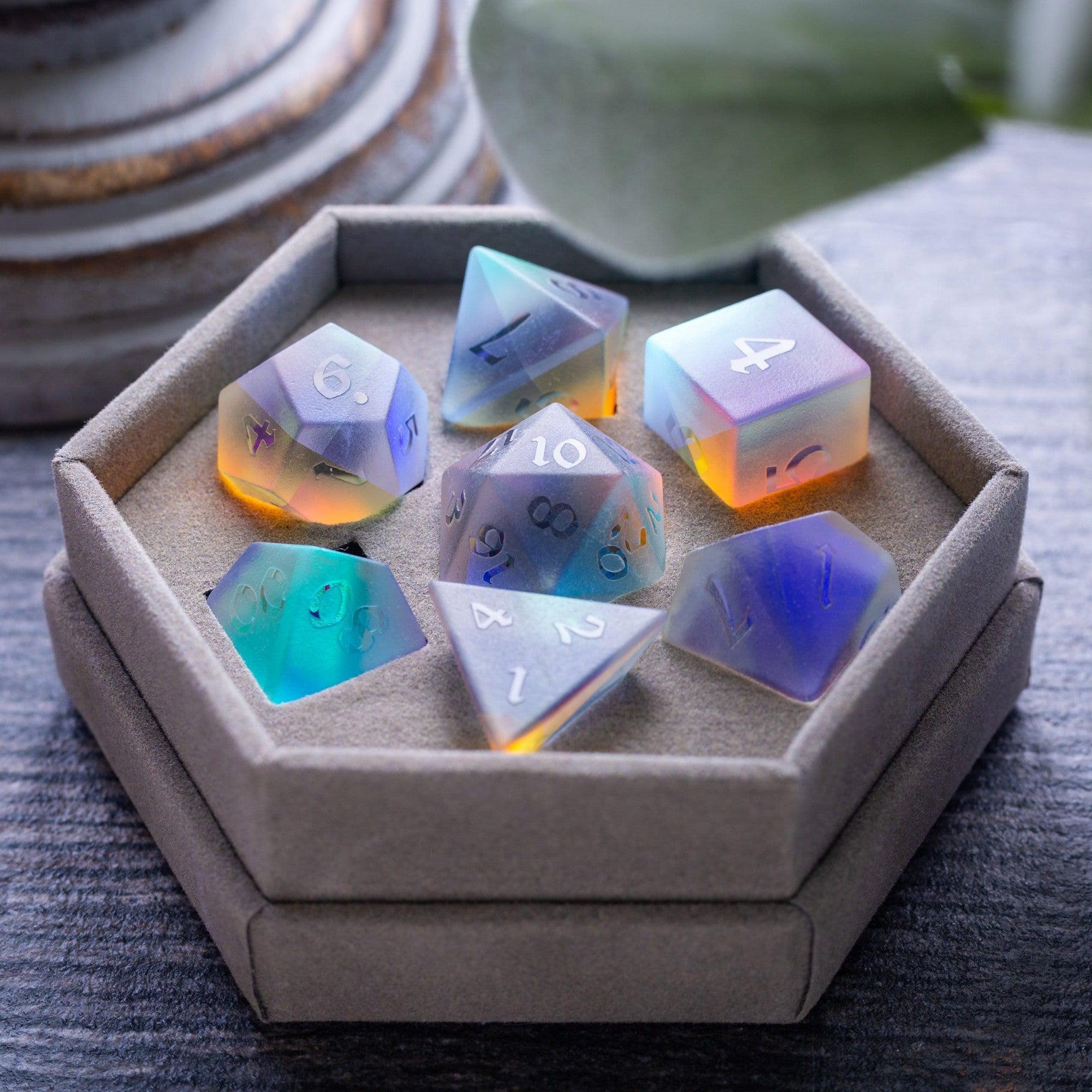
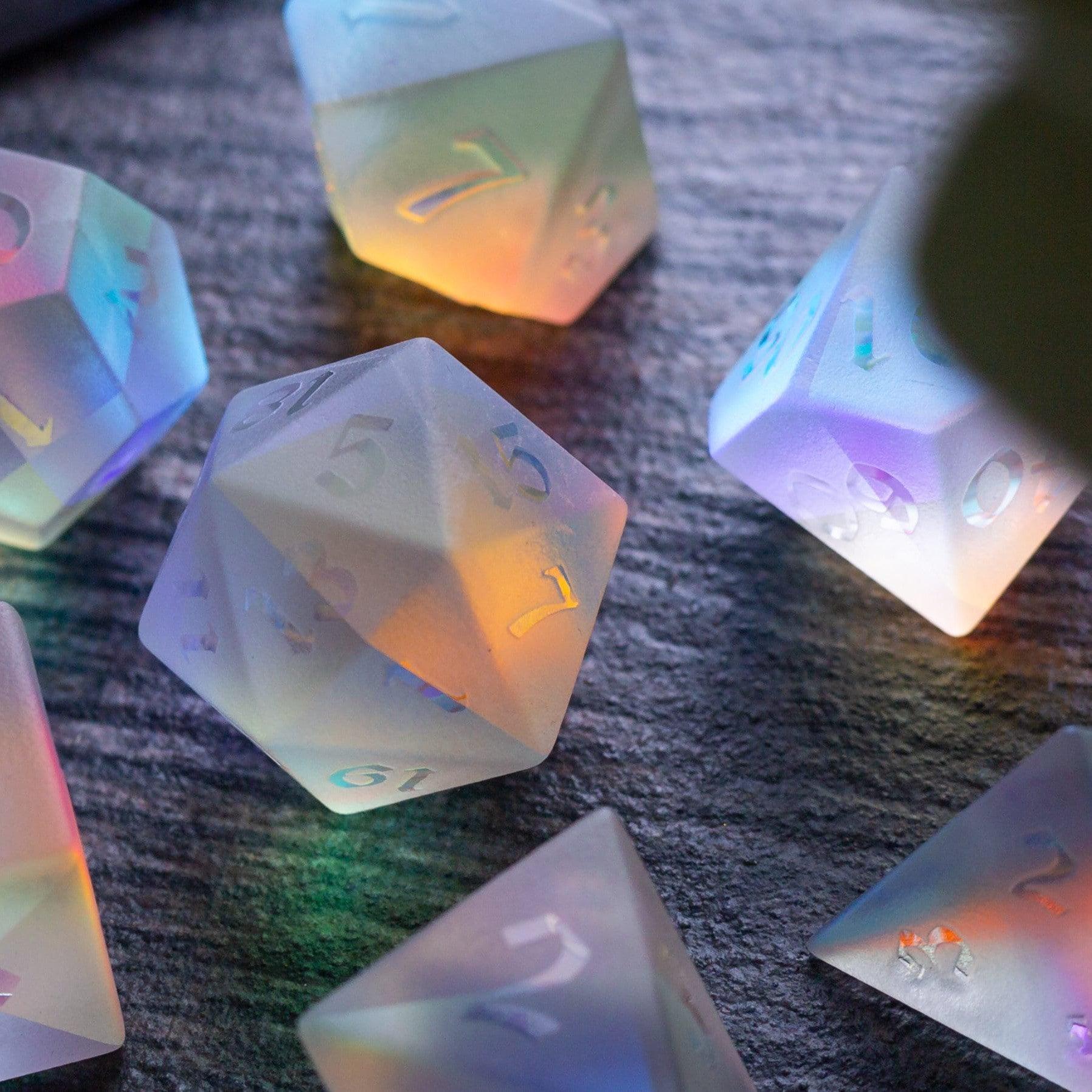
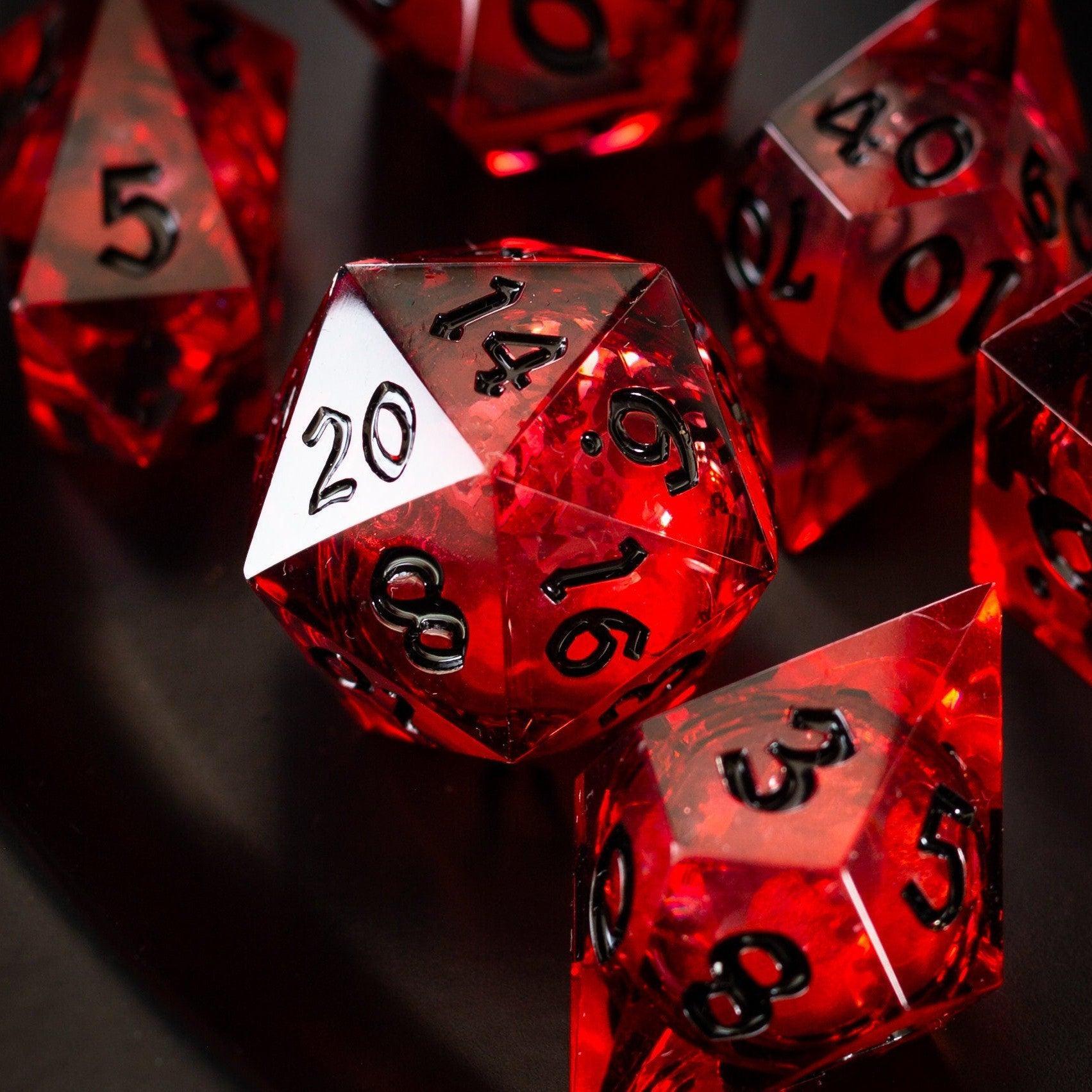
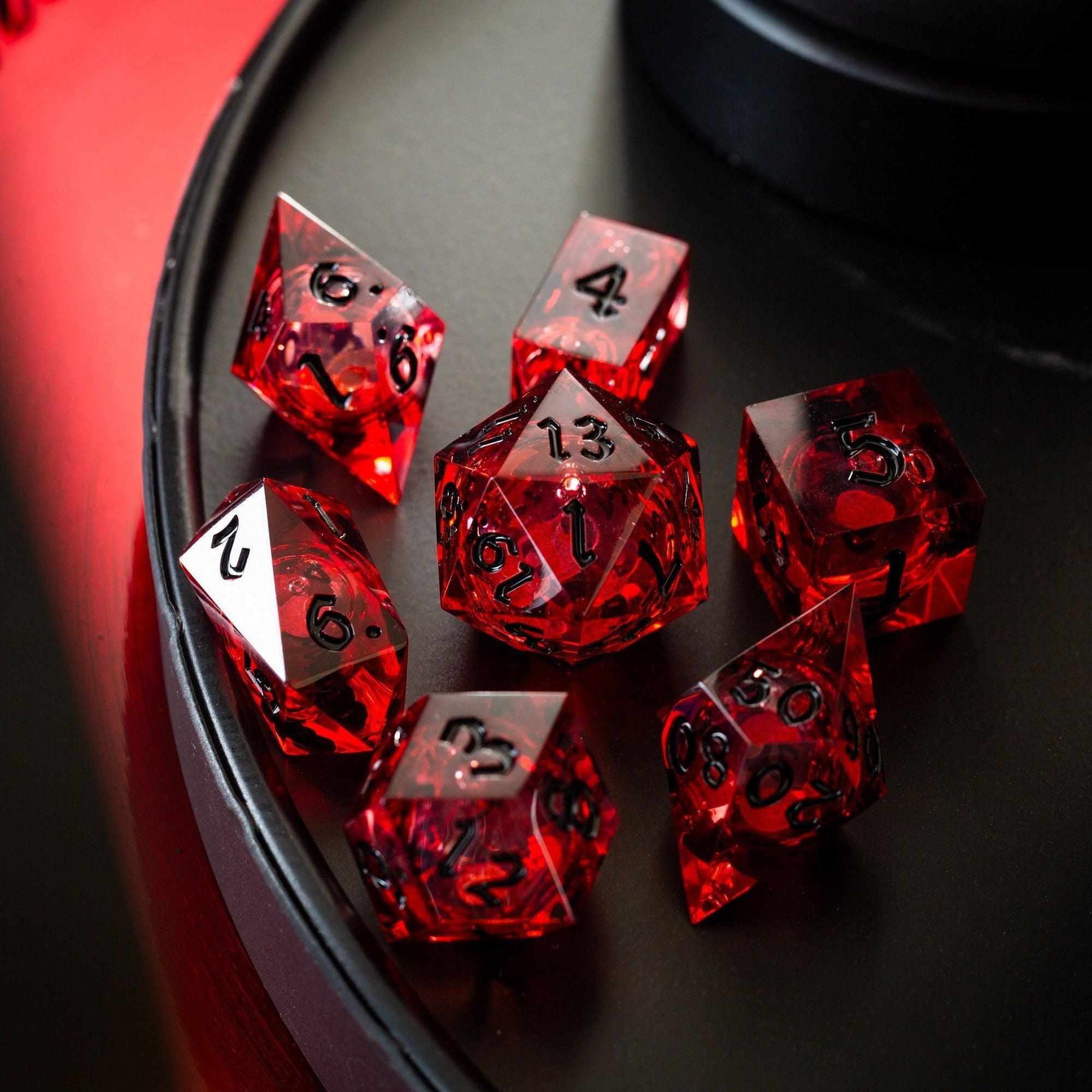
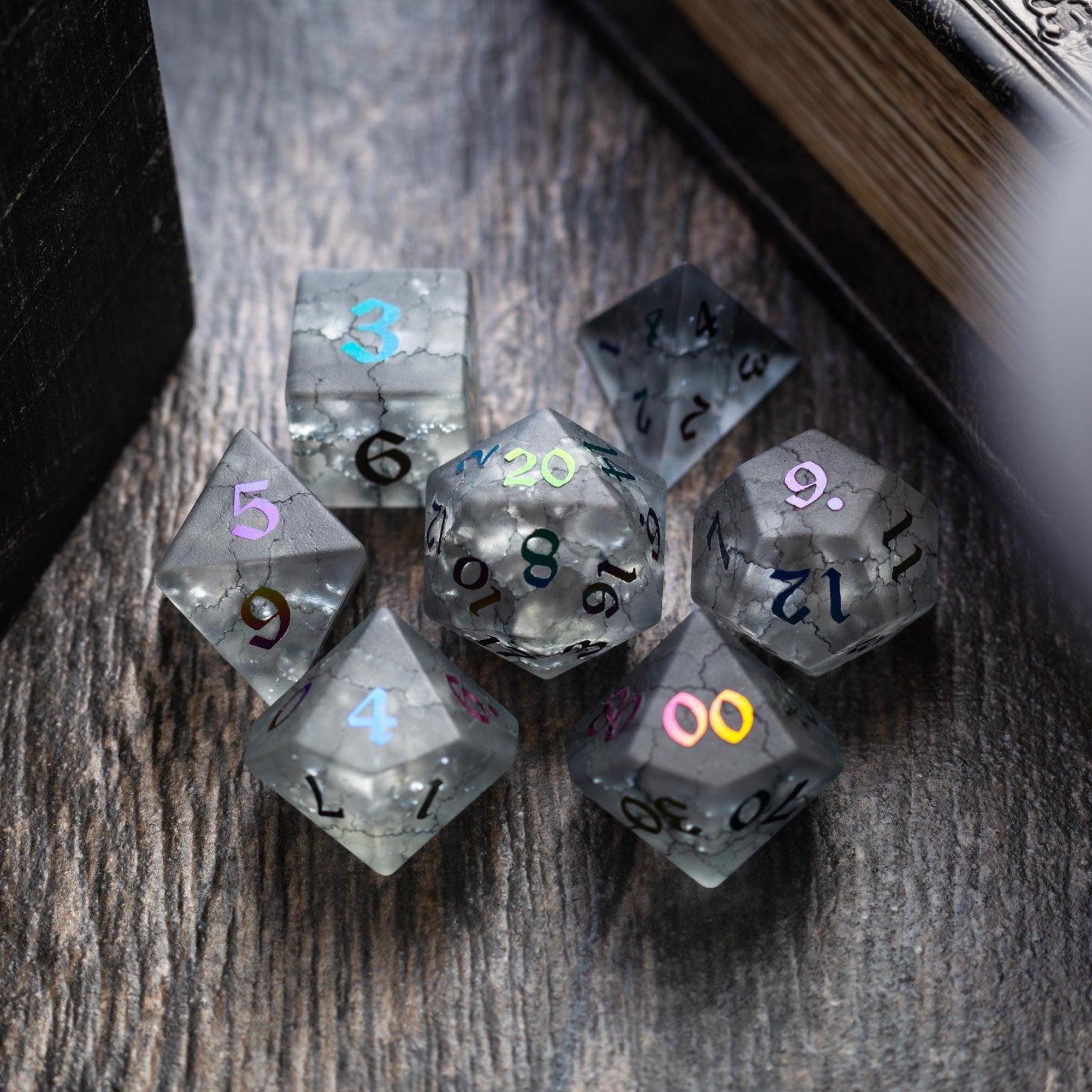
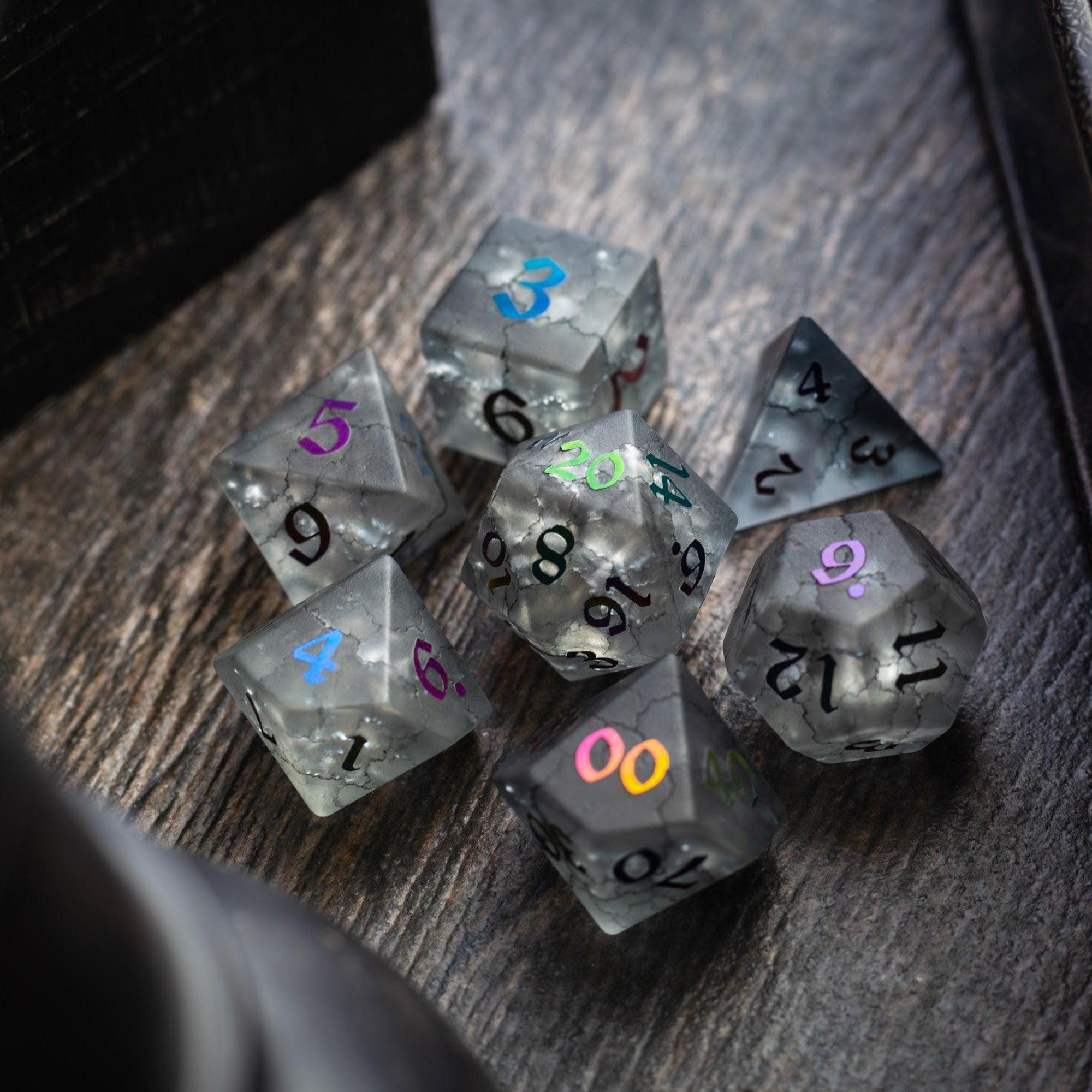
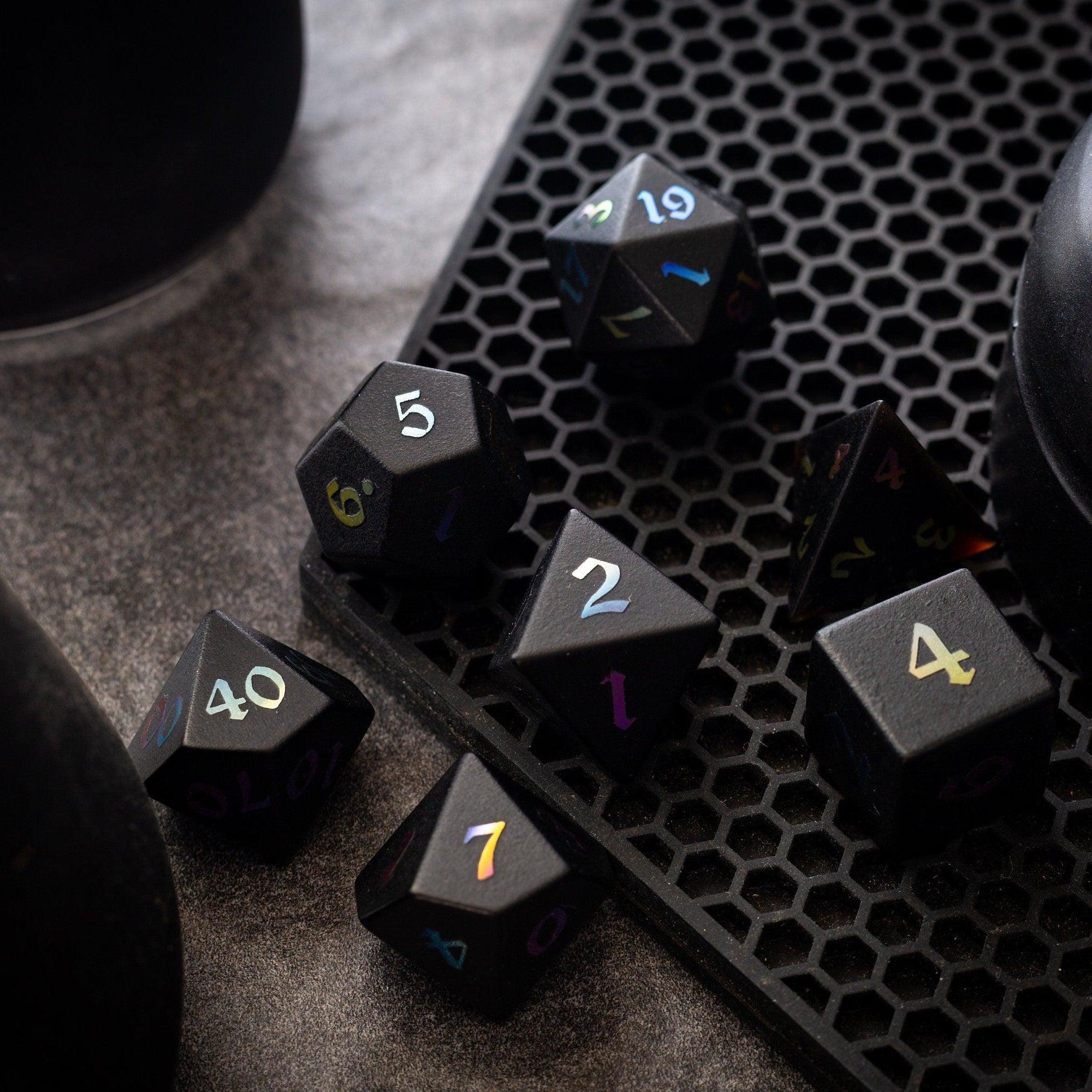
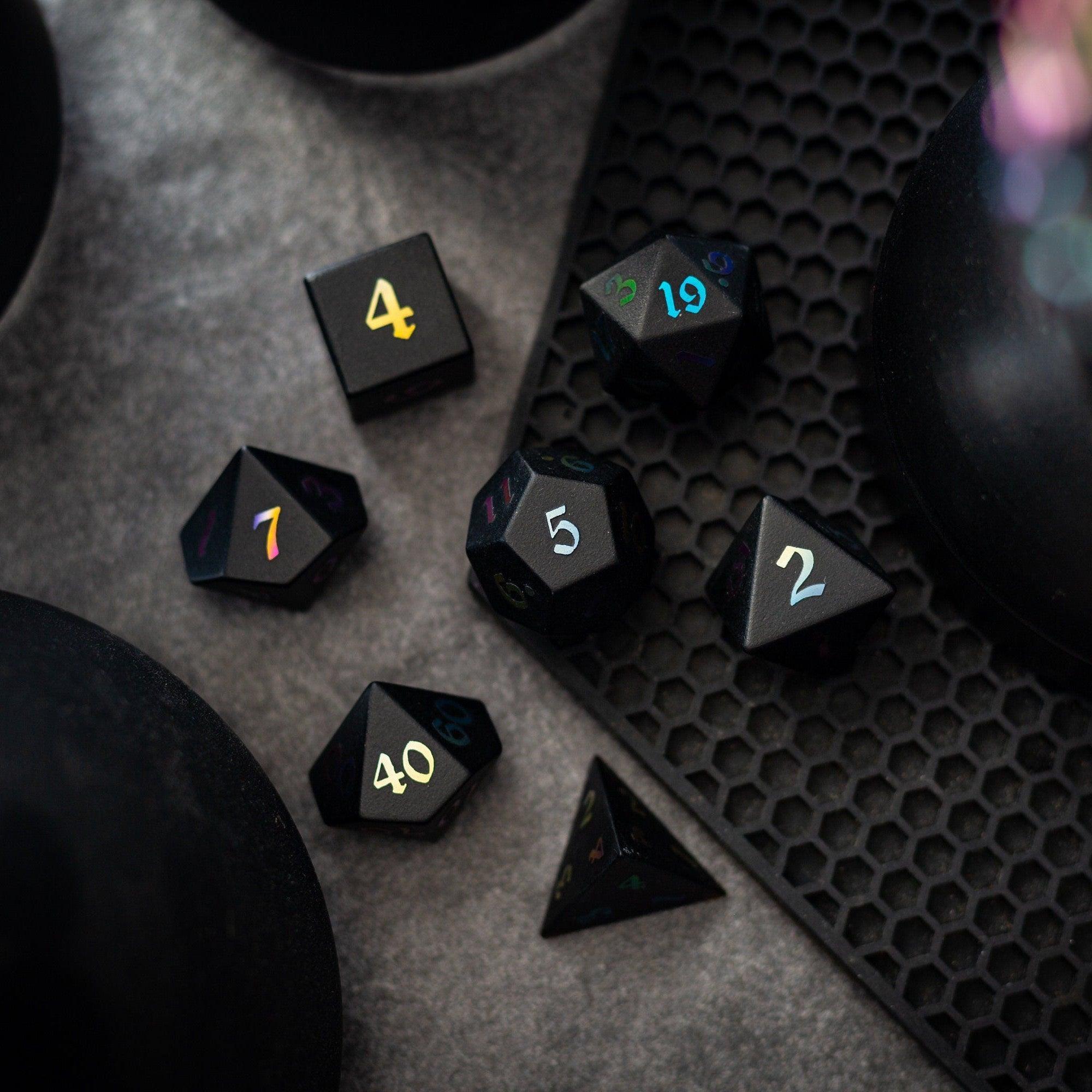
Tip: Blend categories. For example, create a quick draft in a generator, refine numbers in a sheet manager, then finalize with a portrait. For mood, a tangible prop helps too—rolling a thematic set like the shimmering Starlit Rift set can make each milestone feel special.
Summary & Recommendations
Start small and build confidence. Draft your character concept in one or two lines, then choose a tool that supports your immediate need: speed, depth, or inspiration. A sheet manager is excellent for accuracy and long-term campaigns; a quick builder helps you join a game tonight; a portrait tool enriches role-play. When selecting character creation tools for role-playing games, consider accessibility, export options, and how easily your GM can verify choices.
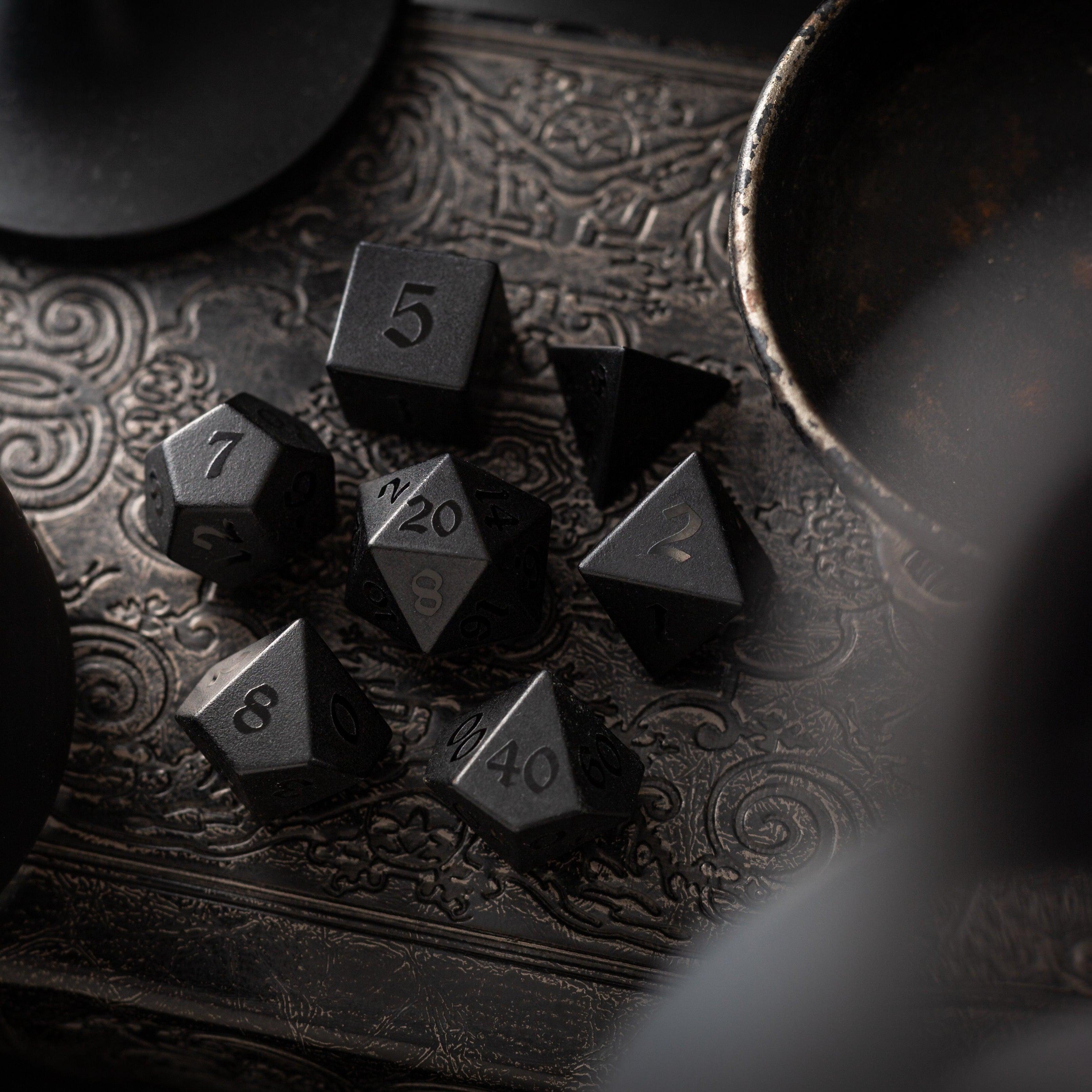
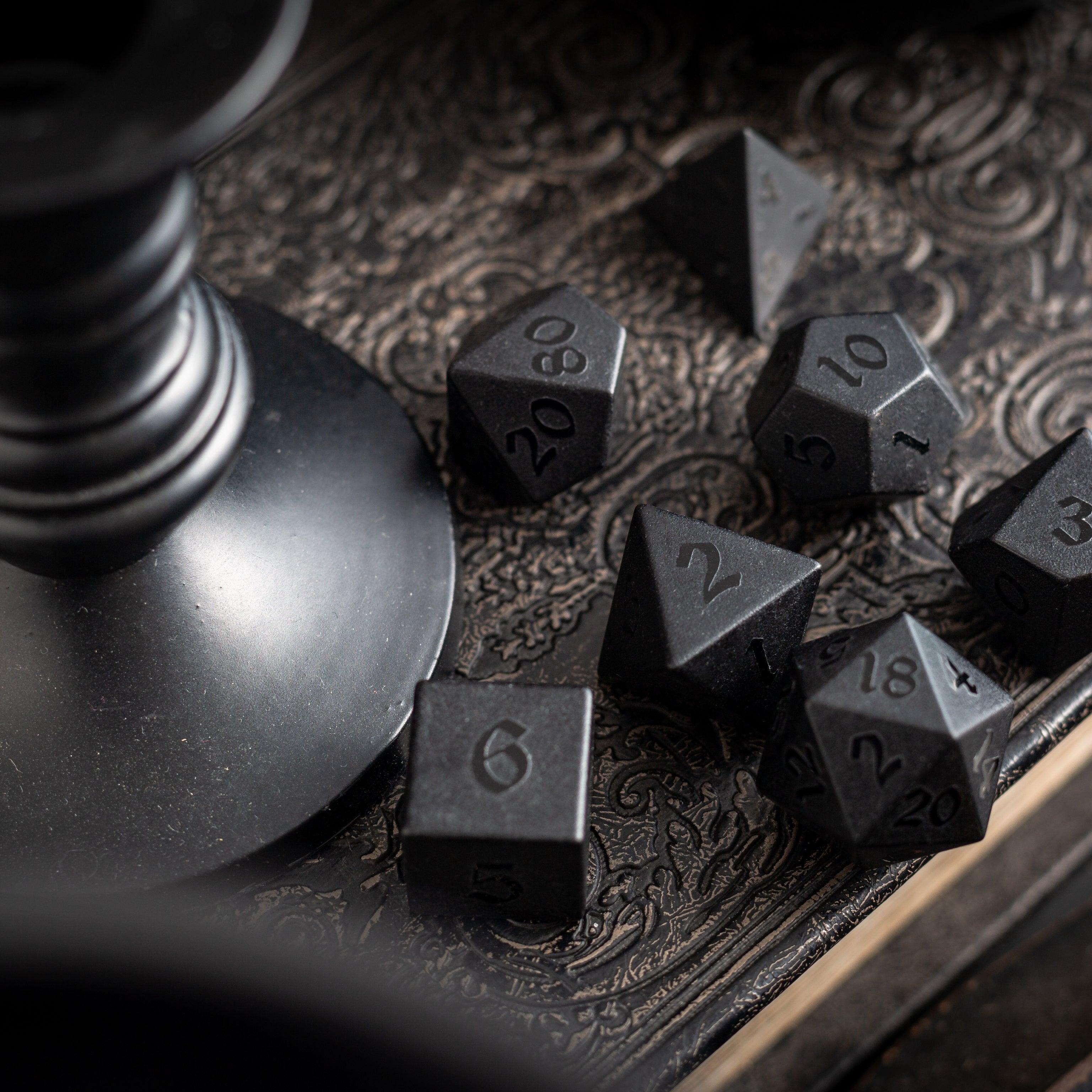
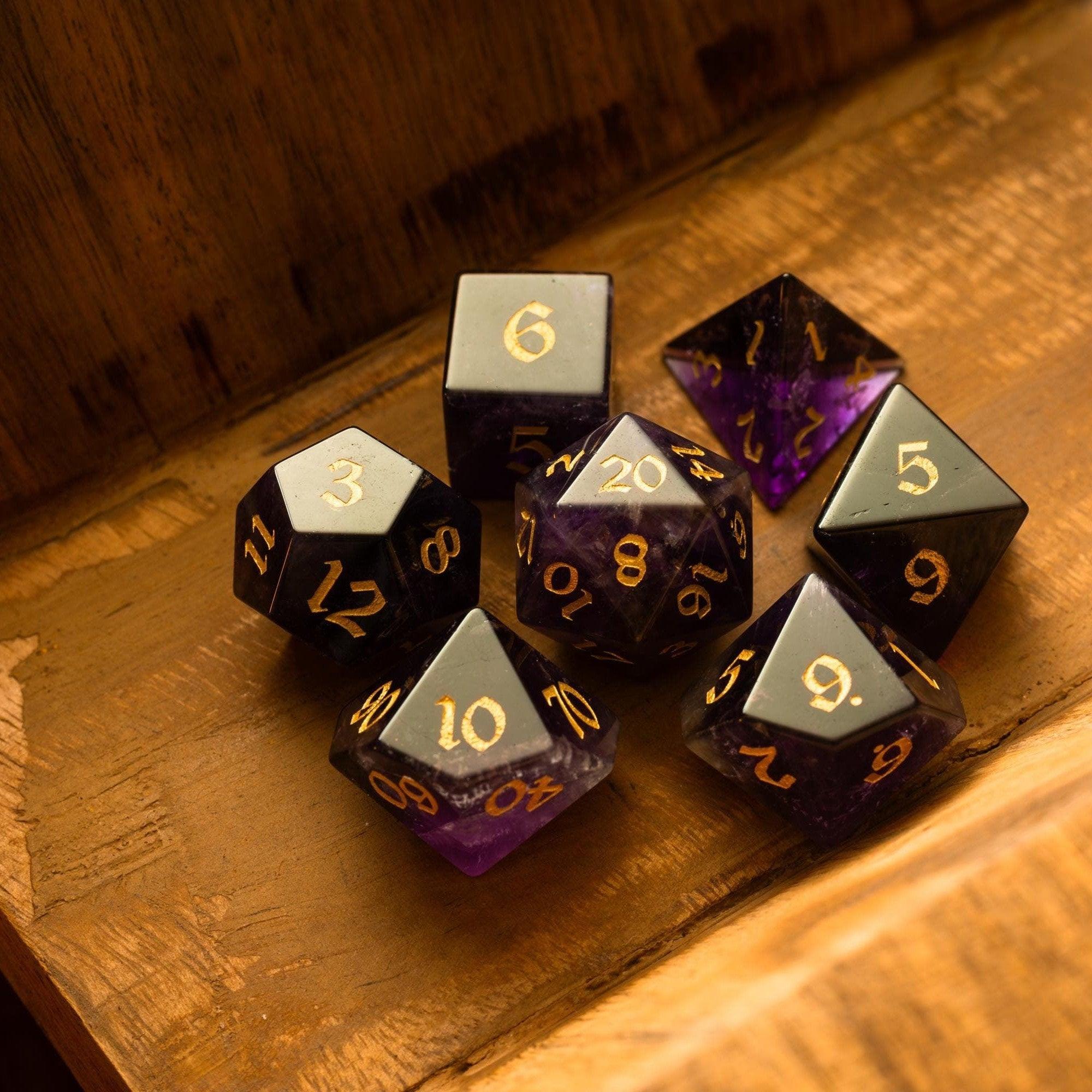
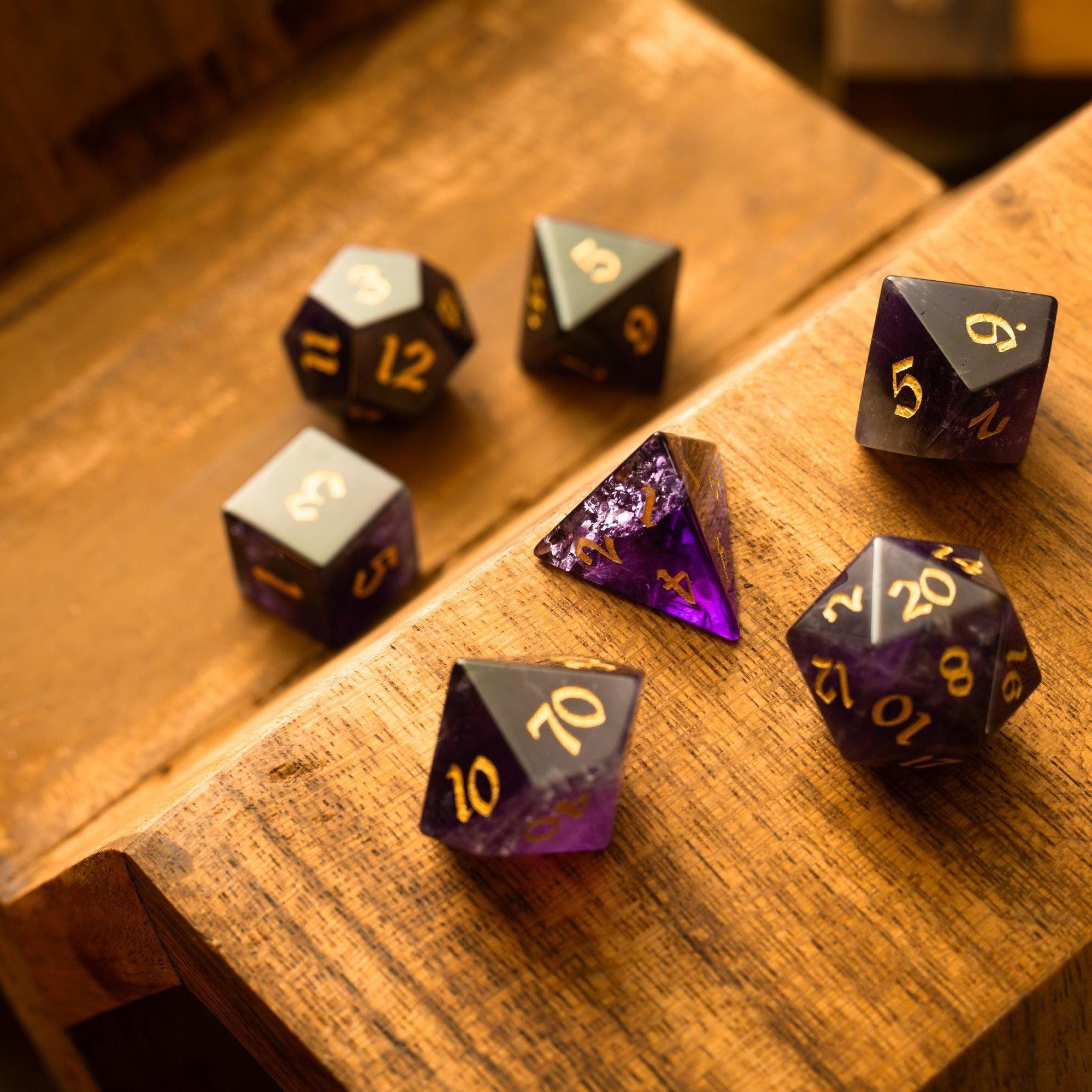
It may be helpful to keep a lightweight “character kit”: a digital sheet link, a concise PDF backup, and a tactile favorite such as polished gemstone dice. Small touches maintain immersion, minimize friction, and give your group a shared rhythm. If you enjoy thematic aesthetics, browsing curated sets can spark new concepts for your next hero or villain.
Questions & Answers
What features matter most?
Clear organization, fast editing, and reliable exports are essential. Auto-calculated stats reduce errors, while notes fields help you track bonds, clues, and session changes. Filters for class, ancestry, and gear save time during Session Zero. If you play in mixed environments (in-person and virtual), look for mobile-friendly layouts and keyboard navigation. Finally, confirm that your tool can output a simple PDF for easy sharing at the table.
Do I need paid software?
Not always. Many free builders offer enough for quick starts and casual play. Paid tiers can add convenience, rules compendiums, advanced search, or campaign sharing—but they are optional for many tables. Consider a free-first approach, then upgrade if your group benefits from the extras. Remember that physical items, like elegant gemstone dice or balanced dice towers, can enhance comfort without requiring ongoing subscriptions.
How do I keep the table engaged?
Agree on a simple Session Zero checklist to set expectations and reduce mid-game changes. Encourage players to write one sentence about motive or flaw; this guides choices without long essays. Keep the first session light on edits—note changes and apply them after. Small rituals, like rolling a signature set from the liquid core dice collection during key moments, can make milestones feel meaningful and keep attention on the story.


Leave a comment
This site is protected by hCaptcha and the hCaptcha Privacy Policy and Terms of Service apply.