

Social Play and Voice Integration That Elevates RPG Sessions
If you’ve ever watched a quiet table suddenly spark to life when players start riffing in character, you already know the power of real-time voice. When you lean into social play and voice integration, you help the group collaborate faster, share the spotlight more fairly, and keep the story flowing. The trick isn’t adding more noise—it’s adding clarity and intention. With a few simple habits and lightweight tools, you can guide better scenes, make decisions faster, and help every player feel confident speaking up.
Social play and voice integration: why it matters
Tabletop games are, at their core, conversations. Dice and rules give structure, but it’s the talk—reactions, jokes, plans, and negotiations—that creates momentum. Voice-enabled play makes that conversation easier to hear, track, and shape. Features like push-to-talk, channel stages, or quick sound cues support the group’s rhythm without getting in the way.
When players can signal intent aloud—“I’m flanking,” “I’ll parley,” “I’m setting the scene”—the GM can frame outcomes faster, and other players can piggyback on ideas. That clarity reduces downtime, misreads, and backtracking. Plus, spoken prompts and safety tools help quieter folks contribute comfortably. The result? Faster turns, richer scenes, and a table culture that rewards collaboration instead of chaos.
Key benefits for tabletop groups
- Smoother pacing: Clear verbal cues cut waiting time and prevent cross-talk. Short, repeatable phrases keep things moving.
- Shared spotlight: Rotating speaking order and quick “round robins” ensure everyone gets a beat to contribute.
- Stronger immersion: Ambient audio, soft background tracks, or short stingers support mood without overshadowing the story.
- Fewer miscommunications: Summaries out loud (“TL;DR: we’re sneaking in”) align expectations before dice hit the table.
- Better accessibility: Voice plus text assists neurodiverse players, folks with low vision, and anyone who benefits from multiple input channels.
- Easy onboarding: Simple voice features lower the barrier for new players, who can follow the group’s cadence in real time.
How to add voice features to your next session
Choose your platform
Pick a tool your group already knows. Discord, Zoom, or your VTT’s built-in chat works fine. Prioritize stability, push-to-talk, and per-user volume controls. Keep channels simple: one main voice channel, one text channel for dice/results, and a quiet room for sidebars if needed. That’s enough to ship your first session without tech overwhelm.
Set roles and verbal cues
Agree on a lightweight speaking order for complex scenes. Try: “caller speaks, then clockwise.” Give the GM explicit permission to timebox long turns. Create two or three table-wide cues such as “Hold” (pause chatter), “Scene” (switch to cinematic mode), and “Recap” (10-second summary). Saying the cue out loud keeps everyone aligned.
Create prompts that spark table talk
Prompts are your scaffolding. Seed them in downtime: “Describe one detail of your kit,” “Who taught you that trick?” or “What rumor did you hear at the gate?” Short, open questions get shy players talking without pressure. For combat, try: “Declare your intent in one sentence,” then resolve in initiative order. It’s quick, fair, and cinematic.
Playtest, measure, improve
Run a 20-minute scene to test your flow. After, ask the group: “What slowed us down?”, “When did you feel most engaged?”, “What cue helped the most?” Keep what worked, drop the rest. You’re tuning signal-to-noise, not piling on features.
Tools, gear, and table etiquette
Recommended hardware
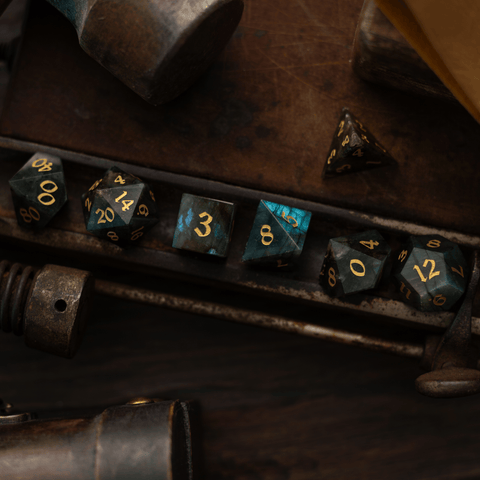
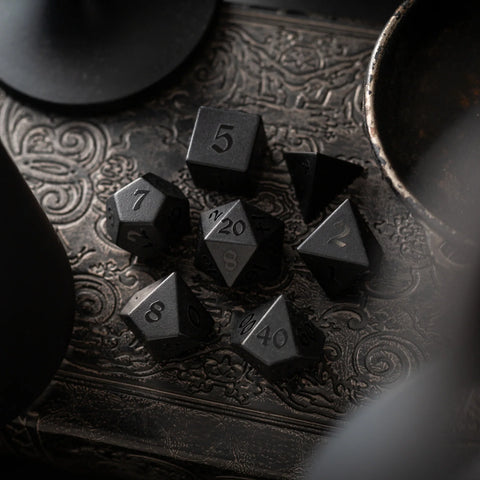
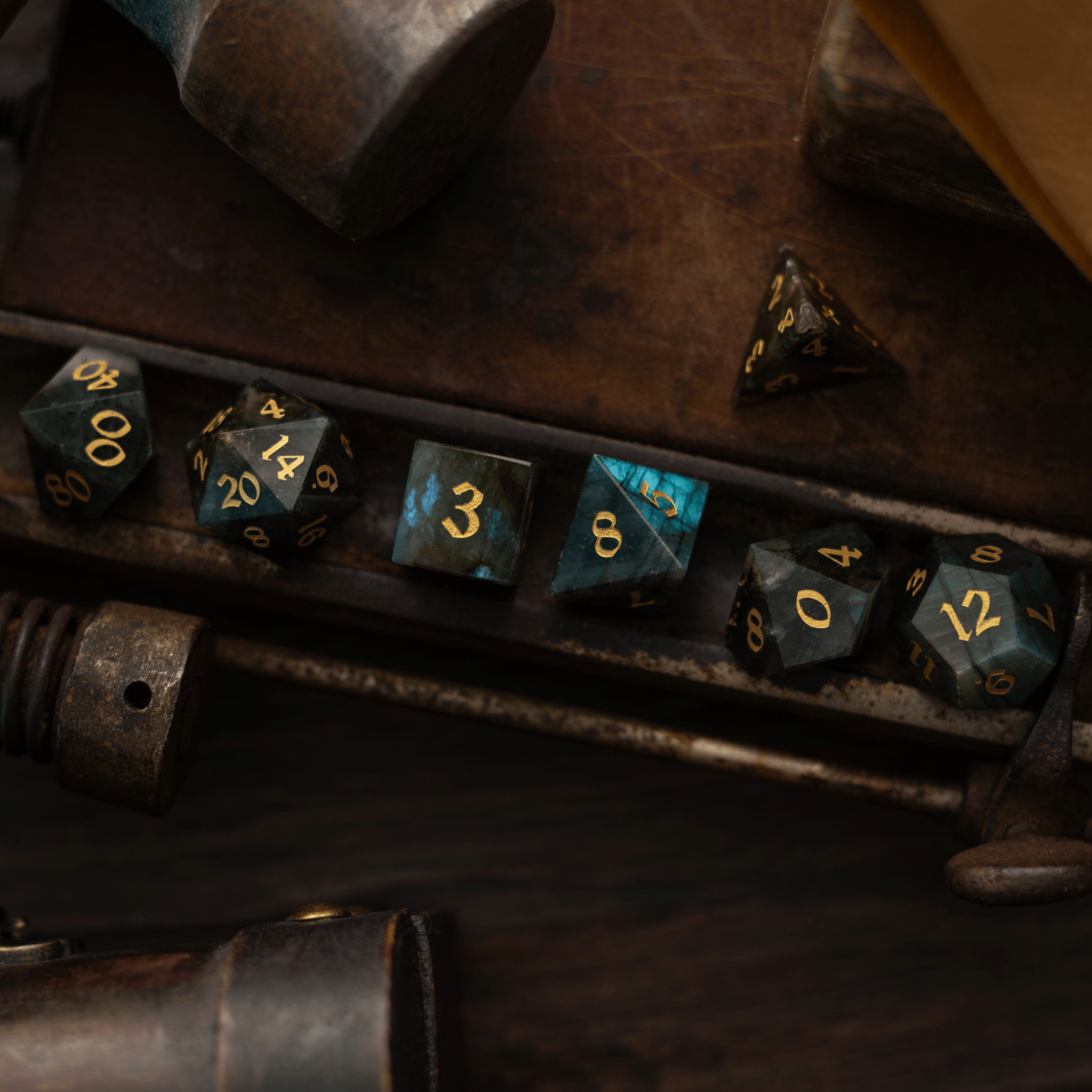
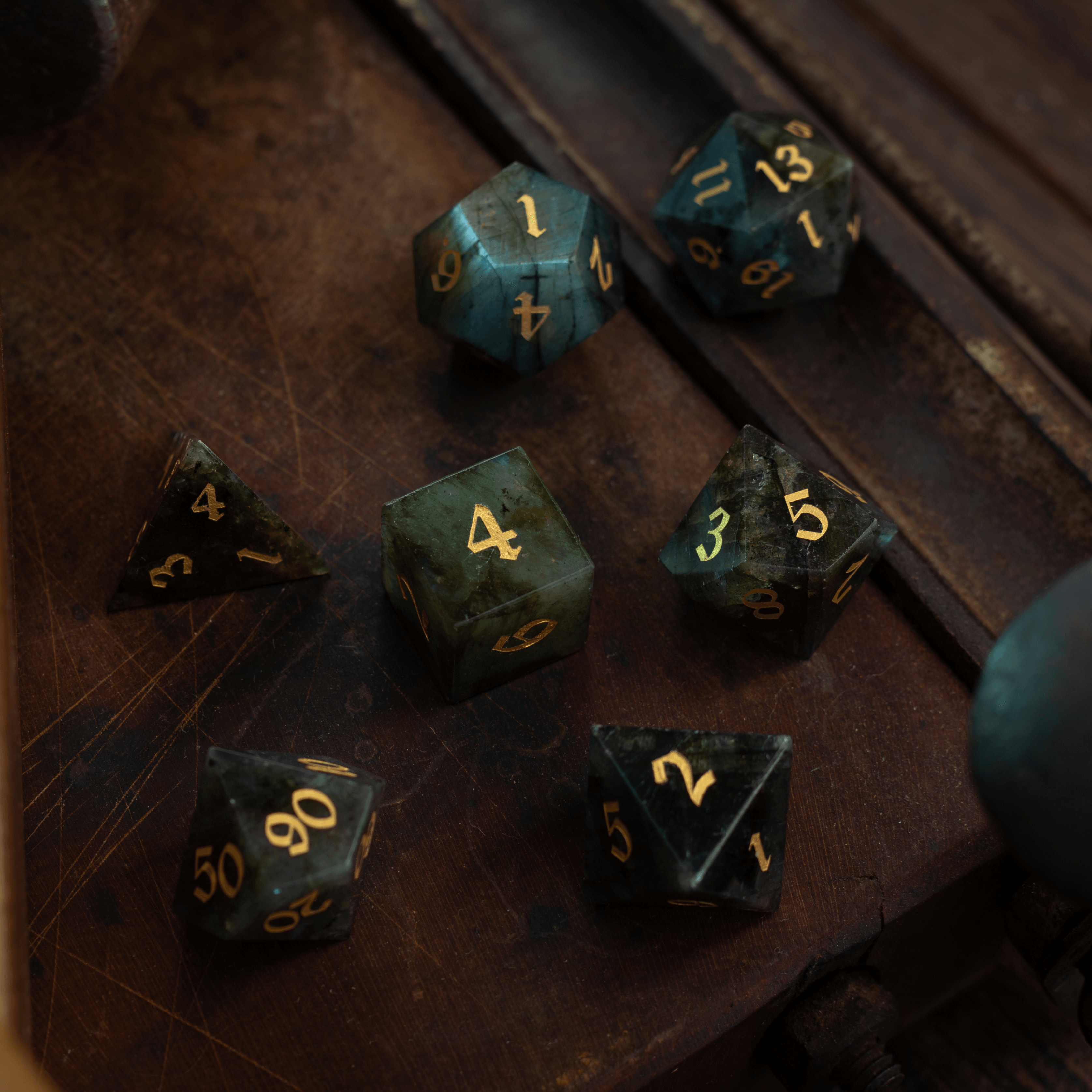
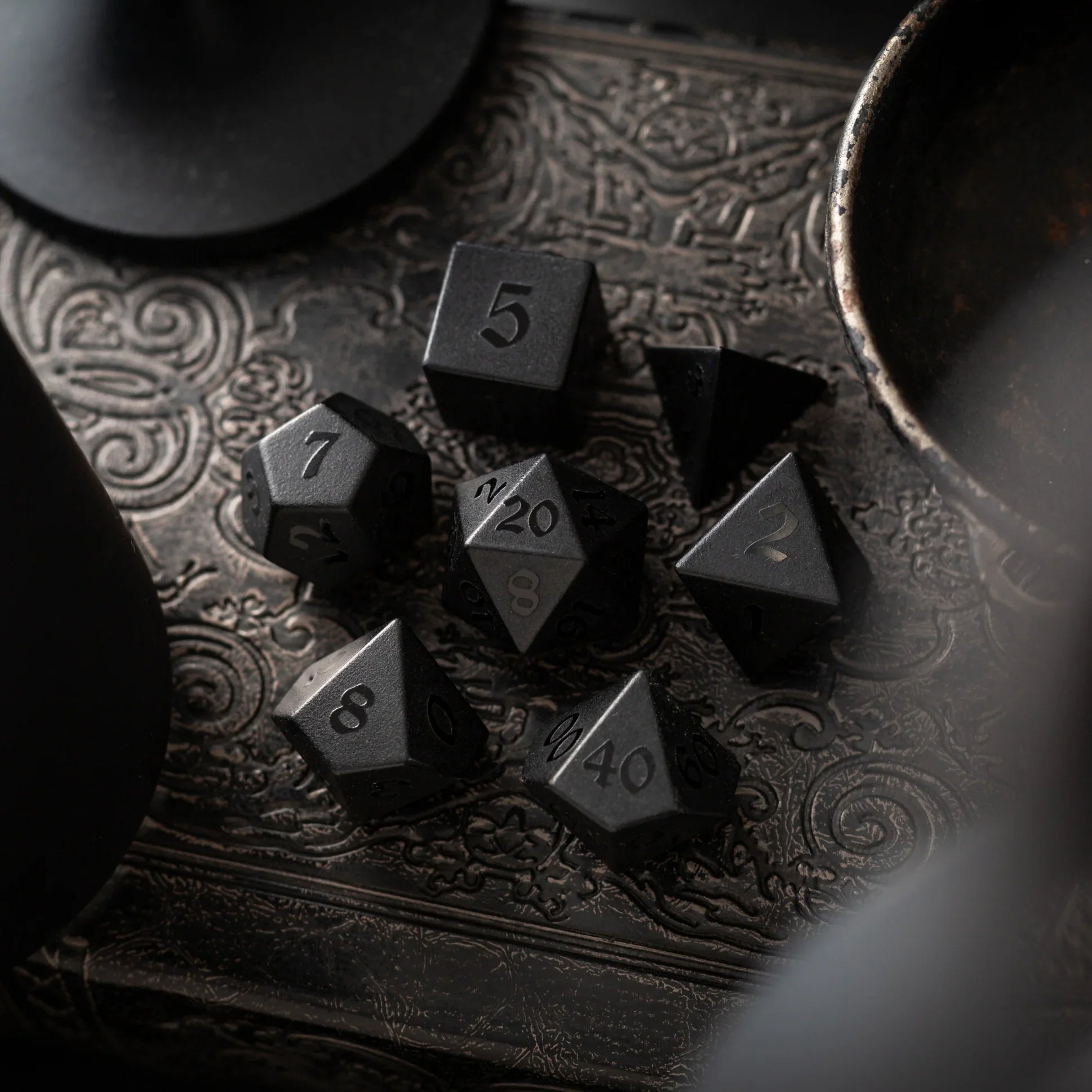
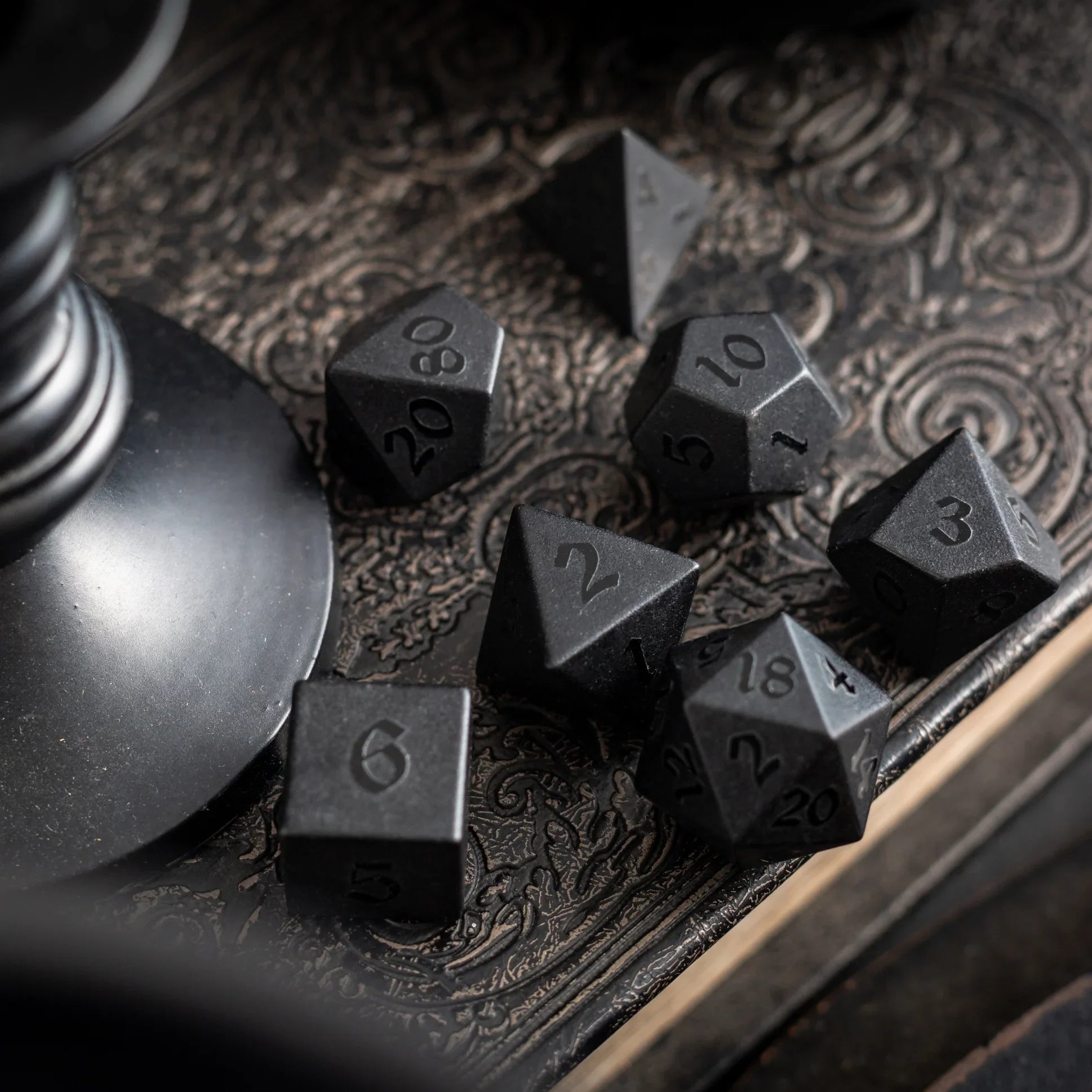
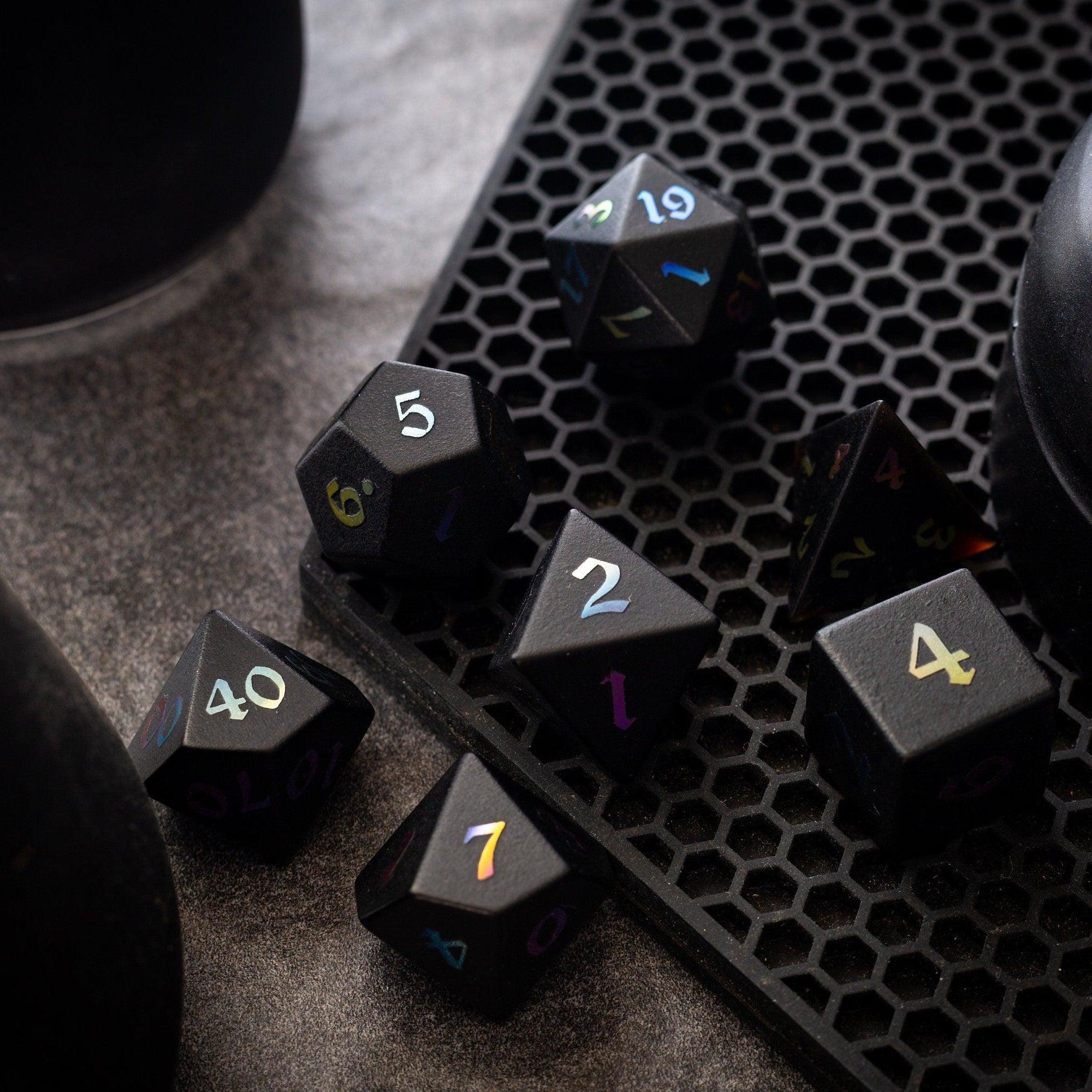
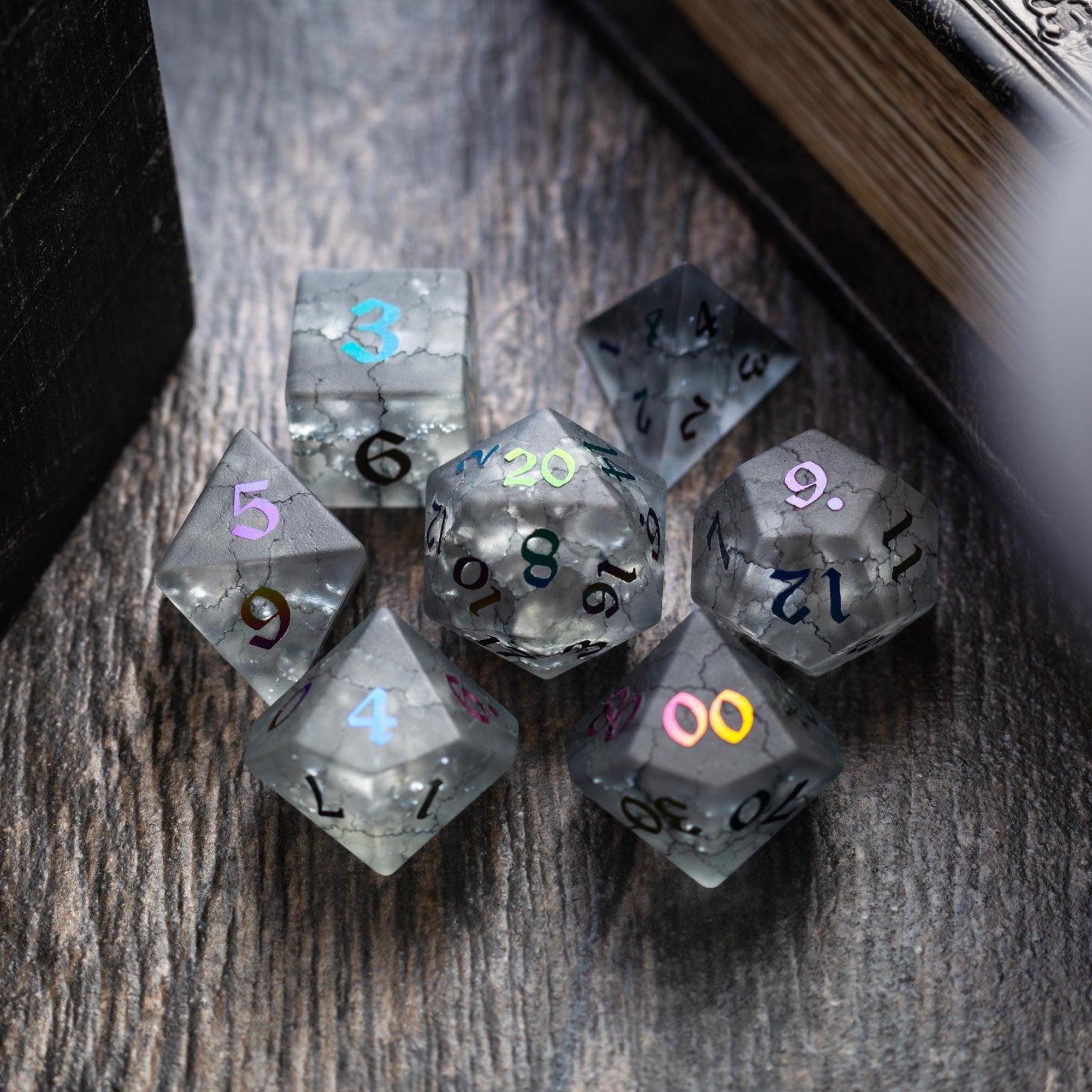
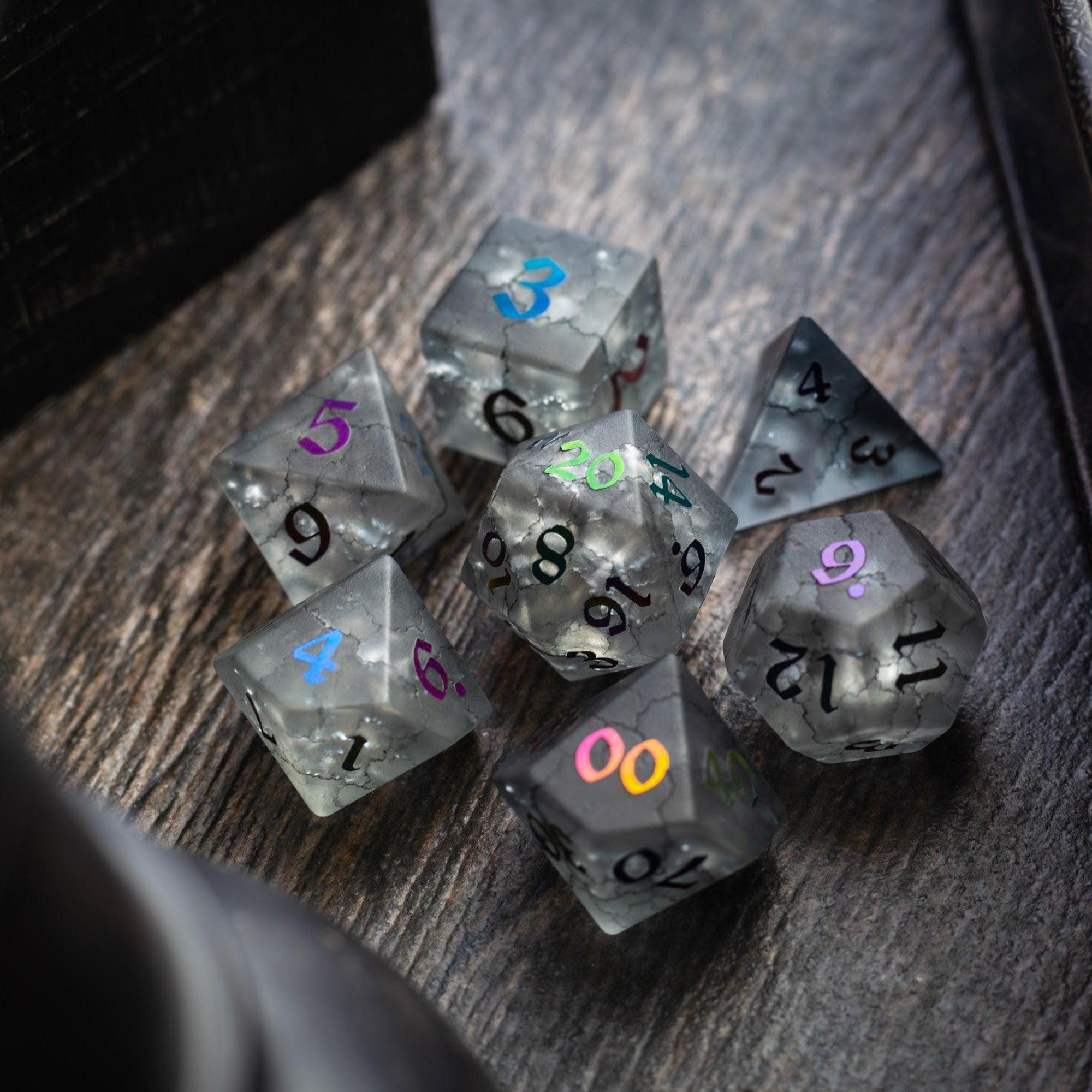
You don’t need studio gear. A mid-range USB mic or a decent headset with noise suppression is plenty. Encourage push-to-talk for noisy homes. For in-person tables, a small Bluetooth speaker helps ambient audio breathe without blasting. And don’t forget tactile joy: a striking set of gemstone dice can make every roll feel like a moment. If your group loves dramatic reveals, a clear tower from dice towers keeps results visible and honest.
Accessibility and inclusion
Mix voice with text. Post brief summaries in chat, and caption key names or place terms. Offer “camera optional” play, and allow hand-raising or emoji signals for folks who prefer quicker gestures. Build breaks into long sessions and accept that some players process best after a beat. Inclusivity isn’t a feature; it’s the foundation of good group play.
Session safety and consent
Use simple, voice-friendly tools. “Pause” for immediate stop; “Check” for a temperature read; “Okay” to confirm comfort. Add a private backchannel for confidential pings. Keep lines and veils in a pinned message. Safety language, spoken clearly and often, frees the group to take creative risks without guessing at boundaries.
Q&A: your top questions answered
How do I keep table talk from derailing the game?
Set a cadence: intent in one sentence, then action. Use a visible timer on tricky turns. Add the “Hold” cue for side chatter and promise a sidebar after the scene. Close scenes with a spoken recap so everyone exits on the same page. It’s not about silencing energy; it’s about channeling it.
What if someone hates being on mic?
Offer alternatives. They can type actions in chat or whisper a turn summary to the GM. Rotate a “caller” who reads those aloud so the player’s ideas still reach the table. Keep the camera optional, and let people signal with emojis or hand raises. The goal is participation, not uniformity.
Do I need fancy software to start?
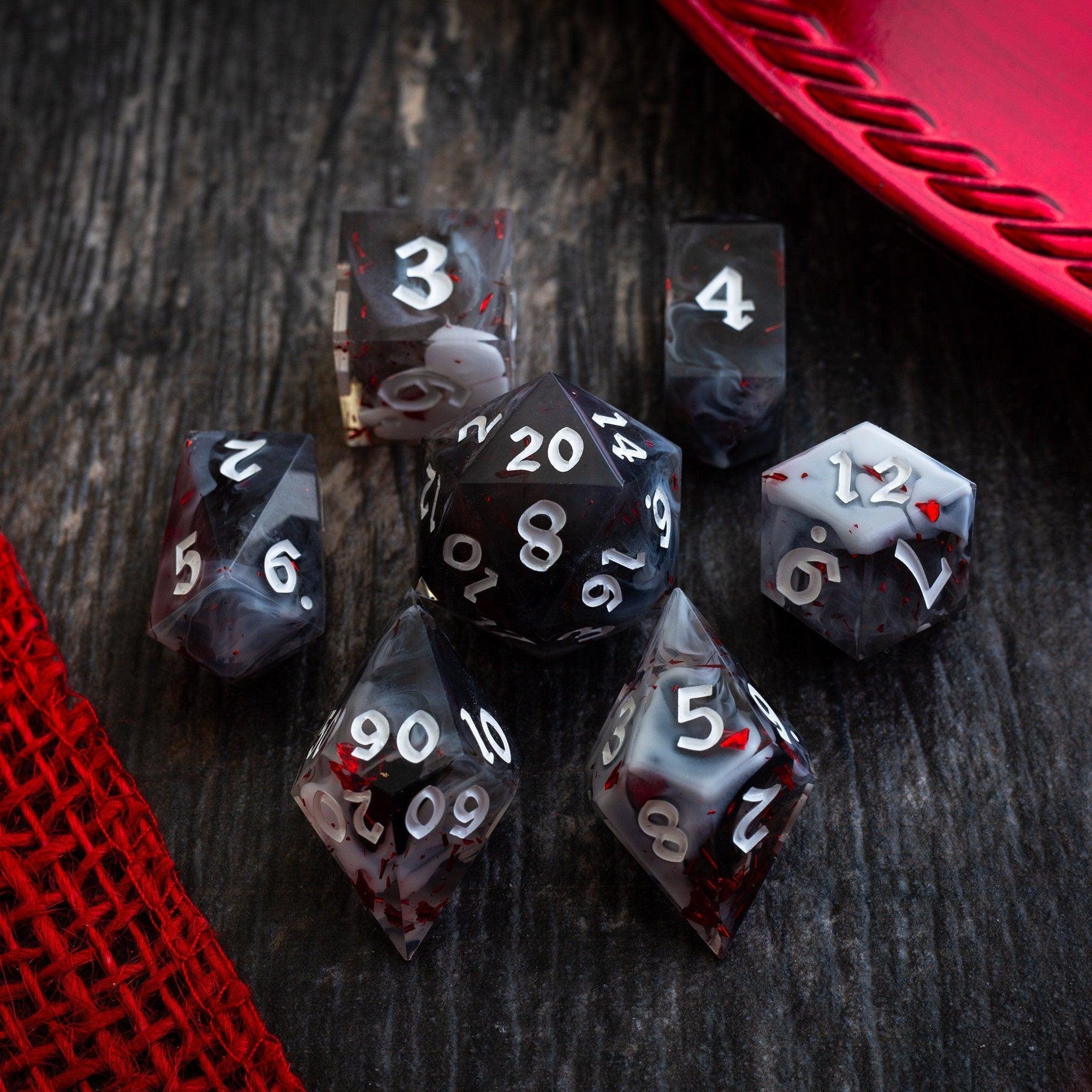
No. A single voice channel, push-to-talk, and a shared playlist can take you far. Add polish later: soundboards for stingers, or a VTT for line-of-sight and fog. If you enjoy themed gear, consider a dramatic liquid core dice roll for boss moments or a vivid resin set that matches your character’s vibe. Those tactile touches support immersion without extra software.
Summary and next steps
Voice-first play shines when it’s intentional, simple, and inclusive. Start with a familiar platform, set two or three verbal cues, and test a short scene. Blend audio prompts with gentle structure so every player feels welcome to speak—and knows when to listen. If you want a fun upgrade for the table’s mood, explore vivid sets like gemstone dice or eye-catching dice towers. Small tweaks, big payoff—your next session can feel smoother, faster, and far more connected.











Leave a comment
This site is protected by hCaptcha and the hCaptcha Privacy Policy and Terms of Service apply.