
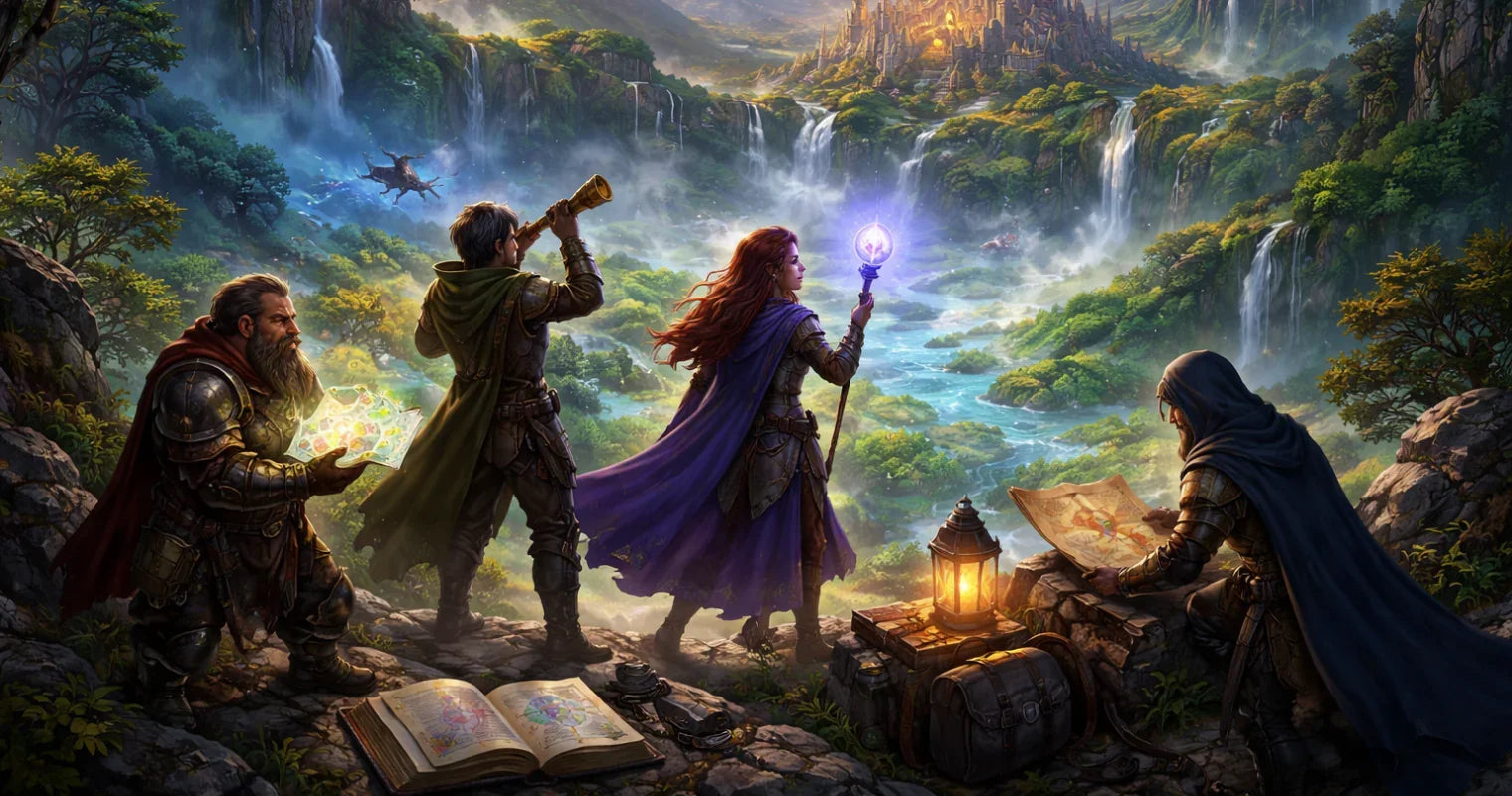
RPG Explorer Tools for Discovery Elevates Campaigns
If you’ve ever wondered how to keep discovery exciting without drowning in prep, you’re in the right place. Exploration aids can turn a simple dungeon crawl into a living, breathing journey—whether you play in person or online. We’ll cover mapping utilities, hex-crawl helpers, random generators, encounter builders, and campaign dashboards that reduce GM workload while boosting table immersion. The goal is to work smarter: do less busywork, get more wow moments, and give your players agency without chaos.
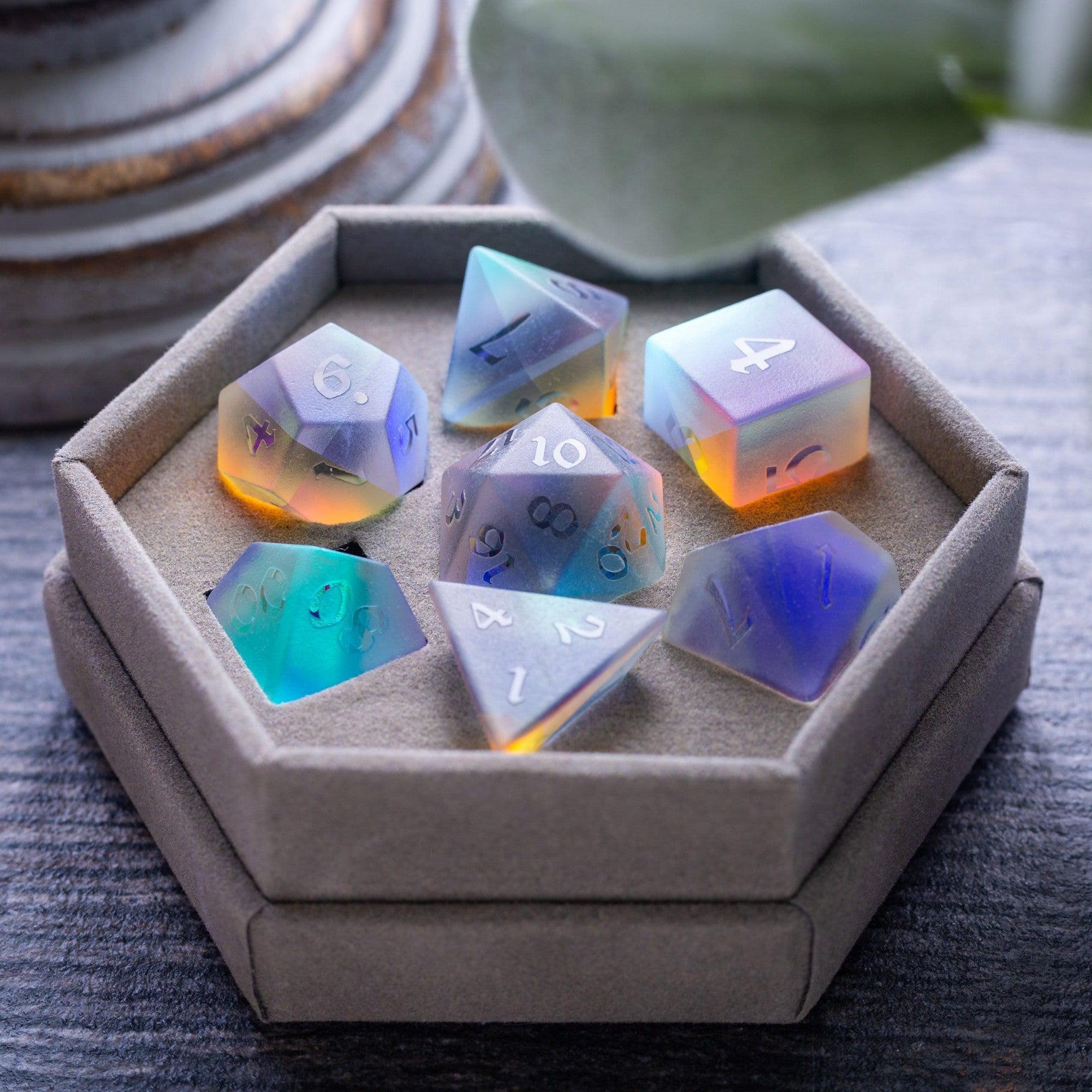
We’ll also talk about pairing digital utilities with tactile upgrades—because the right physical prop can amplify any reveal. If you like browsing new accessories for inspiration, check out the new arrivals for eye-catching gear that can double as in-world artifacts. By the end, you’ll have a step-by-step approach you can adapt instantly, plus practical tips to avoid common pitfalls like tool sprawl, analysis paralysis, and pace-killing prep.
Pros & Cons of explorer and discovery tools for role-playing games
- Pro: Faster prep. Generators and encounter builders speed up location, NPC, and loot creation so you can focus on story beats.
- Pro: Stronger player agency. Hex maps, rumor tables, and clue trackers let players steer the adventure without dead ends.
- Pro: Clear pacing. Fog-of-war and breadcrumb checklists make reveals snappy and cinematic.
- Pro: Consistency over long arcs. Campaign dashboards help you remember factions, fronts, and consequences.
- Pro: Better onboarding. Shared handouts and simple discovery flows are friendly to new players.
- Pro: Hybrid play support. Works both at the table and online; tactile components pair well with virtual notes.
- Con: Tool overload. Too many apps can create friction. Keep your stack small and purposeful.
- Con: Over-prep risk. It’s easy to generate more than you need. Set time boxes.
- Con: Learning curves. Some tools take practice. Start with light features, then expand.
- Con: Distraction. Screens can pull attention. Consider analog complements like dice towers to keep focus on the table.
Step-by-Step Practical Guide
Step 1: Define Your Table Needs
Before grabbing the shiniest app, decide what friction you’re trying to solve. Is it mapping, pacing, or note chaos? Write three outcomes: “Track clues in 60 seconds,” “Show hidden rooms cleanly,” and “Prep encounters in under 15 minutes.” Then pick one must-have and two nice-to-haves. This keeps your toolkit lean. If you run hexcrawls, prioritize a lightweight atlas and travel procedures. If you run mysteries, focus on clue management and rumor webs. Share your plan with players so everyone knows how exploration choices will work.
Step 2: Pick Your Map and Fog-of-War Setup
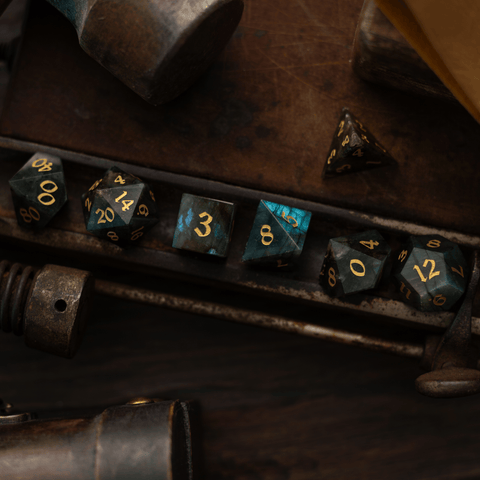
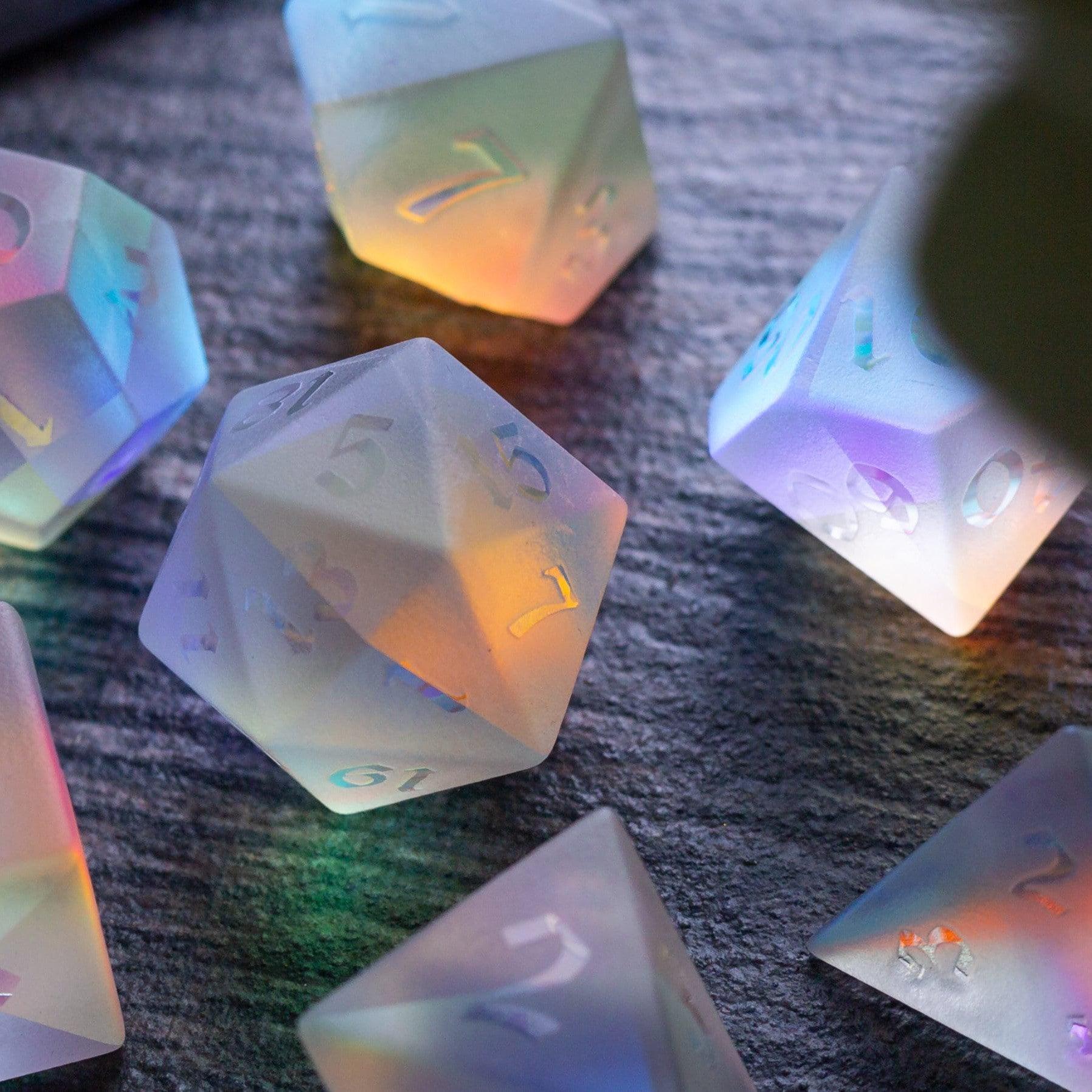
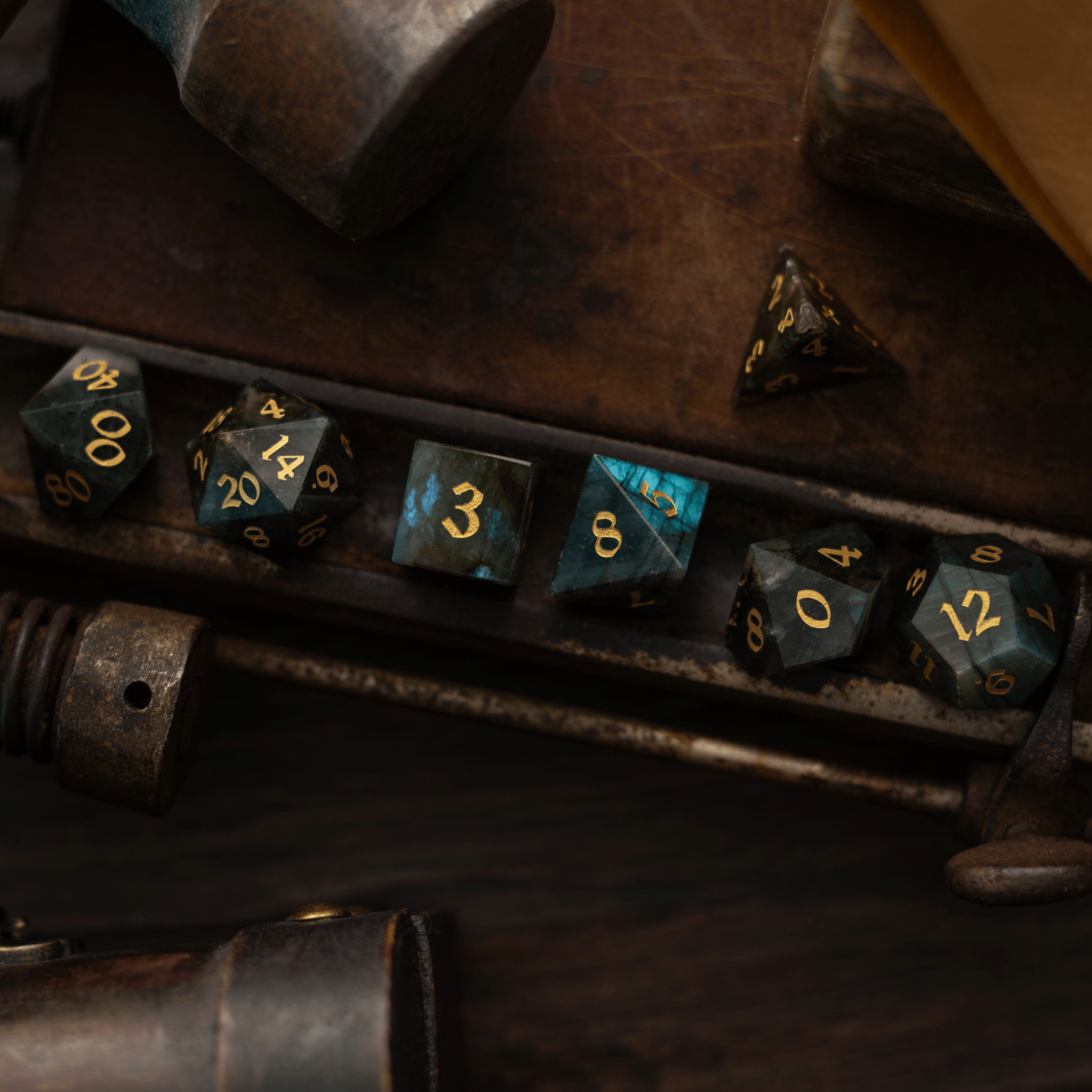
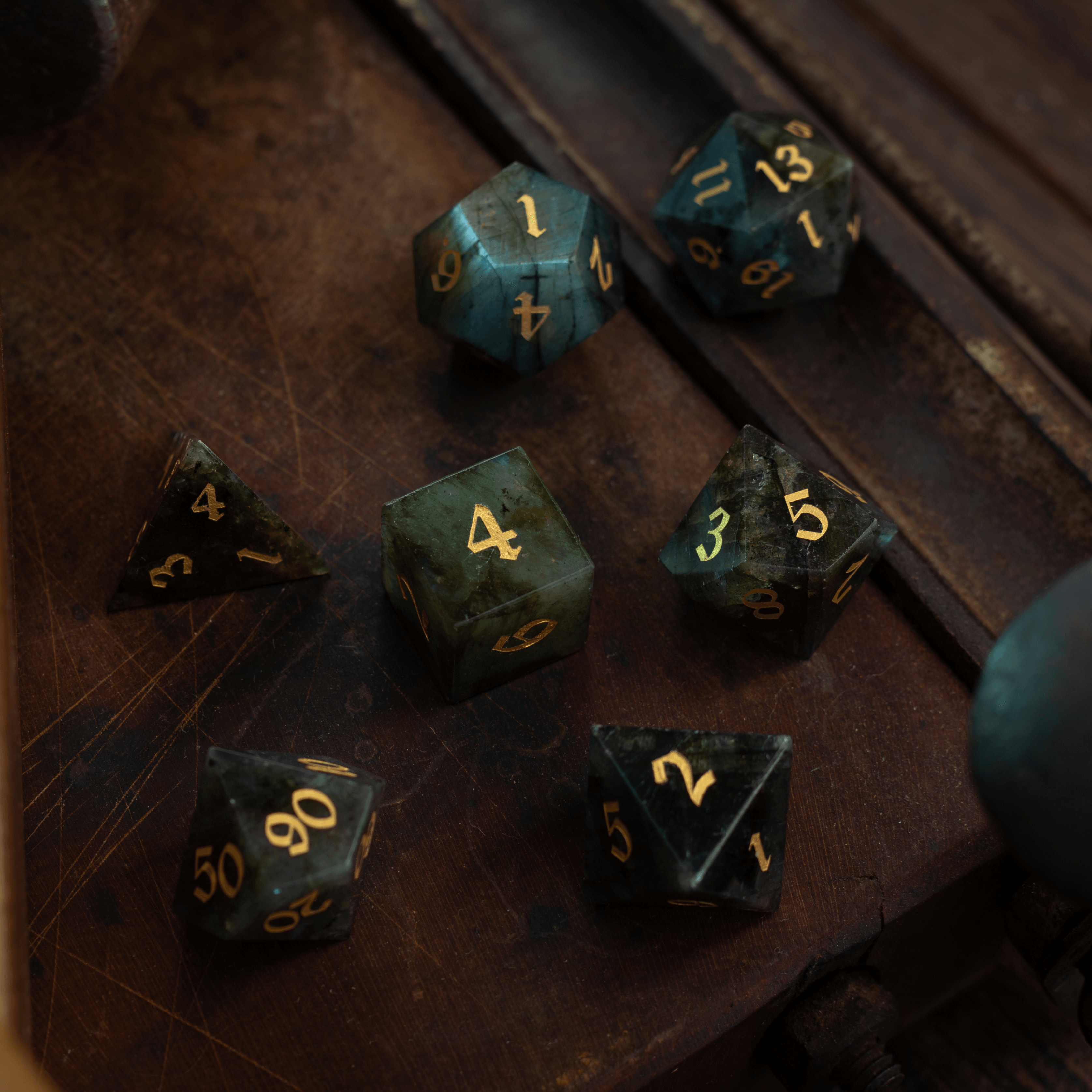
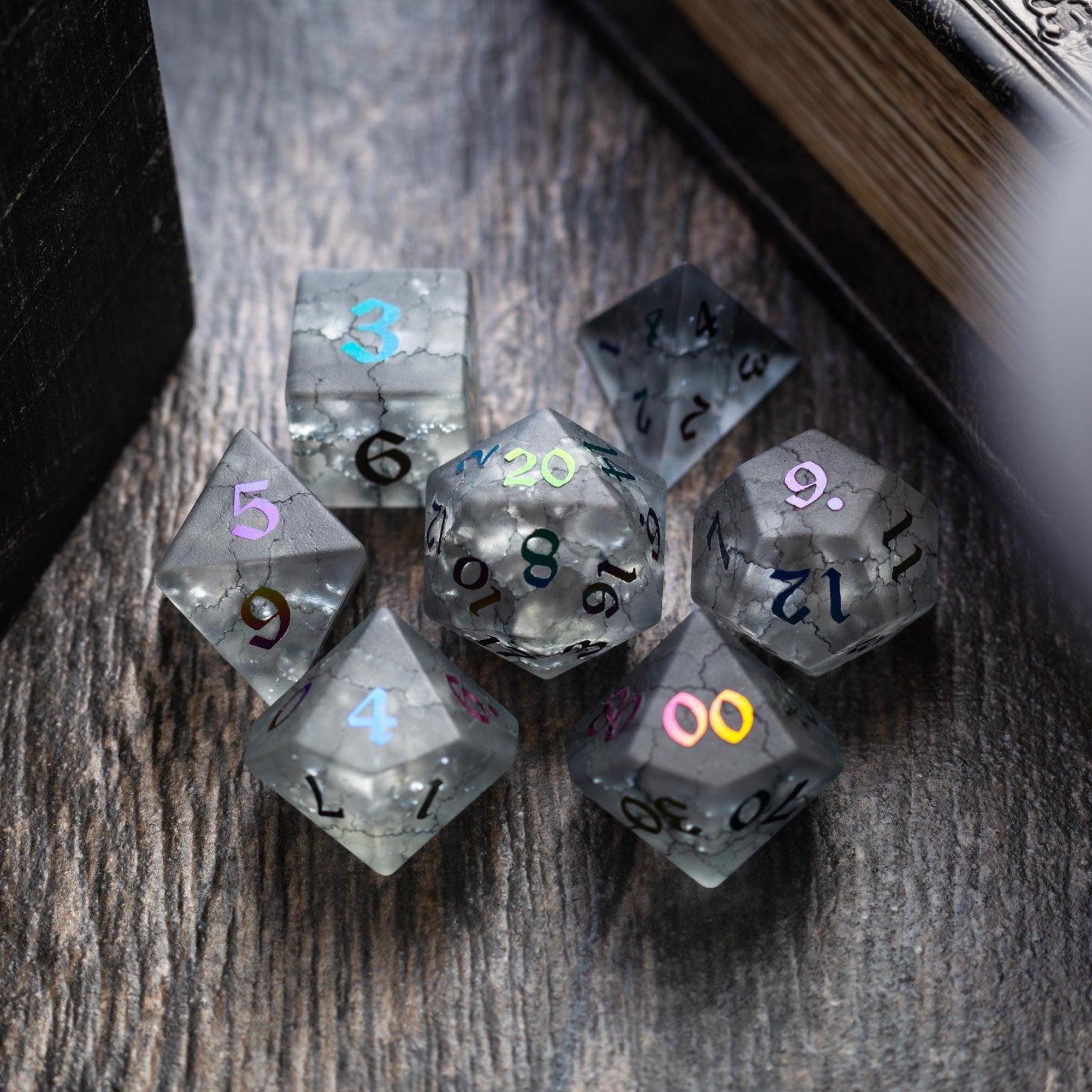
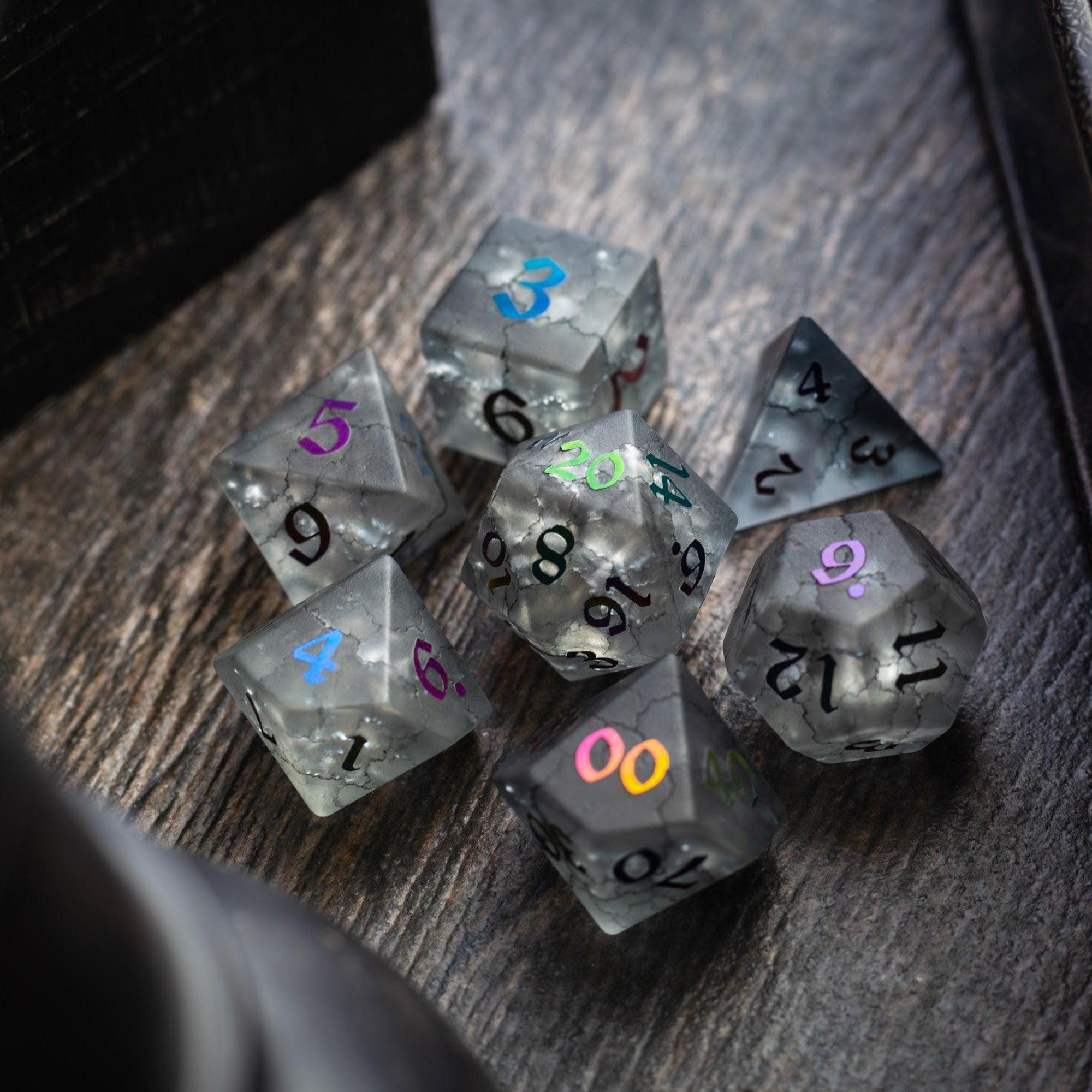
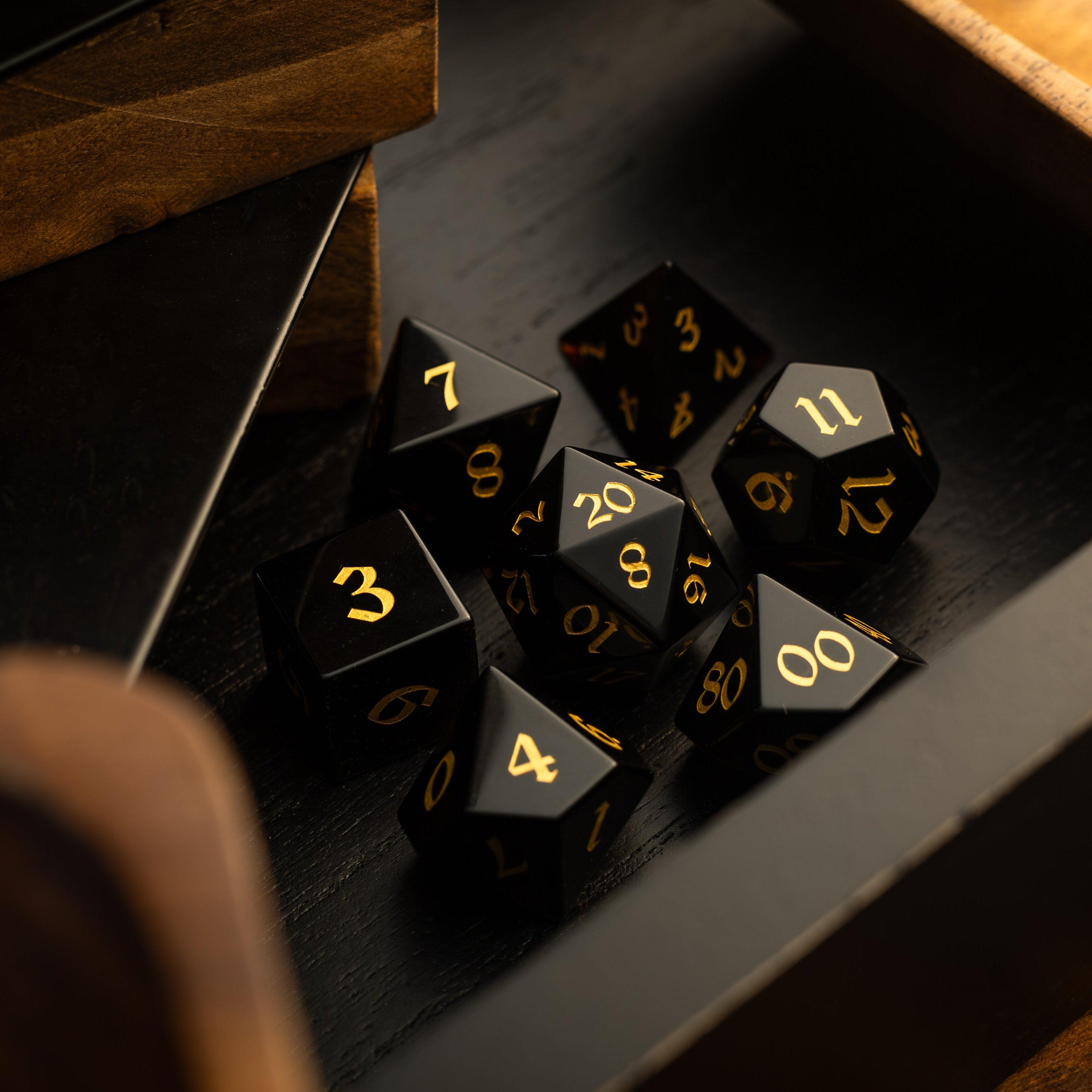
Maps are your exploration backbone. Choose a simple option that mirrors how you play. For theater-of-the-mind, use a one-page region map with points of interest and a separate list of sensory prompts. For grid or VTT play, enable fog-of-war so reveals feel crisp. Keep assets small and readable. If in-person, print a high-contrast map and cover sections with paper strips for manual “unveil.” Mark hazards and shortcuts with subtle icons. Consider adding tactile flair with standout components like gemstone dice to signal big discoveries or boss moments.
Step 3: Set Up Random Tables and Oracles
Random tables are your best friend when players stray off-road. Start with three: travel encounters, discoveries, and NPC seeds. Each should fit on a half page. Roll once per meaningful choice, not on timers, so results feel connected to agency. Add a simple oracle: yes/no/maybe with a “twist” result to spice up outcomes. Keep tags like danger, weather, faction, and mood to guide improvisation. Use 1–2 evocative words per result (e.g., “salt-wind shrine,” “cracked lens,” “sleeping chimeras”) to trigger imagery without heavy notes.
Step 4: Build a 30-Minute Session Prep Workflow
Time-box your prep so tools don’t balloon your workload. Try this flow: 10 minutes to list player goals and unresolved threads, 10 minutes to mark 3–5 discovery nodes (locations, NPCs, or clues), and 10 minutes to seed consequences if the group ignores a lead. For each node, write a one-sentence hook, one sensory detail, and one meaningful choice. That’s it. If you need hazards or treasure, pull from your tables on the fly. Keep a visible checklist that reads: “Reveal, Choice, Consequence.” It keeps you honest and reduces railroading.
Step 5: Keep Players Engaged at the Table
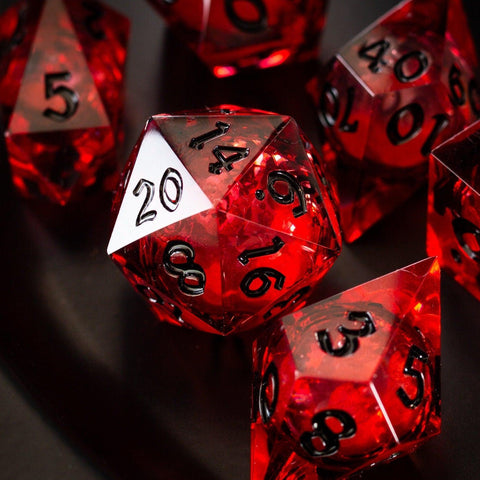
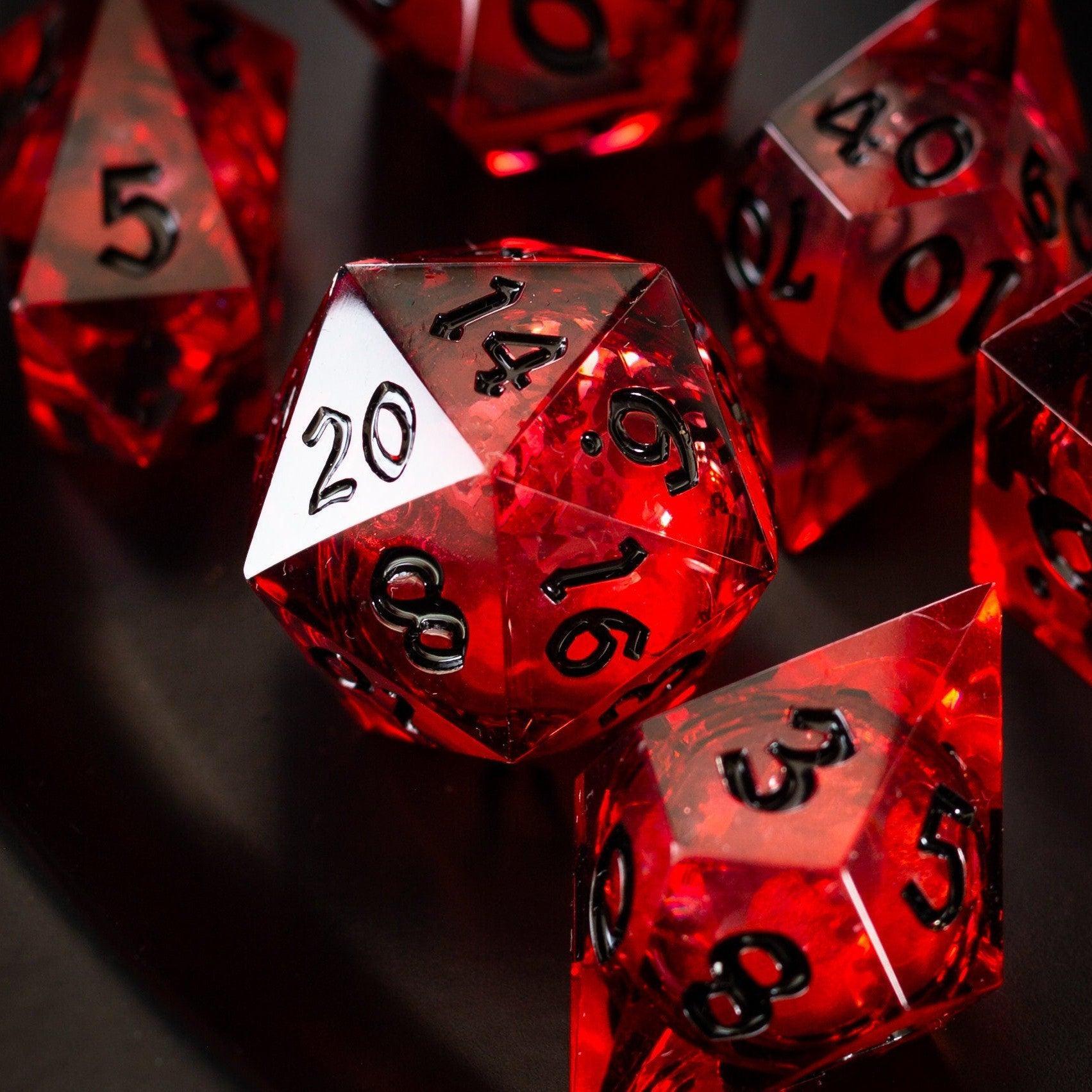
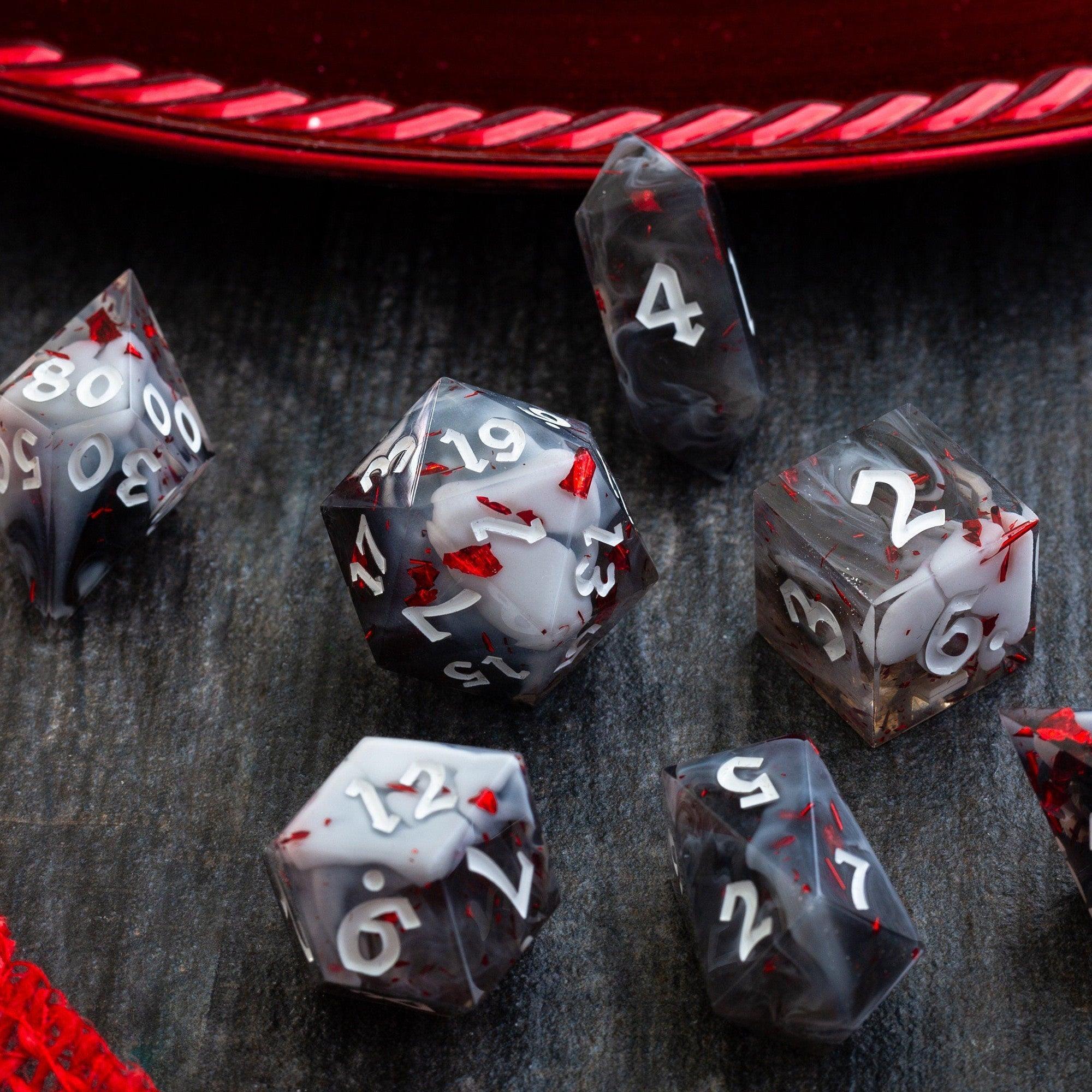
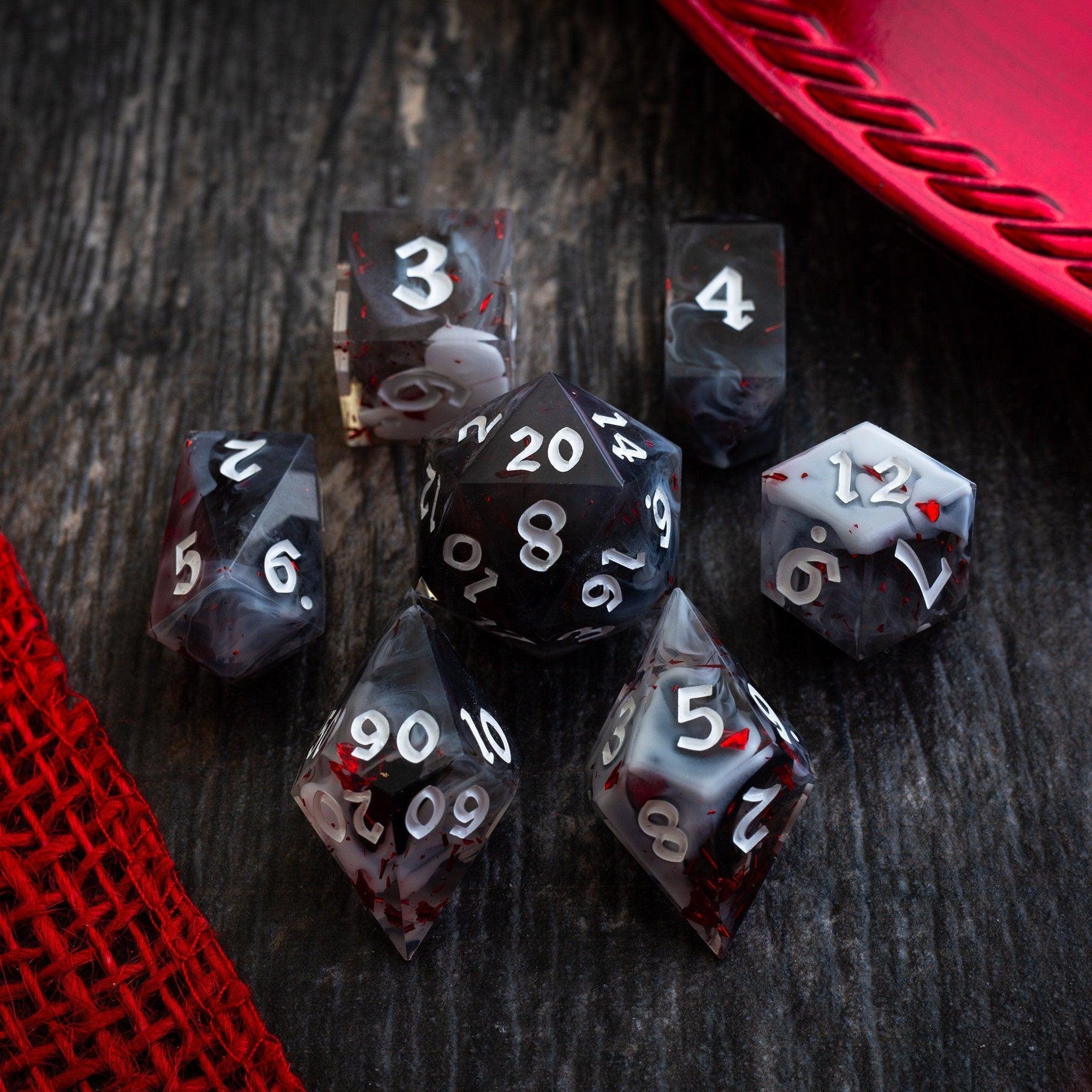
Exploration shines when players feel every reveal. Use short, vivid descriptions and ask aimed questions: “What do you touch first?” or “What tool do you use to cross?” Reward creative scouting with advantage, clues, or shortcuts. Rotate spotlight during travel so everyone contributes. When a big discovery lands, punctuate it with a tactile cue, like asking someone to roll a special set. Prop moments pair brilliantly with vivid sets like liquid core dice, which catch the light and make reveals unforgettable.
Step 6: Measure and Improve After Each Session
After play, jot down three quick notes: one discovery that delighted the table, one spot that dragged, and one unanswered question. If maps slowed you down, simplify your layers. If clues felt obscure, add one extra breadcrumb per arc. Retire tools that didn’t earn their keep and double down on the ones that did. Your system should feel nearly invisible in play—if it’s stealing attention, trim it. Consistency over time is what turns scattered ideas into a cohesive world that invites curiosity.
Wrap-Up
With a few focused choices, you can get all the benefits of explorer and discovery tools for role-playing games without drowning in complexity. Start small, add only what solves a real problem, and keep your reveal–choice–consequence loop front and center. Remember: the best tool is the one your table actually uses. If you’re in the mood to add tactile spark to your next reveal or boss fight, browse the latest new arrivals or elevate the moment with striking gemstone dice and sturdy dice towers.
Q&A
Which exploration tools are best for beginners?
Start with a simple region map, a minimal fog-of-war setup (digital or paper strips), and three compact tables: travel, discovery, and NPC seeds. Add a basic oracle for yes/no with occasional twists. This small kit covers 80% of situations while keeping you nimble. As you get comfortable, layer in a lightweight campaign dashboard for factions and clocks, then optional encounter builders or loot generators for speed.
Do I need paid apps to run great exploration?
No. Great exploration is about clear procedures and consistent reveals, not price tags. Many GMs thrive with free tools, paper maps, and a tight set of tables. Paid features can help—especially for advanced fog-of-war or asset libraries—but they’re optional. Spend first on items that boost your table’s excitement and clarity. If you want a simple, high-impact upgrade, a dramatic reveal roll with eye-catching liquid core dice can do more than an extra app.
How do I avoid over-prepping a sandbox?
Use boundaries. Limit prep to 30 minutes, cap nodes at five, and keep each node to a sentence, a detail, and a choice. Prep principles, not outcomes: create tags (faction, weather, mood) and let your tables fill gaps live. When in doubt, ask players focused questions and fold their answers into the world. If something isn’t used in two sessions, archive it and move on. The goal is to keep momentum, not to document a novel.







Leave a comment
This site is protected by hCaptcha and the hCaptcha Privacy Policy and Terms of Service apply.