

Mobile Companion App for Gaming Boost Your Play Anywhere
Updated on: 2025-12-29
You’ll learn how a mobile companion app for gaming can streamline your play, keep your group organized, and help you make smarter in-game decisions—without adding clutter or distractions. We’ll cover core features, setup steps, and best practices that fit casual play sessions and deep campaign nights. You’ll also get quick tips, a relatable story, and answers to common questions so you can pick, set up, and use your app with confidence. No hype, just practical ideas you can put to work today.
Table of Contents
- Why a Mobile Companion App for Gaming Belongs in Your Kit
- Did You Know?
- Expert Tips
- Personal Anecdote
- Summary & Takeaways
- Q&A
If you’ve ever juggled rule lookups, build planning, inventory tracking, or session notes while also trying to keep up with your party, you know the struggle. A thoughtful second-screen app can be the quiet teammate that handles the busywork so you can enjoy the actual game. The key is choosing the right tool, setting it up in minutes, and using it in a way that complements your style—whether you’re clearing dungeons, running a cozy farm sim, or steering a long-running tabletop campaign with friends.
Why a Mobile Companion App for Gaming Belongs in Your Kit
A good companion app keeps your hands and head free for the moment that matters—your next decision. It can store builds and wish lists, map out routes, remind you of time-sensitive events, and share quick notes with your group. That means fewer pauses and less flipping between tabs or screens. You’ll spend more time playing and less time searching.
Beyond convenience, a well-organized app reduces mental load. Imagine having your character sheets, craft recipes, drop tables, and session notes in a single place you can search in seconds. Need to compare two builds? Save them side by side. Want to track loot or session goals? Toggle a checklist you can update with one tap. And if you love tabletop games, keeping digital notes alongside your physical dice and journal helps you run smoother encounters and spotlight your players’ best moments.
Another bonus: better team play. Shared notes, pinned strategies, and at-a-glance timers mean your whole group stays aligned. Instead of chatting through logistics, you can focus on your plan and make smart calls. Communication gets clearer, faster, and more fun.
Core features to look for
- Fast search: Find rules, items, or builds instantly without digging through menus.
- Offline access: Keep essentials available even if your connection drops mid-session.
- Smart checklists: Track runs, quests, or prep steps with tap-to-complete lists.
- Shared notes: Keep your team synced with tactics, session summaries, and reminders.
- Custom fields: Tailor trackers for your game’s unique mechanics or homebrew rules.
- Privacy controls: Decide what’s shared and what stays on your device.
Setup checklist
- Define your goal: Speed up rules, track builds, plan routes, or run sessions—pick one to start.
- Create categories: Characters, maps, timers, loot, or session notes—keep it simple and clear.
- Import essentials: Add your current build, character sheet, or campaign notes first.
- Choose one shared space: Set up a single team notebook to avoid duplicates.
- Test in practice: Run a quick encounter or match to see what helps vs. what distracts.
- Refine weekly: Archive clutter, rename lists, and pin your top three items.
Best practices
- Keep it minimal: Pin only the tools you use every session. Fewer screens = faster decisions.
- One-tap rule: If it takes more than one or two taps to reach, it’s too deep—bring it forward.
- Use quiet notifications: Timers and event pings should help, not interrupt.
- Separate prep from play: Do heavy planning before your session so the app stays calm during action.
- Back up often: Sync or export notes so you never lose your hard work.
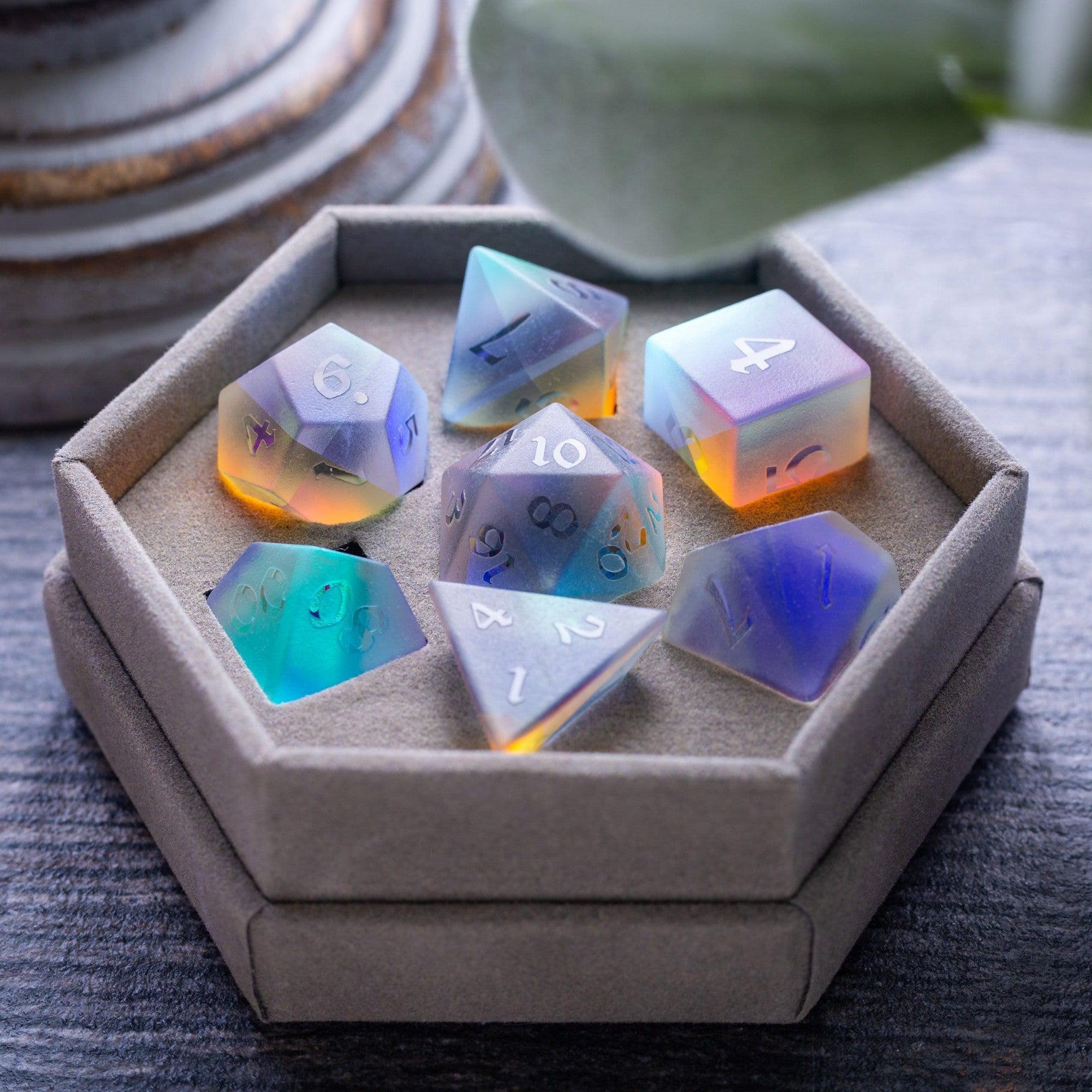
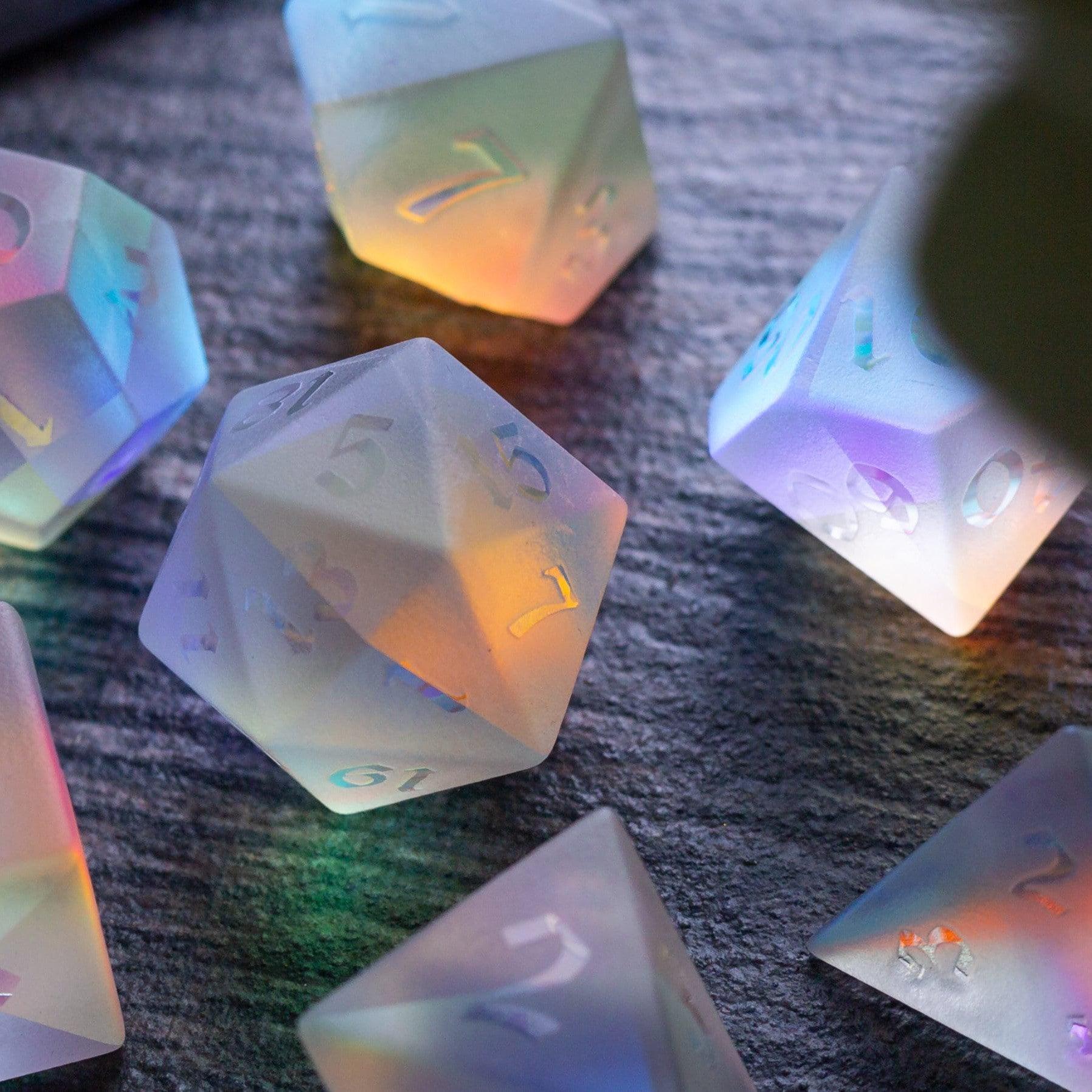
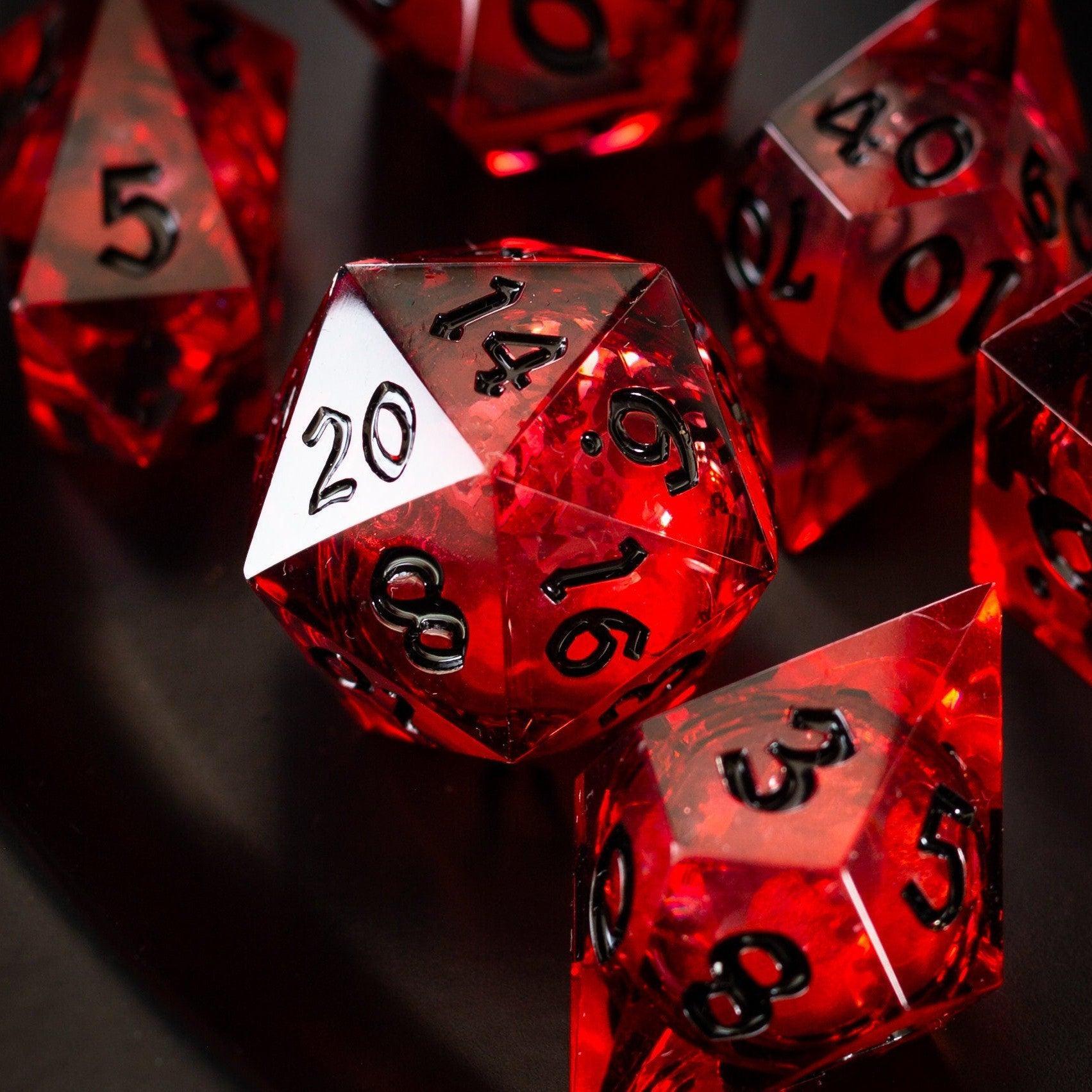
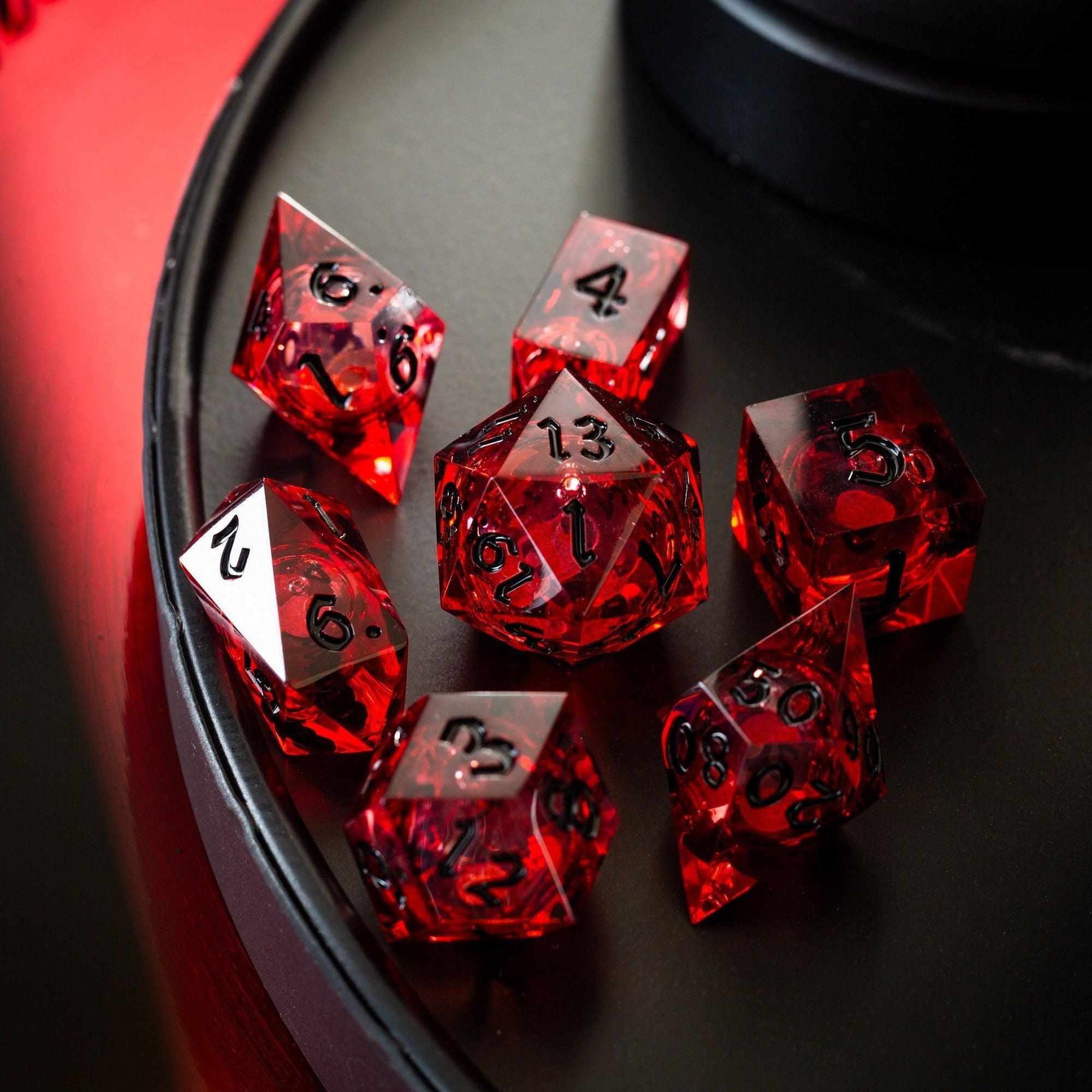
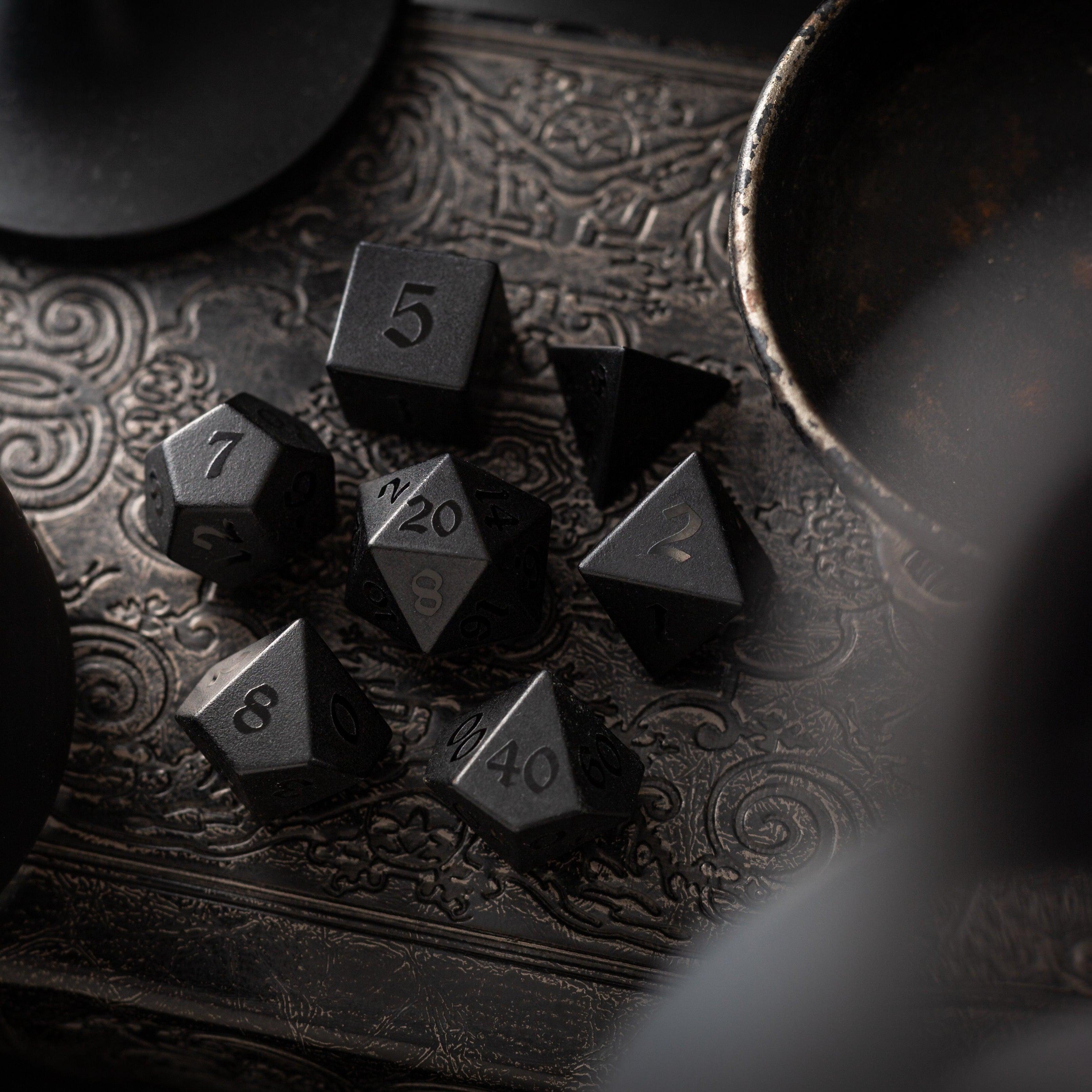
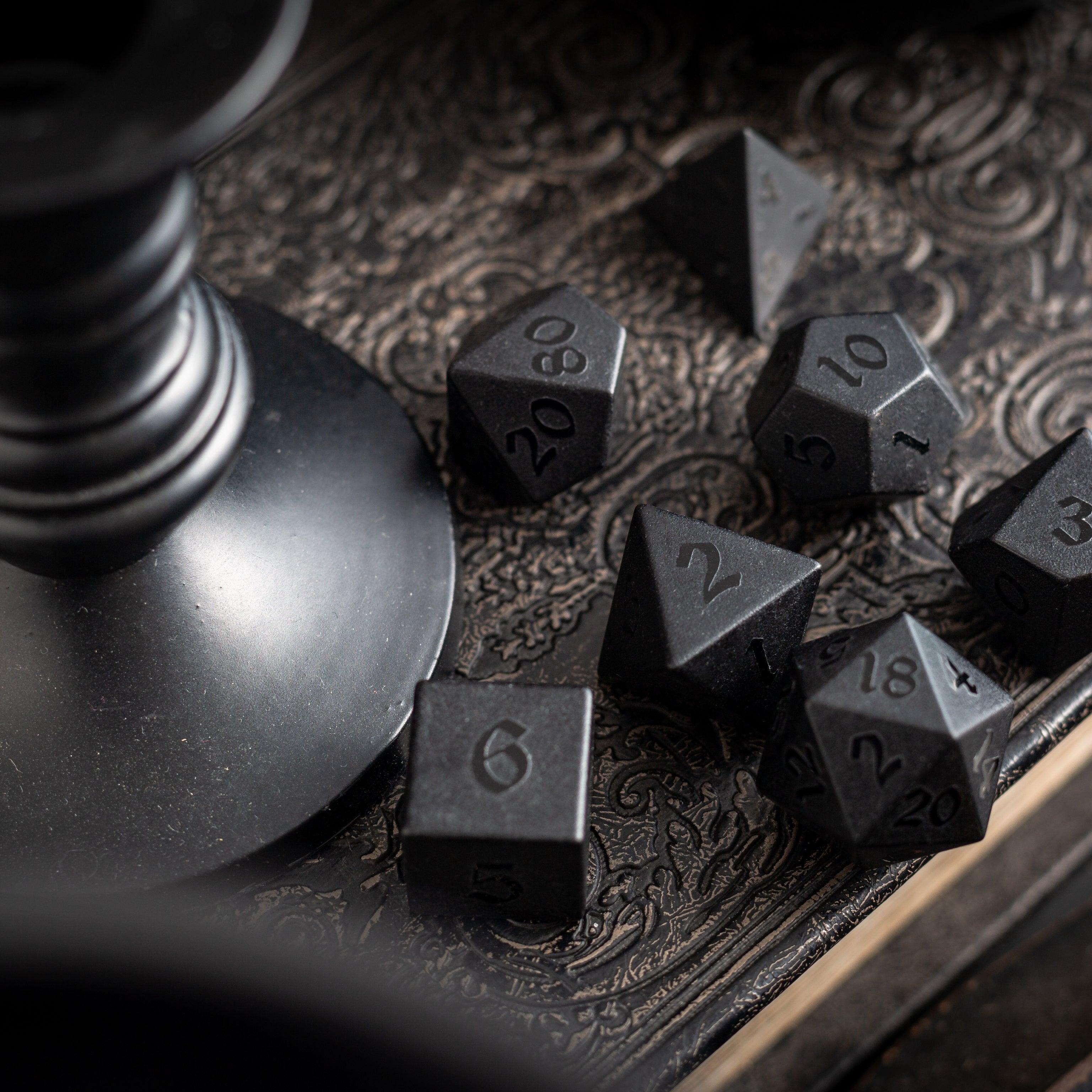
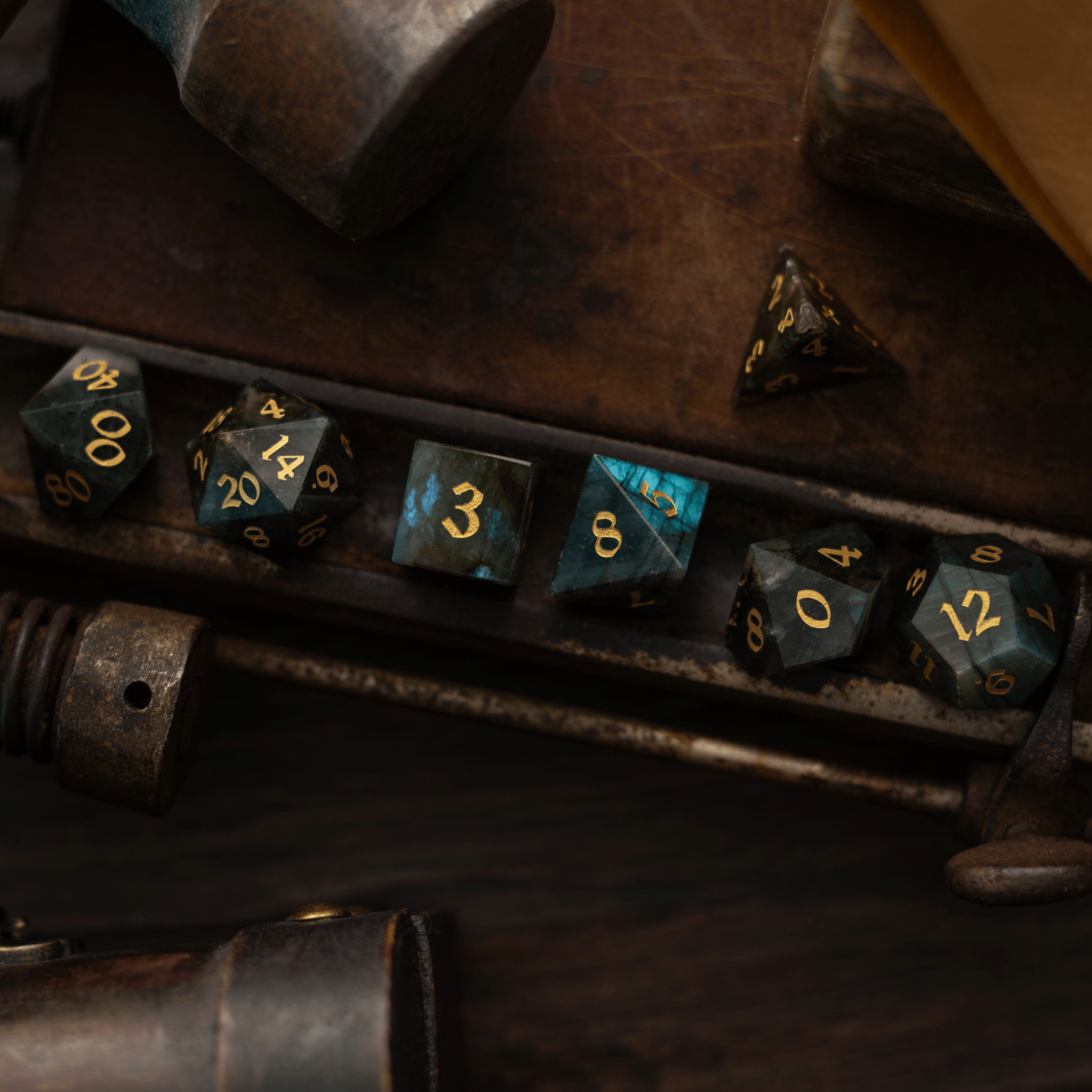
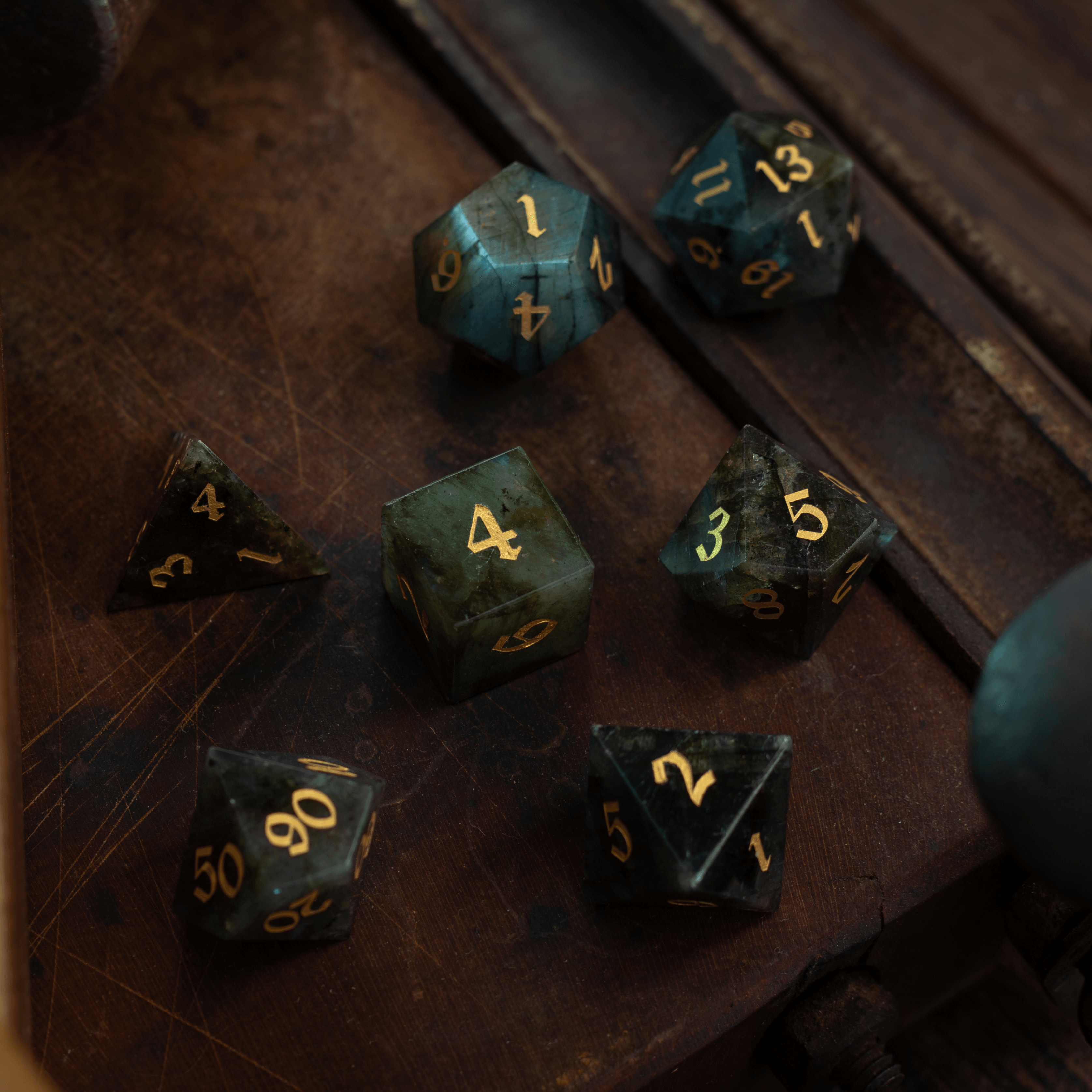
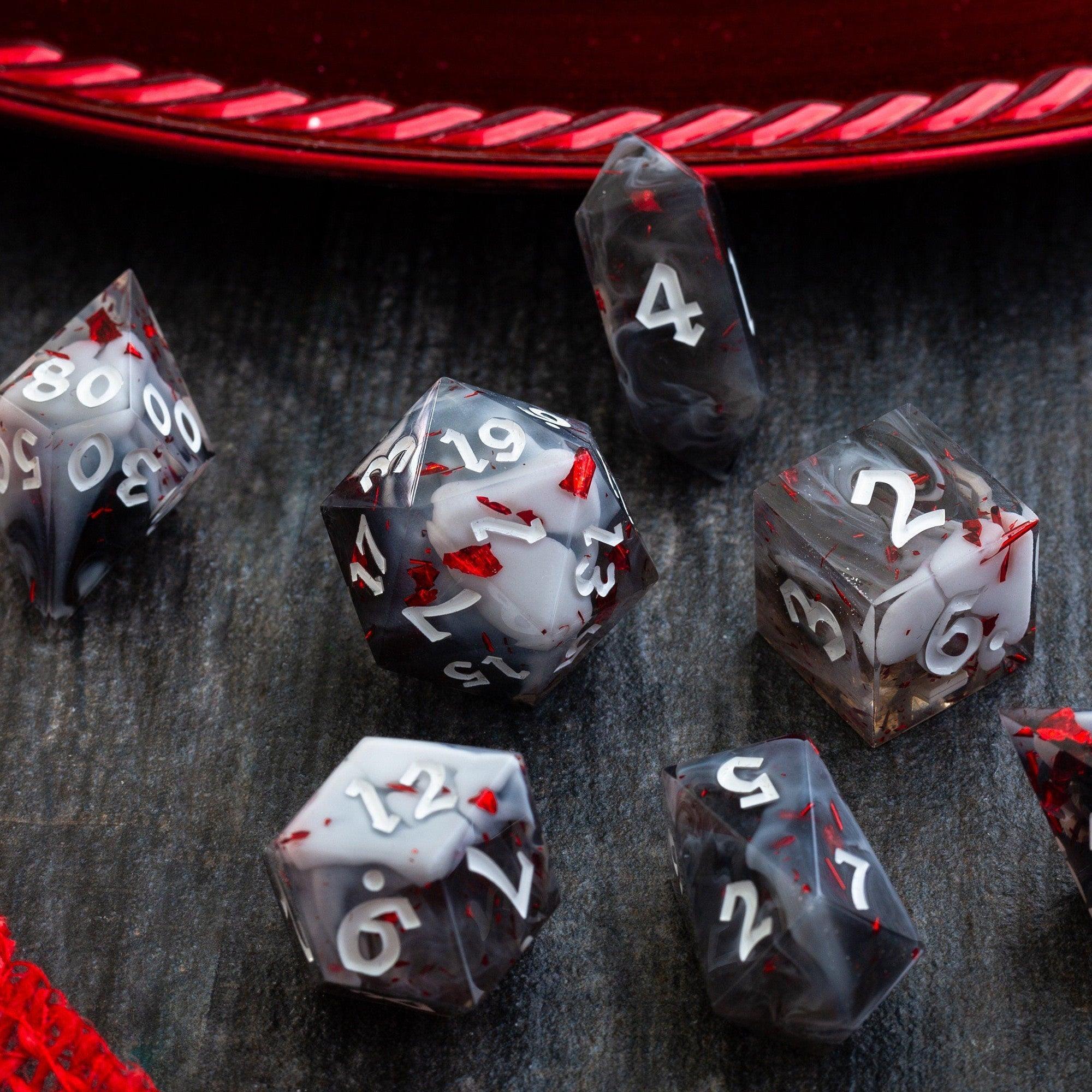
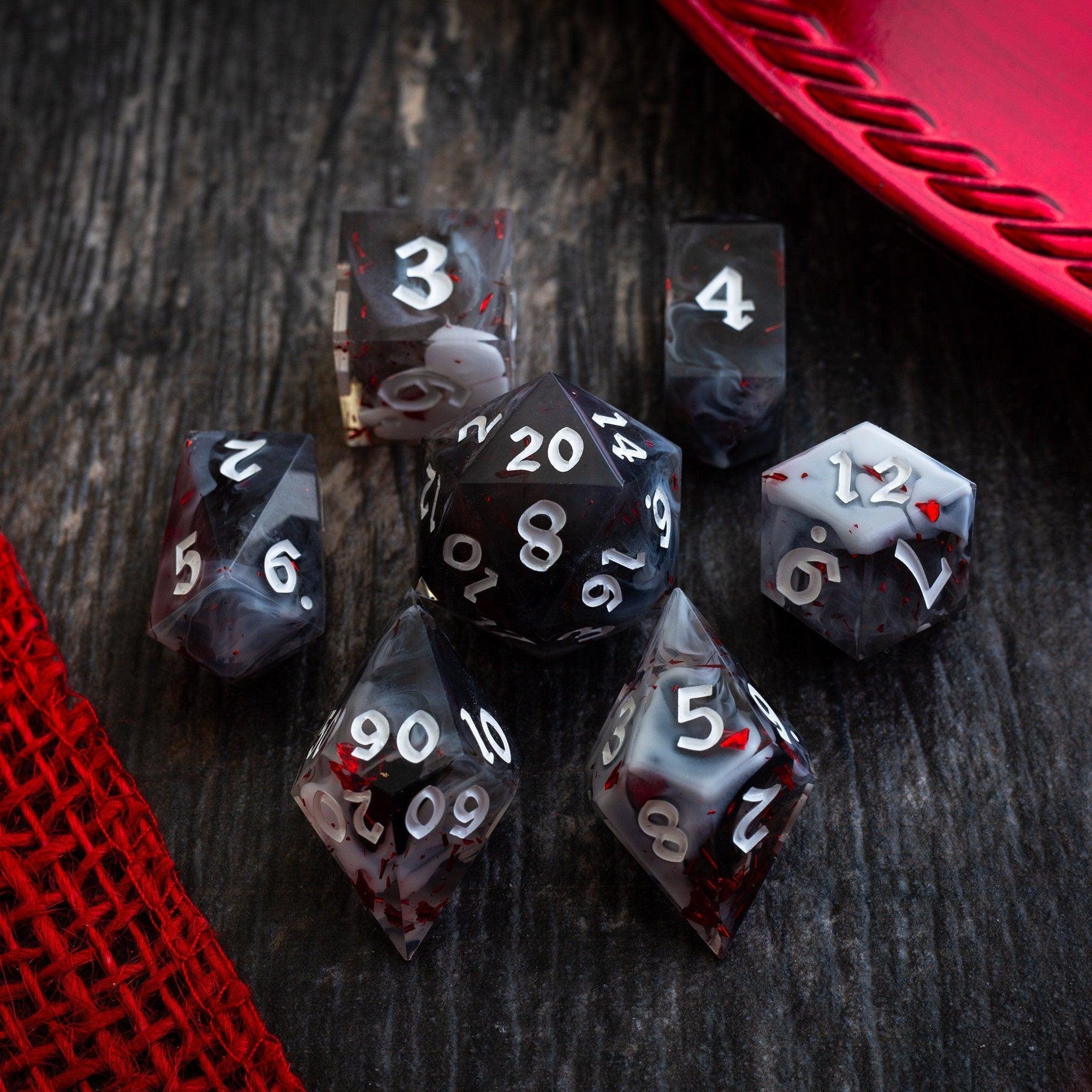
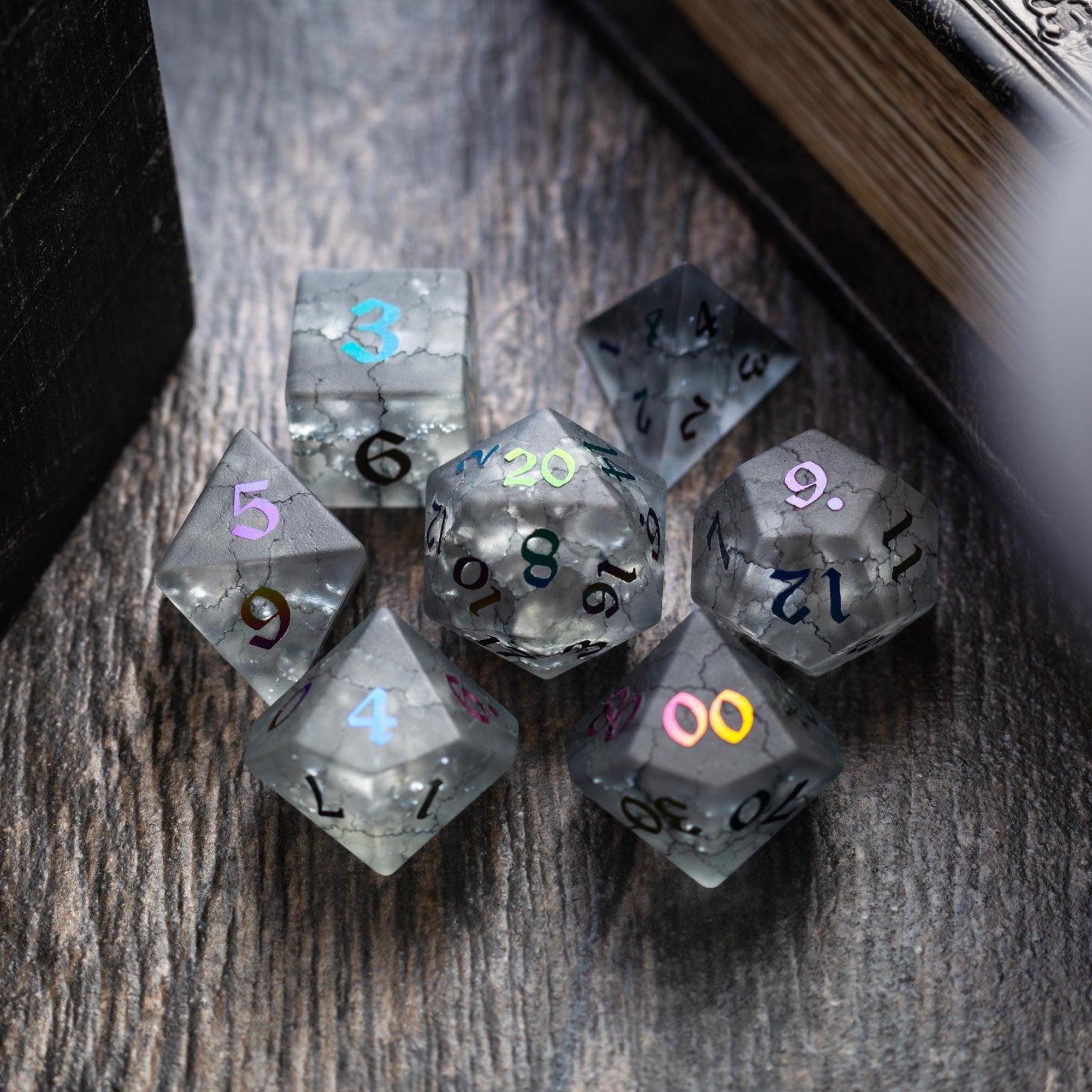
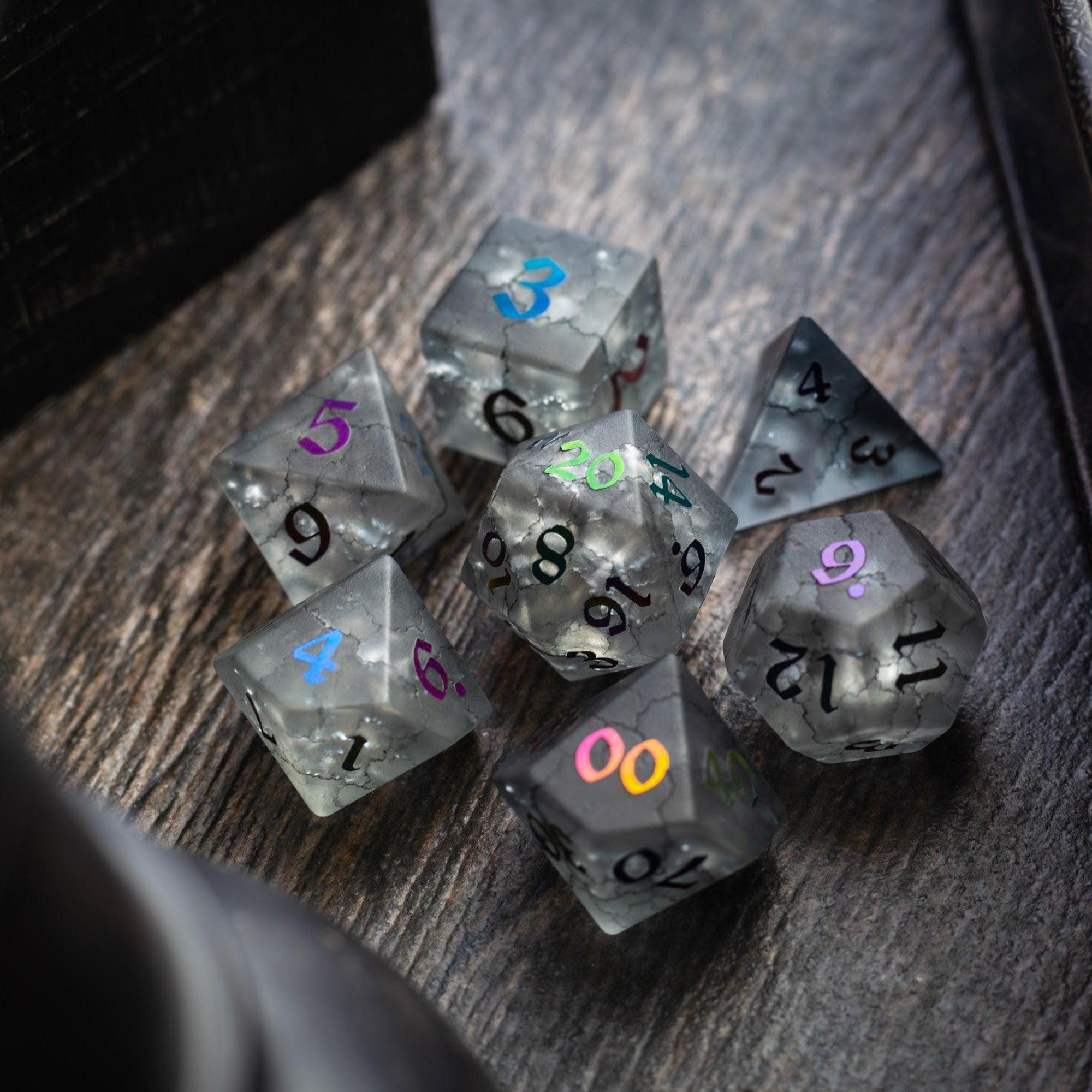
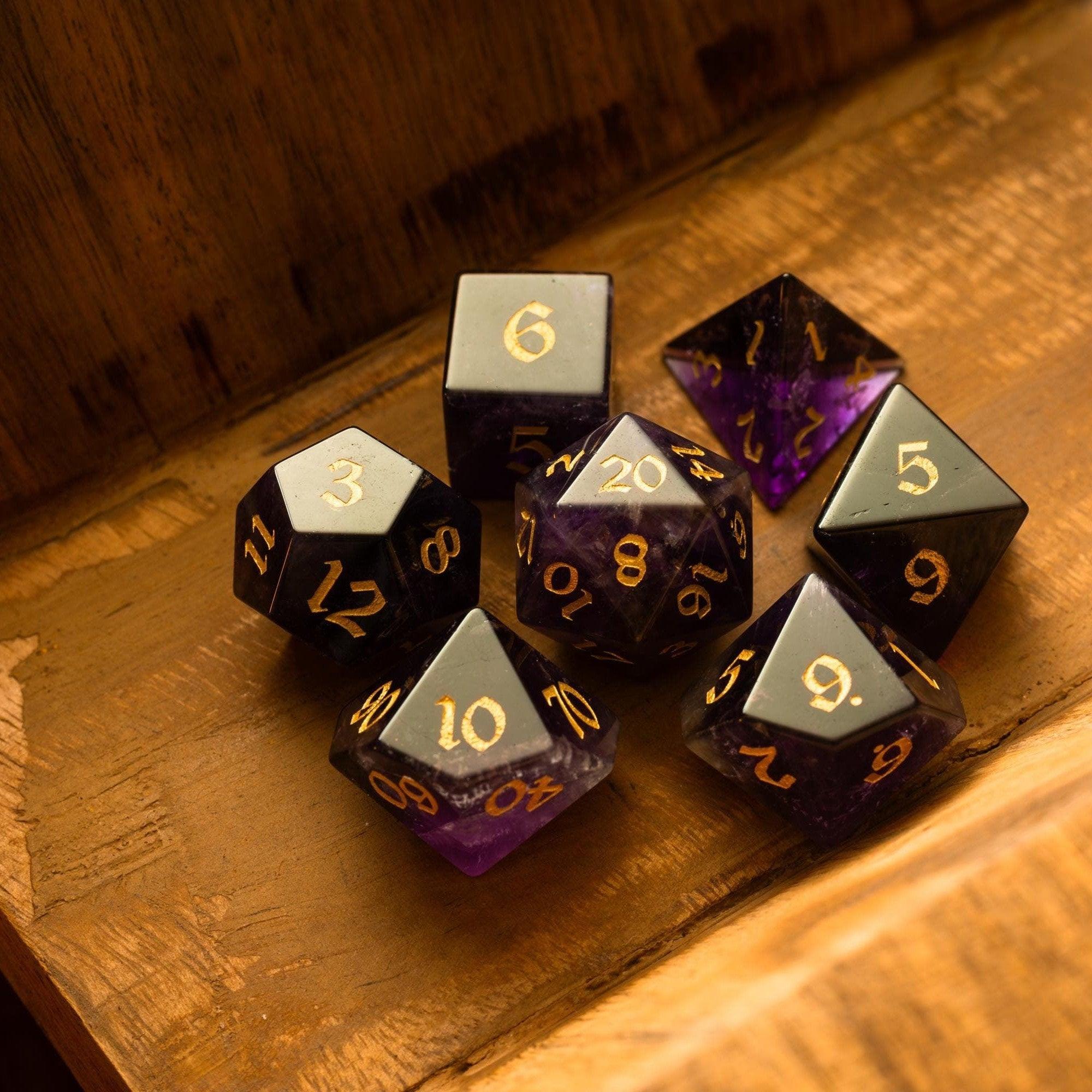
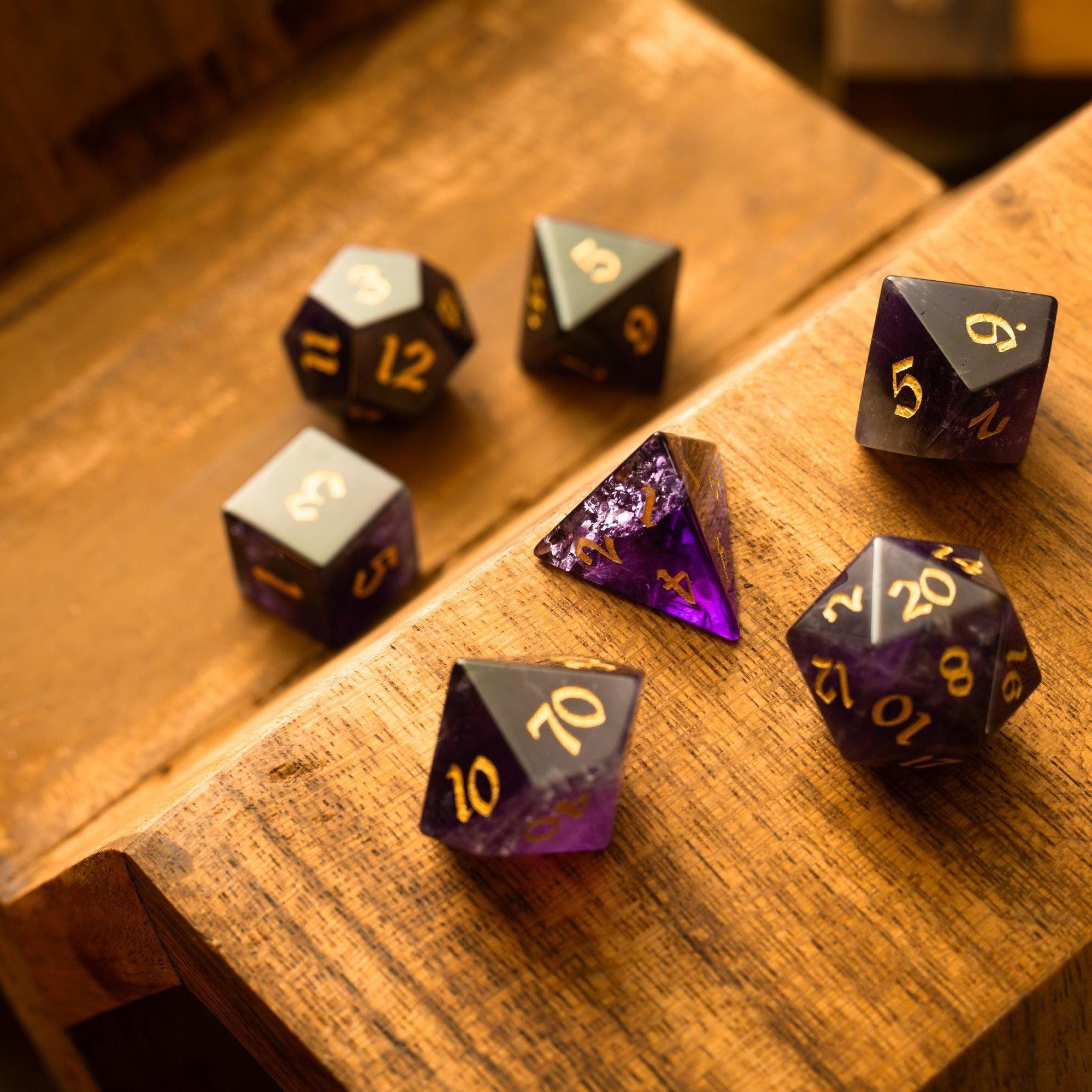
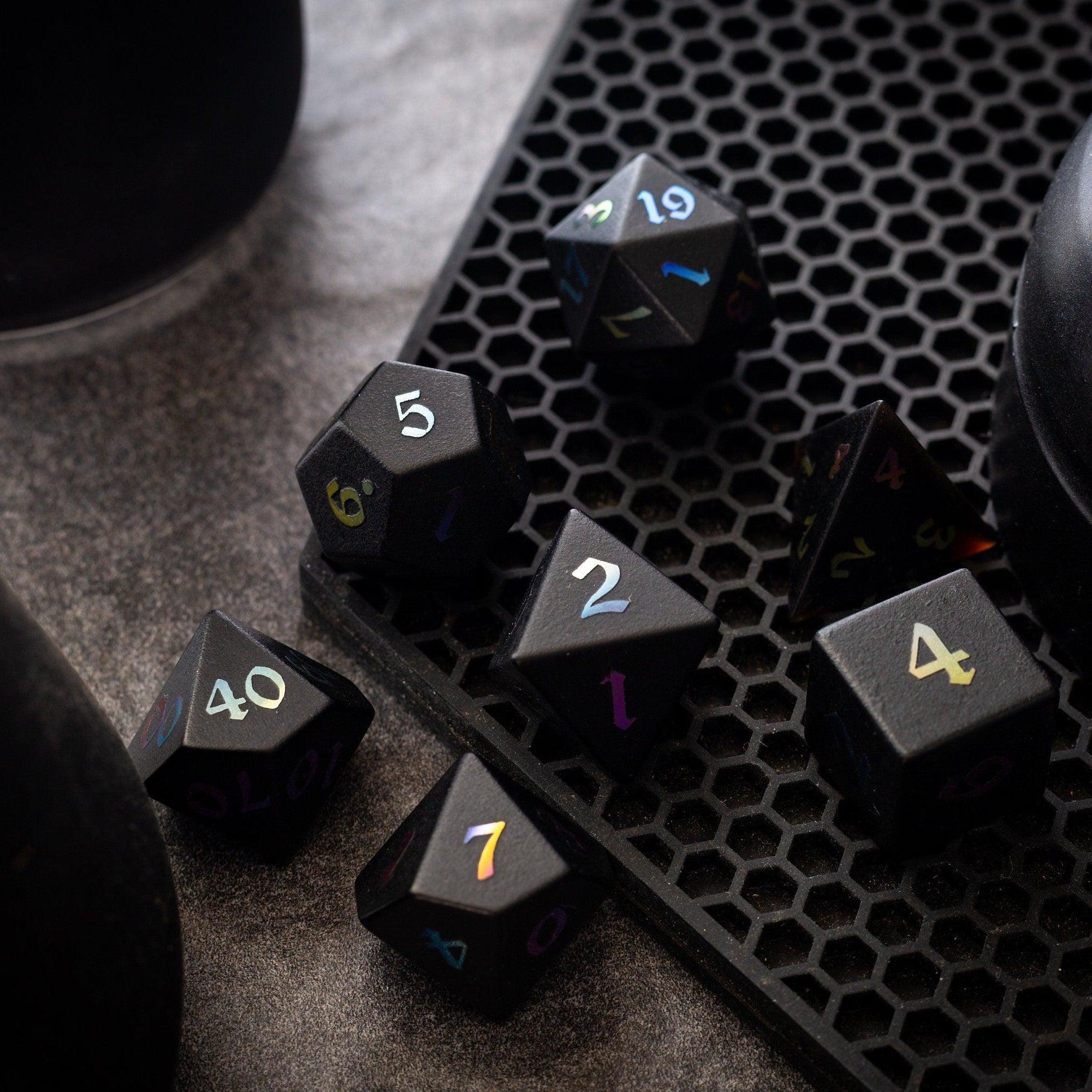
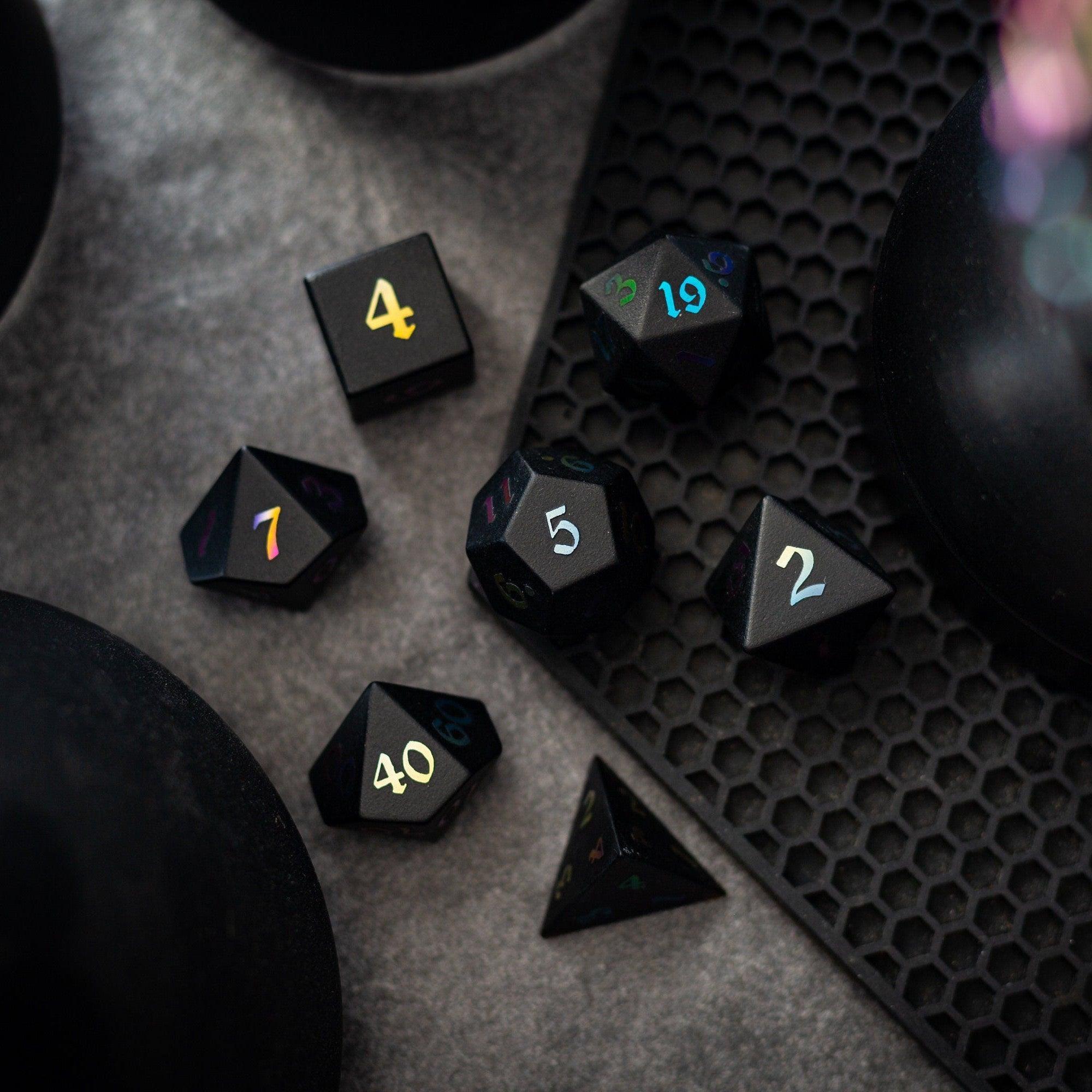
- Blend digital with physical: Track notes in the app and roll real dice for tactile joy. If you love statement pieces on the table, check out gemstone dice or eye-catching liquid core dice to add personality to your setup.
Did You Know?
- Second-screen tools can shorten downtime between turns by getting you to answers faster.
- Organized teams tend to communicate more clearly and tilt less during tough moments.
- Lightweight note-taking beats massive databanks in most real play scenarios.
- Color coding speeds recall—assign colors to roles, regions, or item tiers.
- Physical table gear still matters; a beautiful set of dice can keep your group engaged and focused. For bold color with clarity, consider the dwarf-cut green glass set.
Expert Tips
- Start with one use case. For example, “This week I’ll track builds only.” Add more later.
- Create reusable templates (loadouts, session notes, or NPC profiles) to save time every run.
- Assign a team role: one person tracks timers, another captures key decisions, a third logs loot.
- Use short names: “Fire AoE v2” is faster to spot than “Build: Fire Mage Area Damage v2.”
- Pin a “Today” board: three items you will actually do—ignore everything else during play.
- Declutter weekly. Archive old events and retire obsolete builds to keep your view clean.
- Match your app theme to your table gear for vibe and clarity. Browse new arrivals to spark ideas for your setup.
- Take pictures of map sketches and link them to your notes for quick reference.
Personal Anecdote
I used to run co-op nights with a spiral notebook and a pile of sticky notes. It worked—until we hit a long raid where timers, route notes, and gear checks piled up at once. Mid-run, I swapped to a simple second-screen system: one page for timers, one for builds, one for boss notes. I pinned the three most important items and set soft alerts. The change was immediate. I didn’t talk less—I talked clearer. Our group cut down on repeat questions, and we finished the night with energy left. The best part? We had more space for the stuff we actually enjoyed: big plays, clever strategies, and a few victory photos. Now, even for tabletop nights, I keep a clean digital note set and pair it with a favorite physical set like a liquid-core or a bright glass set—practical meets personal style.
Summary & Takeaways
Second-screen tools shine when they remove friction. Start small, set up a simple structure, and keep only what helps you act faster. Use clear names, short lists, and light notifications. Share a single team space if you play co-op and keep your prep separate from play. With the right habits—and a few personal touches like a distinctive set from new arrivals—a mobile companion app for gaming becomes a quiet edge you barely notice, until you realize how much smoother your sessions feel.
Q&A
Do I need a high-end phone?
No. Most second-screen tools focus on notes, checklists, and timers, which run well on modest devices. Prioritize apps that work offline and load quickly. If storage is tight, export archives and keep only current sessions on your phone. You’ll feel the biggest gains from smart structure and good habits—not from raw hardware. A simple setup that opens fast will beat a heavy, slow app every time.
Is a companion app safe to use?
Stick to reputable tools and avoid anything that overlays the game or automates gameplay. Keep your app focused on information and organization—notes, builds, timers, maps, and team coordination. Respect each game’s rules and your group’s preferences. If a feature feels intrusive, turn it off. The goal is to support play, not interfere with it.
How do I keep my focus during play?
Pin your top three items, silence everything else, and use short, quiet alerts only when essential. Keep your phone on a stand so you can glance without breaking flow. If you’re at a physical table, let the app handle notes and timing while your hands enjoy the tactile side—roll a signature set like liquid-core or glass for a satisfying rhythm and look. If you want a striking piece for the table, the liquid core dice category and the dwarf-cut green glass set are great places to start.
Disclaimer: This article shares general information and personal experience for hobby use. It doesn’t endorse specific apps or guarantee outcomes. Always follow your game’s rules and your group’s preferences.


Leave a comment
This site is protected by hCaptcha and the hCaptcha Privacy Policy and Terms of Service apply.