

Mastering Initiative Tracker for RPGs: Streamline Campaigns
Updated on: 2025-11-26
- Why an initiative tracker for RPG improves speed and fairness
- Key benefits of an RPG initiative tracker for smooth sessions
- Types of RPG initiative trackers: digital, analog, and hybrid
- What features should an RPG initiative tracker include for smooth combat?
- Step-by-step: how to use an initiative tracker in RPG combat
- Pro tips for a reliable turn order tracker at any table
- Common mistakes when using a combat tracker and how to fix them
- Quick buying guide: choosing the right initiative tracker for RPGs
- FAQ: initiative tracker for RPGs — answers to common questions

Why an initiative tracker for RPG improves speed and fairness
When combat starts, clarity is everything. An initiative tracker for RPG play lays out the turn order so players know exactly who’s up next and how long they have to plan. That single change reduces table talk, keeps momentum, and prevents missed turns. Whether you’re a veteran Game Master or running your first dungeon crawl, an RPG initiative tracker removes the mental overhead of juggling names, modifiers, and conditions, so you can focus on drama and tactics. It also ensures fairness by making the sequence visible to everyone—no accidental skips or forgotten NPCs.
You can run a tracker with index cards, a whiteboard, or a dedicated app. The best option is the one you’ll use consistently. If you’re already comfortable with a combat tracker in your VTT, great; if not, a simple analog list or magnet board works beautifully. The goal is always the same: consistent, transparent turn order with minimal friction.
Key benefits of an RPG initiative tracker for smooth sessions
- Faster rounds: A clear turn order tracker means less time asking, “Who’s next?”
- Fewer errors: Track conditions, delays, and legendary actions without losing the sequence.
- Fair visibility: Everyone sees the order—players and GM—so expectations are aligned.
- Better pacing: Shorter downtime keeps players engaged and thinking tactically.
- Easier GM focus: Free your brain for narration, terrain, and creature tactics.
Types of RPG initiative trackers: digital, analog, and hybrid
There’s no single “best initiative tracker for tabletop RPGs”—the right tool depends on your group and style. Here’s a quick breakdown:
Digital trackers
Apps and VTT modules act as a turn order tracker and combat tracker in one. They sort automatically, apply modifiers, and sometimes track conditions and HP. This is great for online or tech-forward groups. The trade-off is screen time, which can reduce eye contact and table energy.
Analog trackers
Index cards over a GM screen, magnets on a board, or tent cards with initiative numbers. They’re tactile, visible, and flexible—perfect for in-person tables. They also play nicely with physical accessories like dice towers and status rings. If you love the feel of physical dice, analog tracking often fits the vibe. Consider pairing your tracker with curated sets from the collections you enjoy using at the table.
Hybrid trackers
Use a digital tool for sorting and conditions, then mirror the order on a visible whiteboard or card line for players. You get speed plus visibility—ideal for larger parties or boss fights with minions.
What features should an RPG initiative tracker include for smooth combat?
If you’re shopping or building your own system, look for these must-haves:
- Fast data entry: Entering a name and number should take seconds.
- Sortable order: Automatic sorting by initiative score saves time.
- Tie-breakers: Support for modifiers or rules for ties keeps it fair.
- Reordering tools: Drag-and-drop or easy card shuffling for delays and ready actions.
- Condition notes: A place to mark stunned, prone, concentration, and other states.
- Visibility: Players should see “who’s now” and “who’s next” at a glance.
- Durability: For analog tools, sturdy cards and clear labels matter.
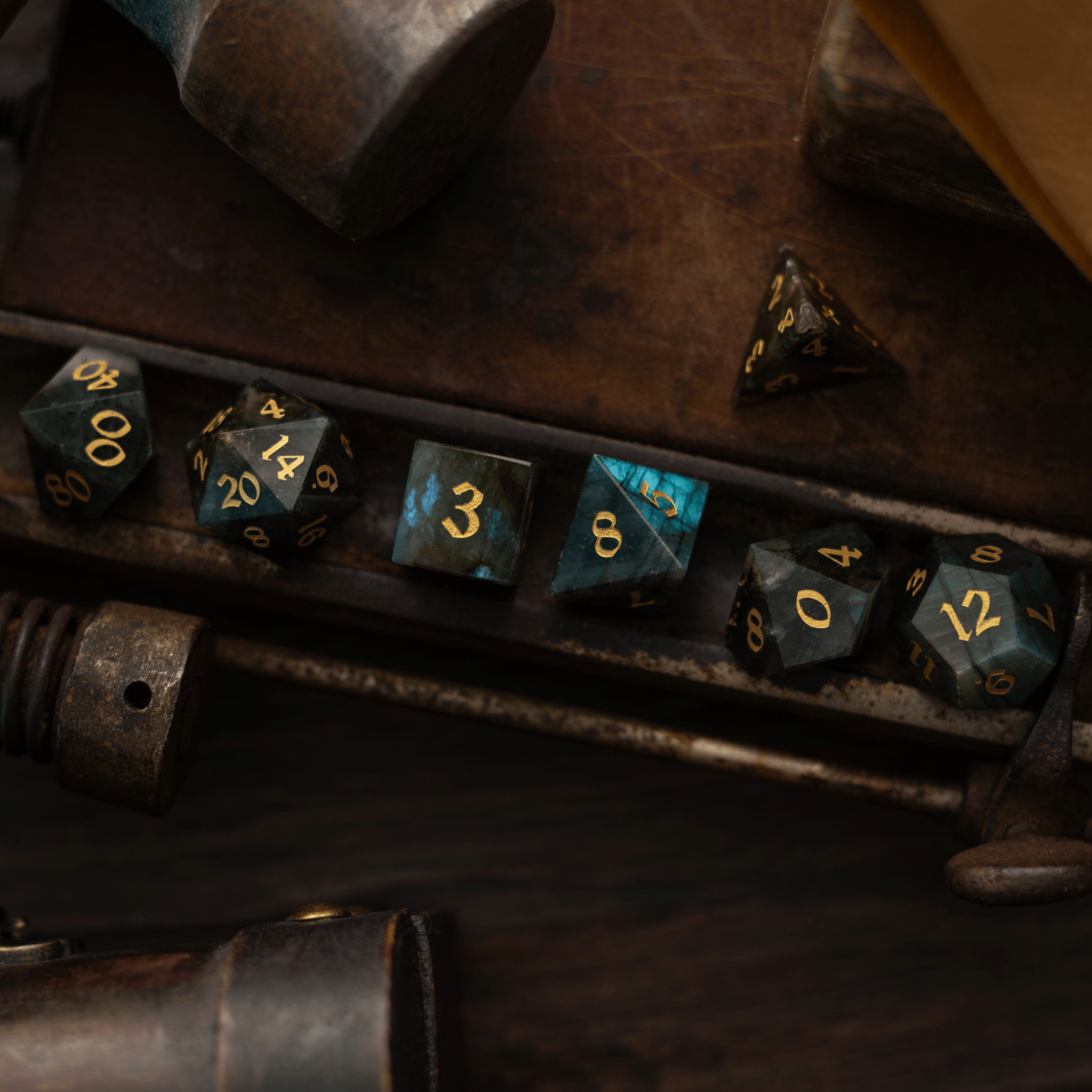
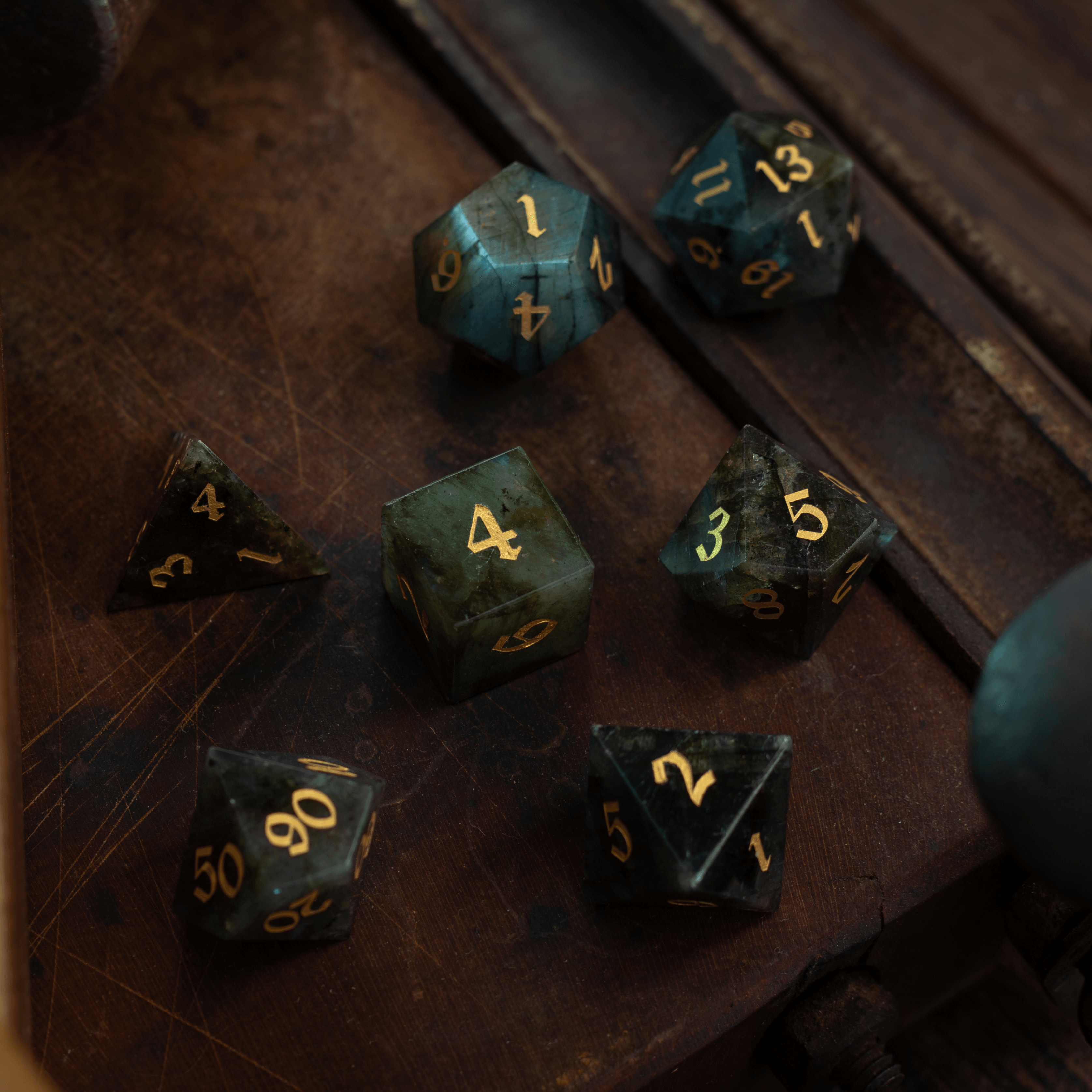
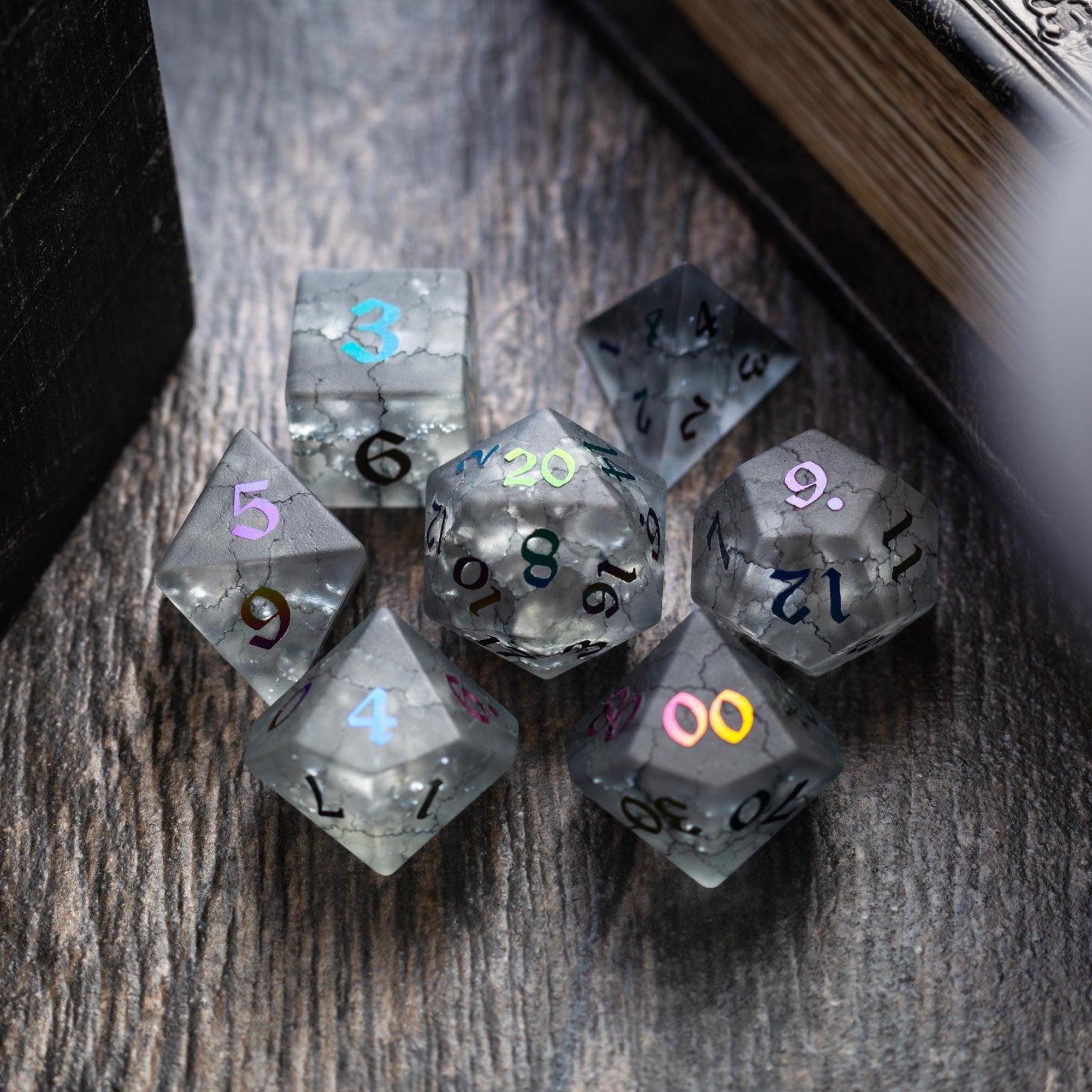
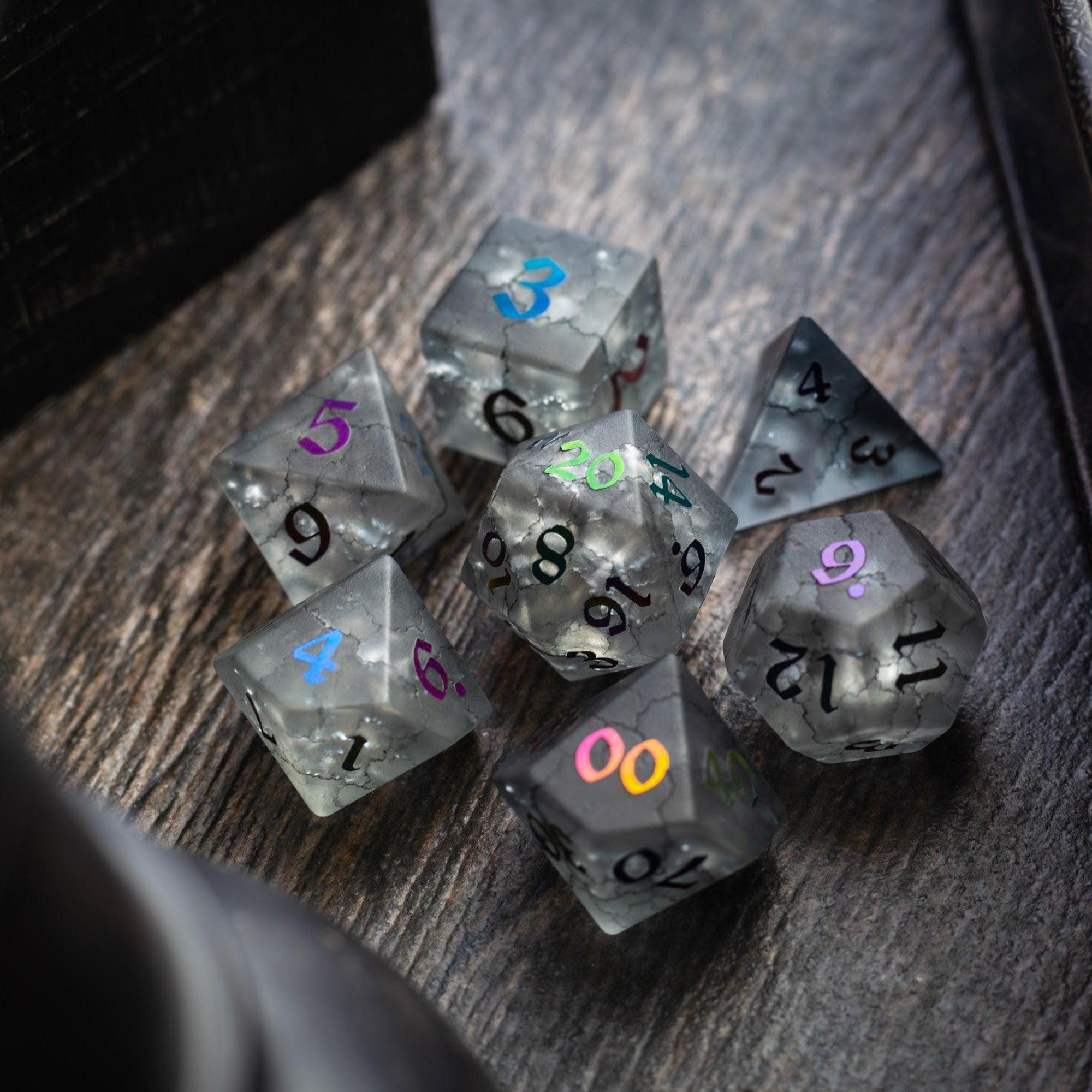
If you love tactile play, pair your tracker with dice that feel special at the table—like labradorite dice or a dramatic roll using liquid core dice. The small ritual of rolling on your turn, watching the tracker advance, then seeing your name come up adds to the drama.
Step-by-step: how to use an initiative tracker in RPG combat
Wondering how to use an initiative tracker in RPG combat without slowing down? Try this simple flow you can run every session.
Step 1: Collect initiative rolls fast
Ask players to roll at the start of combat and call out both the total and their initiative bonus. If you’re using analog cards, write the character name and number on each card. If digital, type names and totals as they call them out. Roll for NPCs as a group when practical—“Bandits act on 14”—to shrink the list.
Step 2: Build a clear turn order tracker
Sort the list from highest to lowest. Place the list where everyone can see it. If you’re using cards, clip them over your screen from left to right; if you’re using a board, list vertically with a marker next to the active creature. Label round numbers to prevent confusion about resets.
Step 3: Run rounds cleanly with visible status
Announce the active turn, then the “on deck” player. This heads-up keeps turns snappy. When conditions appear—grappled, blinded, concentration—mark them next to the name. A clean combat tracker shows both order and state, so fewer details slip through the cracks.
Step 4: Handle ties, delays, and reactions
Use your game’s tie-break rules (often higher dex or a roll-off). If someone delays or readies, move their card or reorder them digitally to the proper spot. Keep the tracker truthful to declared actions—if a player readies, note the trigger and reposition them when it resolves.
Step 5: Update between rounds and wrap up
At the top of a new round, move your marker back to the start of the list. Remove expired effects and decrement durations. When combat ends, archive the order if you expect a follow-up chase or social scene where order still matters, then clear it to avoid clutter.

Pro tips for a reliable turn order tracker at any table
- Batch NPCs: Combine similar creatures into one initiative number to reduce clutter.
- Use color-coding: Friendly, neutral, hostile—color helps with quick parsing.
- Prep reusable tokens: Reusable cards or magnets with names save time session to session.
- Give a “10-second warning”: Prompt the on-deck player to plan, keeping rounds tight.
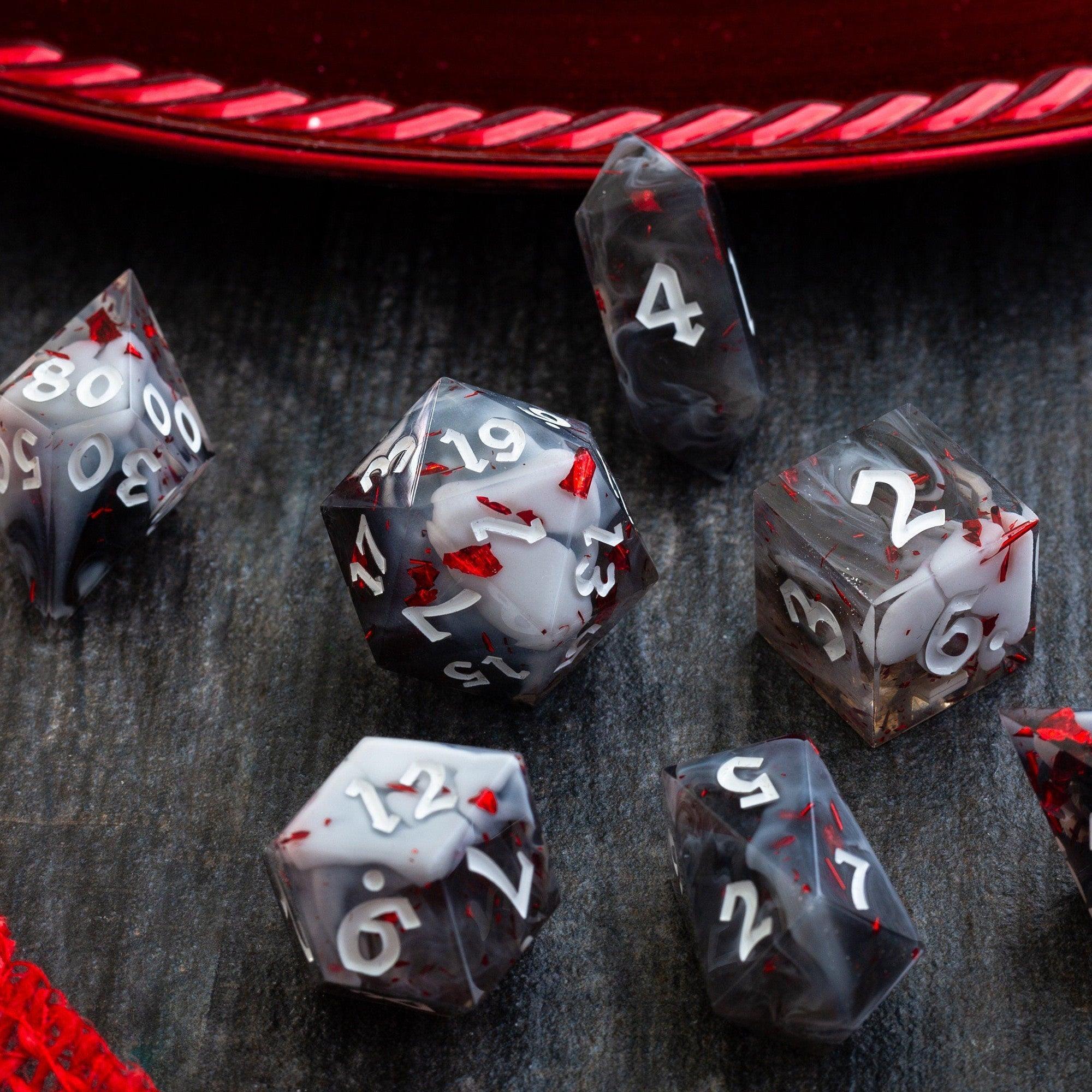
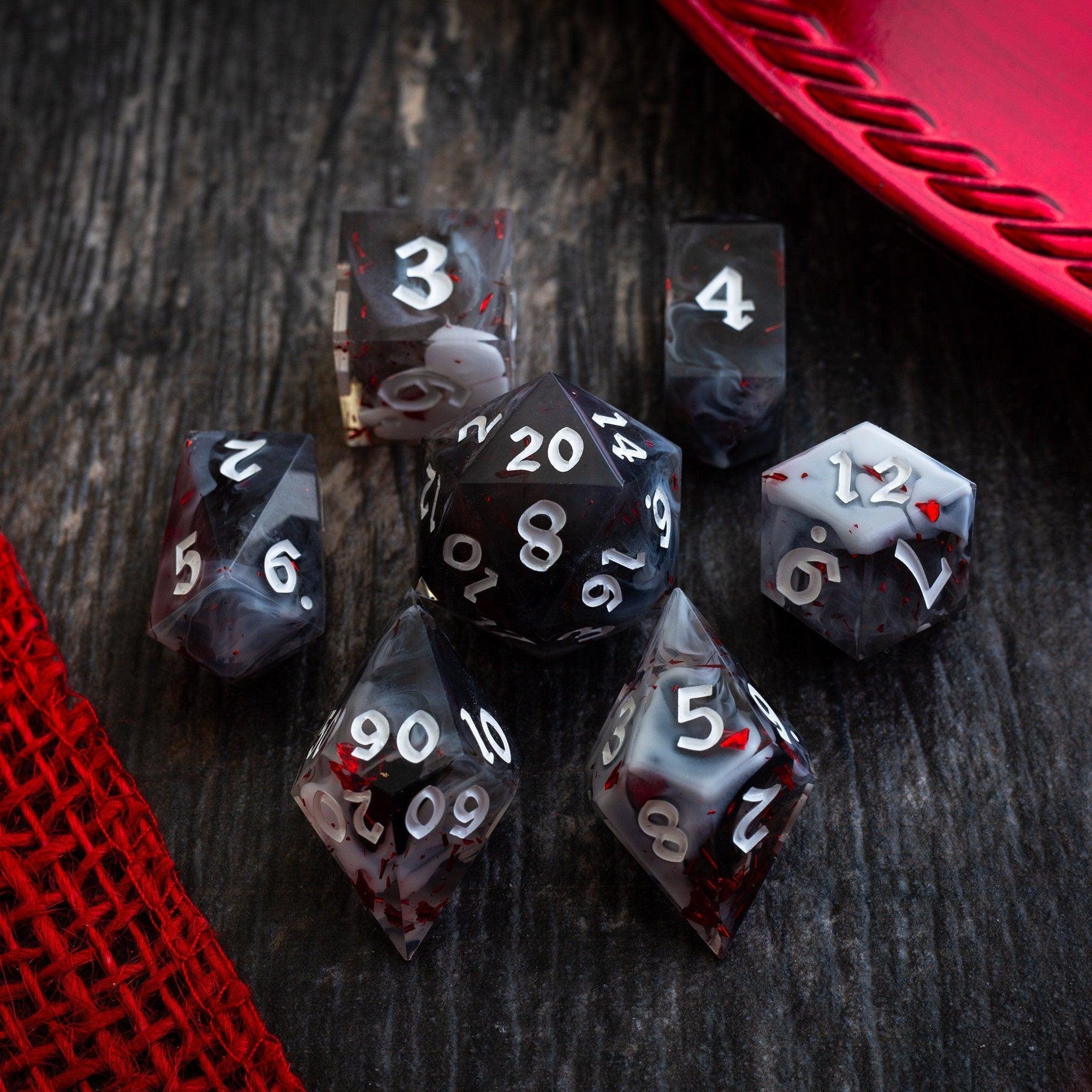
- Roll with style: A dramatic die roll can set the tone. Try a bold set like the Starlit Rift set to make initiations feel momentous.
Common mistakes when using a combat tracker and how to fix them
- Too much detail: Don’t track HP on the initiative line. Keep it to order and statuses; store HP elsewhere.
- Hidden order: If only the GM can see the list, players will ask repeatedly. Make it visible.
- Over-splitting NPCs: Giving every minion a separate initiative number slows the round. Group when reasonable.
- Forgetting durations: Add a small note like “Web: 2 rounds left” next to the caster’s name to keep effects honest.
- Ignoring reactions: Note reaction-heavy creatures to remind yourself when opportunities occur.
Quick buying guide: choosing the right initiative tracker for RPGs
Here’s a simple way to pick a tool you’ll actually use:
- If you play online: Go digital. Use your VTT’s built-in tool or a lightweight app that supports sorting and notes.
- If you play in person: Use cards or a magnetic board. It’s fast, visible, and doesn’t add screens.
- If you run big set pieces: A hybrid approach—digital for data, analog for visibility—often feels best.
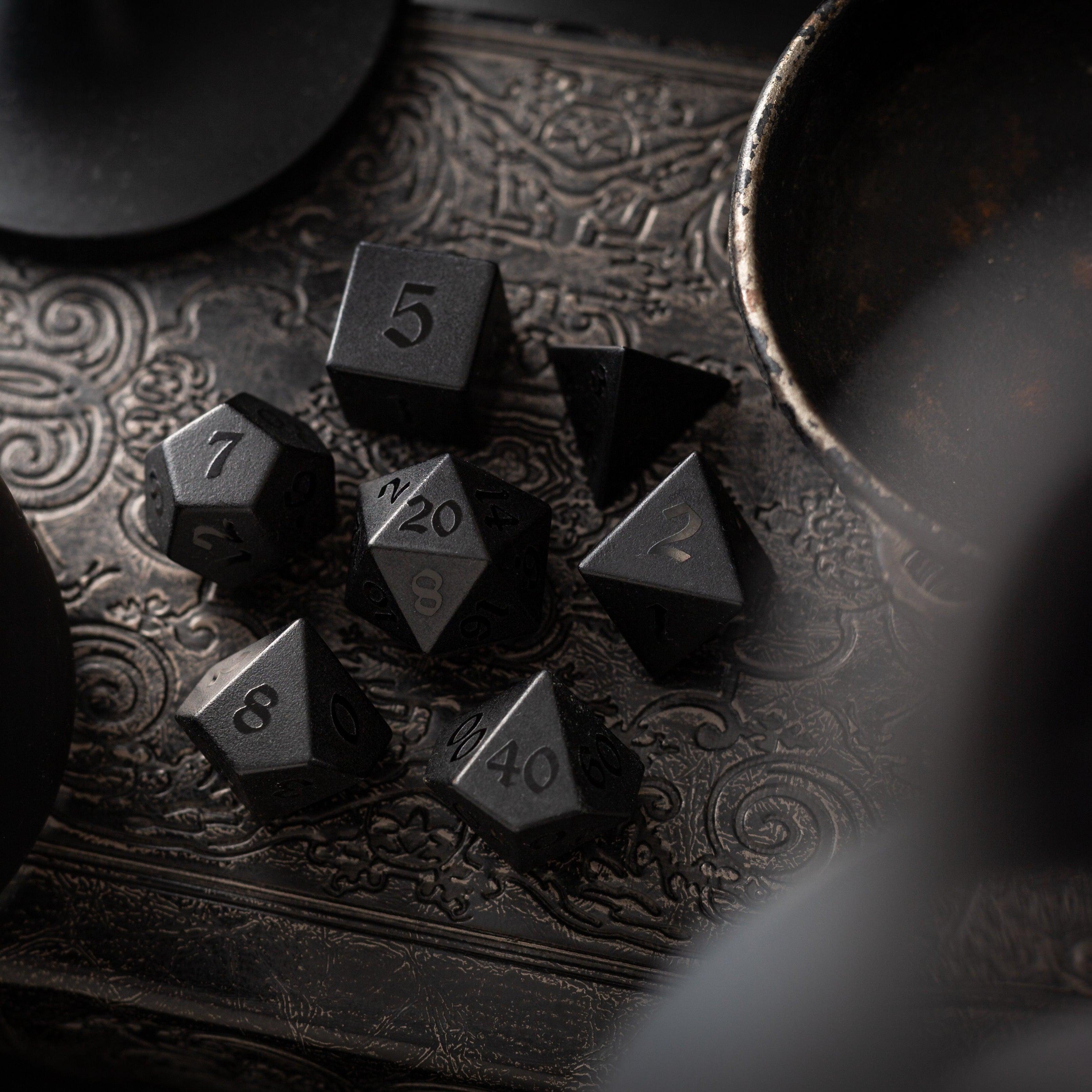
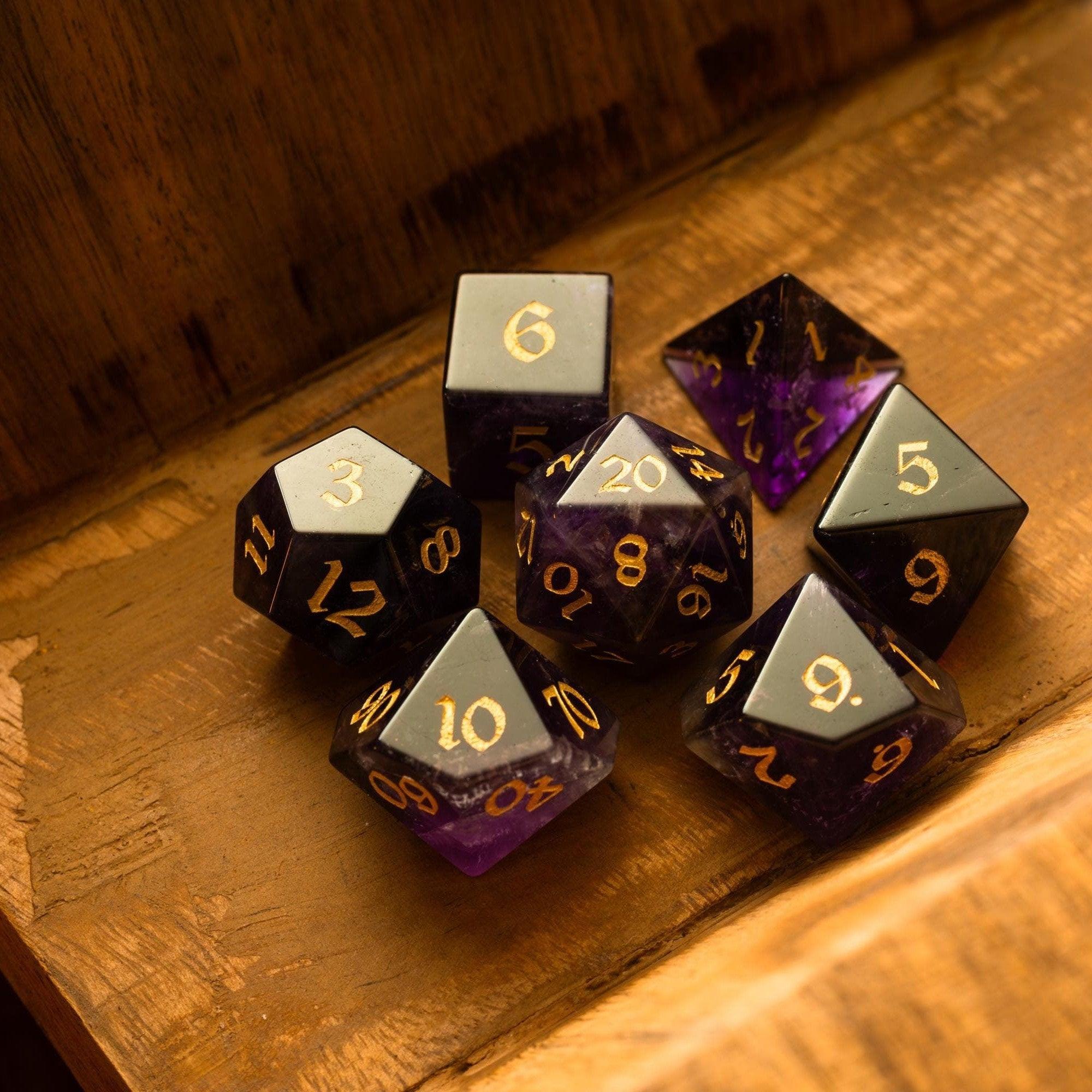
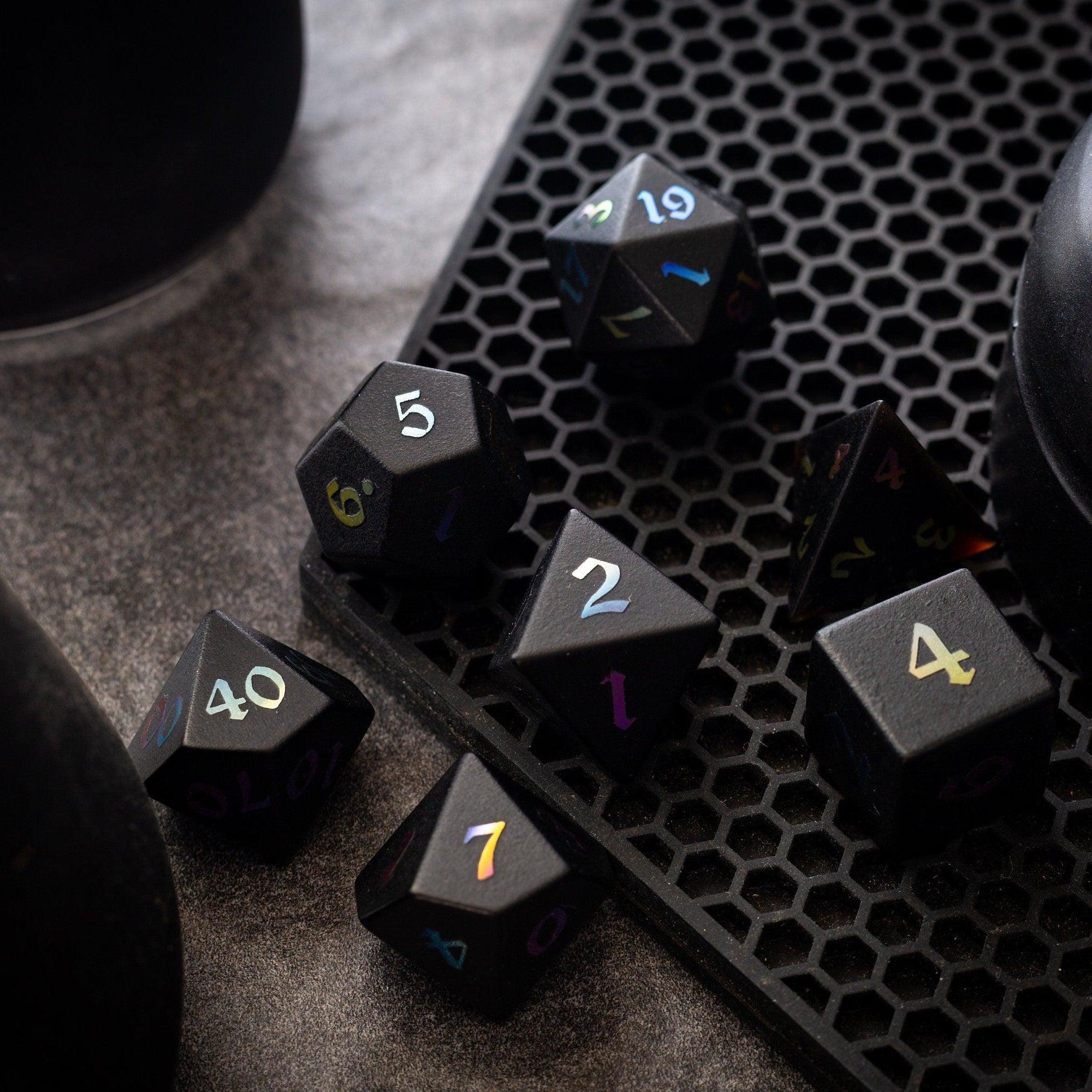
For tactile immersion, anchor your system with dice that fit your table’s vibe. A moody set like Black Night Obsidian paired with a visible tracker turns every initiative roll into a moment. And for towering suspense, a sturdy dice tower keeps rolls fair and front-and-center.
Ultimately, the best initiative tracker for tabletop RPGs is the one you use every single session. It should be simple, durable, and visible enough that it fades into the background while your story takes the spotlight.
FAQ: initiative tracker for RPGs, answers to common questions
What is an initiative tracker in RPGs and how does it work?
An initiative tracker is a tool that lists turn order during combat, usually sorted by initiative rolls. It can be a digital app, a whiteboard, or a line of cards. Once sorted, you move a marker down the list, announce who’s on deck, and note conditions or delays as they happen. The result is consistent, fair sequencing with far fewer pauses.
Is a digital combat tracker better than index cards?
Neither is strictly better—they solve different problems. Digital trackers sort automatically and handle notes well, which is great for online games. Analog trackers shine at in-person tables because they’re visible and tactile. Many GMs use a hybrid: digital for speed, analog for visibility.
What features should an RPG initiative tracker include for smooth combat?
Fast entry, automatic sorting, clear tie-break rules, easy reordering for delays/readied actions, condition notes, and full-table visibility. These features keep your turn order tracker accurate without slowing you down.
How do I keep combats from dragging even with a tracker?
Give on-deck prompts, batch NPCs, limit table chatter during turns, and track only what matters on the initiative line. Use short timers when appropriate, and keep status effects visible with simple labels.
Can I repurpose my initiative tracker for non-combat scenes?
Absolutely. Use it for chase sequences, tense negotiations (when timing matters), or skill challenges. The same clarity that speeds combat also helps structured scenes with multiple actors.









Leave a comment
This site is protected by hCaptcha and the hCaptcha Privacy Policy and Terms of Service apply.