
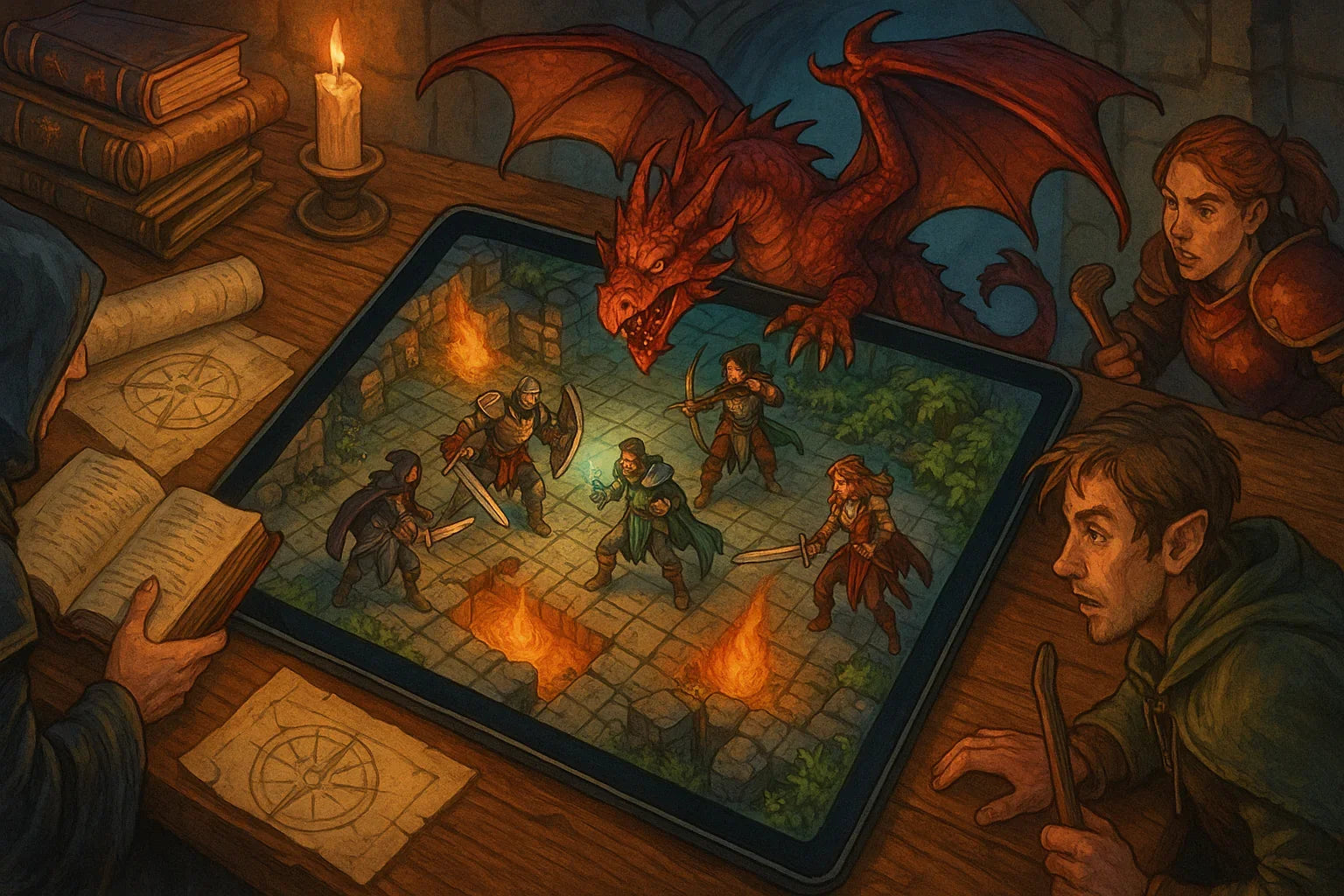
Immersive RPG Sessions with Virtual Map Assets for Play
Updated on: 2025-12-08
Want smoother game nights and maps that wow your table? This guide shows you how to pick digital map packs that load fast, look great, and work on your VTT. You’ll learn common pitfalls to avoid, a step-by-step buyer’s checklist, and answers to quick questions. By the end, you’ll feel confident choosing the right files, resolutions, and formats for your campaign.

If you’ve ever paused mid-session because a map loaded slowly, looked blurry, or didn’t match your tokens, you’re not alone. Picking the right virtual map assets for RPG sessions can feel like decoding a dozen tech choices at once. The good news: a few simple checks make all the difference. In this guide, we’ll cut through the noise. You’ll learn how to match resolutions to your table, avoid bloated files, and choose packs that fit your platform and style. Whether you run a long campaign or a quick one-shot, you’ll be set to keep the story flowing.
Common Mistakes
- Mismatched grid scale and PPI. If the image resolution doesn’t match your VTT’s grid, tokens won’t line up cleanly. Always confirm the pixels-per-grid-cell and map dimensions before you buy.
- Choosing huge files “just in case.” Oversized 4K or 8K maps can look great but may lag on older laptops or over slower connections. Right-size your assets to your table’s screens and bandwidth.
- Ignoring platform quirks. Some VTTs handle transparent PNGs better, others prefer JPEG for big backdrops. Buying the wrong format can cause artifacts or slow loads. Check file types in the product details.
- Clashing styles. Mixing painterly maps with ultra-realistic tokens or vice versa can be distracting. Keep a consistent aesthetic so characters and scenery feel like they belong together.
- Forgetting variations. One map without day/night, lit/unlit, or weather variants can limit replay value. Packs with multiple versions stretch your budget and change the mood fast.
- Too few modular pieces. A single static map is fine, but tiles, overlays, and props let you build new scenes on the fly. Modular assets = more sessions per dollar.
- Overlooking accessibility. Low contrast, muddy shadows, or red/green-heavy palettes can be hard to read. Clear labeling and good contrast help everyone see the action.
- Skipping license details. Personal use is standard, but streaming, recorded sessions, or commercial conversions can be restricted. Check the permitted uses to avoid surprises.
Buyer’s Checklist for virtual map assets for RPG sessions
- Confirm compatibility. Make sure the pack’s file types (PNG/JPEG/WebP) and sizes play nicely with your VTT.
- Match your grid. Look for exact pixel dimensions per cell or a clear grid/no-grid option that fits your setup.
- Pick the right resolution. For smaller screens and quick loads, moderate sizes work great. Save ultra-high-res for big displays.
- Look for variants. Day/night, weather, and furnished/unfurnished versions add flexibility and replay value.
- Choose modularity. Tiles, walls, doors, scatter props, and overlays let you remix scenes with minimal prep.
- Check style consistency. Match tokens, lighting, and color grading across your assets for a cohesive table feel.
- Read the license. Ensure personal use is covered. If you stream or post recordings, confirm that’s allowed.
- Mind performance. Seek compressed options or alternatives for players on older hardware.
- Scan the pack contents. A helpful readme, labeled files, and organized folders save time before game night.
- Test a sample. If available, try a free preview map to verify grid fit and image clarity in your VTT.

FAQ Section
What resolution should I choose?
Pick a resolution that matches your table, not the biggest file you can find. If your players use laptops or tablets, mid-range images often look crisp and load quickly. Higher-res maps are great for large monitors or if you like to zoom in, but they can strain bandwidth. A good rule of thumb is to match the map’s pixel density to your VTT’s recommended grid size and scale. If you are unsure, start with the medium option in the pack and keep a high-res copy for close-up reveals.
Should I use grid or no-grid maps?
Use whichever makes alignment easiest in your VTT. No-grid maps offer full control and avoid double-gridding, which can look messy. Grid versions can save time if they match your platform’s scale. Many GMs buy packs that include both, then choose on a map-by-map basis. If your VTT can overlay a grid cleanly, no-grid plus a VTT grid is often the most flexible choice.
Can I use these maps in a streamed game?
Usually, yes for personal streaming, but check each pack’s license. Some creators allow streaming with credit, others require a separate license for monetized channels. Read the usage notes on the product page. When in doubt, contact the seller and keep a record of permissions. Being clear upfront protects your channel and supports the artists who fuel your sessions.
Wrap-Up & Final Thoughts
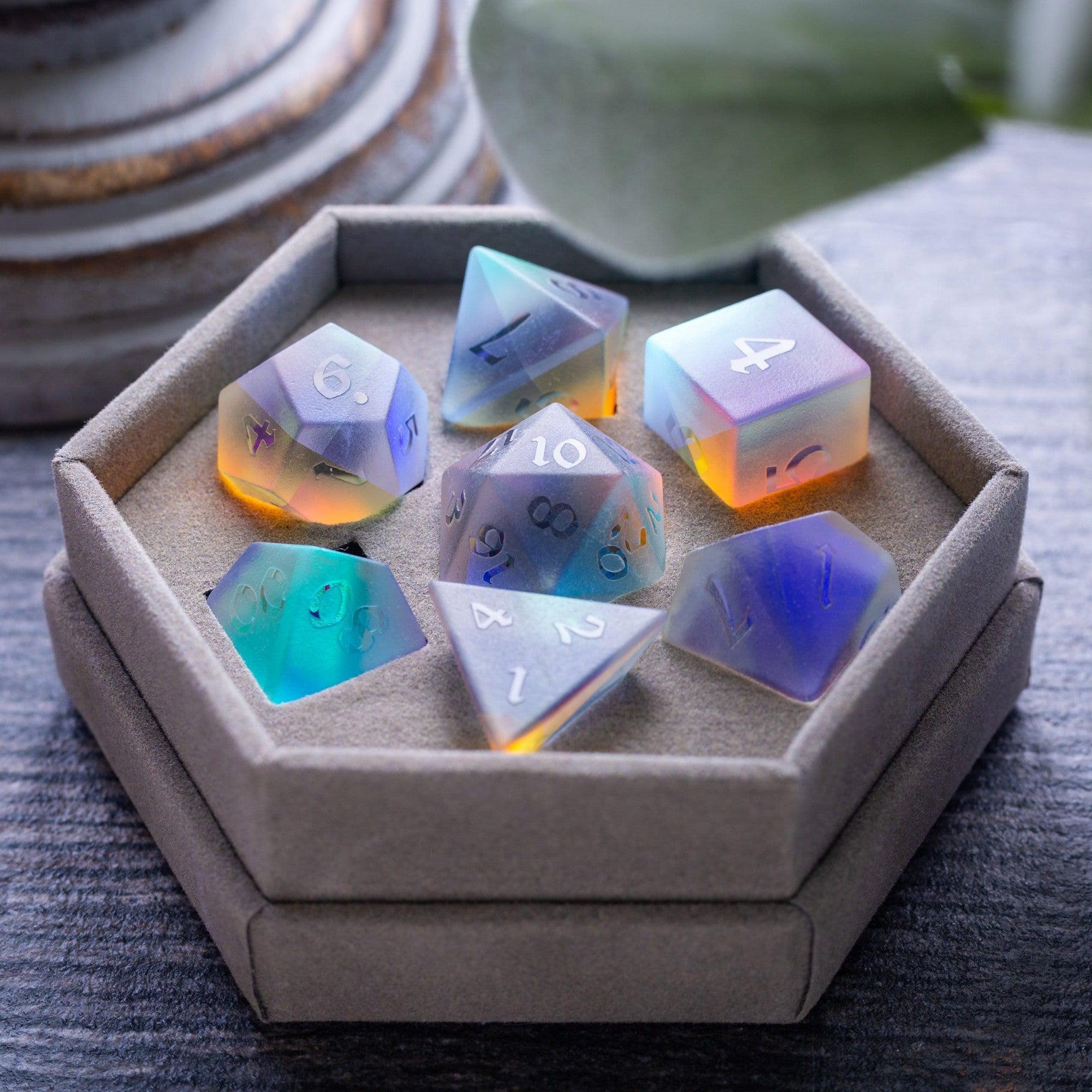
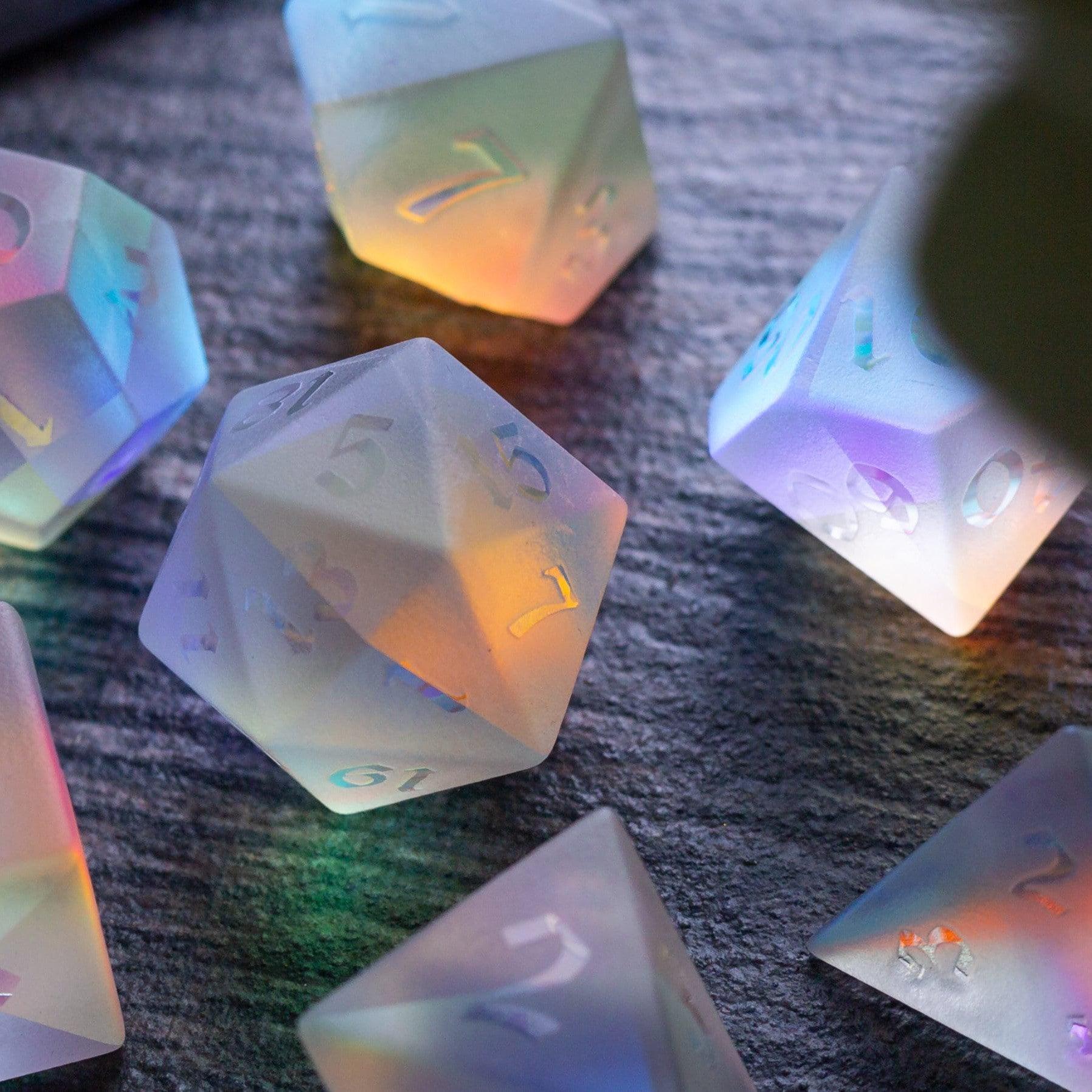
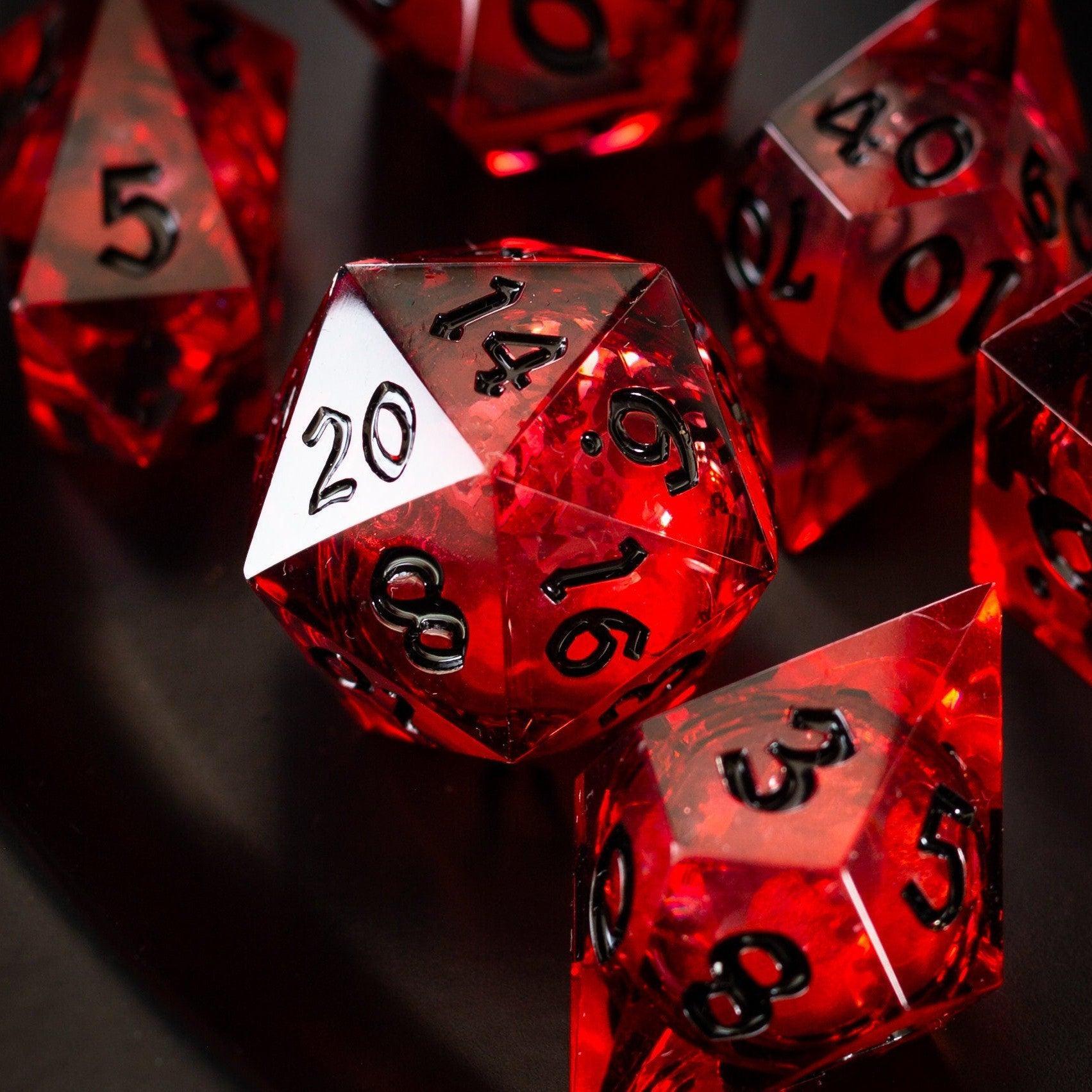
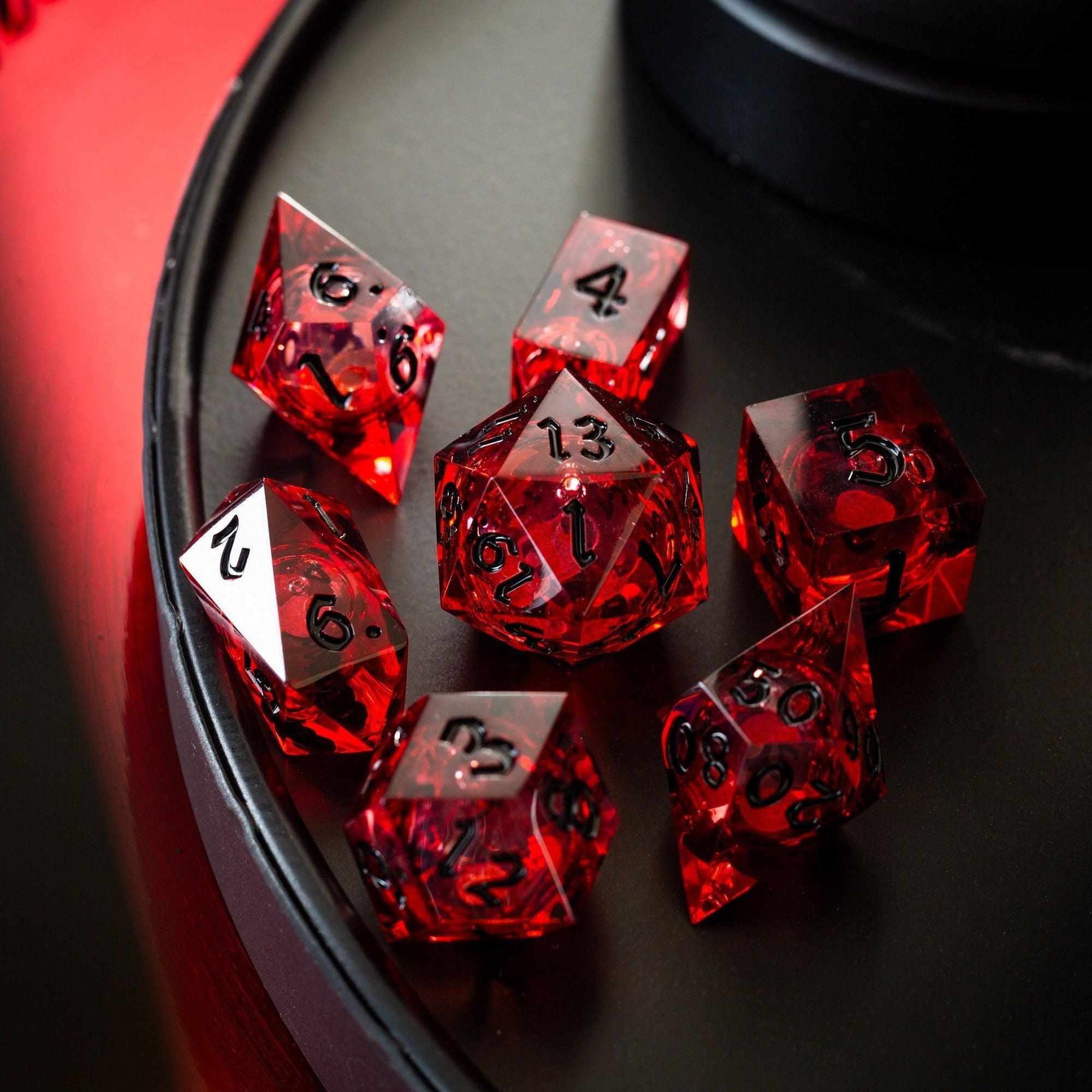
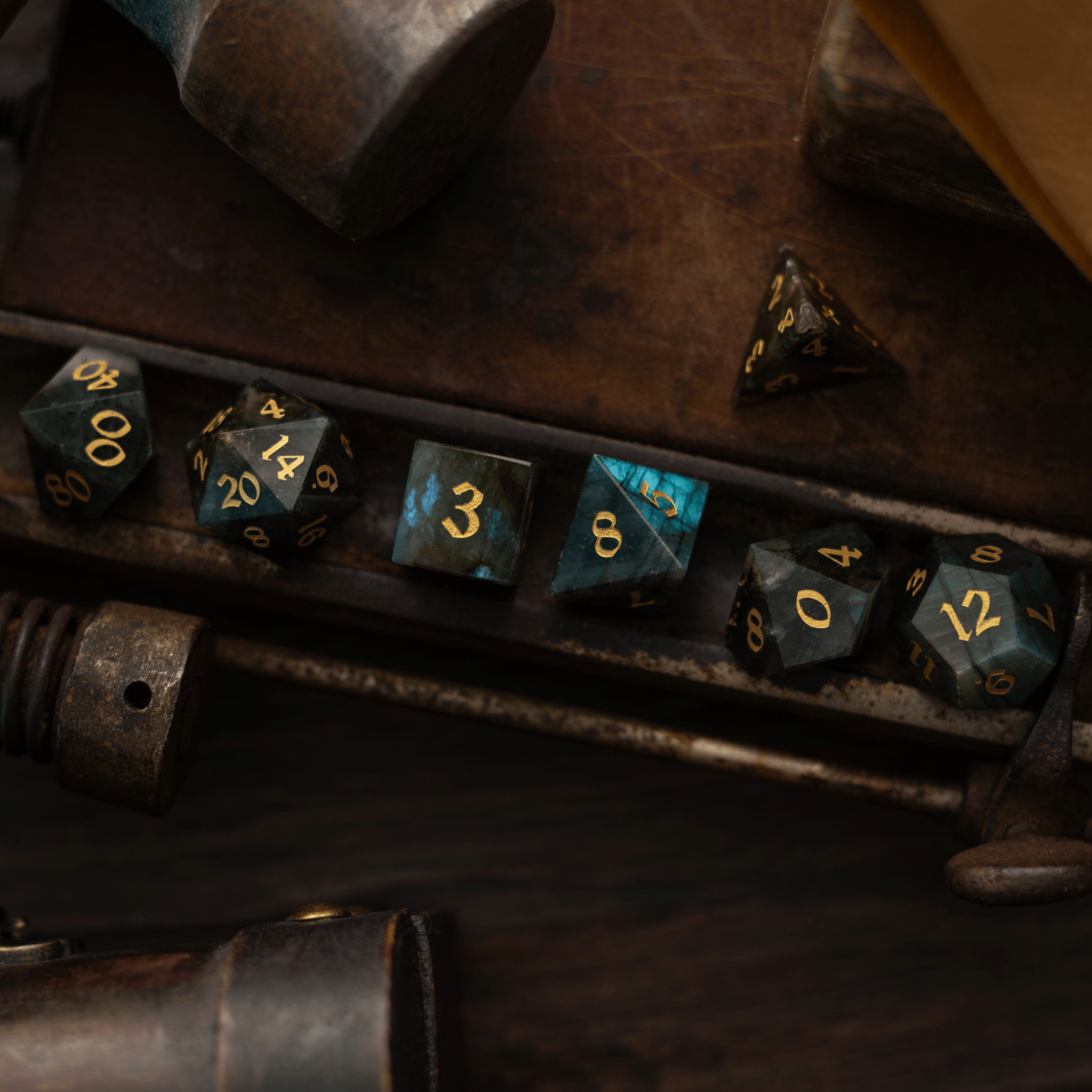
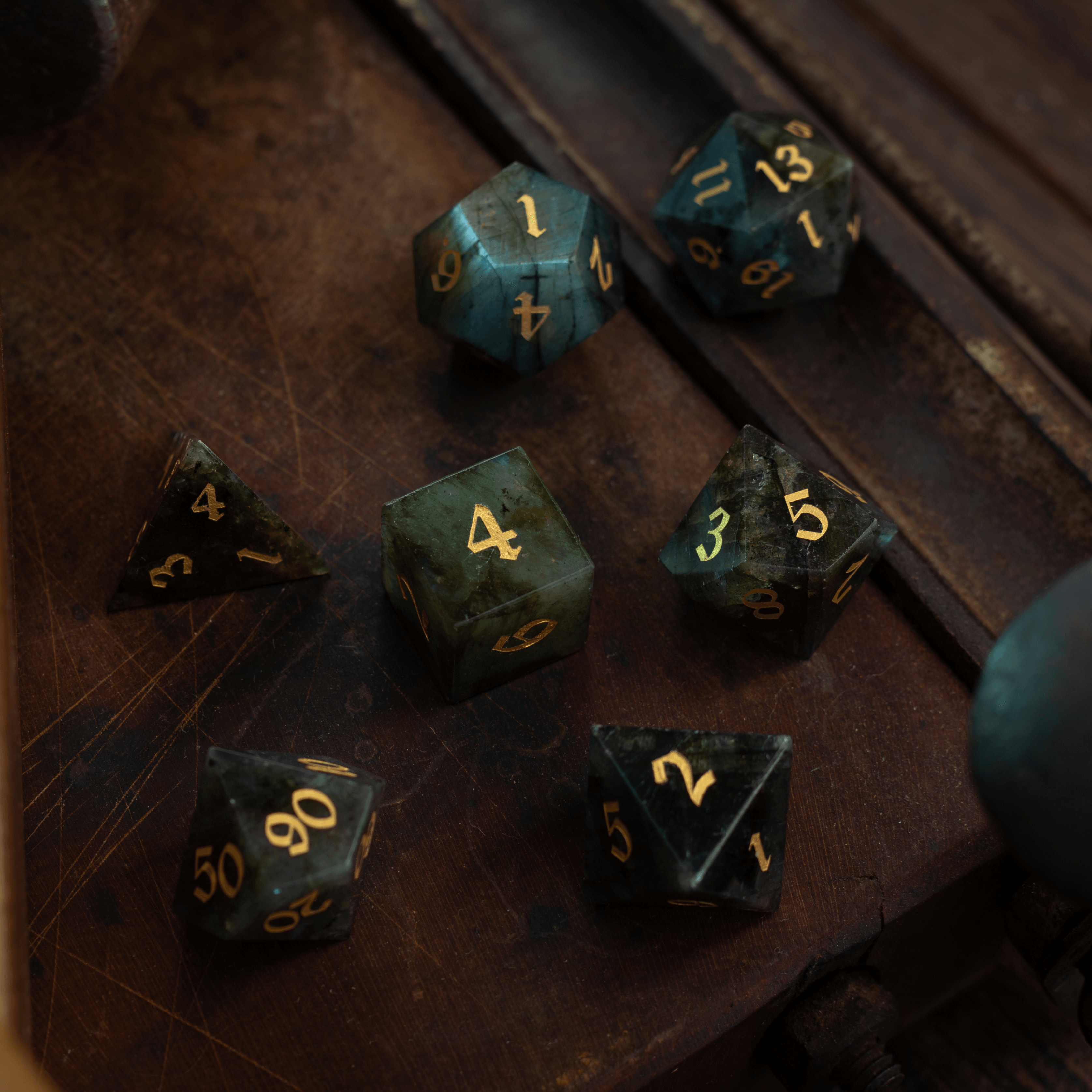
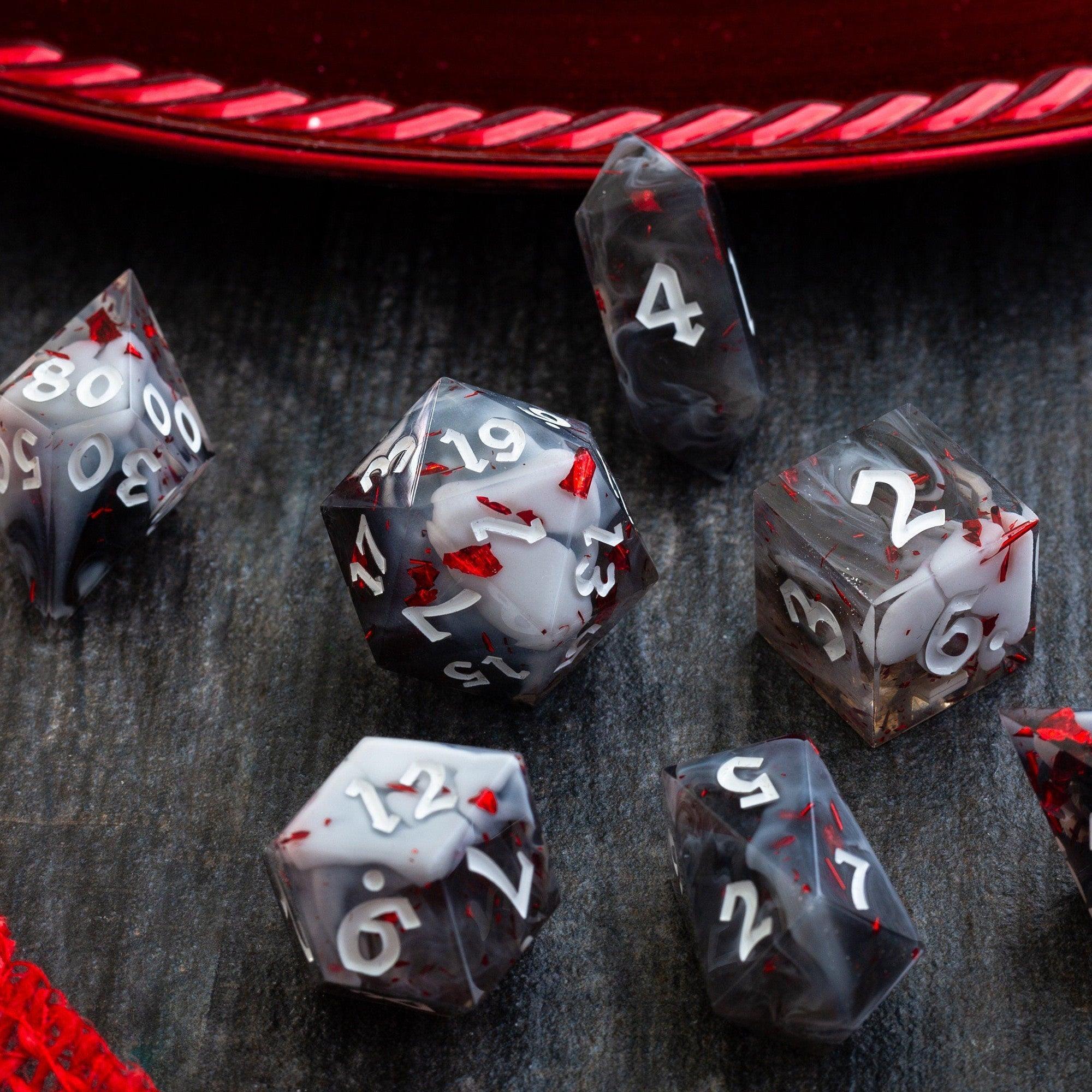
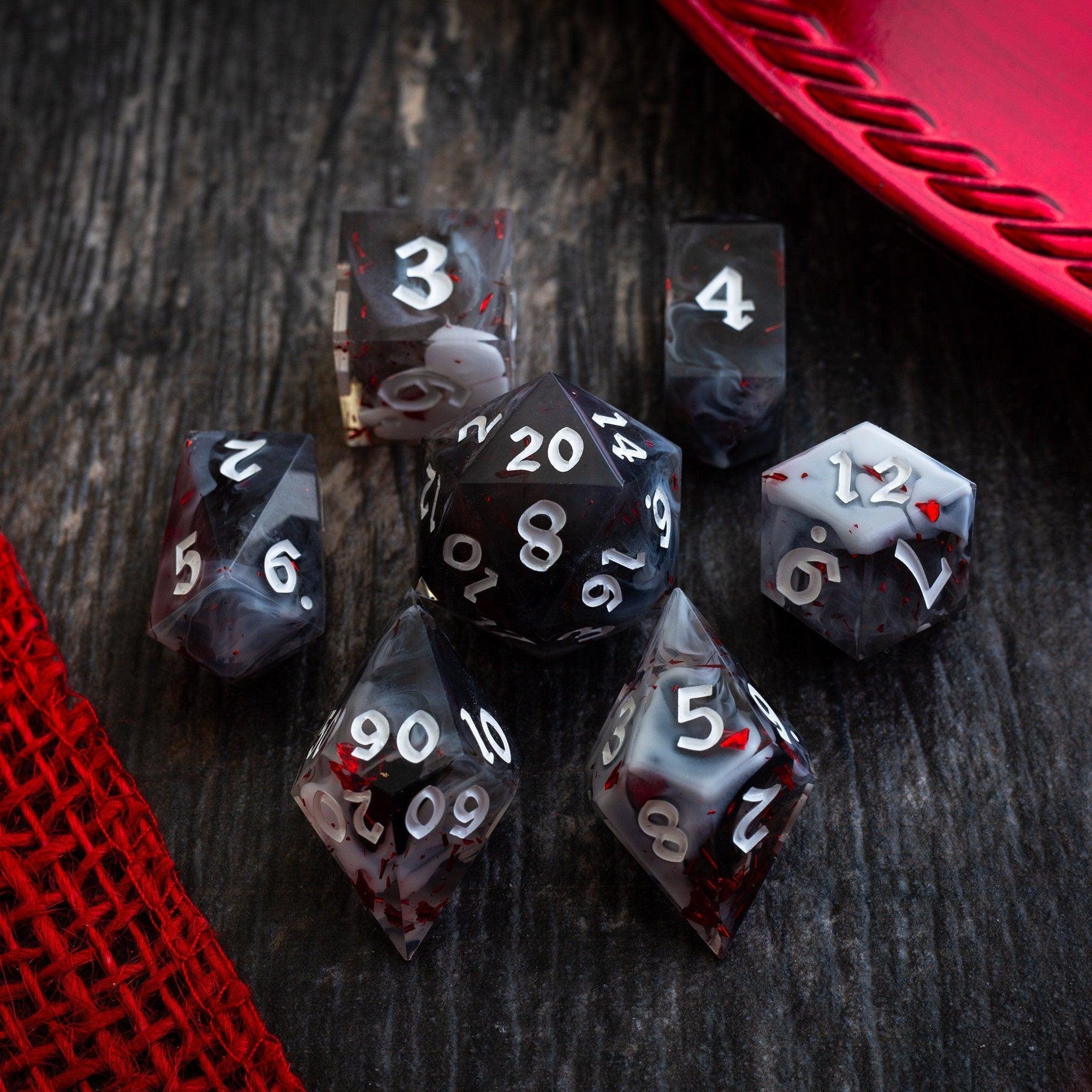
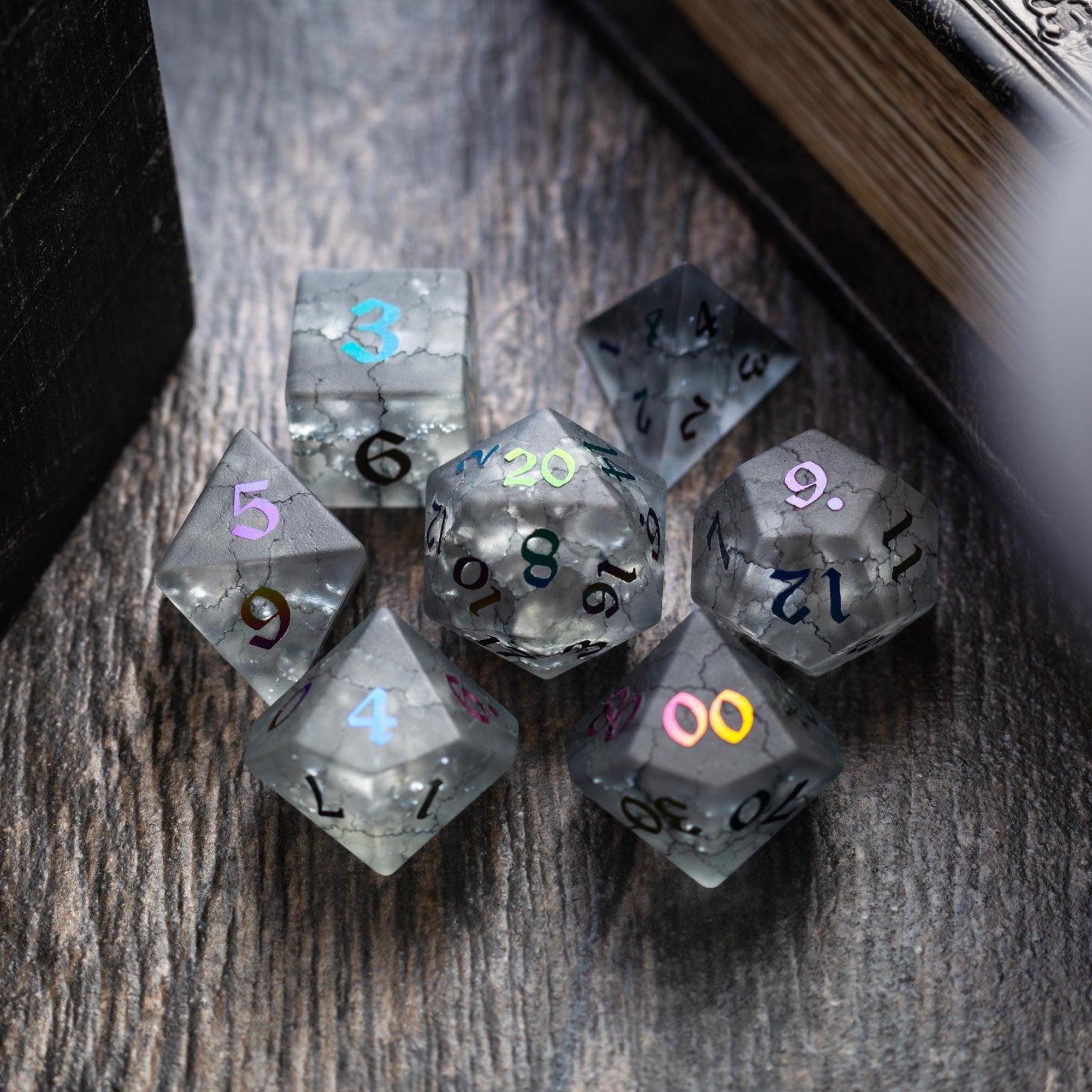
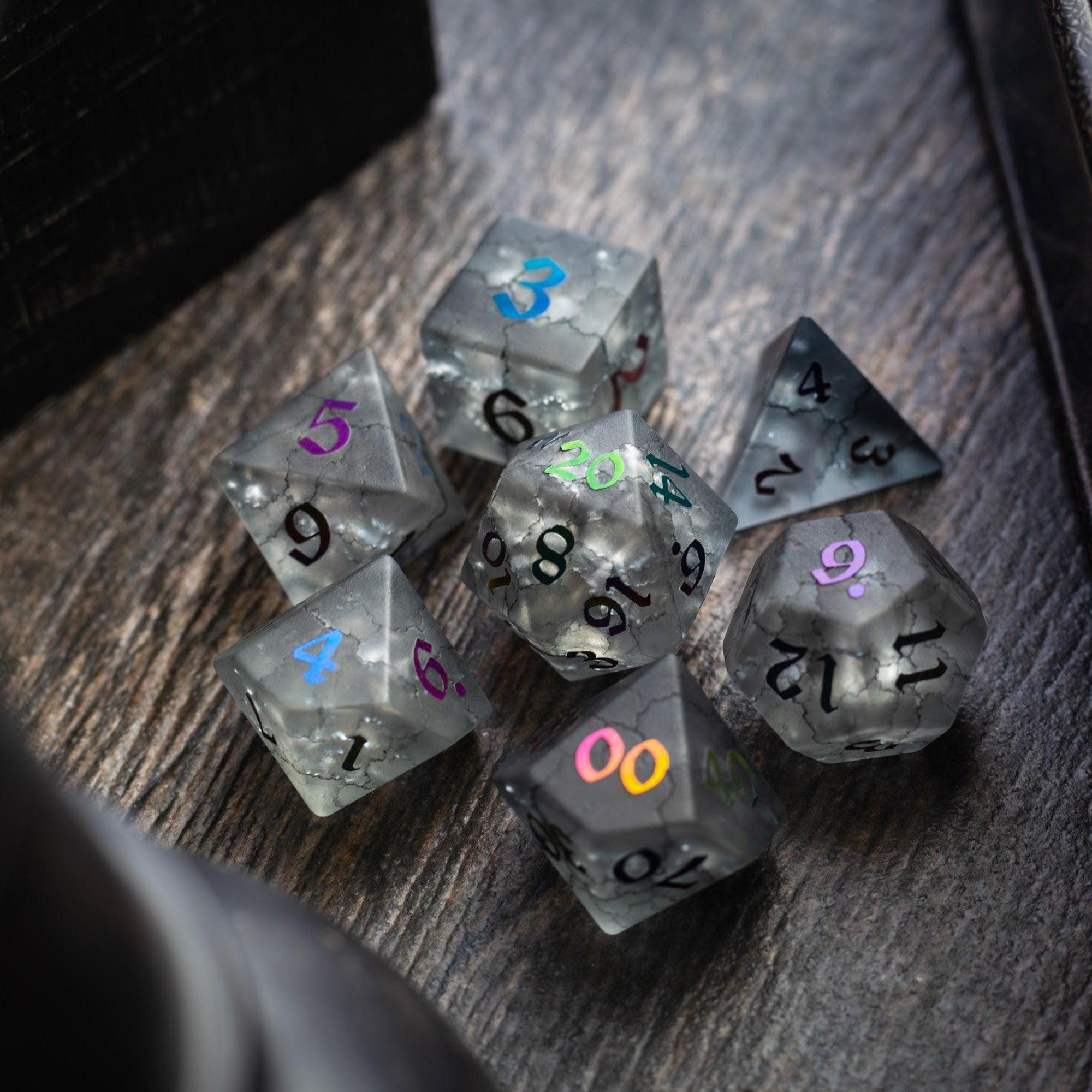
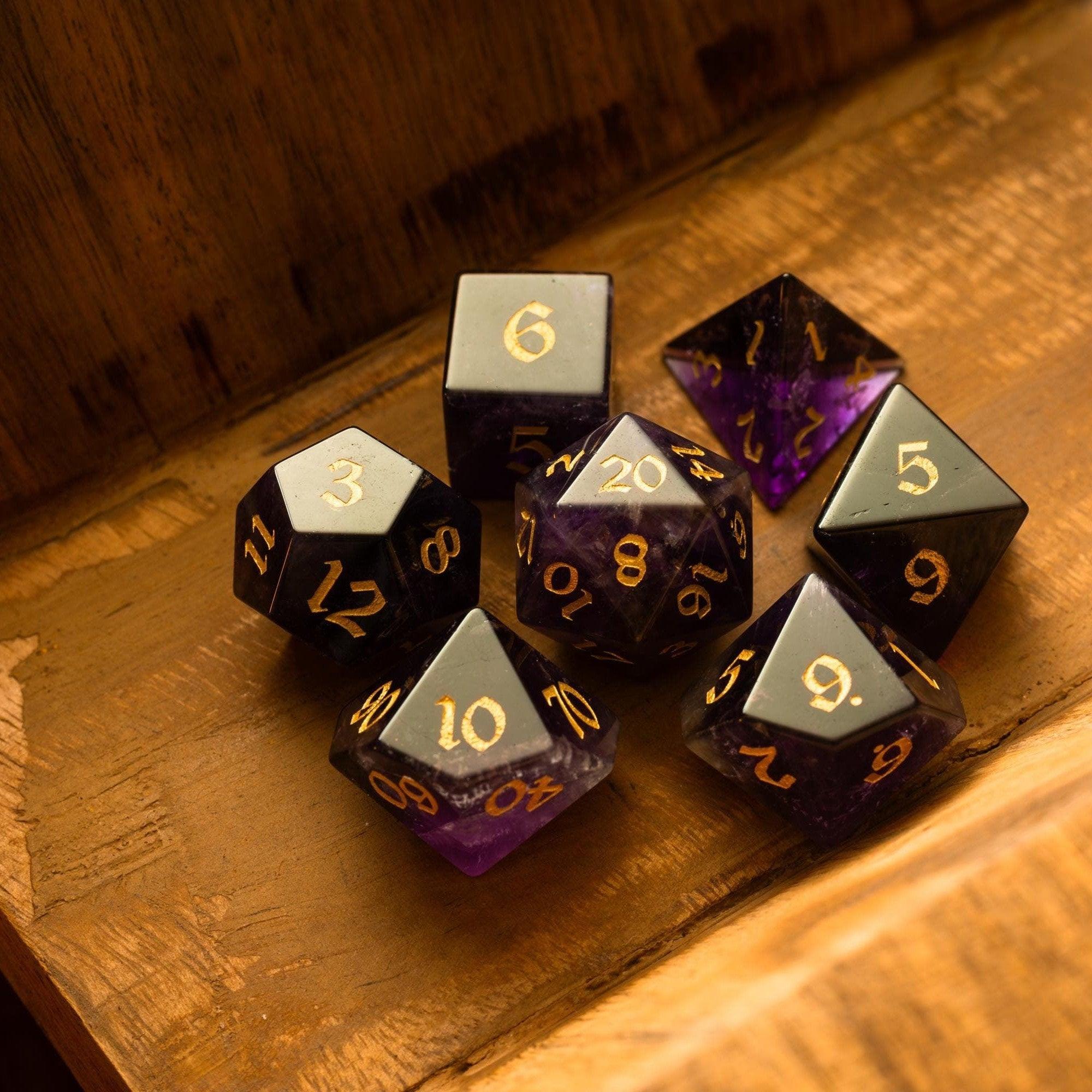
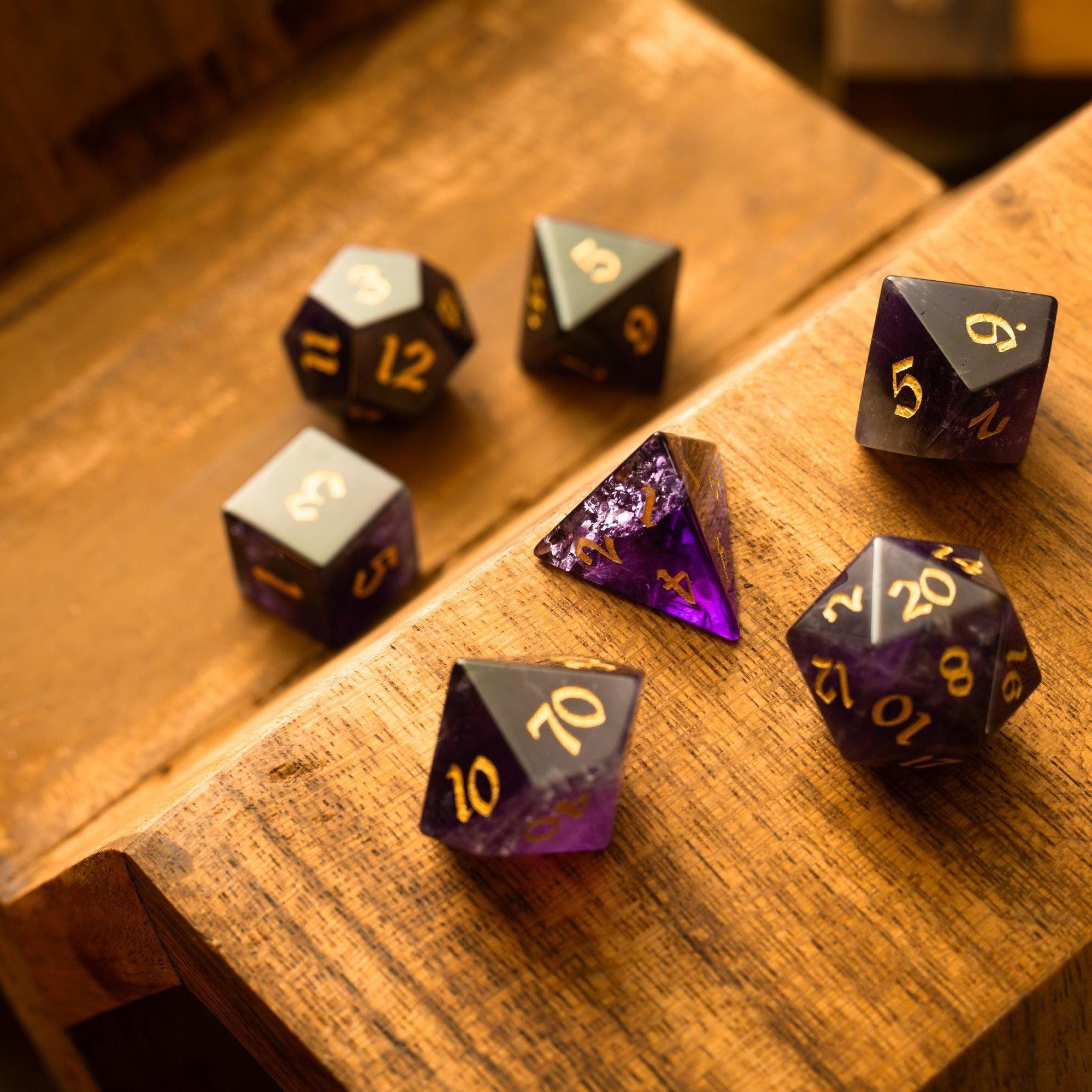
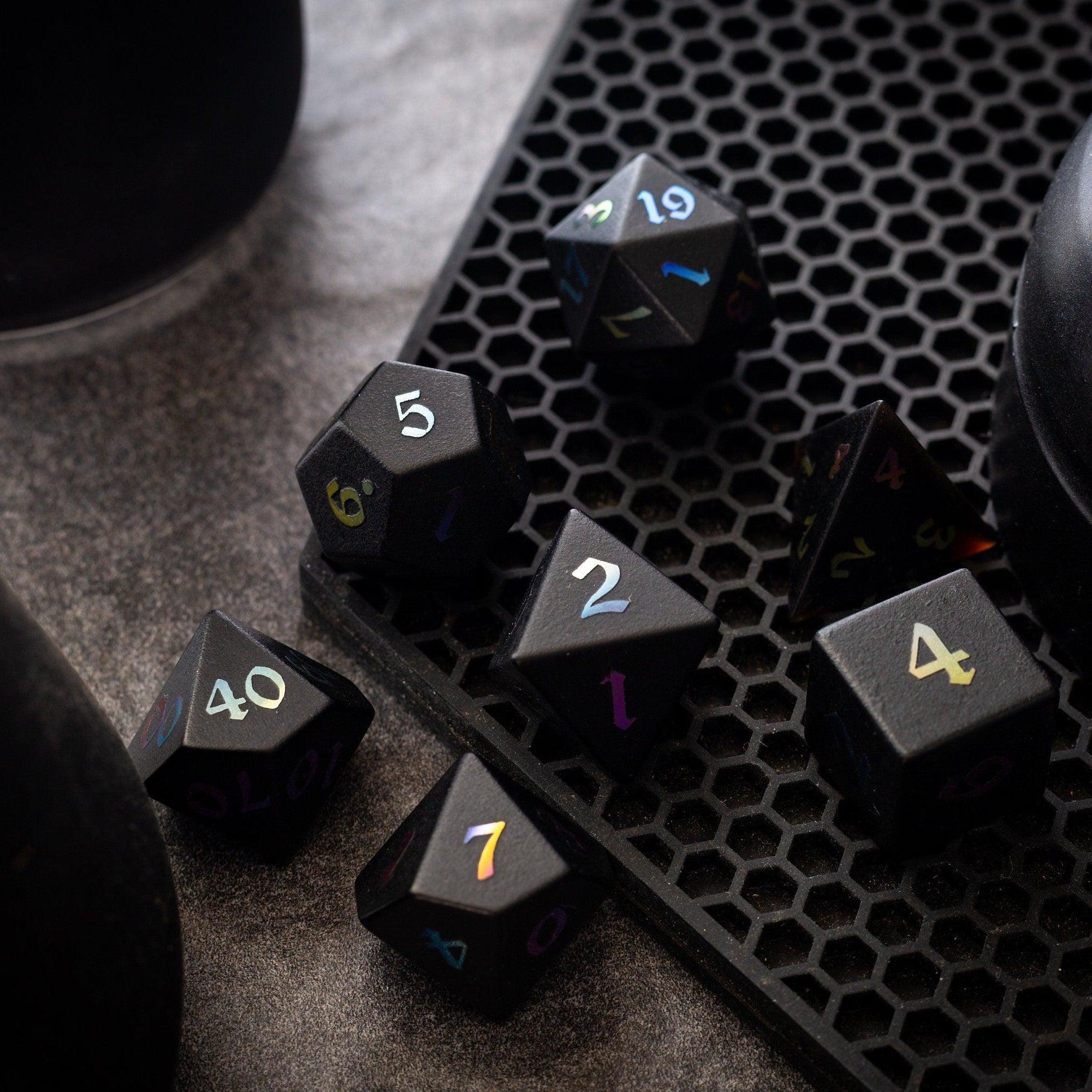
Great maps don’t need to be complicated. A little planning—matching grid scale, right-sizing files, and keeping a consistent style—saves you time and keeps your players immersed. Start with a pack that fits your platform and test one scene in-session before you roll it out to the whole campaign. If you also love elevating the table feel, explore our dice collections for tactile inspiration between scenes. For eye-catching rolls, check out liquid core dice or browse shimmering gemstone dice. Want smoother play at the table? Pair your setup with sturdy dice towers to keep the focus on story and strategy. With the right picks, your toolkit for virtual map assets for RPG sessions will carry your adventures for years.


Leave a comment
This site is protected by hCaptcha and the hCaptcha Privacy Policy and Terms of Service apply.