Homebrew Creation Tools for RPGs A Practical Starter
Updated on: 2025-12-25
If you love crafting custom worlds, monsters, and adventures, the right homebrew creation tools for RPGs can save hours and spark better ideas. This guide breaks down how to choose reliable builders, generators, and trackers without getting overwhelmed. You’ll learn what features matter, how free compares to paid, and the questions to ask before you commit. By the end, you’ll have a simple plan to pick tools that match your table, playstyle, and budget.
Table of Contents
- Homebrew creation tools for RPGs: A friendly guide
- Did You Know?
- Comparison: Pros & Cons
- Buyer’s Checklist
- Final Thoughts & Advice
- Q&A: Common Questions
You want smooth prep, faster sessions, and a campaign your group can’t stop talking about. The right toolkit can help you map regions in minutes, build balanced encounters, and track lore without chasing sticky notes. In this guide, we’ll compare popular categories like map makers, stat block generators, random table builders, and session planners. You’ll also get a practical checklist so you can pick tools that feel effortless from session zero to finale.
Homebrew creation tools for RPGs: A friendly guide
Let’s be honest: creative energy is precious, and you don’t want to spend it wrestling software. A good solution should fade into the background so your story can take the spotlight. When I test RPG design apps and GM prep tools, I look for three things: speed, clarity, and flexibility. Speed means you can build an encounter or tweak a region in under five minutes. Clarity means the layout is simple and readable, even at 1 a.m. Flexibility means it adapts as your world evolves—new factions, shifting power, unexpected player choices.
Here’s a quick way to think about the ecosystem:
- Map tools: Region, city, and dungeon makers with layer control and export options.
- Stat block and monster builders: Create custom foes with CR/level guidance and tags for abilities.
- Character options and item creators: Design subclasses, feats, spells, and loot with templates.
- Encounter and treasure generators: Fast drop-in content calibrated for your party size.
- Campaign managers: Wikis, notebooks, and timeline boards to keep lore tidy and searchable.
- Session prep assistants: Agendas, box text, checklists, and quick-reference pages.
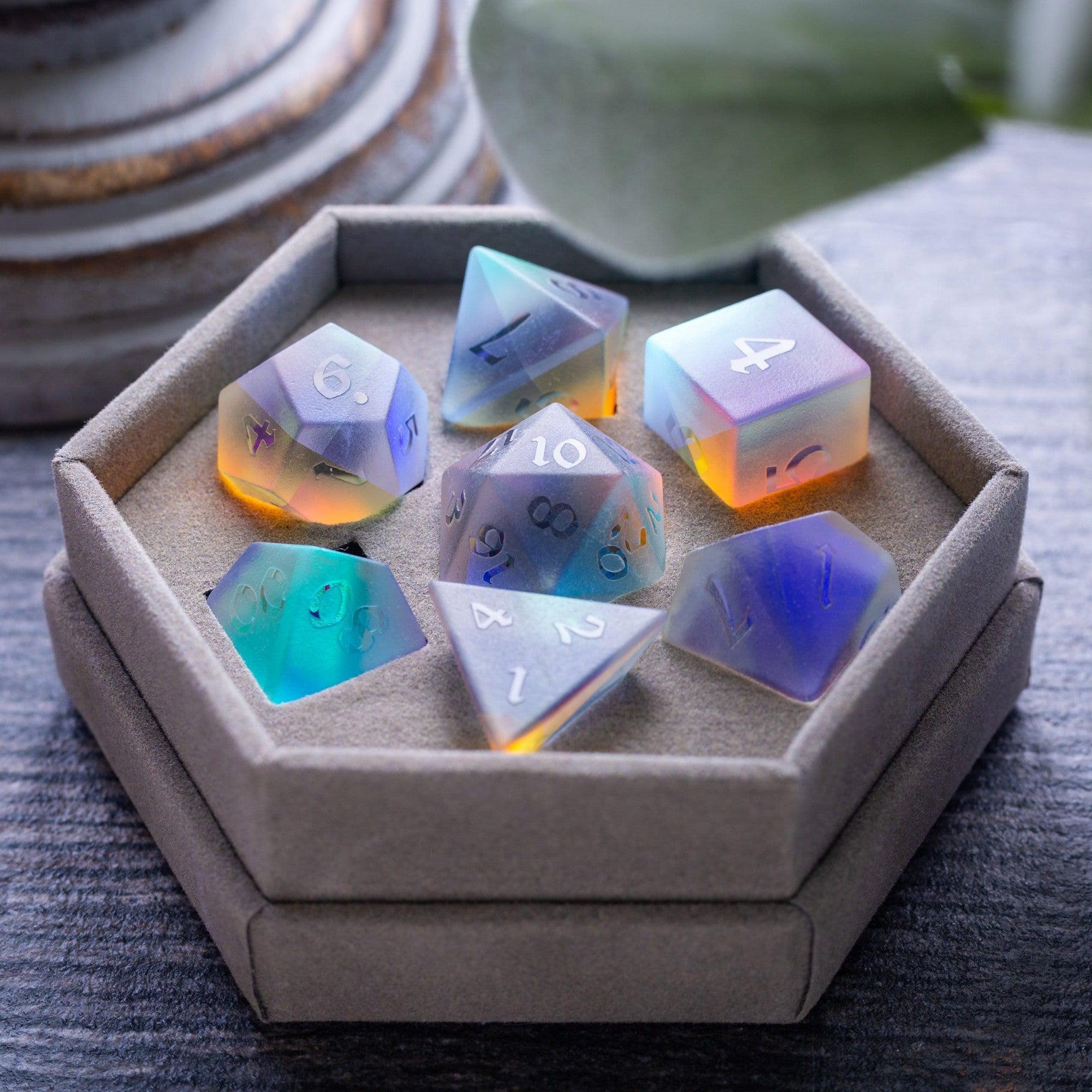
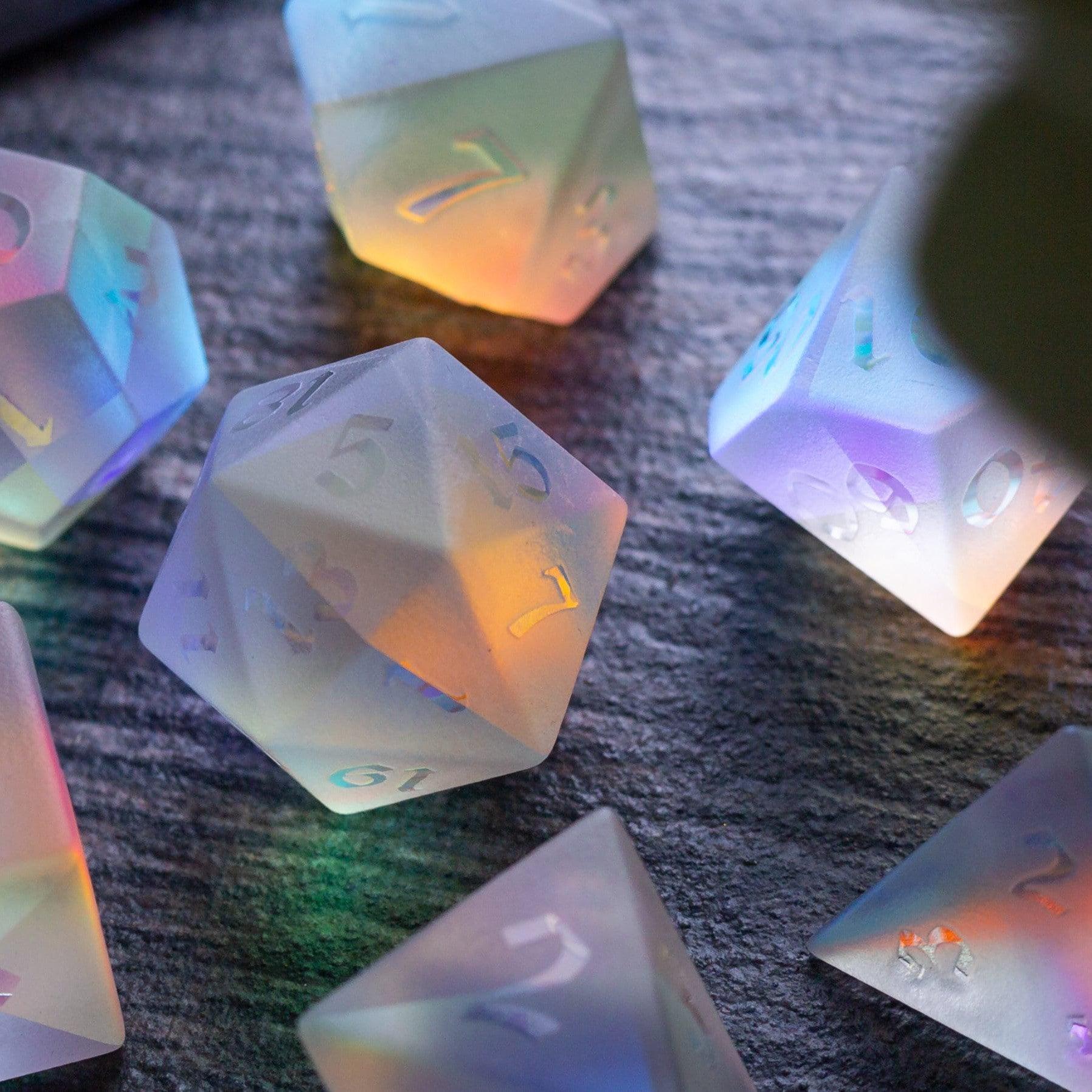
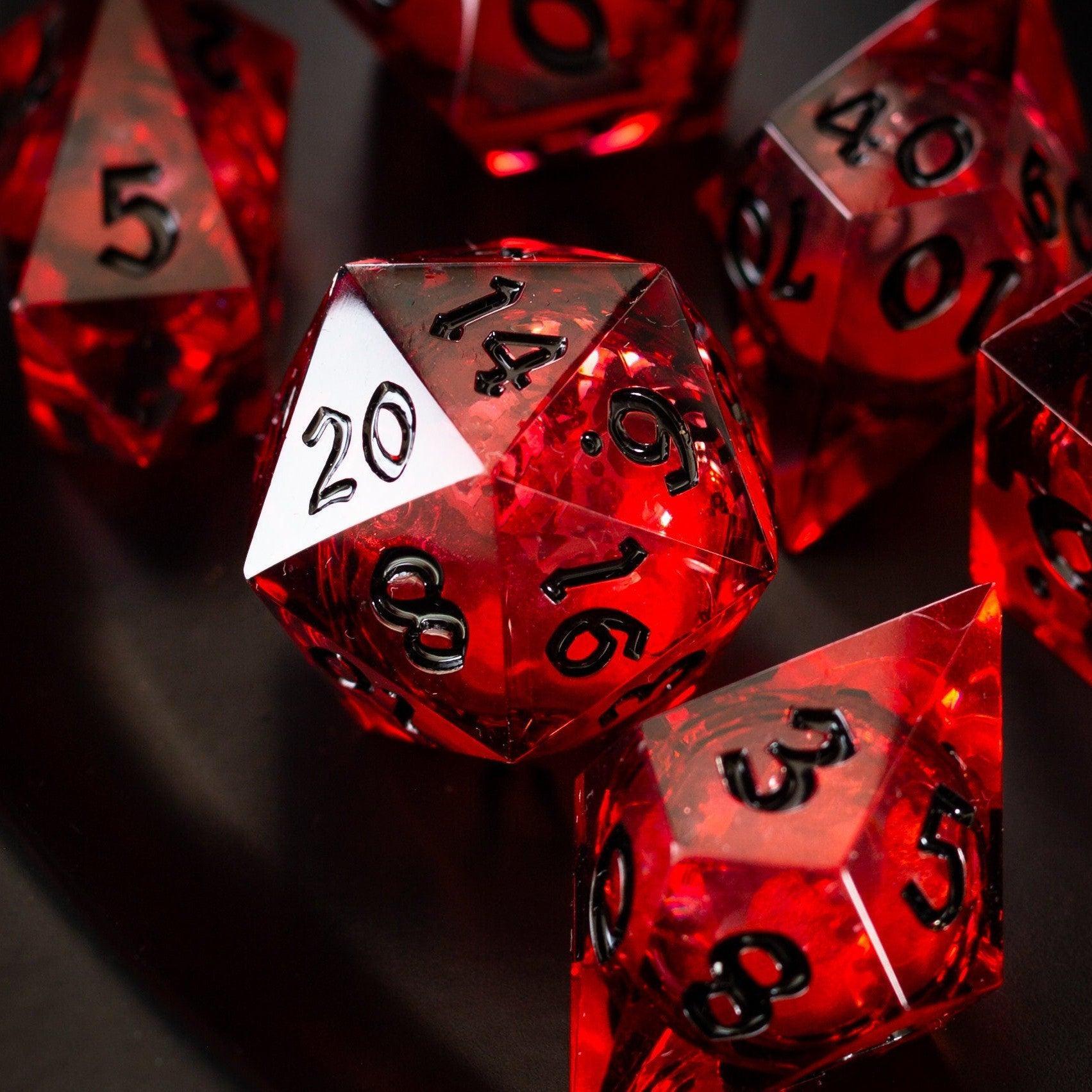
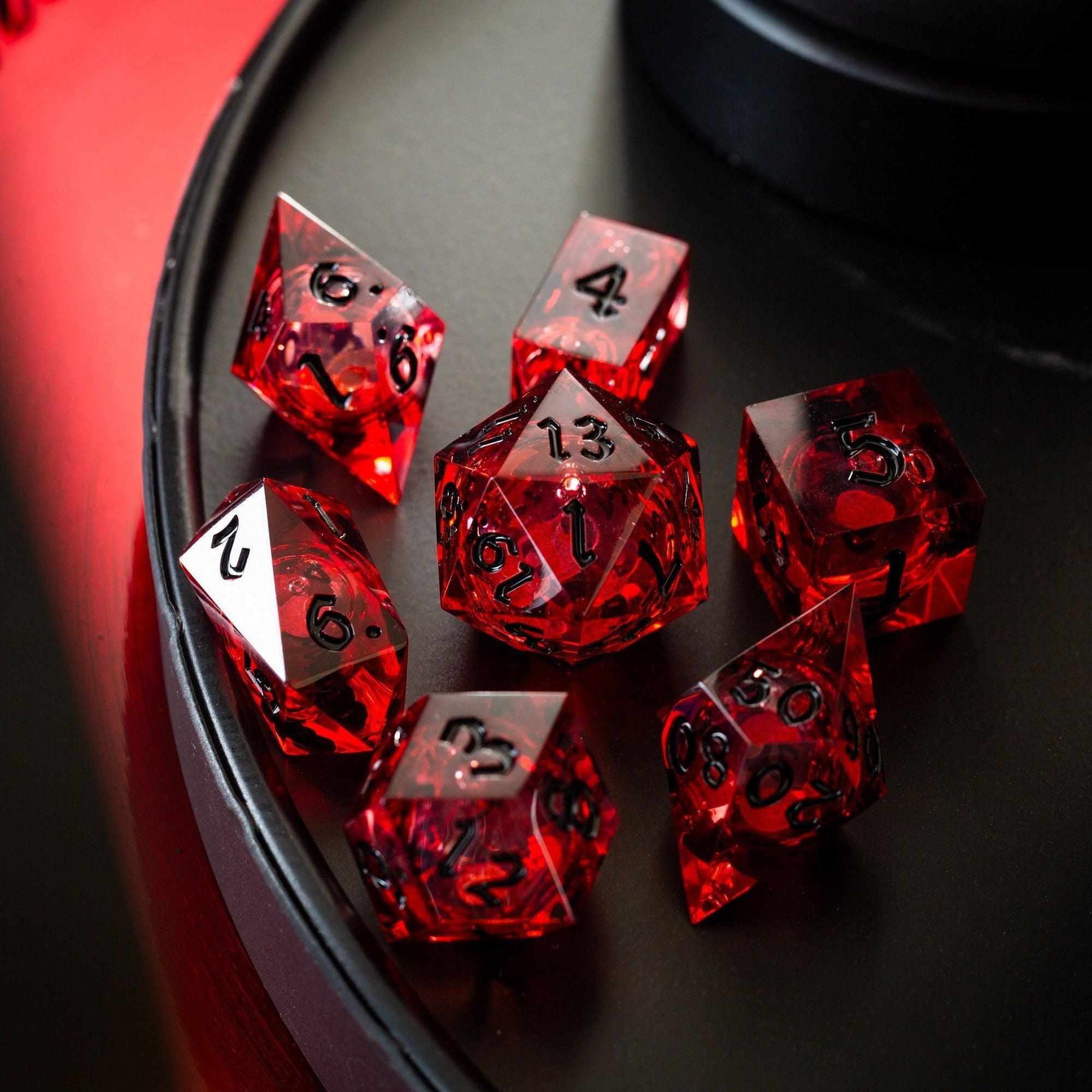
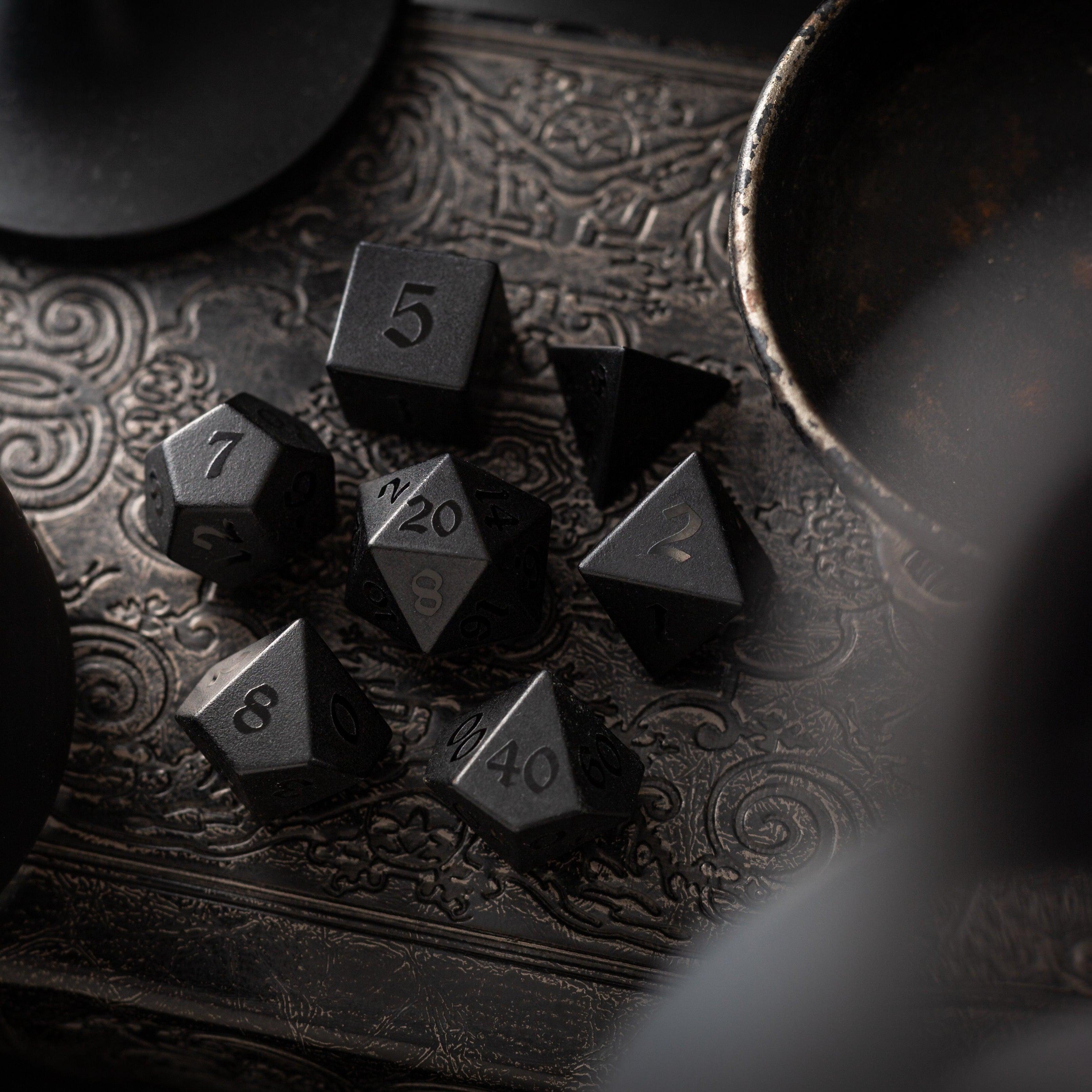
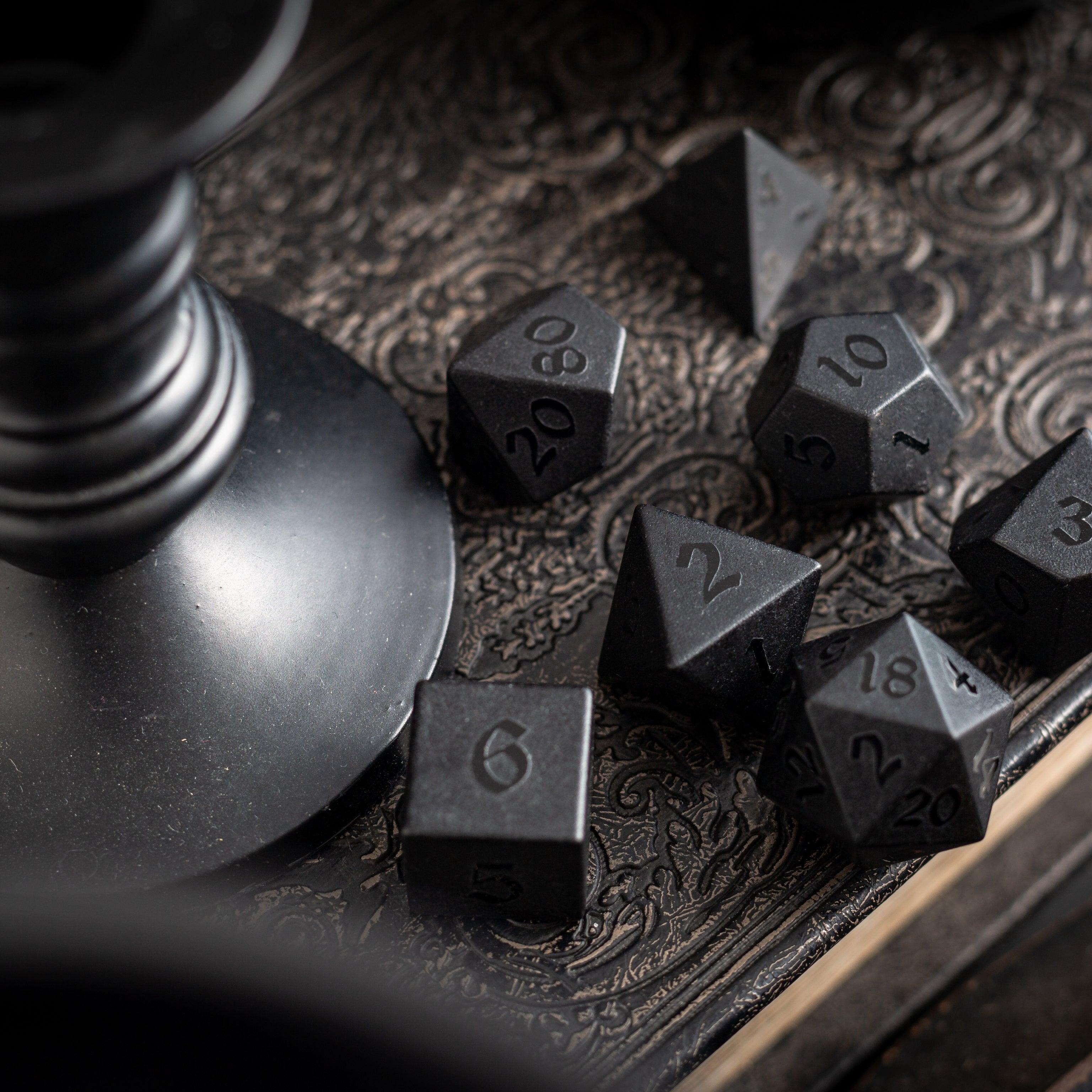
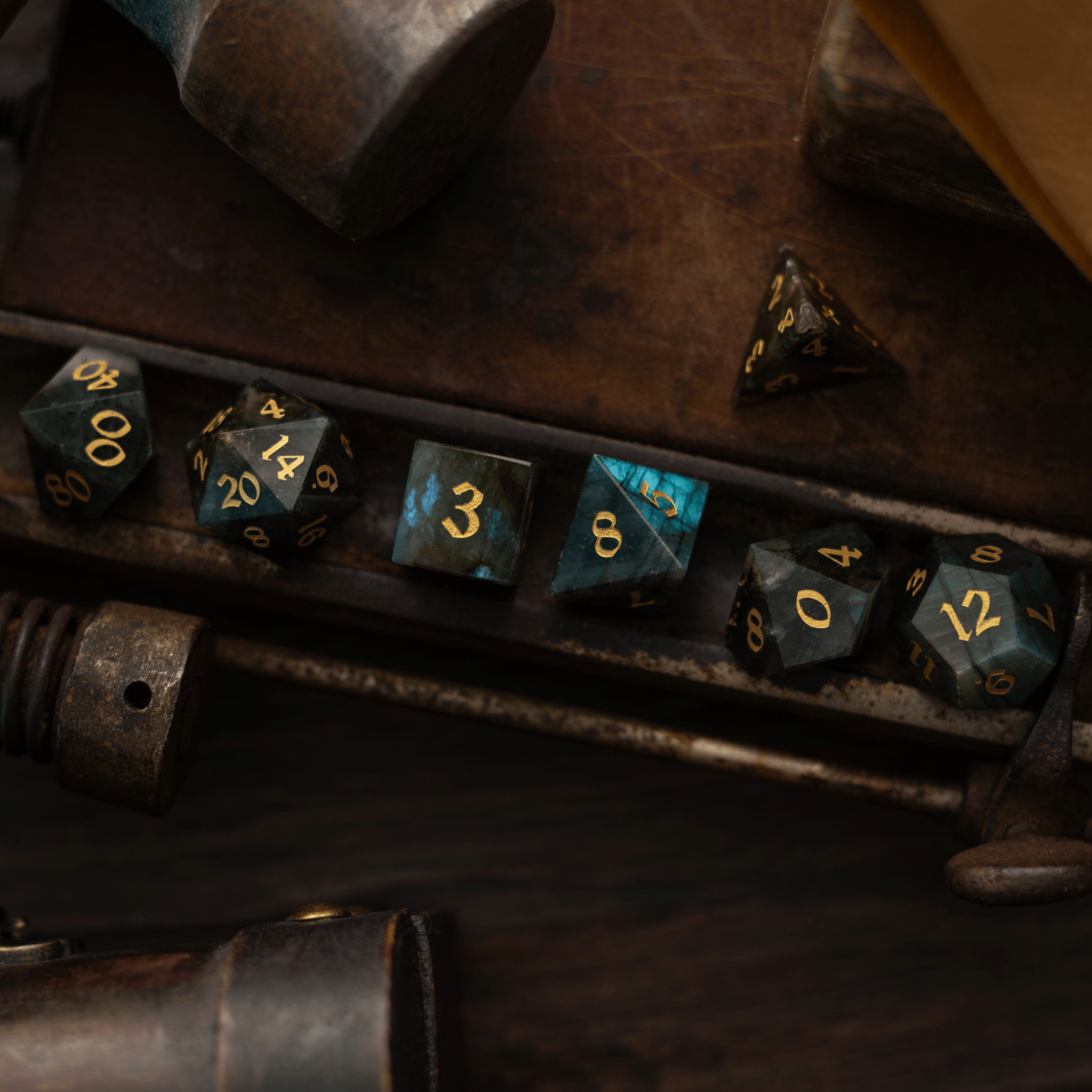
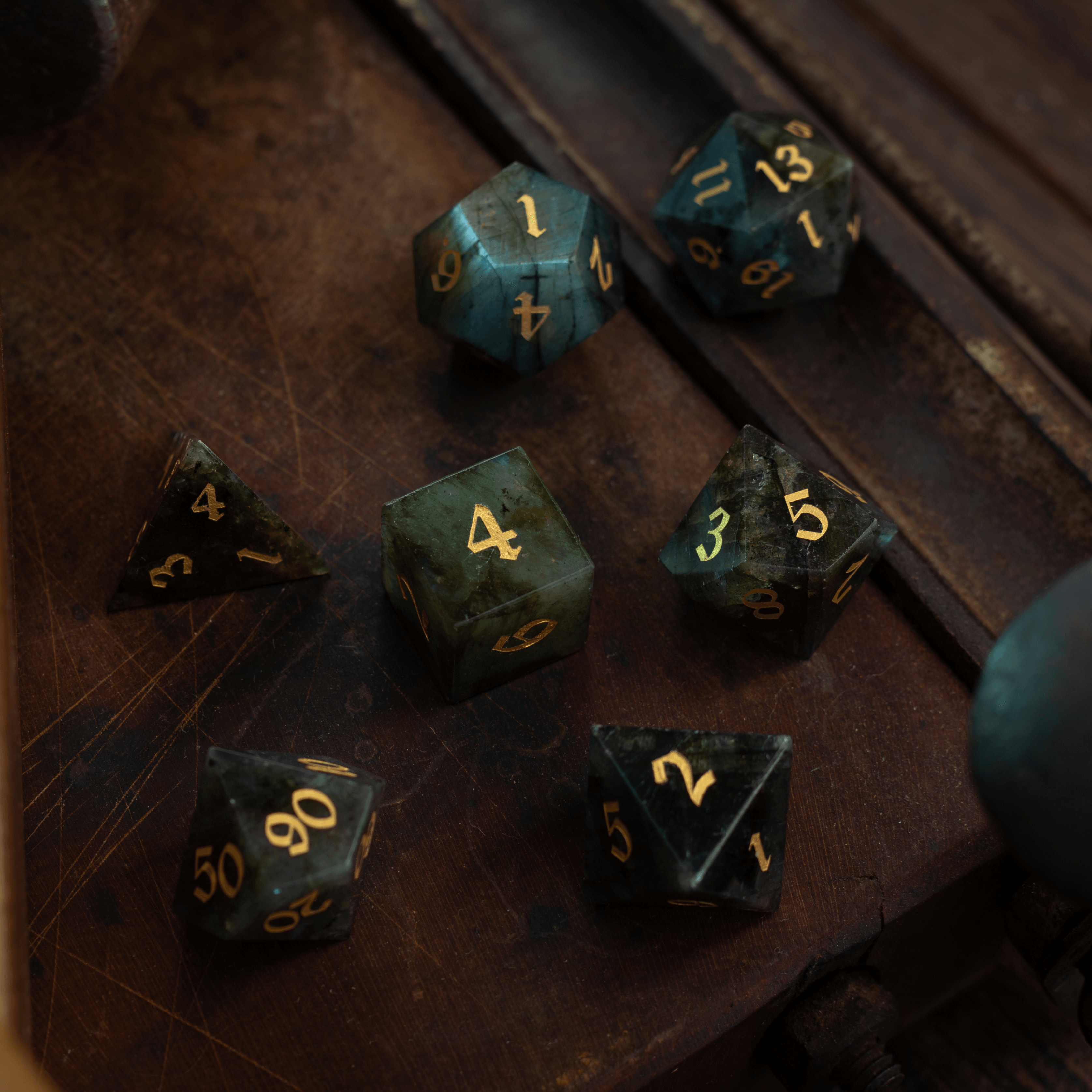
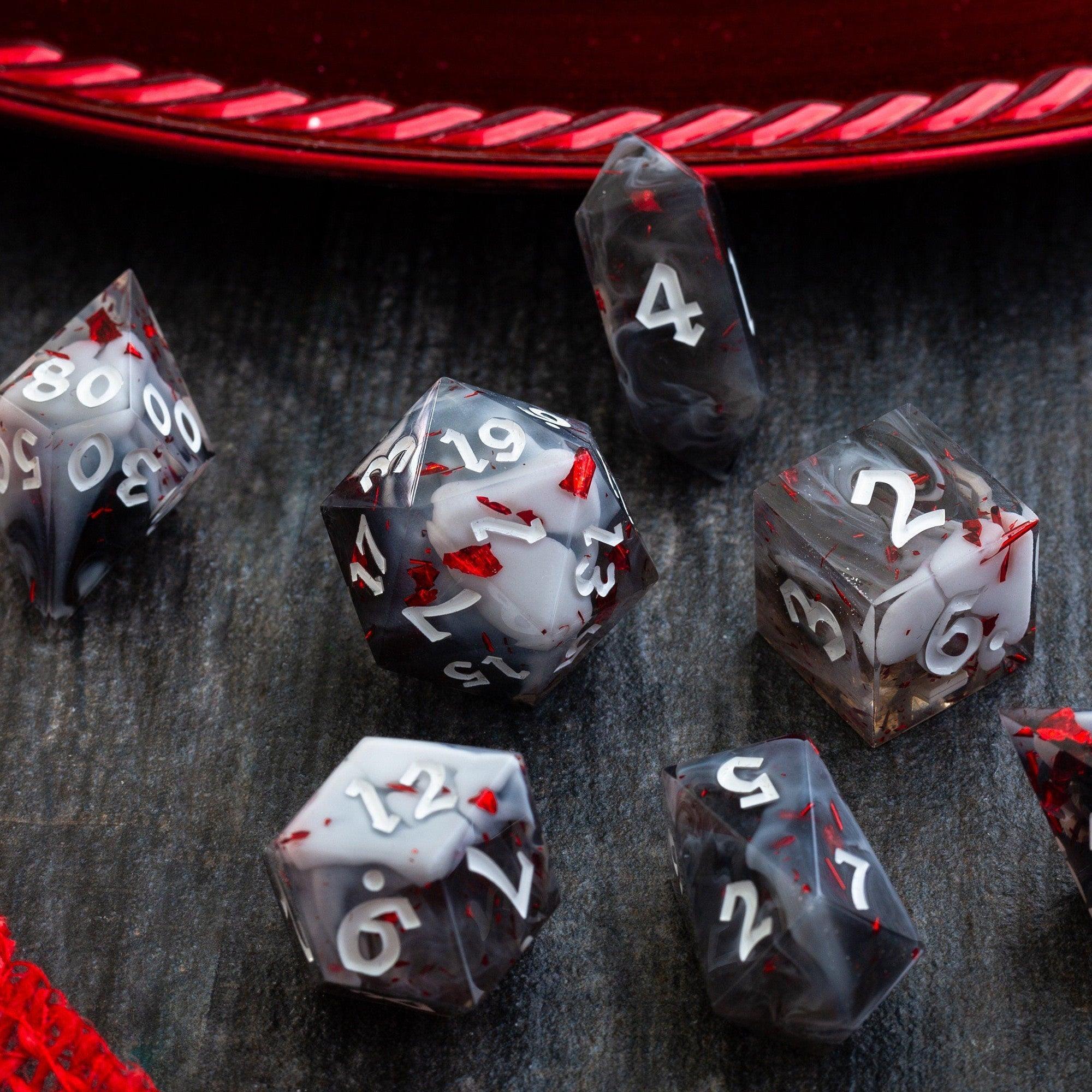
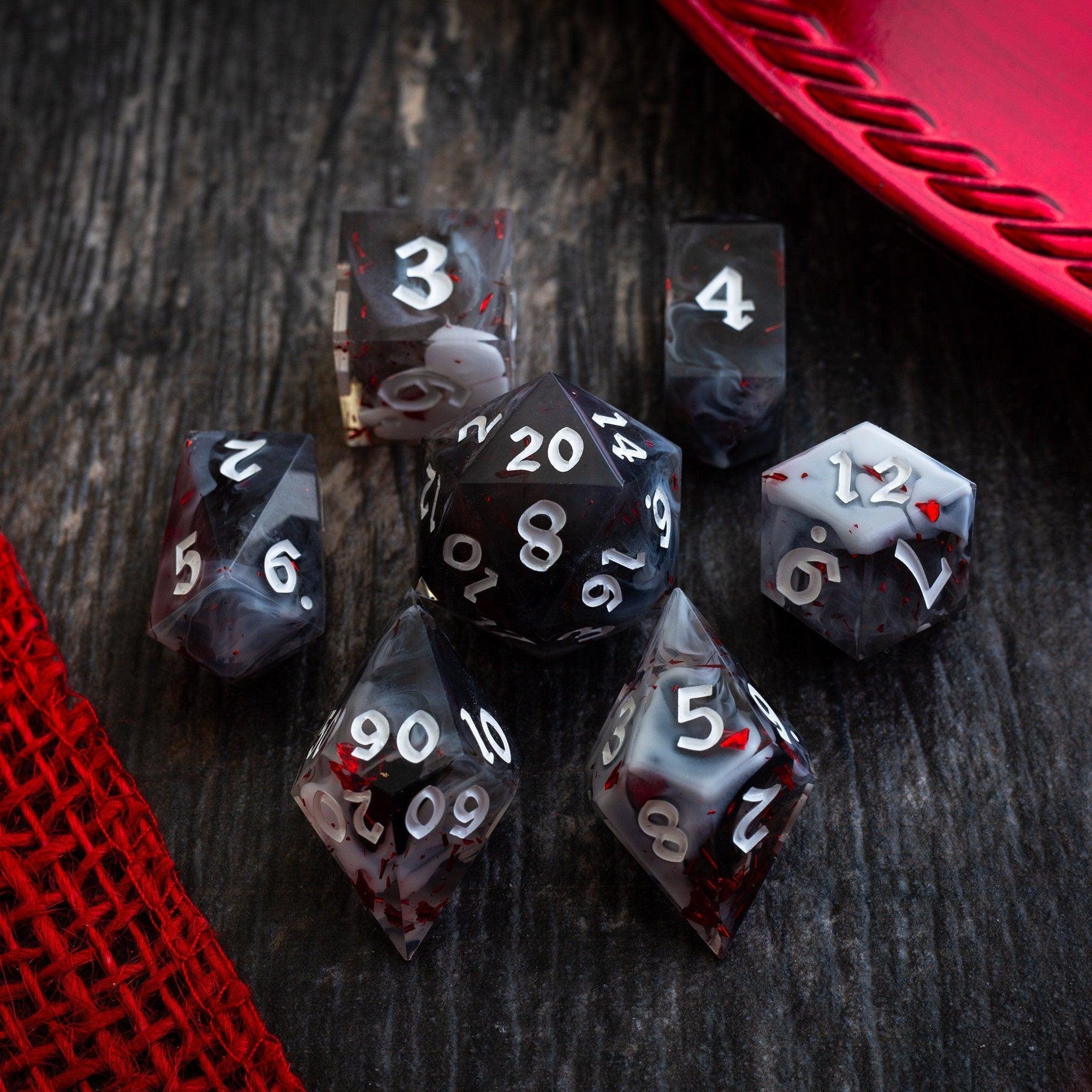
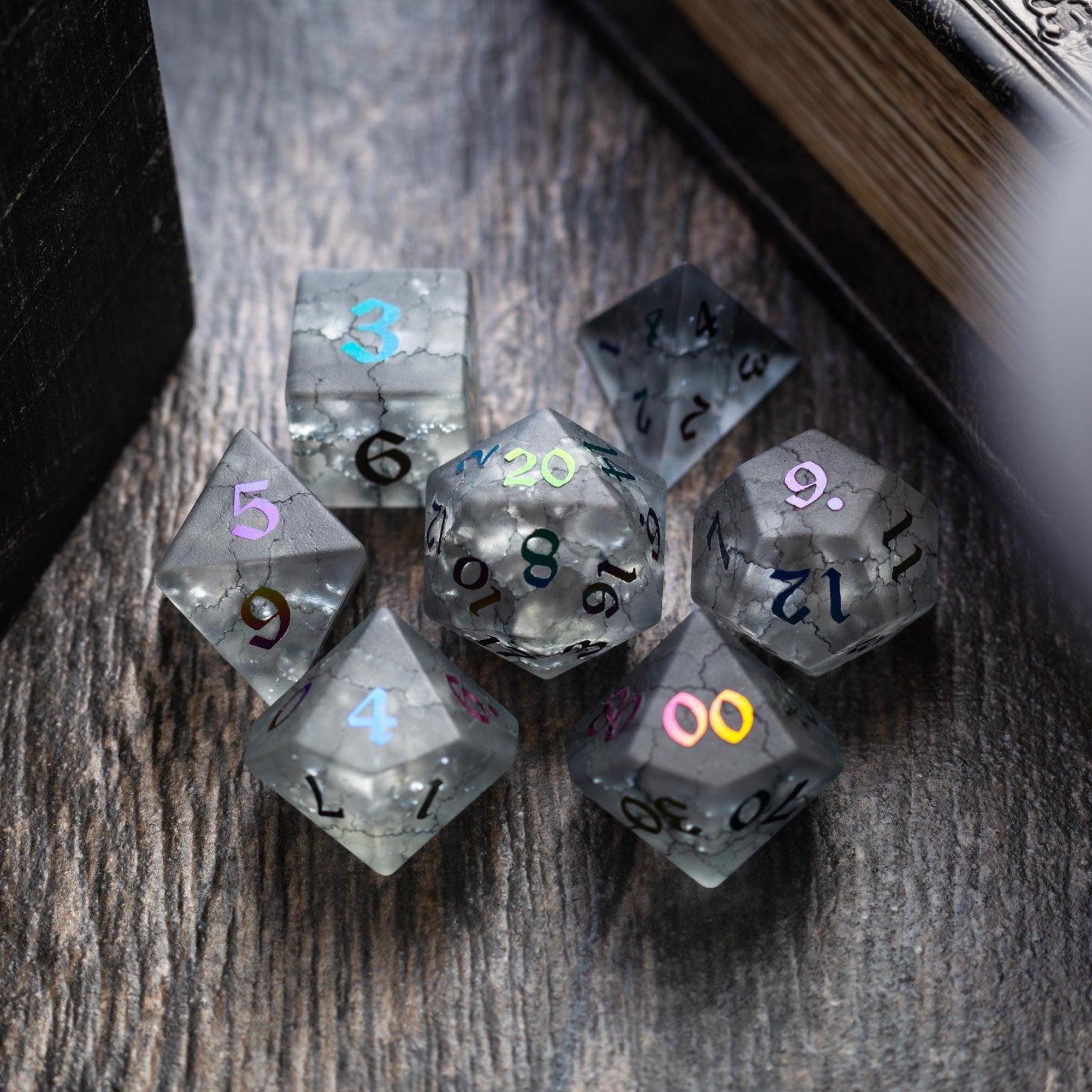
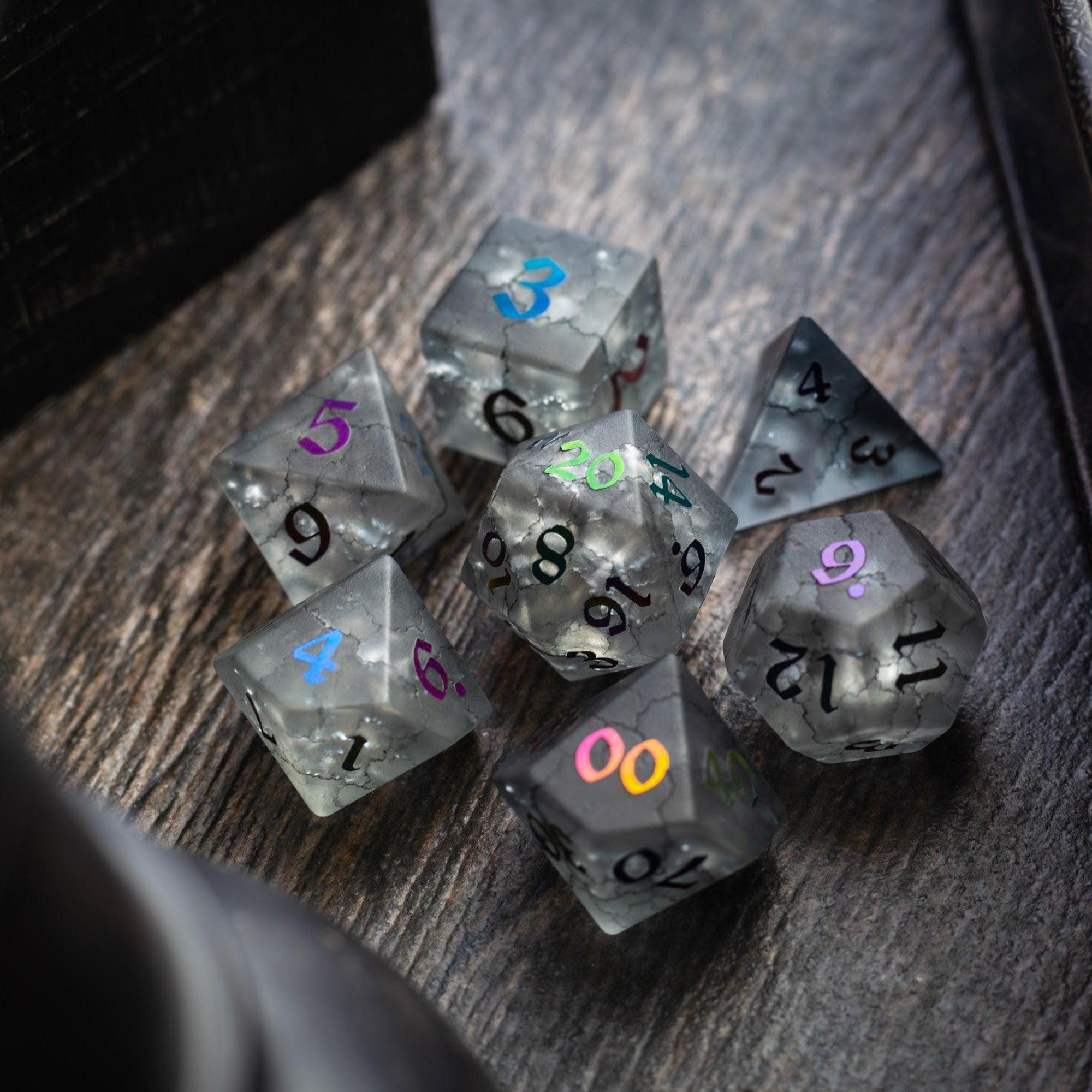
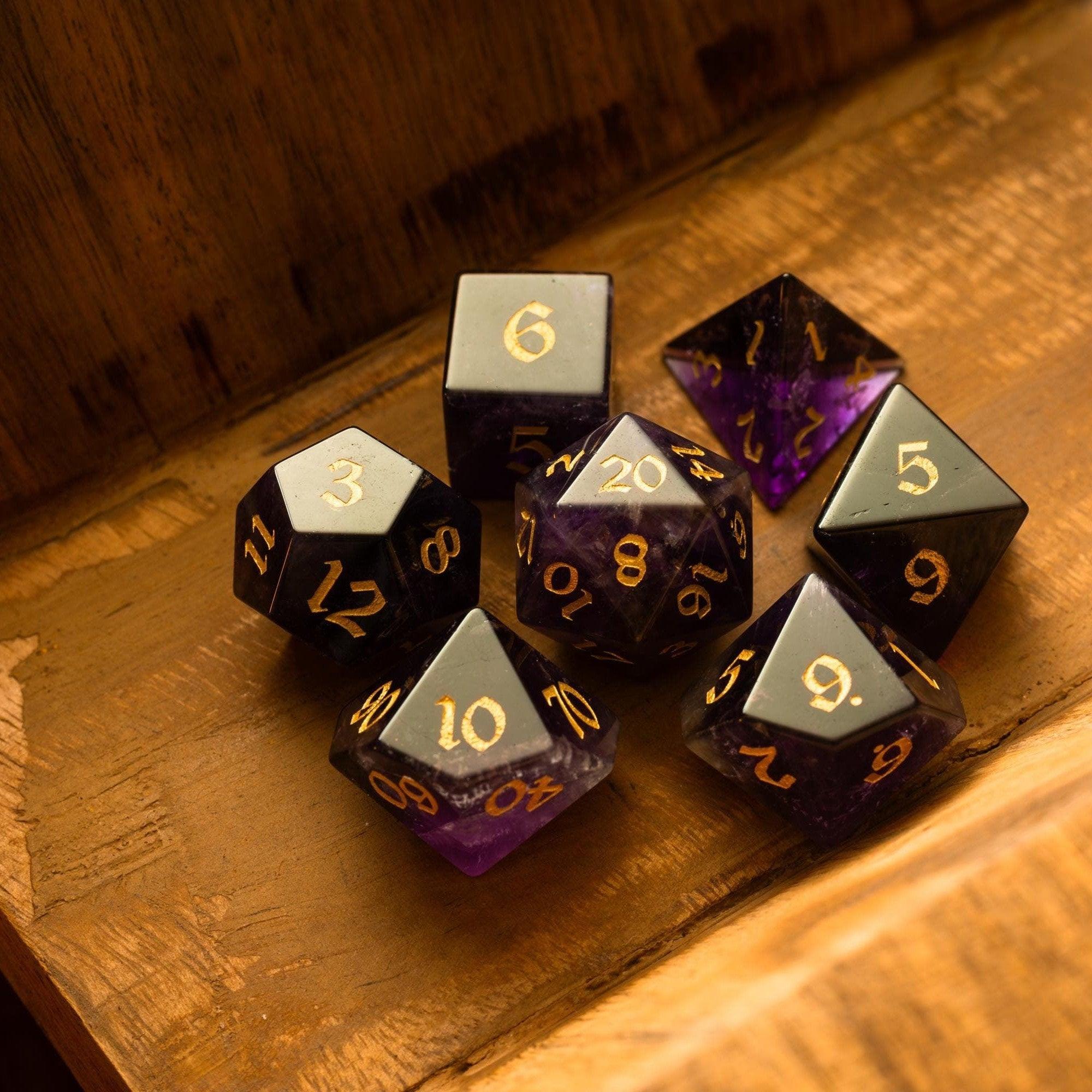
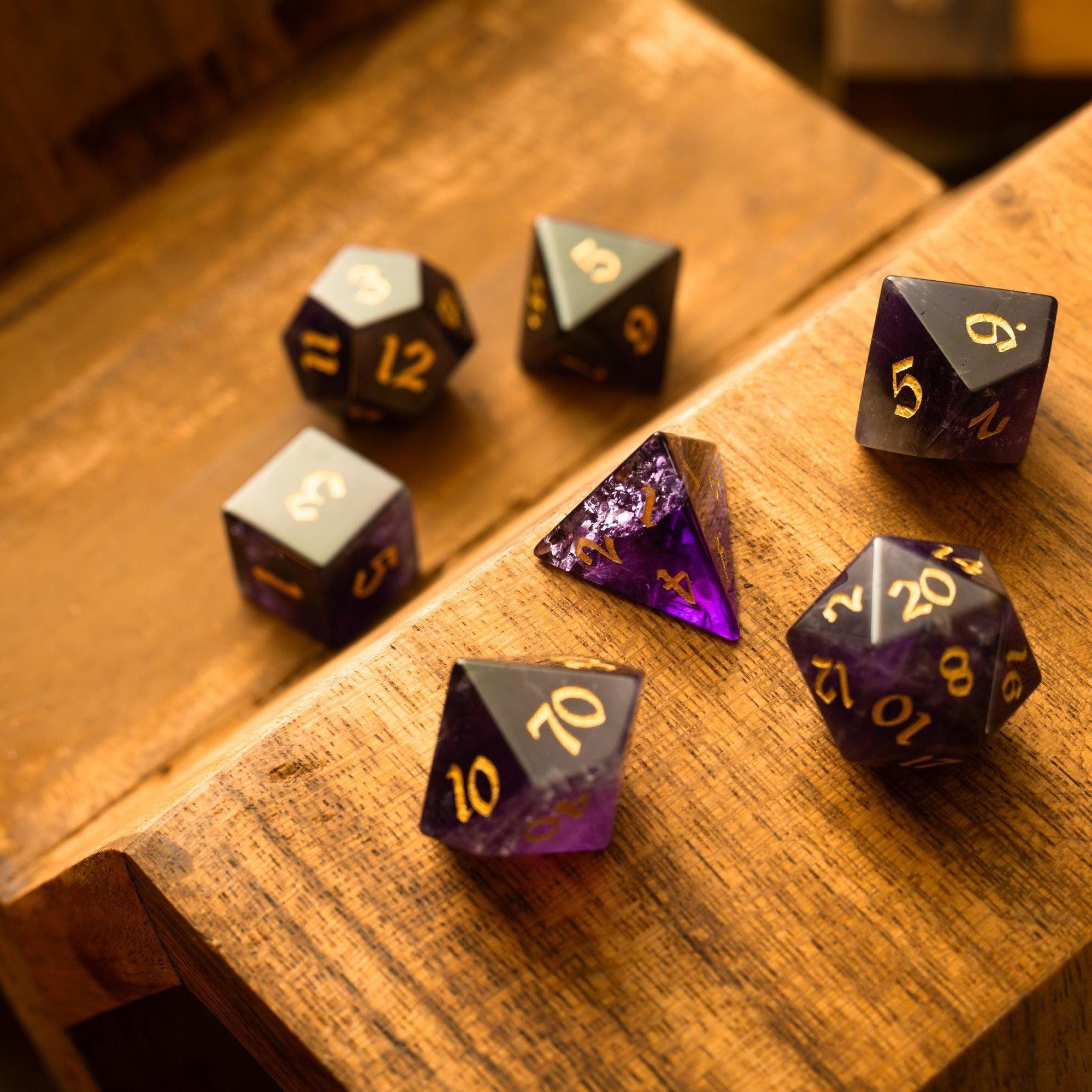
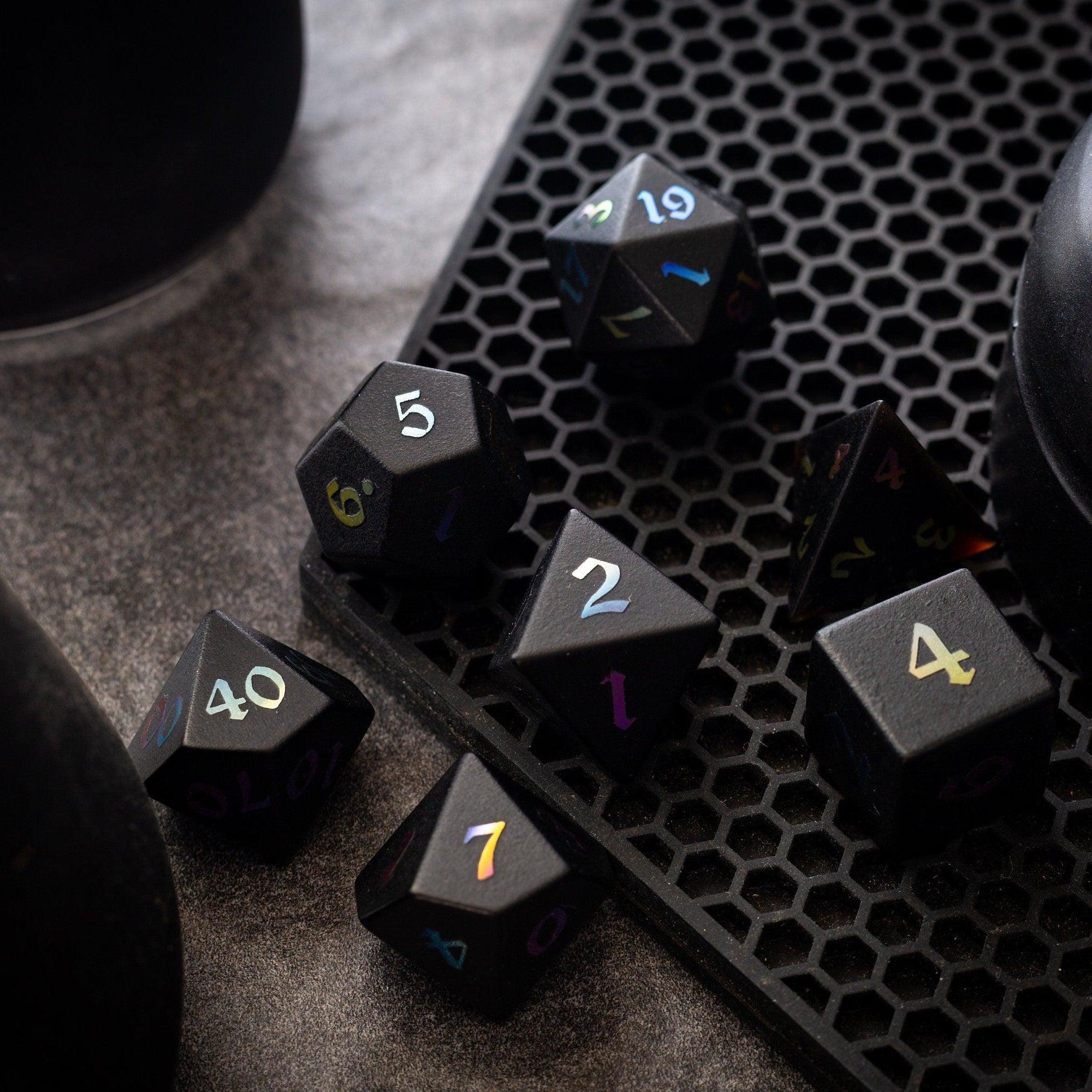
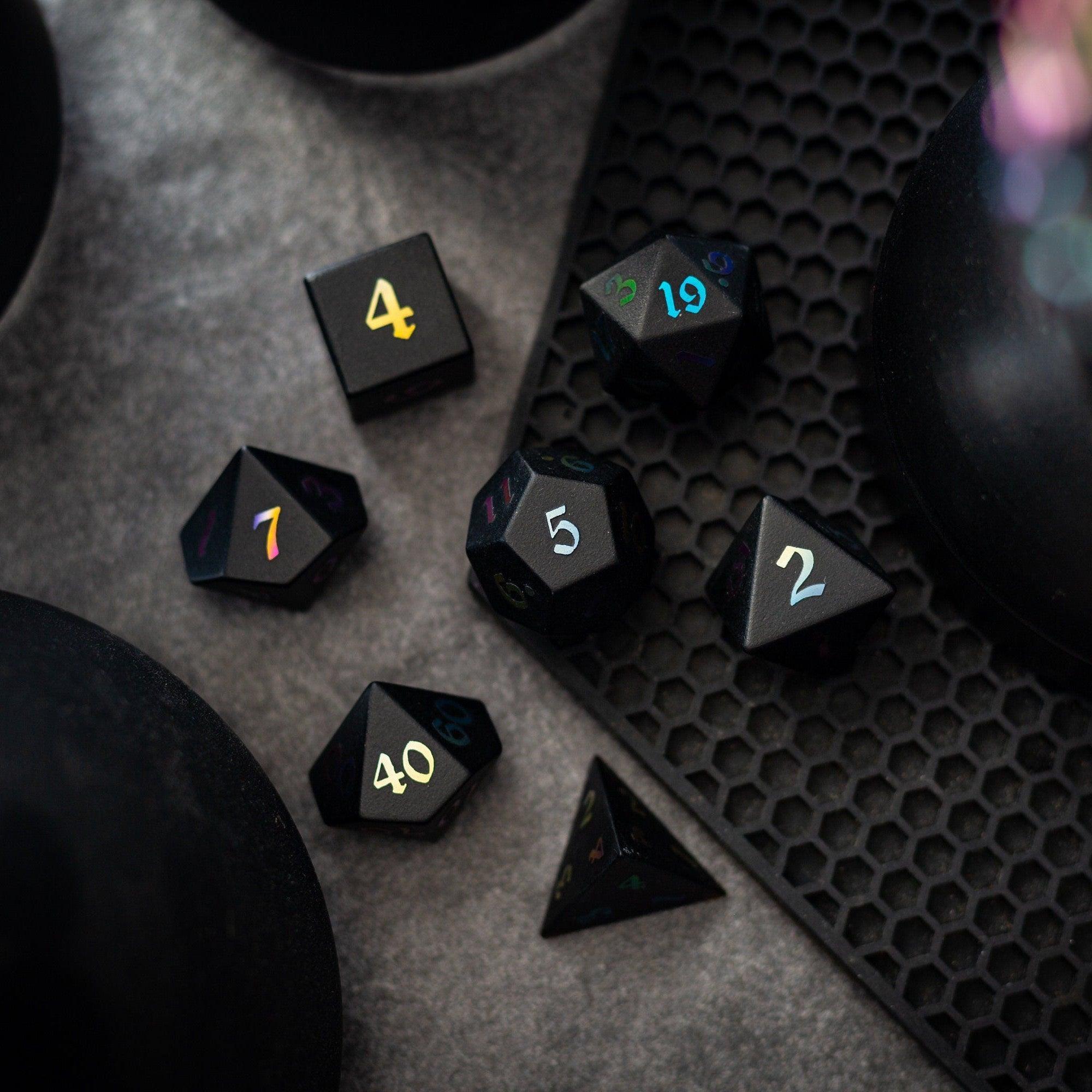
Choose one “home base” (like a campaign manager) and two or three focused helpers (like a map maker and a stat builder). That small stack covers most prep without creating a tool labyrinth. For rolling at the table, I still love analog joy—beautiful dice add a tactile thrill and help players stay present. If you want to upgrade your roll feel, explore premium sets like gemstone dice or eye-catching liquid core dice. They pair nicely with digital prep and keep the table vibe special.
Did You Know?
- Most GMs spend more time searching notes than writing them. A search-first campaign hub cuts lookup time dramatically.
- CR or level guidelines aren’t perfect, but encounter builders that calculate XP budgets and action economy help you avoid runaway difficulty spikes.
- Random tables shine when they’re customizable. Adjustable tags (terrain, mood, rarity) make results feel curated, not chaotic.
- Readable exports win. A clean PDF or PNG means you can print, share, or reference on a phone without zoom gymnastics.
- Session prep is lighter when your toolkit supports checklists. A five-item pre-session list prevents 90% of game-day hiccups.
Comparison: Pros & Cons
Map makers
- Pros: Visuals inspire players; layers and grids speed dungeon design; export for VTT or print.
- Cons: Steeper learning curves; big files; some lock advanced brushes behind subscriptions.
Monster and stat builders
- Pros: Templates accelerate creation; CR/level estimates and DPR math aid balance; tag systems keep abilities tidy.
- Cons: Balance still needs table testing; special rules can clutter printouts if not trimmed.
Character option creators (classes, feats, spells)
- Pros: Templates nudge consistent wording; side-by-side comparisons reduce power creep.
- Cons: Easy to overshoot power level; poor export formatting slows play.
Encounter and treasure generators
- Pros: Great for time-crunched prep; filters align drops with theme and tier; batch generation for campaigns.
- Cons: Generic results if tags are weak; may not track party resources across sessions.
Campaign managers and wikis
- Pros: Searchable notes; back-links connect NPCs, locations, and plots; mobile access for table-side edits.
- Cons: If organization is complex, you’ll avoid it; export quality varies a lot across platforms.
Session prep assistants
- Pros: One-page agendas keep you calm; quick-reference boosts pacing; templates reduce decision fatigue.
- Cons: Over-templating can make sessions feel stiff if you don’t leave room for detours.
Remember: the “best” stack is the one you’ll actually use. Fancy features don’t matter if you dread opening the app. Keep it simple and delightful, like rolling a set of dice towers when you want dramatic, fair results or browsing new arrivals to treat your table.
Buyer’s Checklist
- Clarity test: Can you complete a common task in five minutes? (Example: build a level-appropriate encounter and export it.)
- Export formats: Do you get clean PDFs/PNGs and readable fonts for print and mobile?
- Search and tags: Can you find an NPC, location, or rule snippet in seconds using tags or filters?
- Templates that teach: Do forms nudge consistent wording and math checks for monsters, spells, and items?
- Offline and backup: Is there an offline mode or easy backup to a drive you control?
- Collaboration: Can players view handouts without seeing secrets? Are share links simple?
- Price sanity: Are features you need in the free tier? If paid, is monthly or lifetime pricing fair for your use?
- Privacy and ownership: Who owns your content? Can you export all of it if you move?
- Performance: Smooth scrolling and fast load on a mid-range laptop and a phone.
- Table usability: Big fonts, concise layouts, and print-friendly options for session handouts.
- Balance helpers: CR/level guidelines, DPR calculators, and side-by-side comparisons for homebrew classes and monsters.
- Session flow: Built-in checklists, initiative trackers, or timers that you can ignore when improv takes over.
- Support and updates: Clear documentation, active help channels, and a track record of maintenance.
- Joy factor: Do you feel excited using it? If not, try a different option—this is a hobby, after all.
- Finally, confirm your stack with small tests: run a one-shot using your chosen tools, then adjust. This is where homebrew creation tools for RPGs prove their value.
Final Thoughts & Advice
Start small. Pick one campaign hub and two specialty tools. Give yourself a single rule: if a feature doesn’t earn its keep in two sessions, drop it. Your table wants your attention, not your menu bars.
Keep analog fun alive too. A striking set of dice cues the brain that playtime has begun, and it keeps everyone leaning in when it matters. If you’re ready to elevate the tactile side of your game, check out statement pieces like shimmering liquid core dice or ruggedly elegant gemstone dice. When presentation and prep work together, your world feels real—and your sessions run themselves.
You’ve got the creativity. With a thoughtful toolkit, you’ll also have the time and focus to use it well.
Q&A: Common Questions
What should a solid worldbuilding app include?
Look for linked pages (so towns connect to NPCs and quests), a search bar that finds results as you type, and clear export options. Tagging is huge—use tags for regions, themes, and factions to filter fast. If it offers map embedding or image galleries, even better. Most of all, the interface should be friendly on both desktop and mobile so you can jot ideas anywhere.
How do I keep balance when I invent new classes or spells?
Use templates that mirror official wording and power bands. Compare your design to two or three published options of the same level or tier. Run math checks (damage per round, save DC expectations, resource costs) and then table-test with your group at least twice. If a feature steals spotlight from others, trim it or add a clear limiter. Keep the text short and readable so no one misses key caveats mid-combat.
Are free generators good enough for a long campaign?
Often, yes. Many free tools cover maps, encounters, names, and loot. The trade-offs are usually ads, fewer export formats, or limited storage. If the free tier lets you build what you need and print or save it cleanly, stick with it. Consider paying when you want better formatting, collaboration, or backup features—anything that saves time every week is worth it.


Leave a comment
This site is protected by hCaptcha and the hCaptcha Privacy Policy and Terms of Service apply.