Game Master Dashboard Software Streamline Campaign Control
Updated on: 2025-12-24
Running a smooth session gets easier when your tools stay out of the way. This guide breaks down what to look for in a modern control hub for GMs, how to compare options, and the features that actually matter at the table. You’ll find a practical checklist, honest pros and cons, and answers to common questions so you can choose with confidence. Whether you run in-person, online, or hybrid, you’ll leave with a clear plan.
- Introduction
- What Is It?
- Did You Know?
- Comparison: Pros & Cons
- Buyer’s Checklist
- Final Thoughts & Advice
- Q&A: Common Questions
Introduction
If you’ve ever juggled tabs, sticky notes, and a timer while tracking initiative, you know the struggle. The right game master dashboard software brings your prep, encounters, and session tools together so you can focus on story beats instead of menu clicks. In this guide, we’ll walk through what these platforms do, how they differ, and which features make a real difference at the table. You’ll also get a buyer’s checklist and quick answers to common questions, so you can pick a solution that boosts immersion and reduces friction.
What Is game master dashboard software?
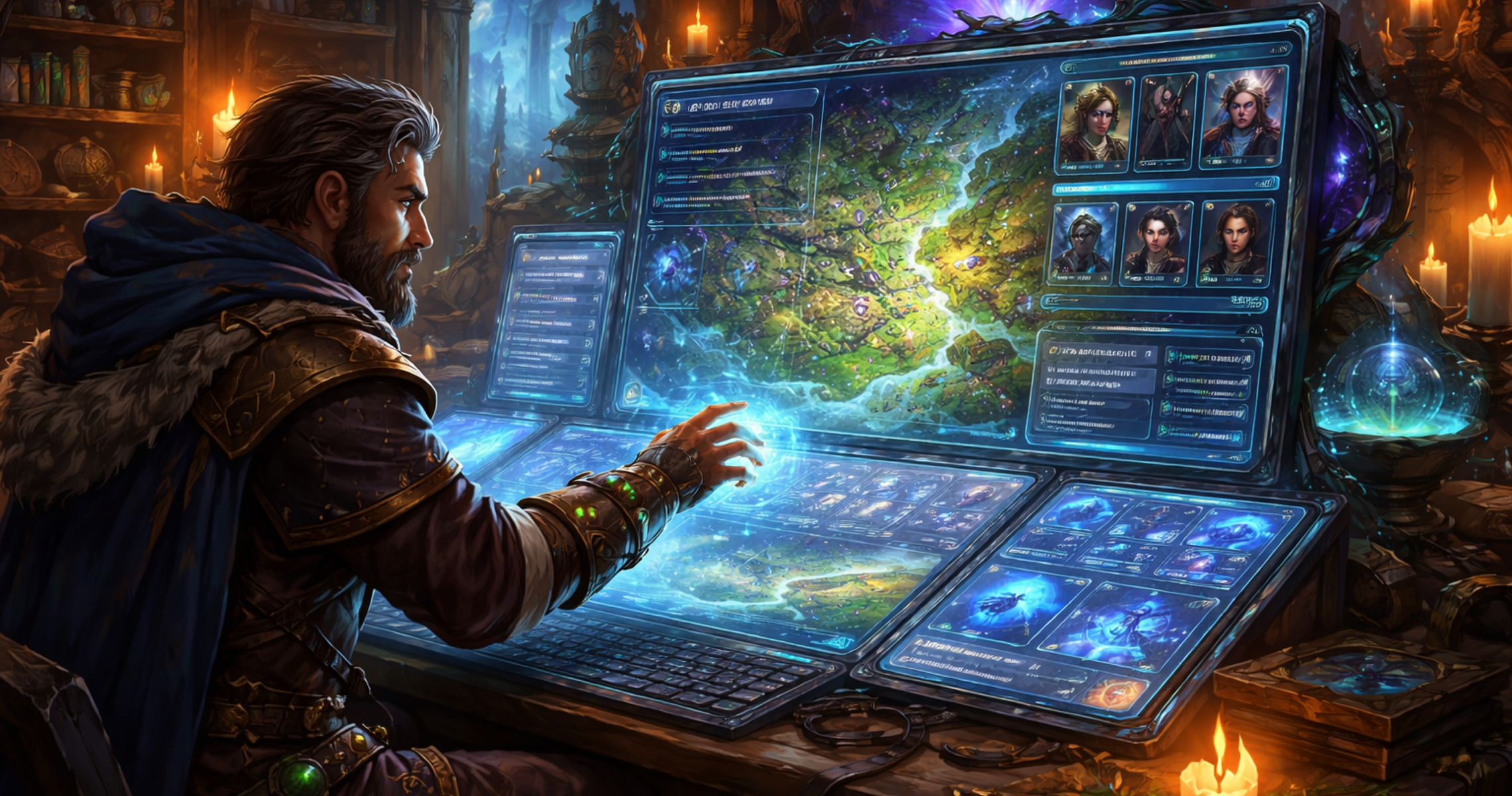
Think of it as your command center. It’s a digital hub where you can manage session notes, track initiative, run encounters, organize NPCs and locations, roll tables, and surface everything you need in one place. Instead of jumping between documents, spreadsheets, and a dozen browser tabs, you bring key tools into a single, calm interface.
Good platforms balance three goals: speed at the table, less prep overhead, and fewer interruptions to the flow of play. Many include integrated timers, quick-reference rules, condition tracking, loot generators, and even soundboards. Some connect to virtual tabletops, letting you sync combat states or push handouts to players. Others lean into campaign organization with deep linking, tags, and cross-references so you can jump from an NPC to their quest, location, and related clues with a click.
What matters most is that it complements your style. If you love improv, you’ll want fast search, reusable prompts, and flexible notes. If you’re tactical, you may value encounter builders, monster libraries, and reliable math. If you’re cinematic, scene boards, music cues, and session timeline tools will help you set the mood.
Did You Know?
- You don’t need to adopt every feature. A lightweight workflow that you actually use beats an overstuffed toolset you ignore.
- Custom hotkeys and quick actions can keep your eyes on players instead of on your screen during combat.
- Linked notes and tags reduce “where did I put that?” moments, especially in long-running campaigns.
- A concise session template (overview, scenes, beats, loot, NPCs) pays off more than bloated prep.
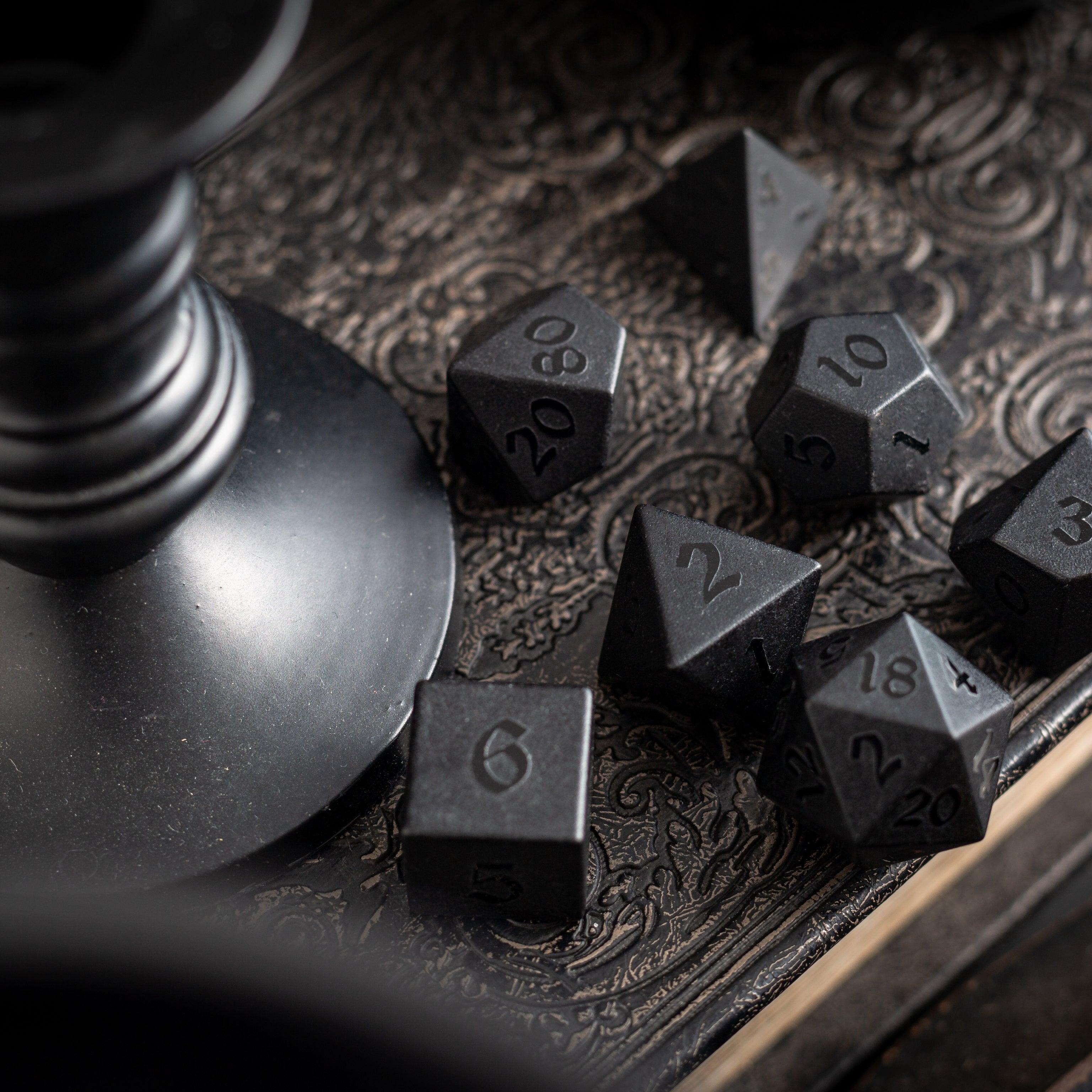
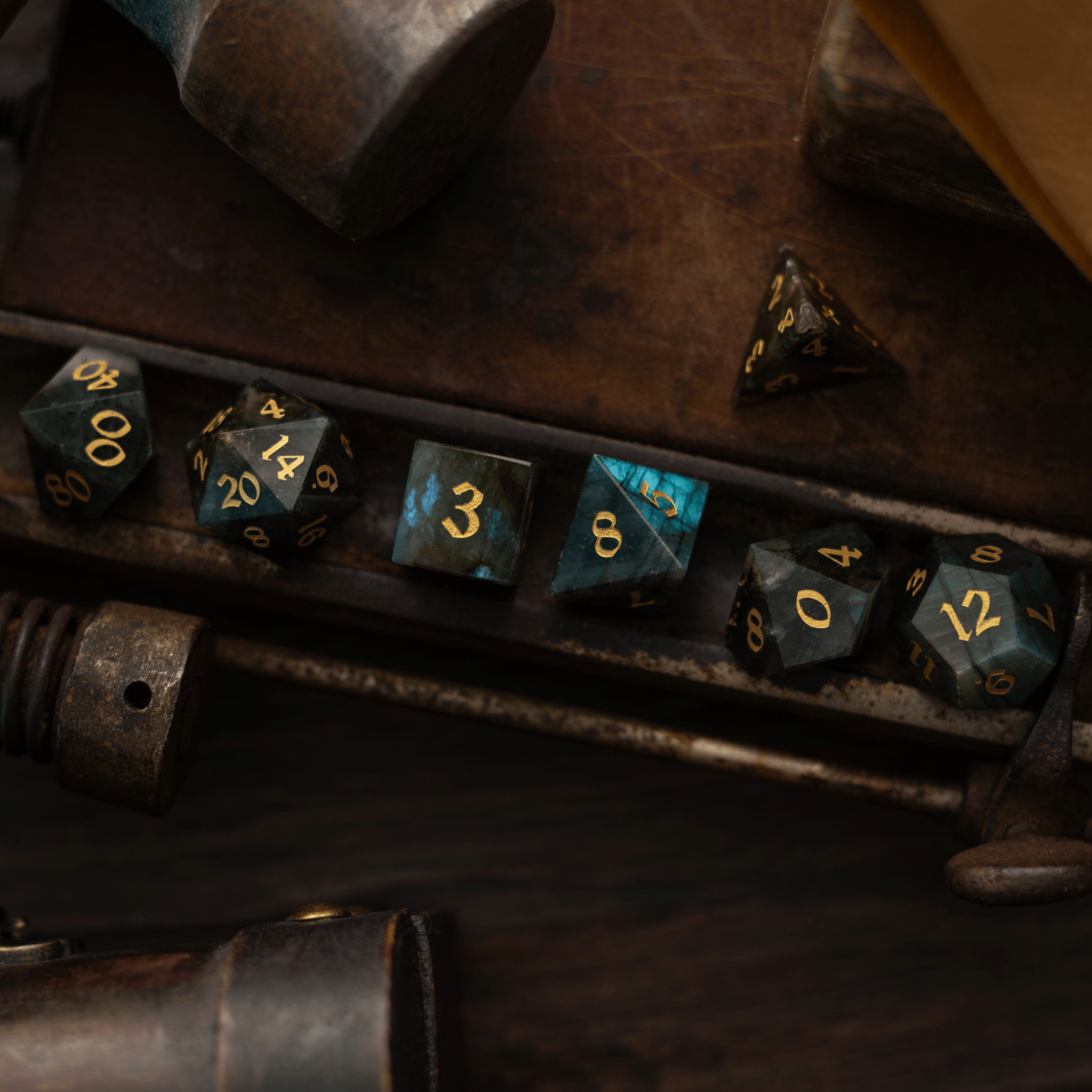
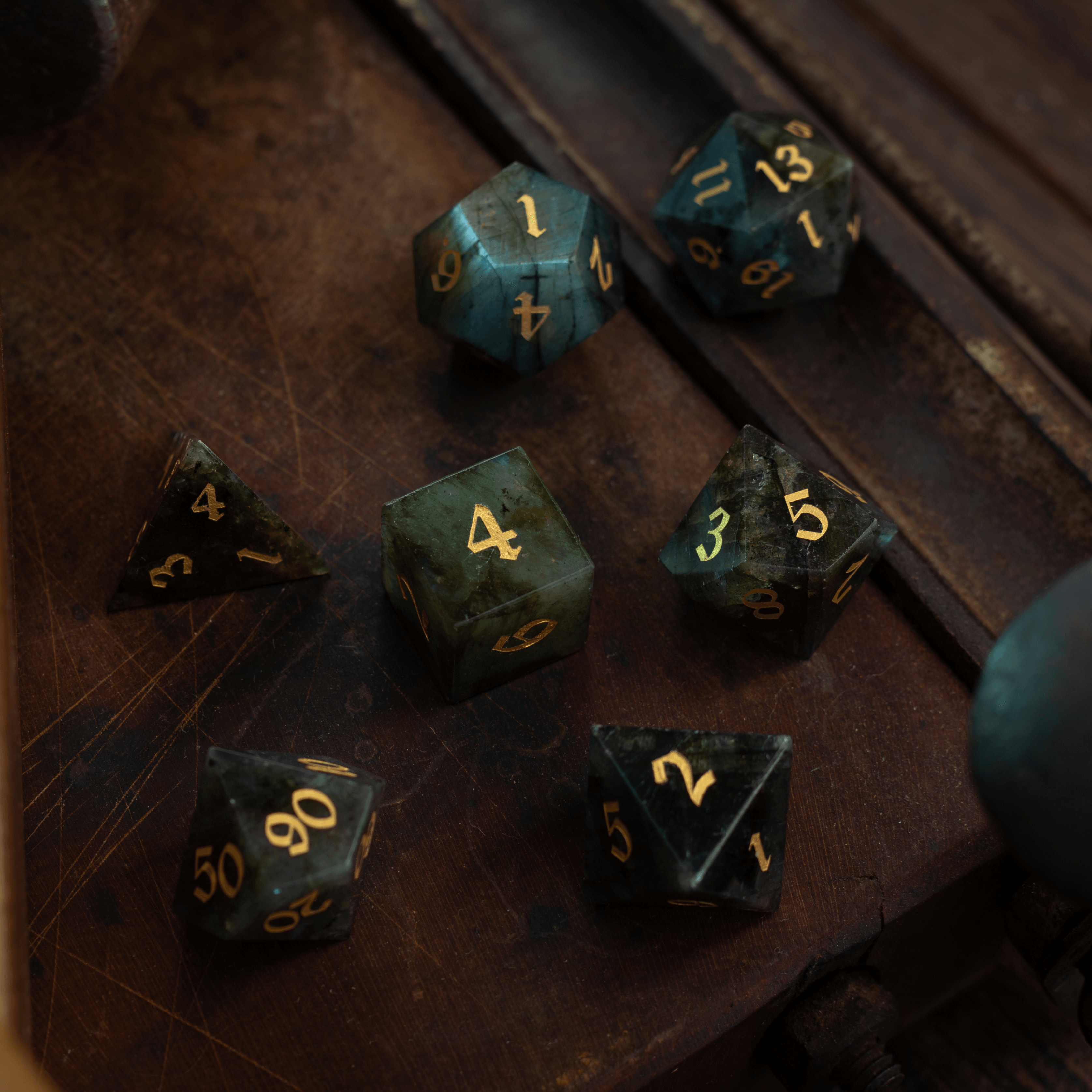
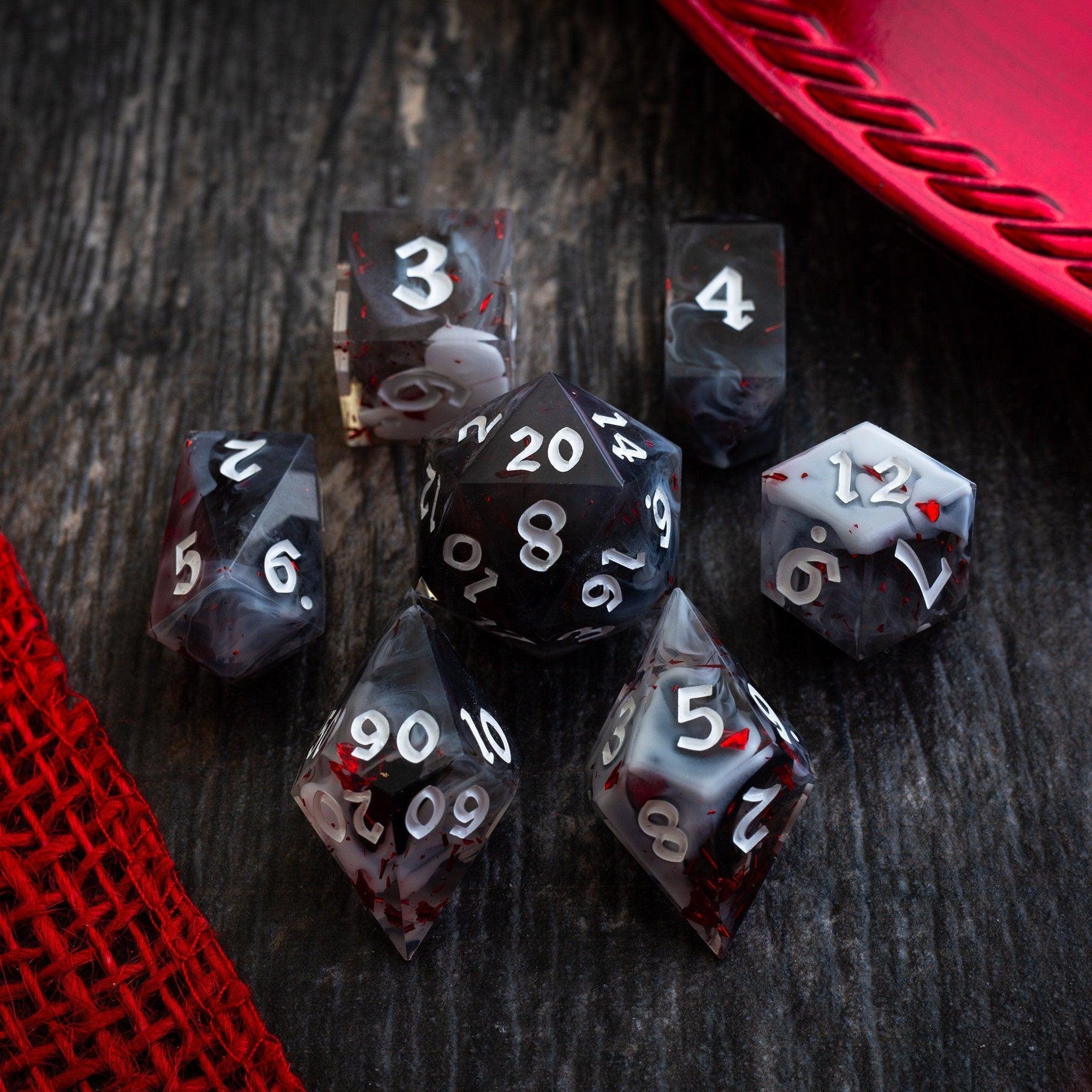
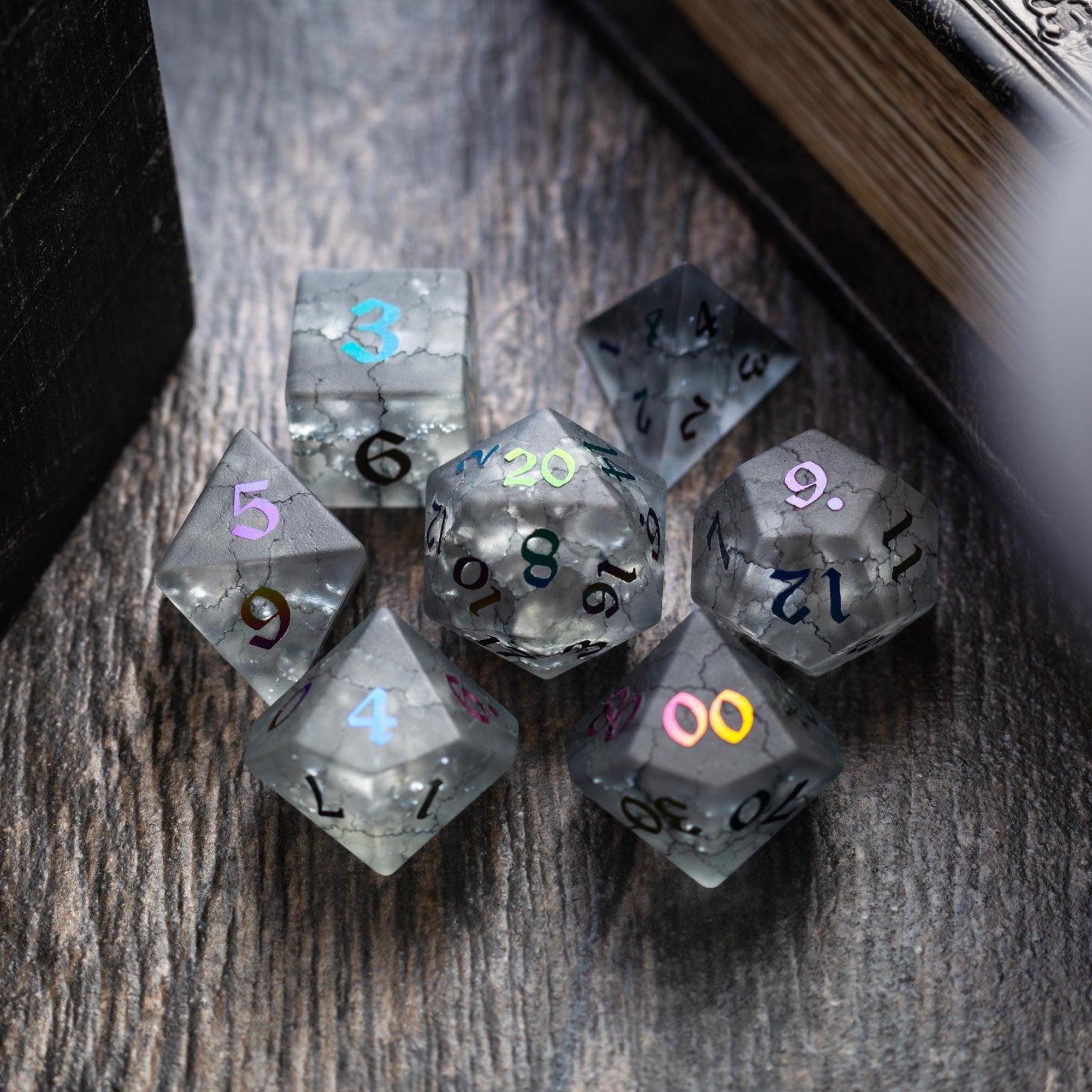
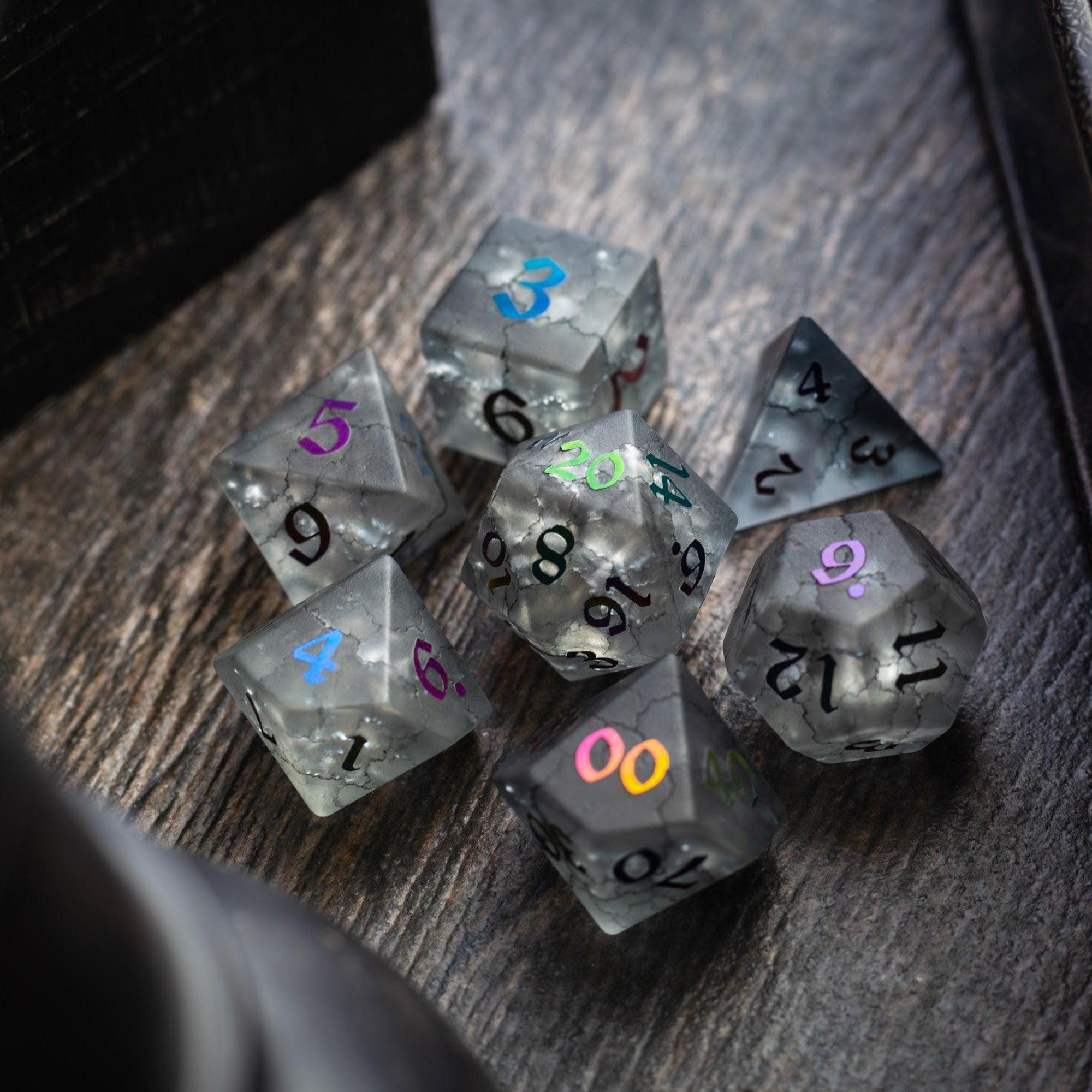
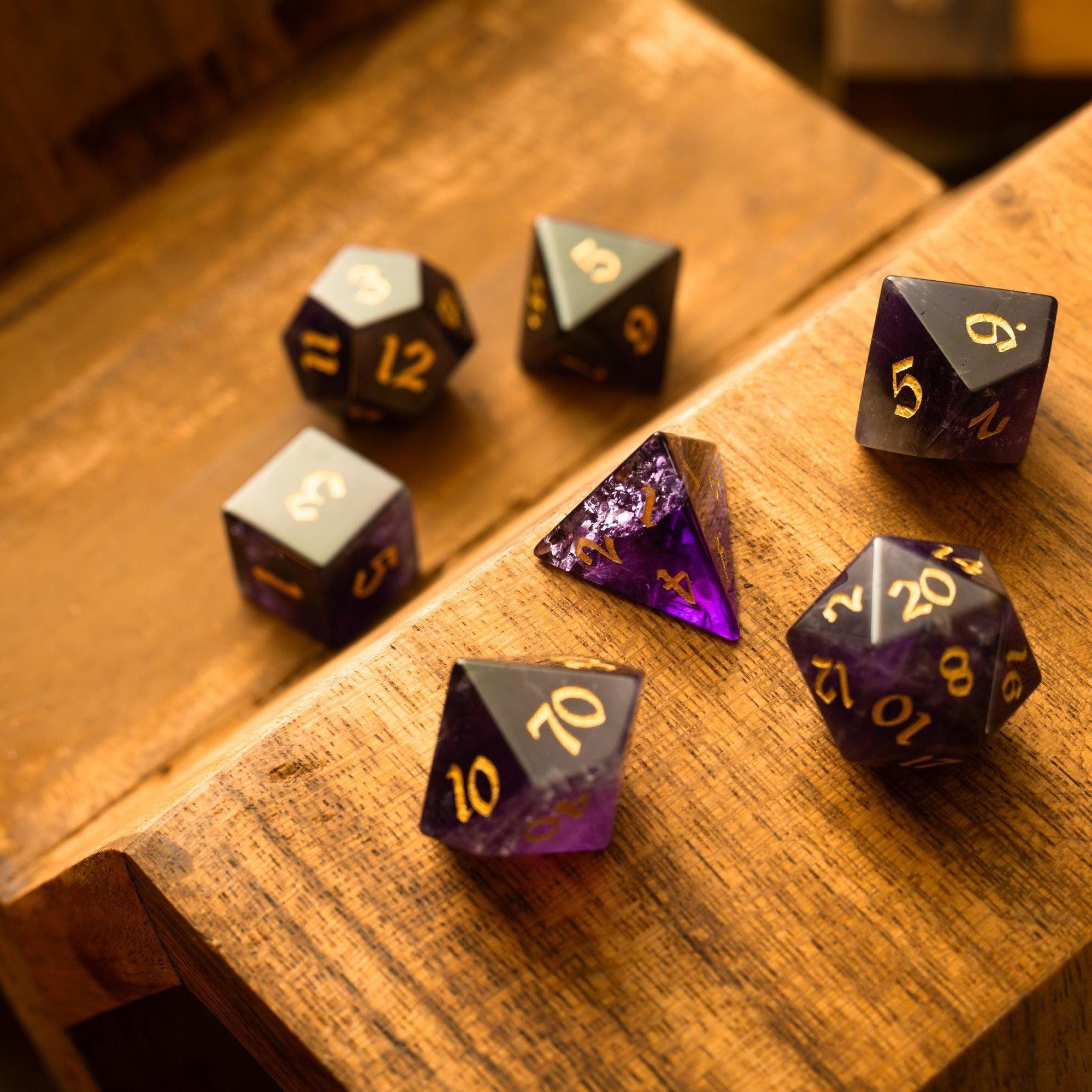
- Pairing digital tools with tactile elements like quality dice or a tower adds ceremony and helps players focus. If you enjoy table presence, explore dice towers that suit your style.
Comparison: Pros & Cons
All-in-one apps
- Pros:
- Unified design with features that work together out of the box.
- Fewer integrations to set up or maintain.
- Often includes encounter builders, timers, and condition tracking.
- Cons:
- May lock you into their ecosystem for assets and data.
- Feature bloat can slow performance on older devices.
- Learning curve if the UI is busy.
VTT-connected dashboards
- Pros:
- Real-time sync for combat states, HP, and conditions.
- Push handouts or whispers directly to players.
- Less double entry when running online.
- Cons:
- Reliant on the VTT’s stability and plugin updates.
- May require subscriptions on both sides.
- Offline use can be limited.
DIY setups (notes apps, spreadsheets, and bookmarks)
- Pros:
- Free or low-cost with total control.
- Tailored to your unique workflow.
- No vendor lock-in.
- Cons:
- More manual upkeep and backups.
- Harder to share or standardize across devices.
- Missing time-saving automation.
Hybrid approach (minimal dashboard + specialty tools)
- Pros:
- Keep core features while integrating your favorite niche tools.
- Focus on what you actually use week to week.
- Easier to swap parts without rebuilding everything.
- Cons:
- Requires some setup and maintenance.
- Potential overlap between tools.
- Inconsistent shortcuts and UI patterns.
Buyer’s Checklist
- Session flow
- Fast initiative/turn tracker with condition and effect timers.
- Scene or encounter tabs you can jump between without losing state.
- One-click rolls, tables, and card draws.
- Prep efficiency
- Templates for sessions, locales, and NPCs that you can customize.
- Smart linking, tags, and backlinks for quick cross-references.
- Powerful search with filters (by tag, type, rule, or session).
- Content handling
- Import from common formats (Markdown, text, or CSV) and export on demand.
- Image and handout management with easy player sharing.
- Rules-agnostic fields so you can adapt to any system.
- Table experience
- Distraction-free mode and readable fonts for low-light rooms.
- Soundboard or scene cues for mood (optional but nice).
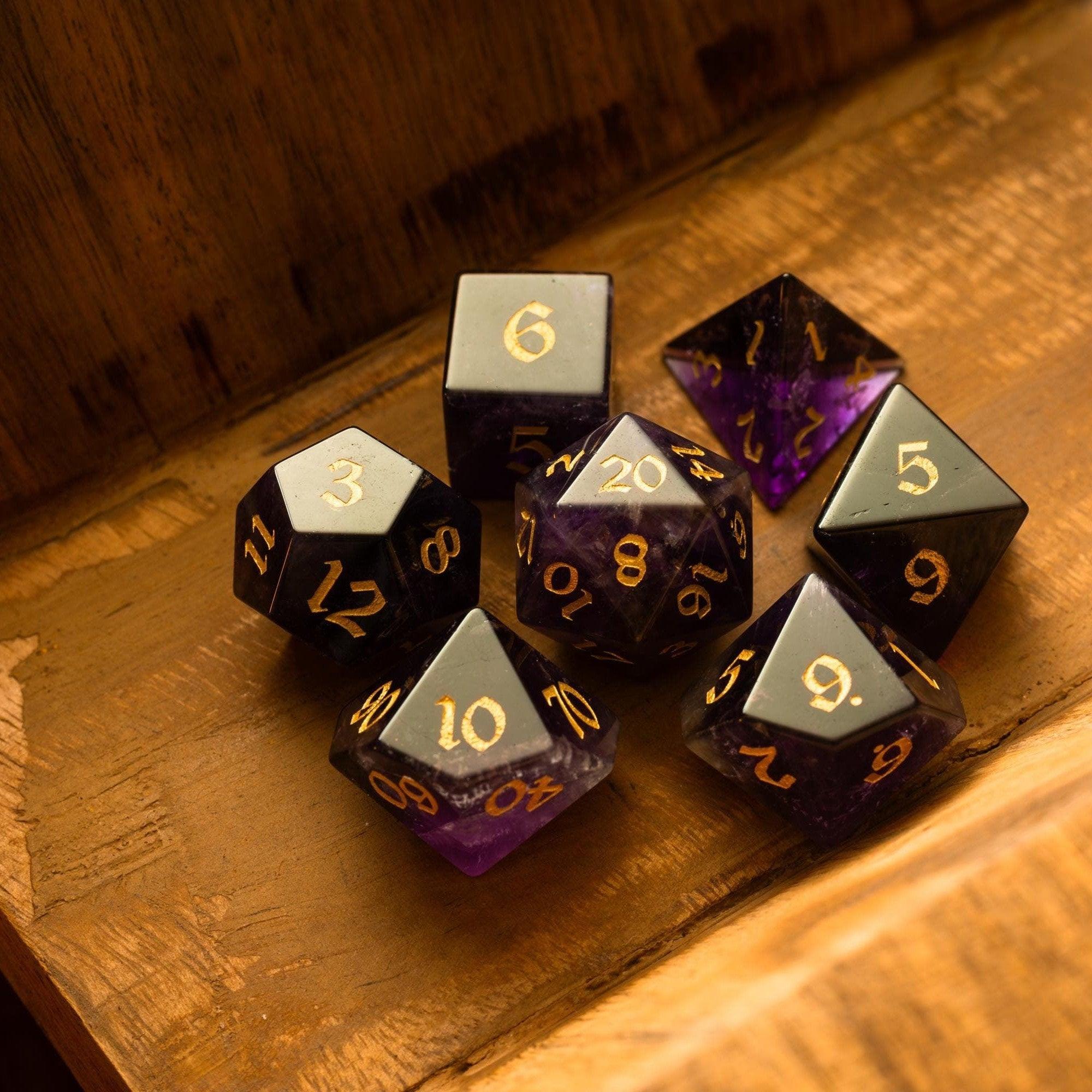
- Supports tactile play alongside digital—bring your favorite gemstone dice or props to keep energy high.
- Connectivity
- Offline mode with clear sync behavior for when you reconnect.
- Optional VTT integration without forcing you to use one.
- Cross-device access with autosave and version history.
- Reliability and safety
- Regular updates and a transparent changelog.
- Local backups or export so your campaign is truly yours.
- Privacy controls for player data and table notes.
- Value and support
- Clear pricing with no surprise limits on notes or storage.
- Helpful docs, quick-start templates, and responsive support.
- Active community tips without pushy upsells.
Final Thoughts & Advice
Pick the smallest tool that solves your biggest pain. If combat drags, start with a lean turn tracker. If prep sprawls, focus on linked notes and search. If player handouts get lost, choose a solution that shares content in one click. Build from there.
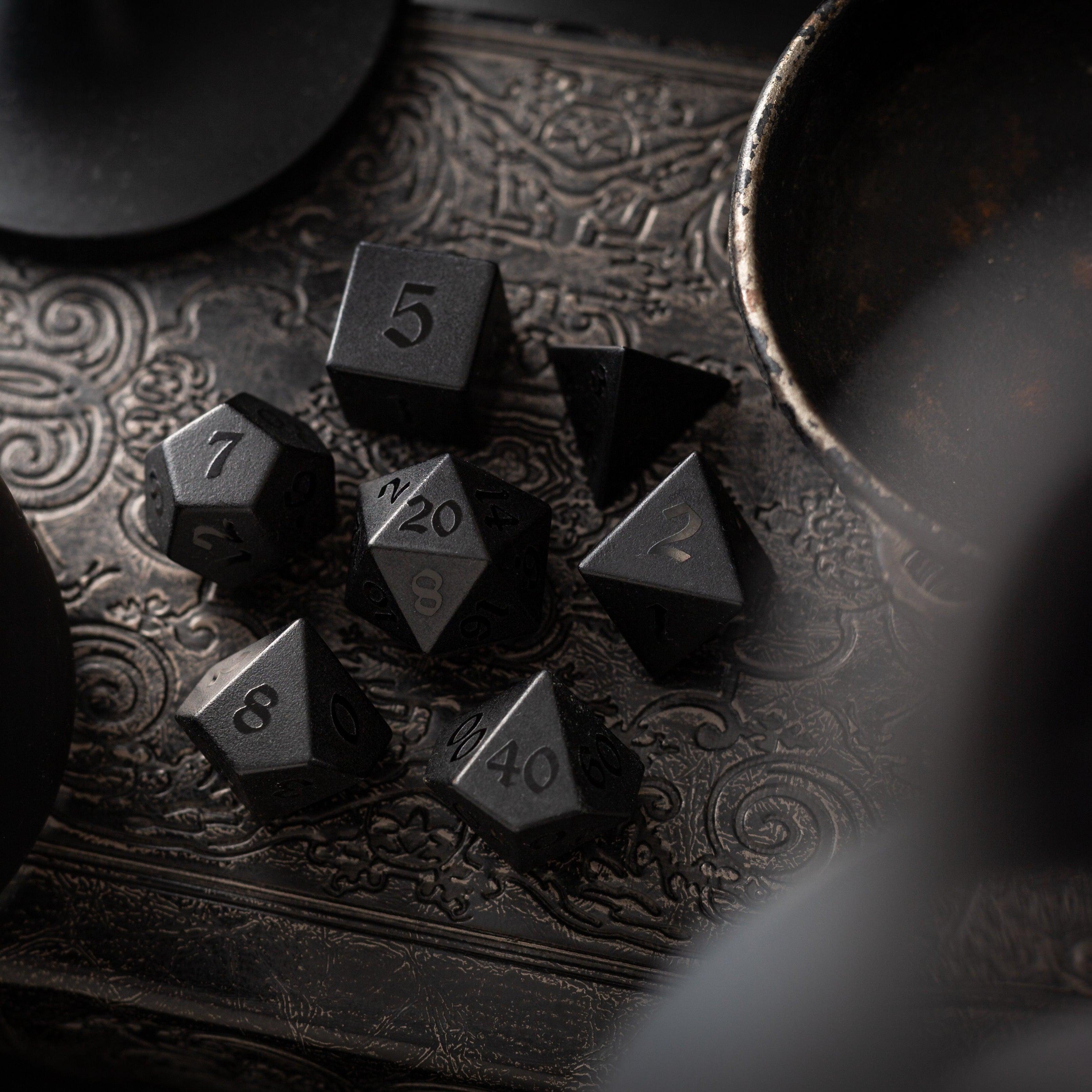
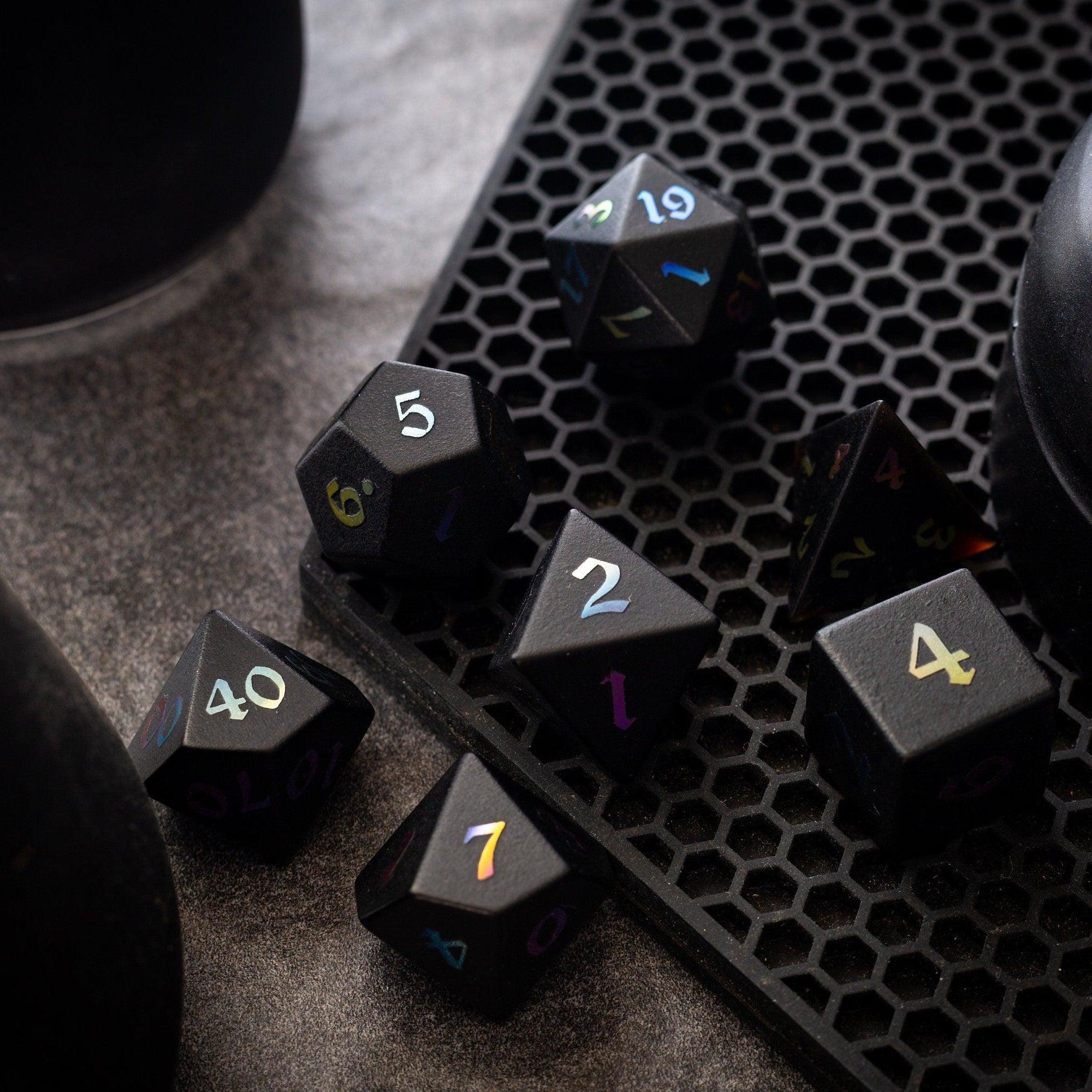
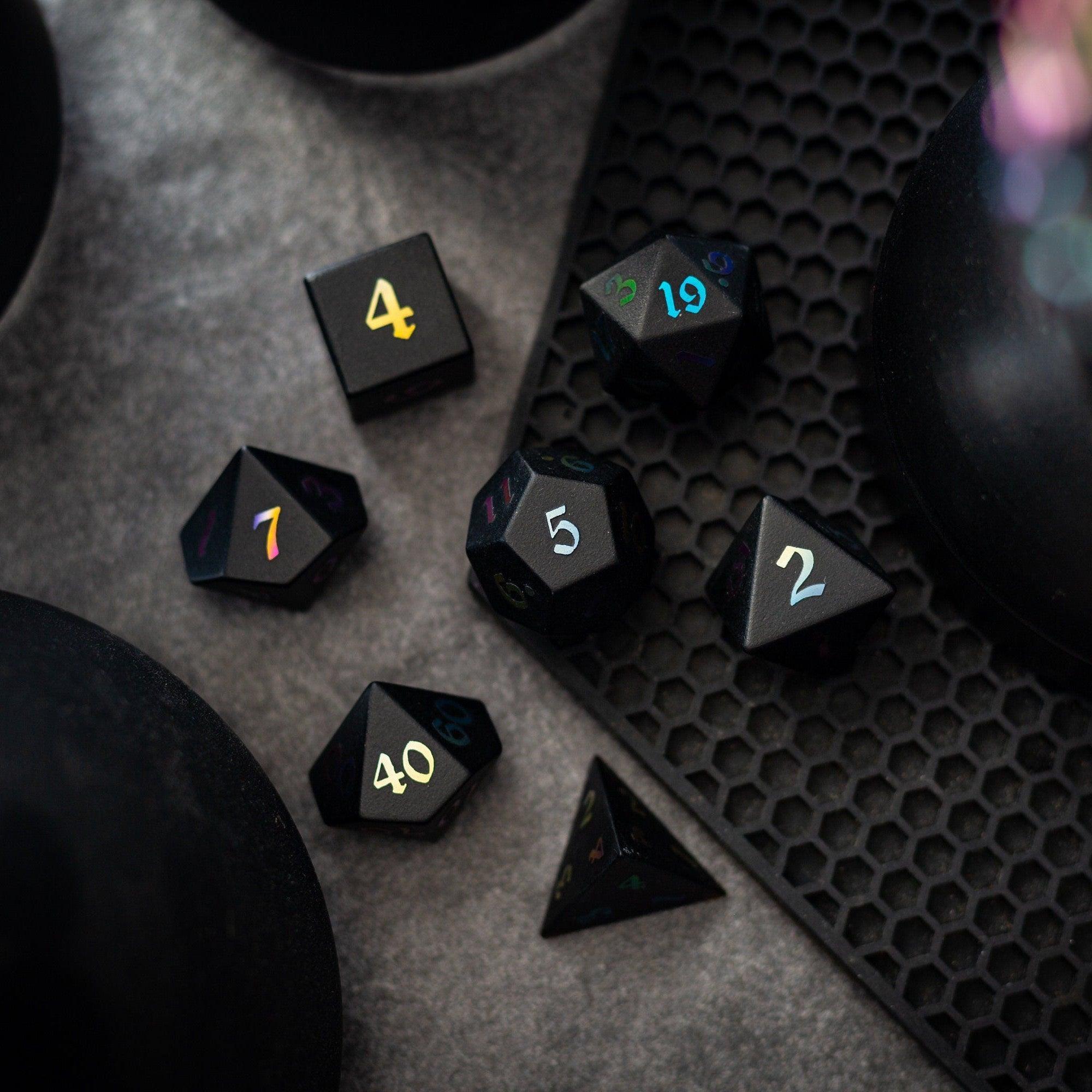
Also, keep your table tactile. Beautiful dice and props add presence, even when you’re using digital tools. Explore metal dice for a satisfying roll feel, or browse new arrivals when you’re ready to refresh your kit. If you’re evaluating game master dashboard software, try it in a short one-shot first—stress-test timers, notes, and sharing before moving your main campaign.
Finally, protect your time. Use templates, archive finished arcs, and set five-minute breaks to reset your focus. With a clear workflow and a tool that fits your style, you’ll spend more time narrating memorable moments and less time hunting for buttons.
Note: This article is for general guidance only and isn’t affiliated with any specific app or platform.
Q&A: Common Questions
Can I use a GM dashboard offline?
Many tools offer offline mode, but behavior varies. Test how your app handles edits when you’re disconnected and what happens to conflicts after you reconnect. Make sure autosave still works locally, and confirm how images or large handouts are cached. Always keep manual exports or backups so your notes remain safe, no matter your connection.
Will a dashboard replace my virtual tabletop?
They solve different problems. A VTT shines for maps, tokens, and player-facing visuals. A dashboard focuses on your side of the screen: notes, timers, encounters, and session flow. Some platforms integrate, which can be great, but you don’t need both to run a great game. Pilot your workflow with one tool at a time, then add integrations if they reduce steps.
How do I migrate notes without losing data?
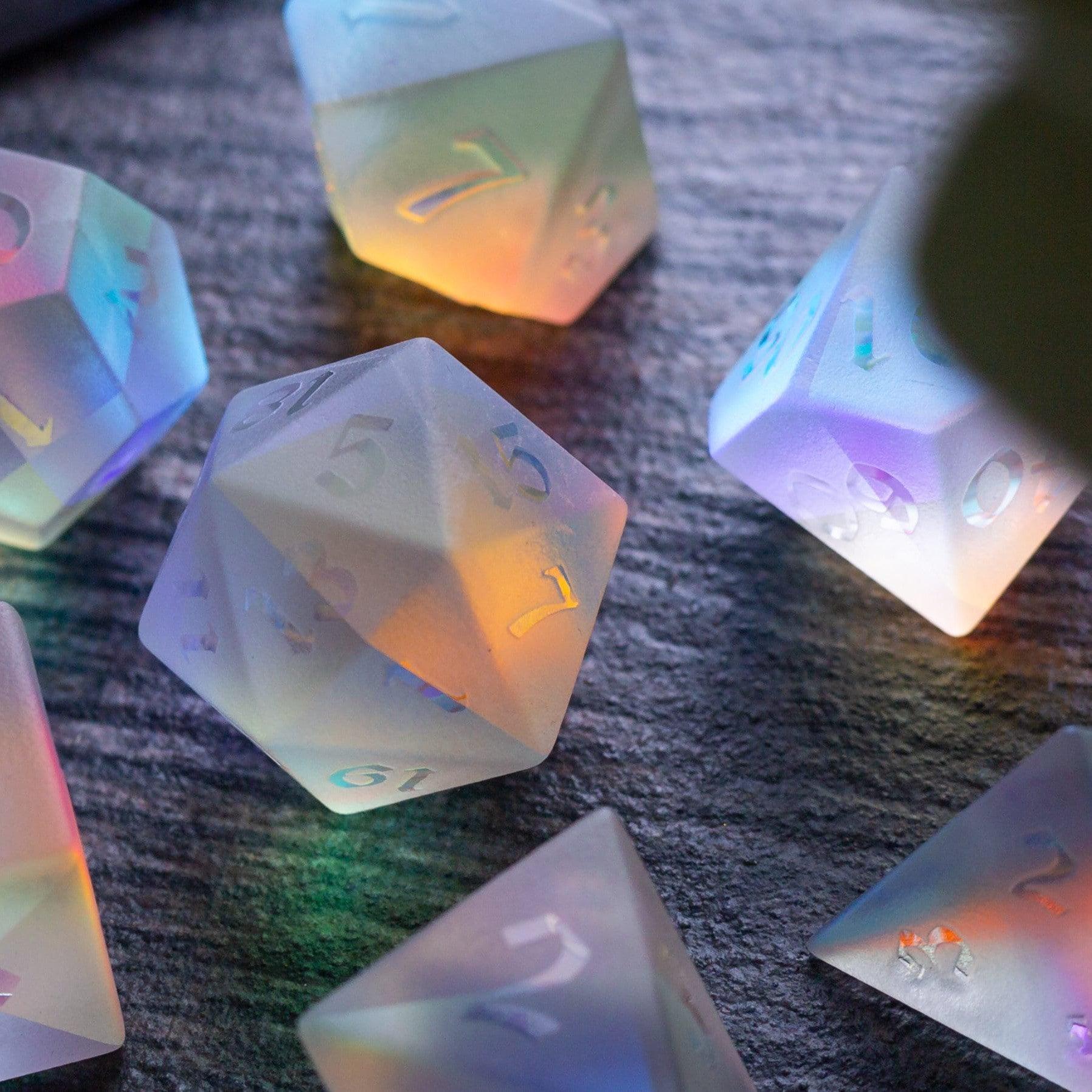
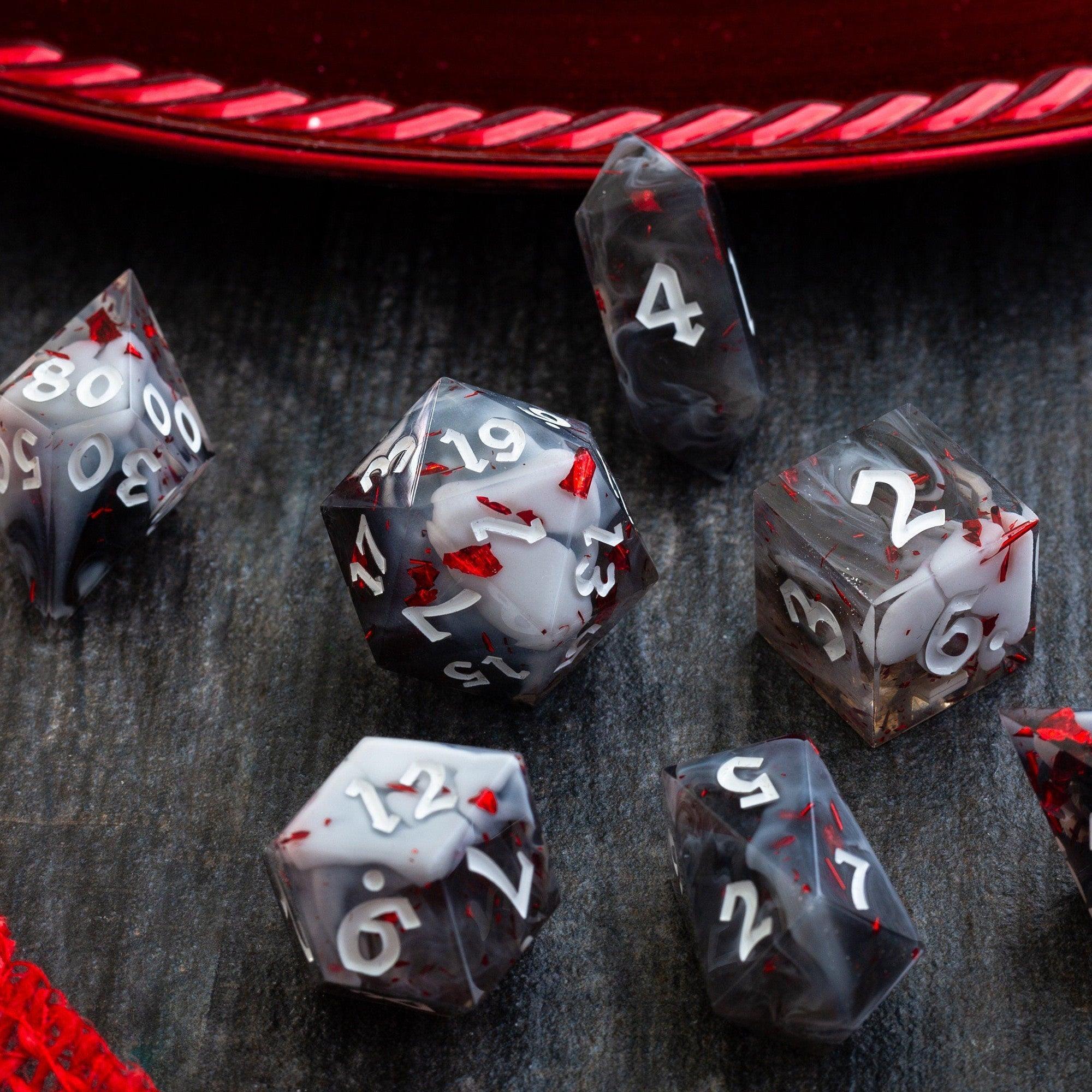
Start with a short campaign arc or a one-shot instead of your entire archive. Use common formats like Markdown for text and keep images in organized folders. Import a small set of NPCs, a location, and a single session template to prove the workflow. Once you’re confident with search, linking, and exports, move the rest in batches. For table presence while you transition, a fun set like the Starlit Rift set can make even test sessions feel special.





Leave a comment
This site is protected by hCaptcha and the hCaptcha Privacy Policy and Terms of Service apply.