

Spell and Feat Reference Mastery for RPG Builds Guide
If you’ve ever paused mid-combat to dig through a rulebook, you know how it breaks the mood. That’s why a dedicated spell and feat reference is such a powerful quality-of-life upgrade. Think of it as your table’s quick-access rules lookup: a neat, consistent place where you store key details you use every session. The right setup keeps rulings fair, speeds up choices, and helps new players feel confident. Better yet, it’s easy to start small and grow over time. In a few simple steps, you can build a reference that feels tailor-made for your party and campaign.
Key Benefits
- Faster turns and fewer pauses: Players can make choices quickly when casting or activating abilities because the info is in one place.
- Consistent rulings: When you commit to a single, clearly written source, your group avoids unintentional rule drift.
- Lower cognitive load: Short summaries and highlights let you recall complex effects without re-reading full text blocks.
- Better prep and pacing: You can plan encounters knowing everyone understands what their abilities actually do.
- Onboarding made simple: New players will appreciate concise notes, examples, and reminders in plain language.
- Custom to your table: Add house clarifications, common edge cases, and rulings you use often.
- Shareable and portable: A printable pack or a cloud doc means the whole group can view it, anytime.
Step-by-Step Guide to Your spell and feat reference
Step 1: Map Your Goal
Start by defining success. Do you want a lean, fast index for session play, or a full rules digest for prep? Write a one-line goal like, “Create a quick lookup for my party’s top 30 abilities.” This keeps scope realistic and prevents bloat. Next, list the characters and enemies you use most. That list becomes your initial content roadmap.
Step 2: Choose a Format
Pick the platform you’ll actually use at the table. If you love analog, a small binder with dividers is perfect. If you’re digital-first, a notes app or spreadsheet with filters works great. Use a consistent template for every entry. A simple layout might include: Name, Type (spell, feat, class feature), Action/Time, Range, Duration, Summary (one sentence), Key Rules, and Edge Cases. Keep it clean and scannable with short lines and bold labels.
Step 3: Organize by Need-to-Know
Sort entries by how often you use them, not alphabetically—at least at first. Put your most frequent choices on the first page, then sort the rest by level or category. Create a one-page “Top Picks” overview your group can grab instantly. If you prefer a second view, add an alphabetical or level-based index for quick cross-checks. This “two views” approach handles speed and completeness in one system.
Step 4: Tags and Fast Filters
Tags are your best friend in a digital setup. Use tags like “reaction,” “concentration,” “bonus action,” “save,” “area,” “single target,” or “utility.” In paper, replicate this with colored sticky flags or icons. The goal is instant recognition so a player can say, “I need a reaction option,” and find it in seconds. For example, you might tag crowd controls versus single-target bursts for faster tactical picks.
Step 5: Smart Cross-References
Link related abilities to each other. If a spell scales or interacts with a class feature, add a “See also” note. Cross-references reduce rule conflicts and cut down repeated text. You can also add a “Common Misreads” line for abilities your table frequently revisits. Over time, this becomes a treasure trove of clarity and saves minutes every session.
Step 6: Playtest at the Table
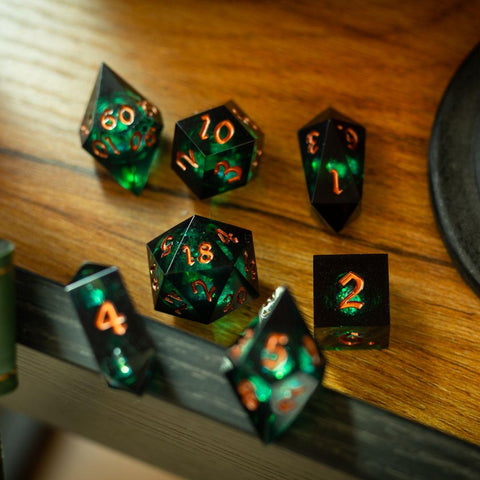
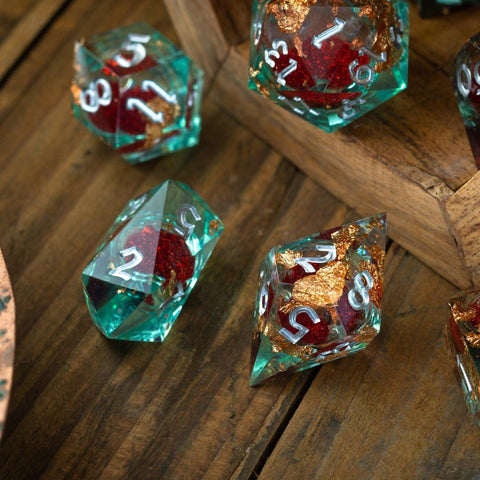
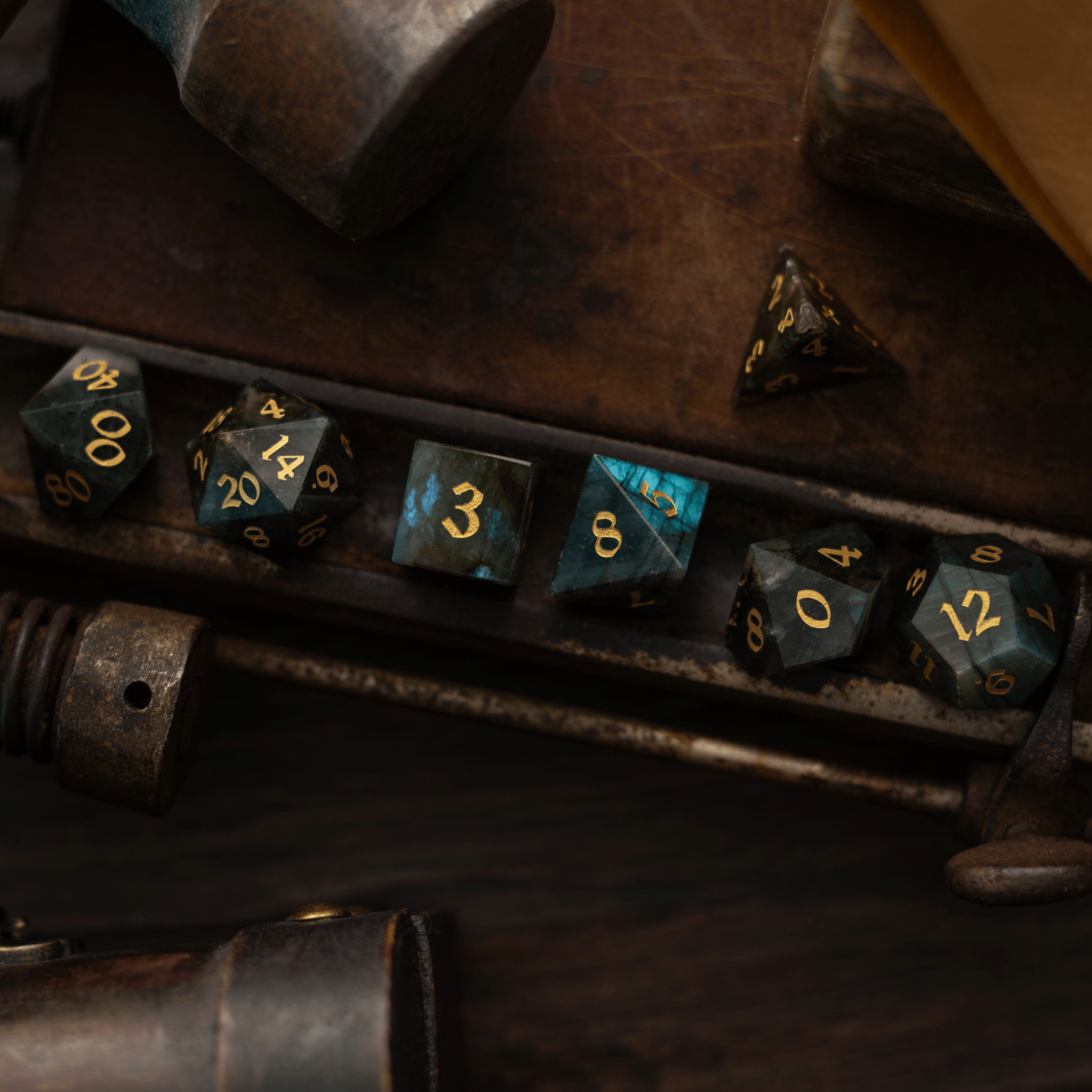
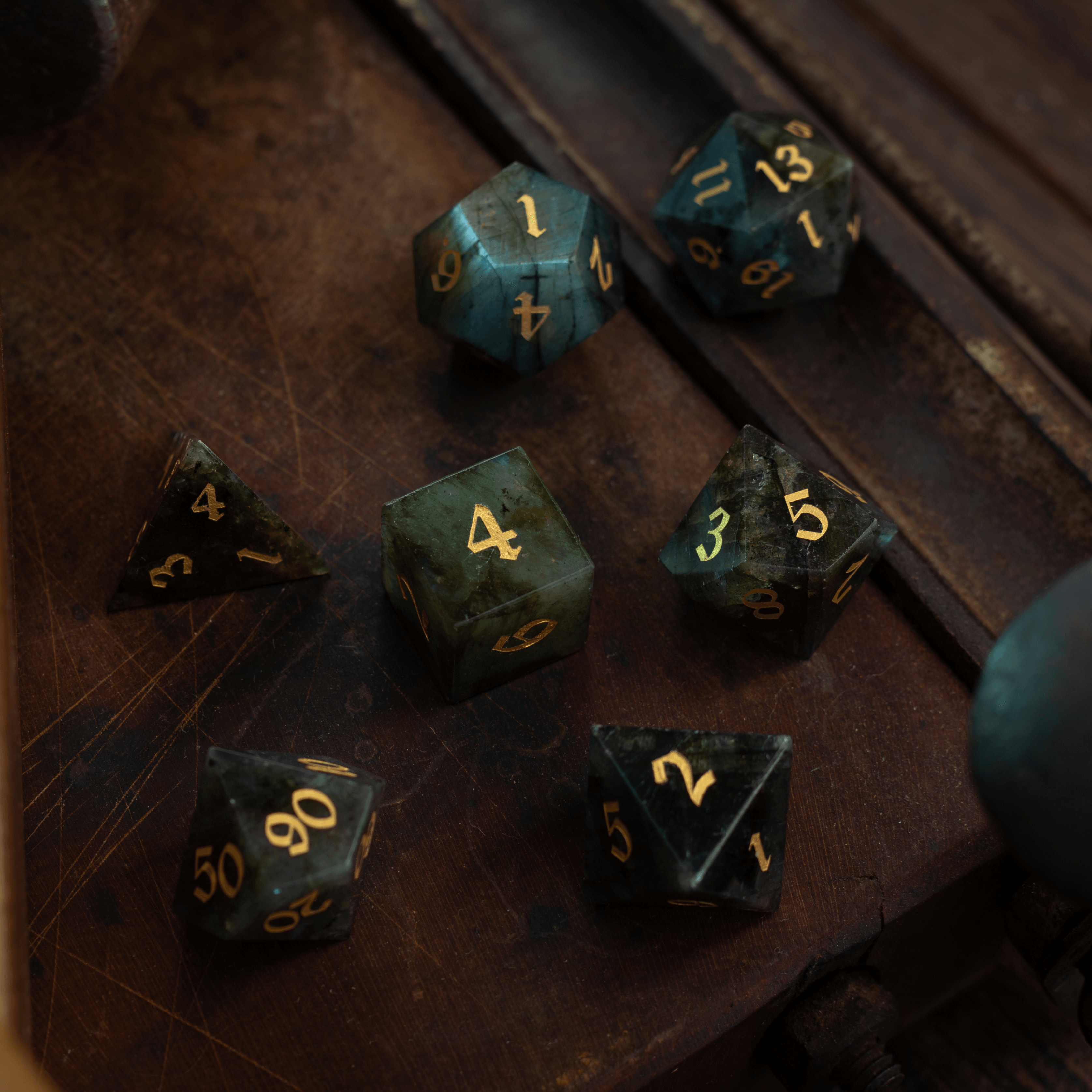
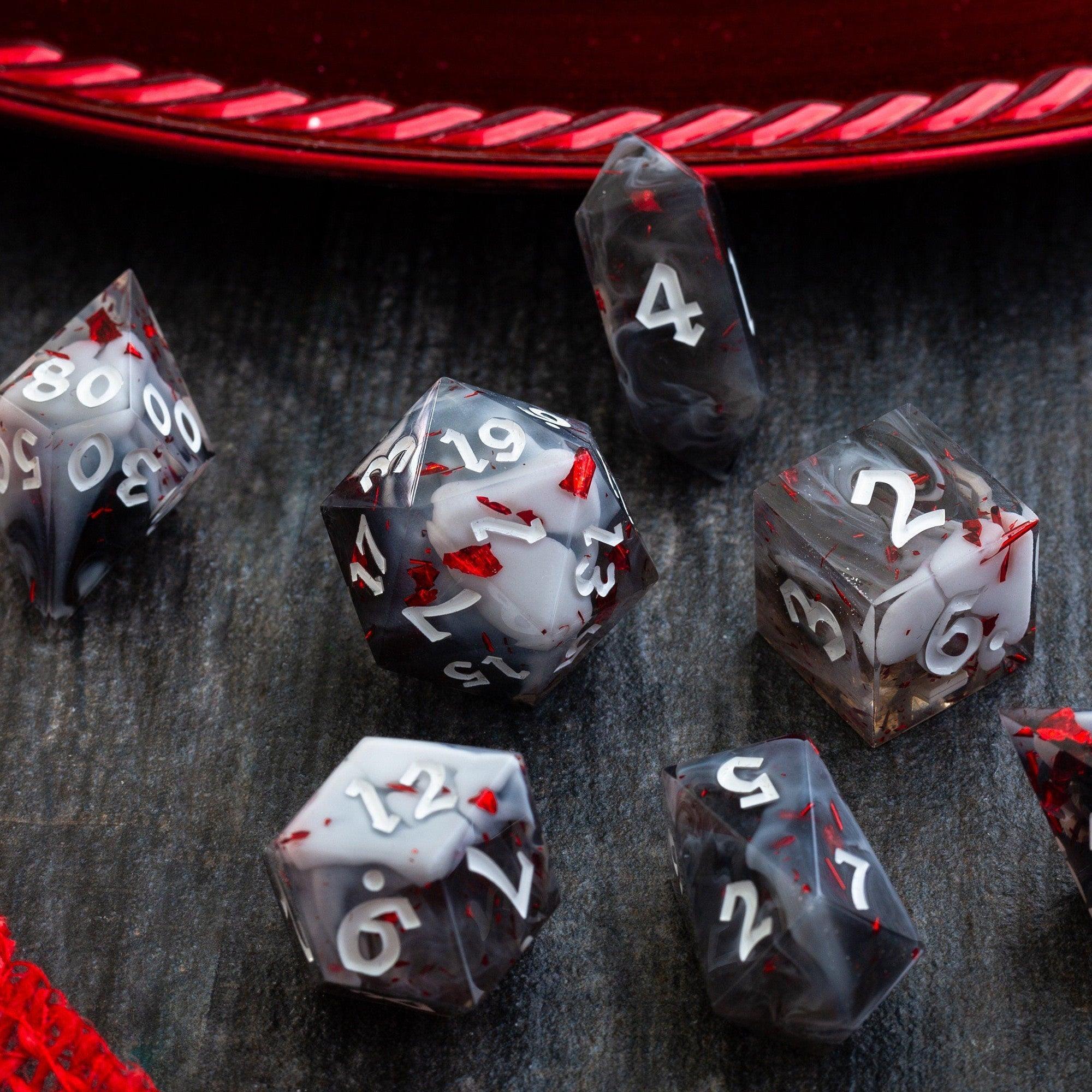
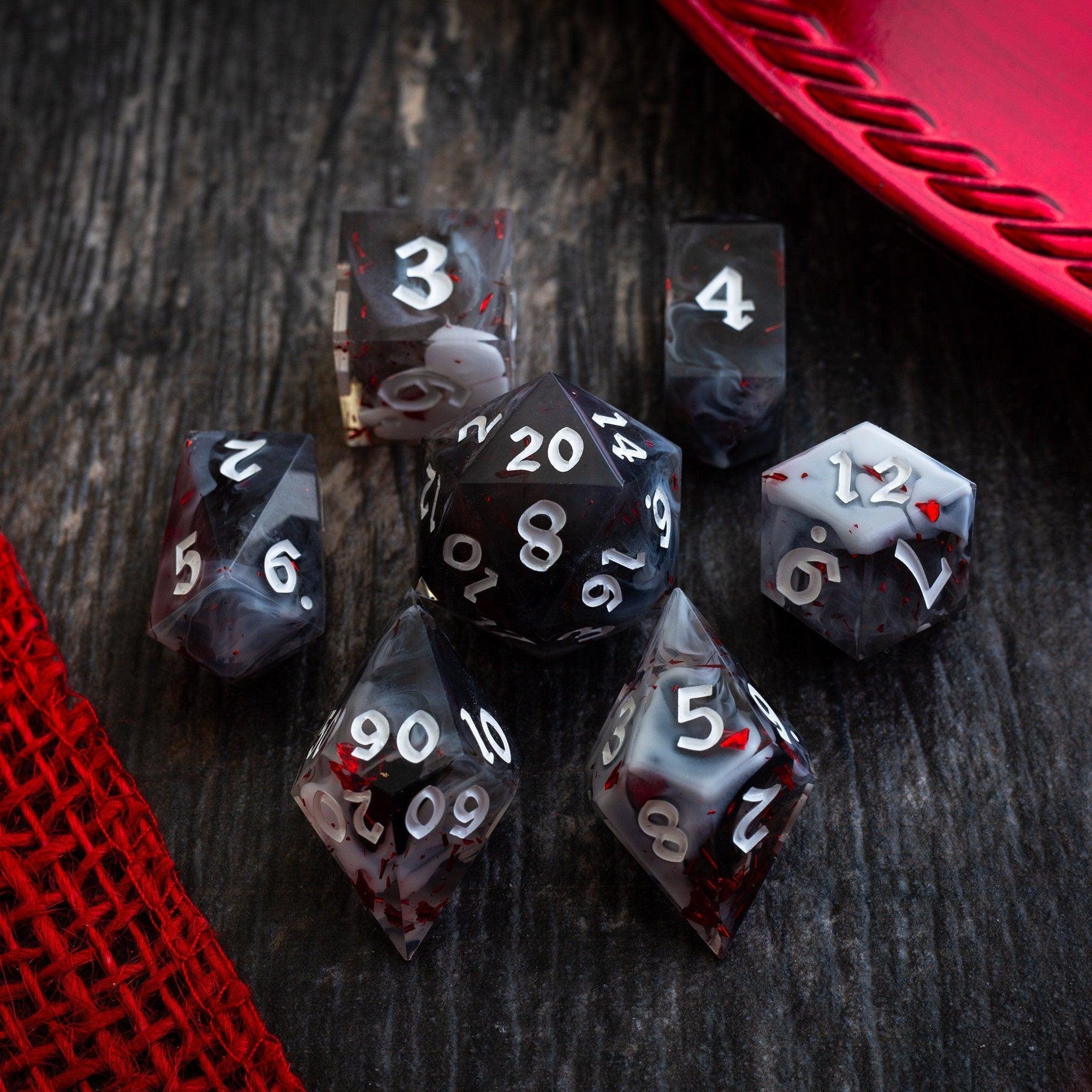
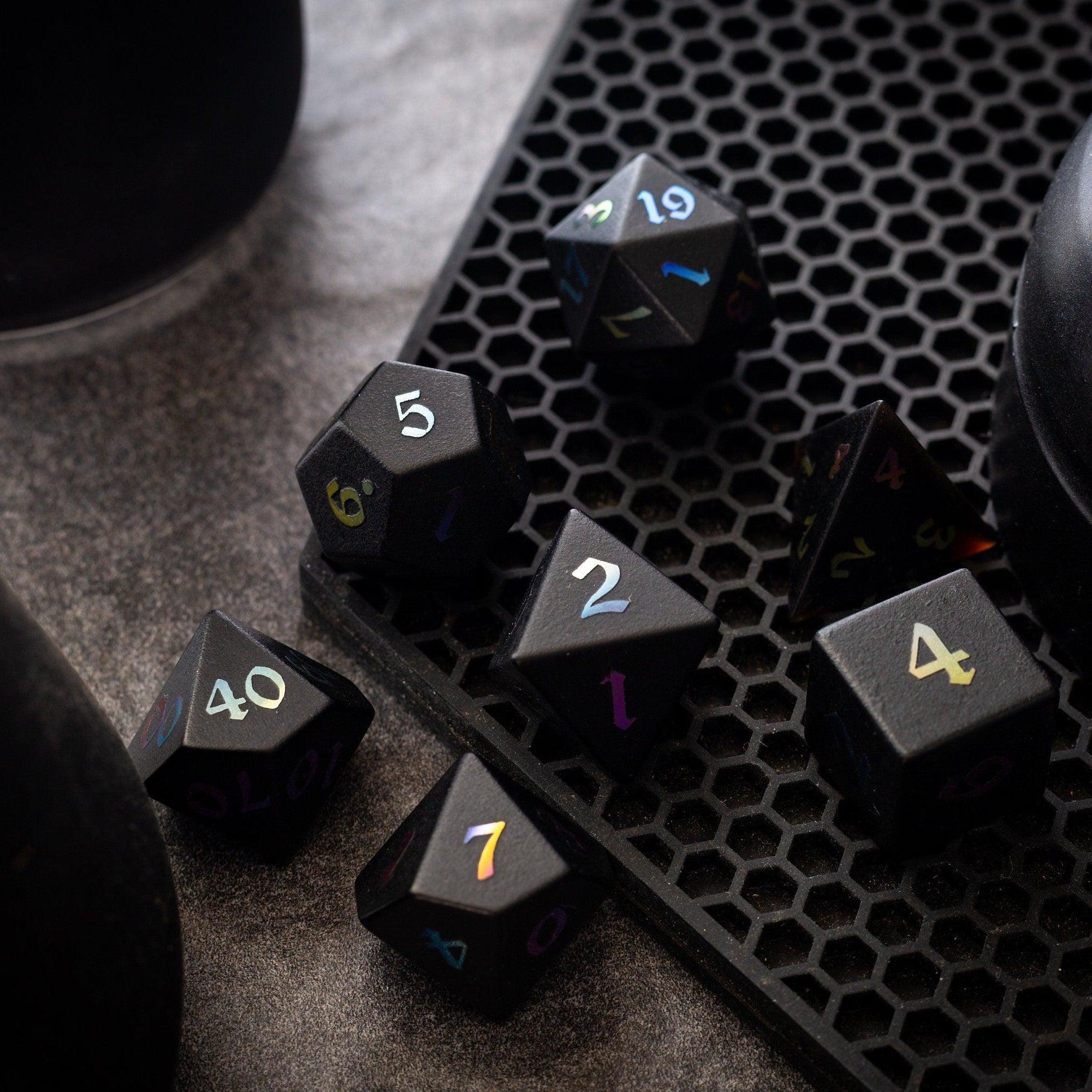
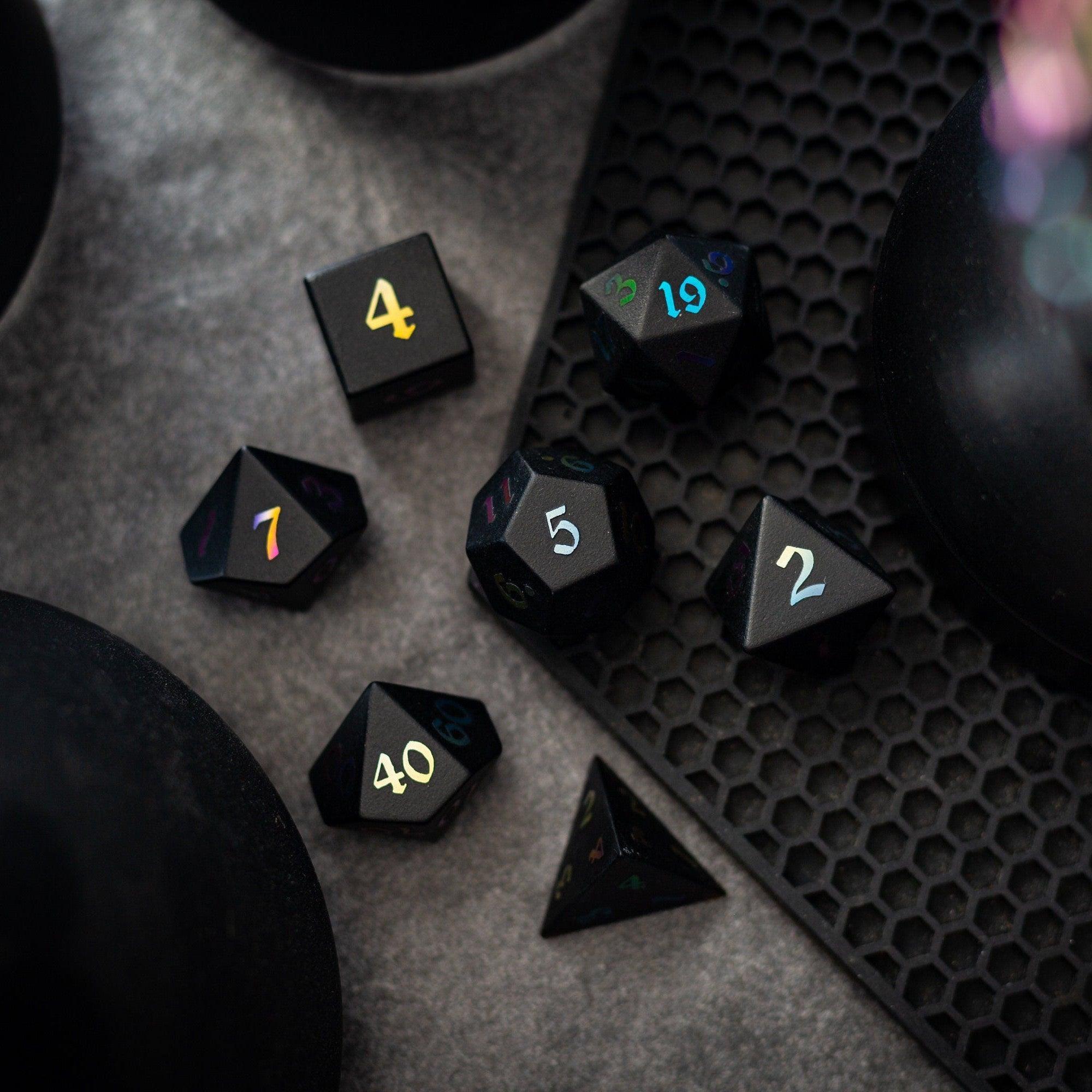
Use the reference in your next session and watch for friction. Are players skimming too long? Is a label confusing? Are key numbers buried in text? Note issues and fix them after the game. Small tweaks—shorter summaries, fresh tags, or better grouping—often deliver big gains. As a fun bonus, pair the experience with tactile table upgrades to keep momentum high, like a new set of green gemstone dice or a mesmerizing liquid core set that makes every roll feel cinematic.
Step 7: Maintain Without Burnout
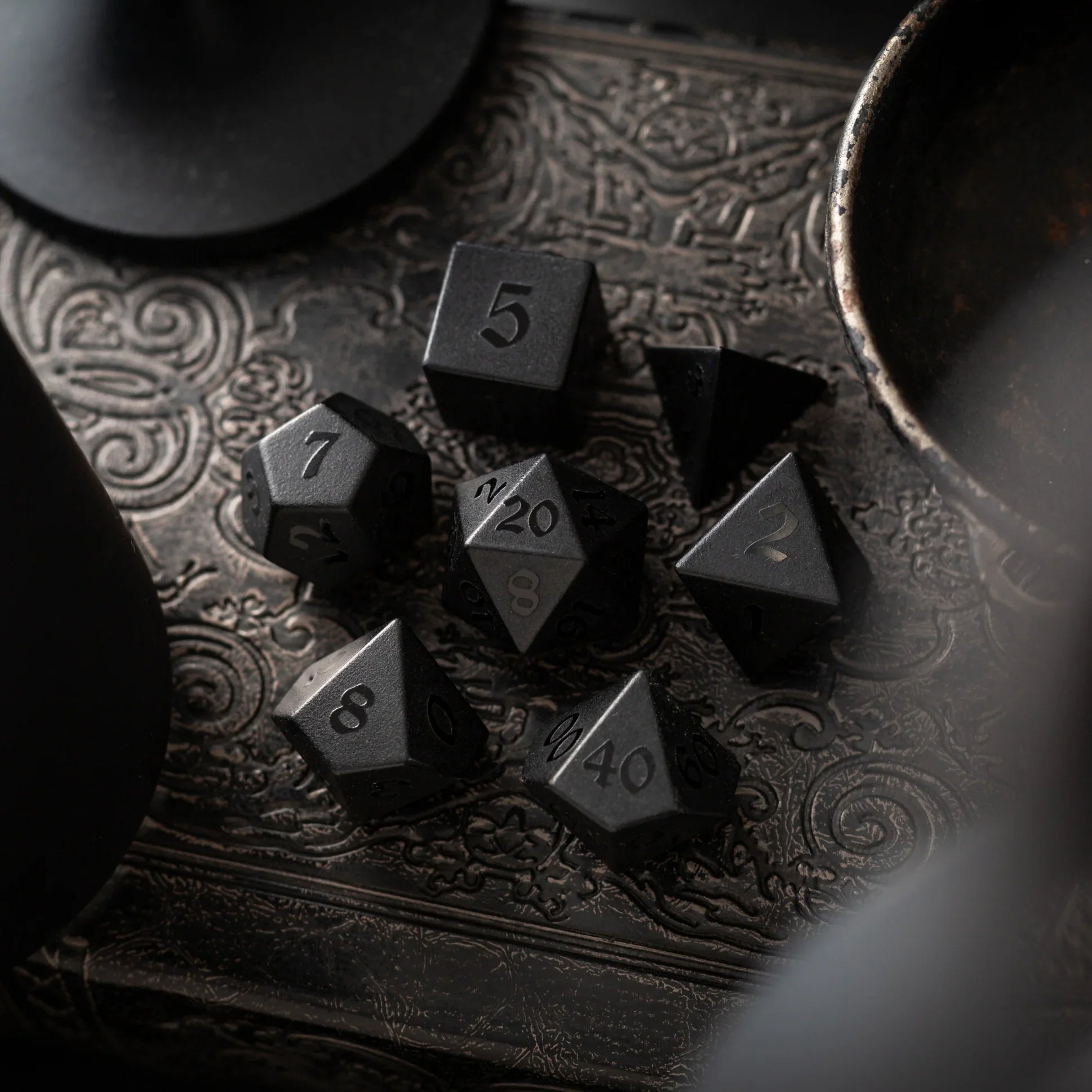
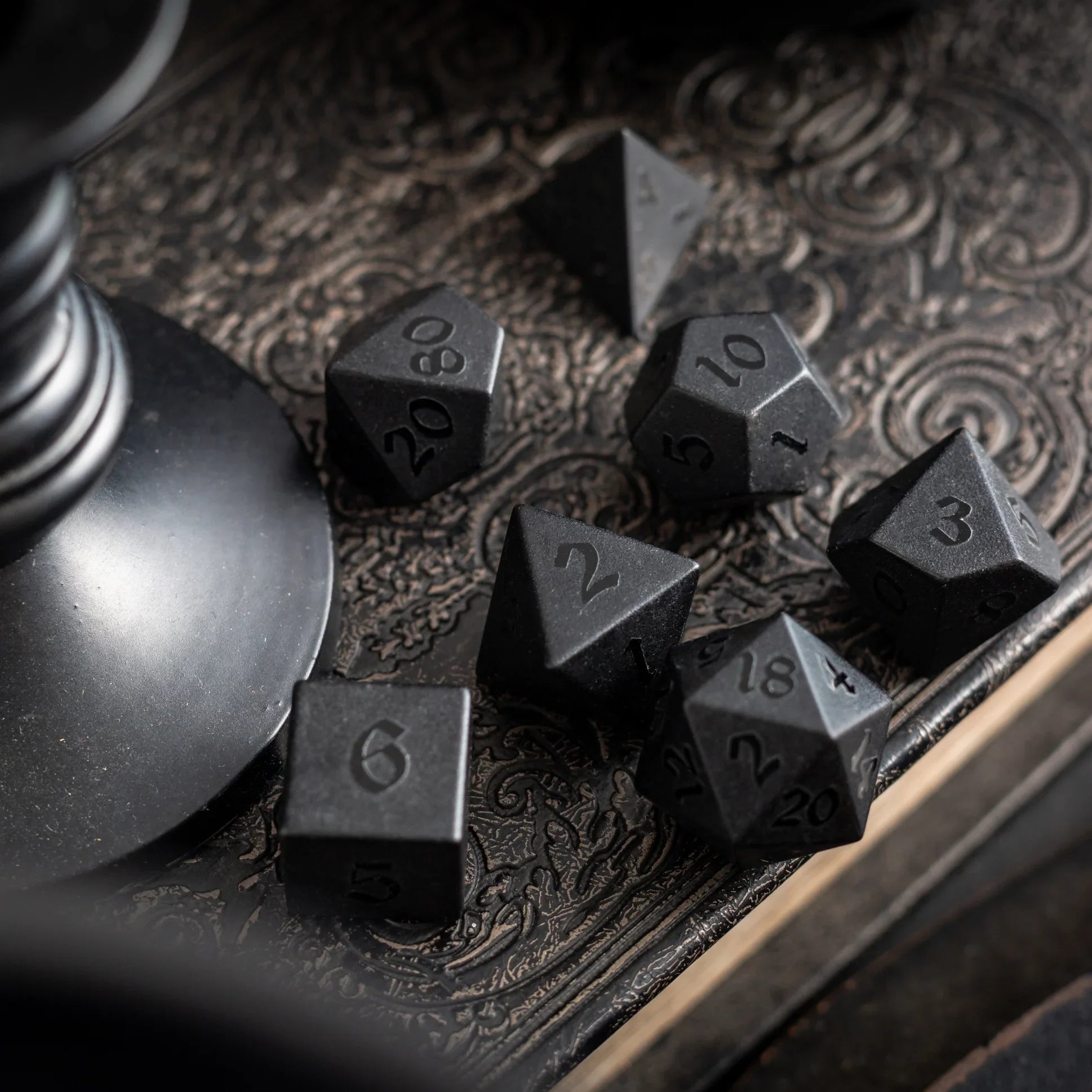
Keep the upkeep light. Schedule a 10-minute review after each session to add new rulings or prune dead weight. If an ability hasn’t been used in a month, move it to an “archive” section. For digital docs, use version notes (“v1.3: updated concentration rules”) so your table knows what changed. When you’re ready to expand, browse fresh sets in curated dice collections or refine your toolkit with durable sharp-edge resin that rolls clean and reads fast.
Quick tip: If your group rotates GMs or hosts, store a synced copy in the cloud and print a backup. Reliability beats perfection—your reference only works if your table can access it every time.
Optional enhancements you can add anytime:
- Player cheat cards: One card per top ability with action cost, range, and a short summary.
- Encounter packs: Pre-bundle abilities you expect to see together for a villain or dungeon.
- New player overlay: A beginner-friendly page with common terms and a turn-order reminder.
- Visual markers: Icons for action type, damage type, or save type to speed scanning.
- Session zero add-on: Include the group’s house clarifications and how ties or conflicts are resolved.
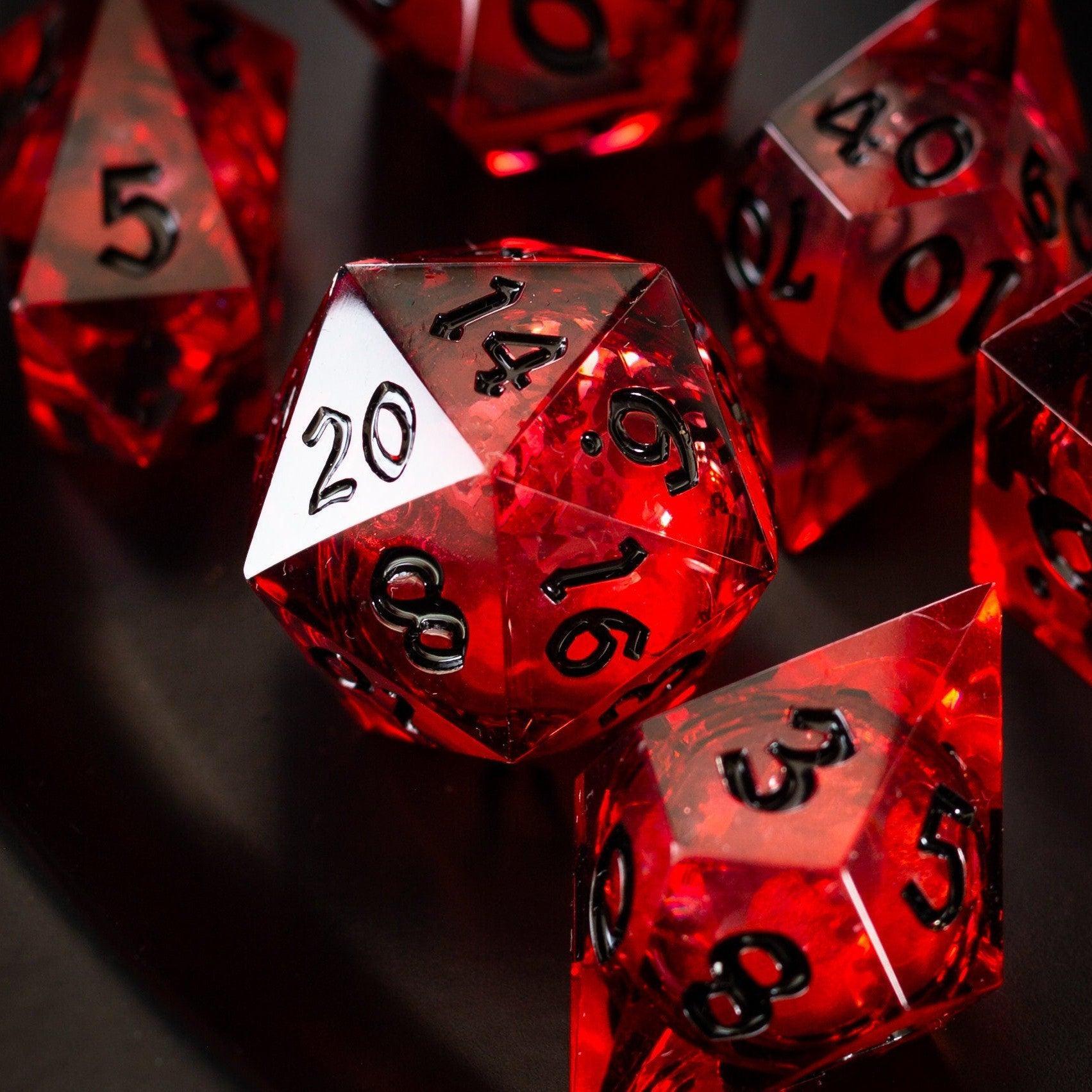
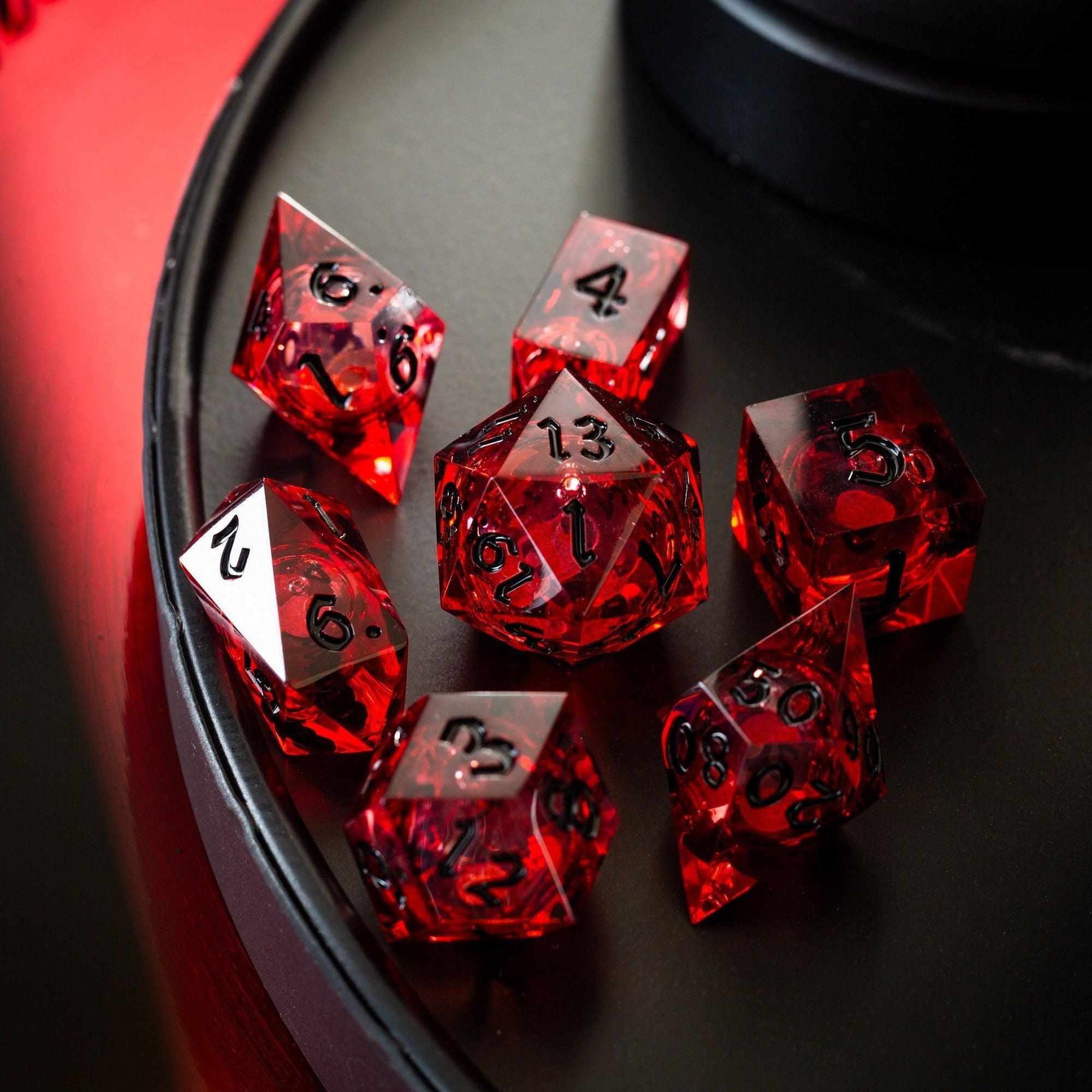
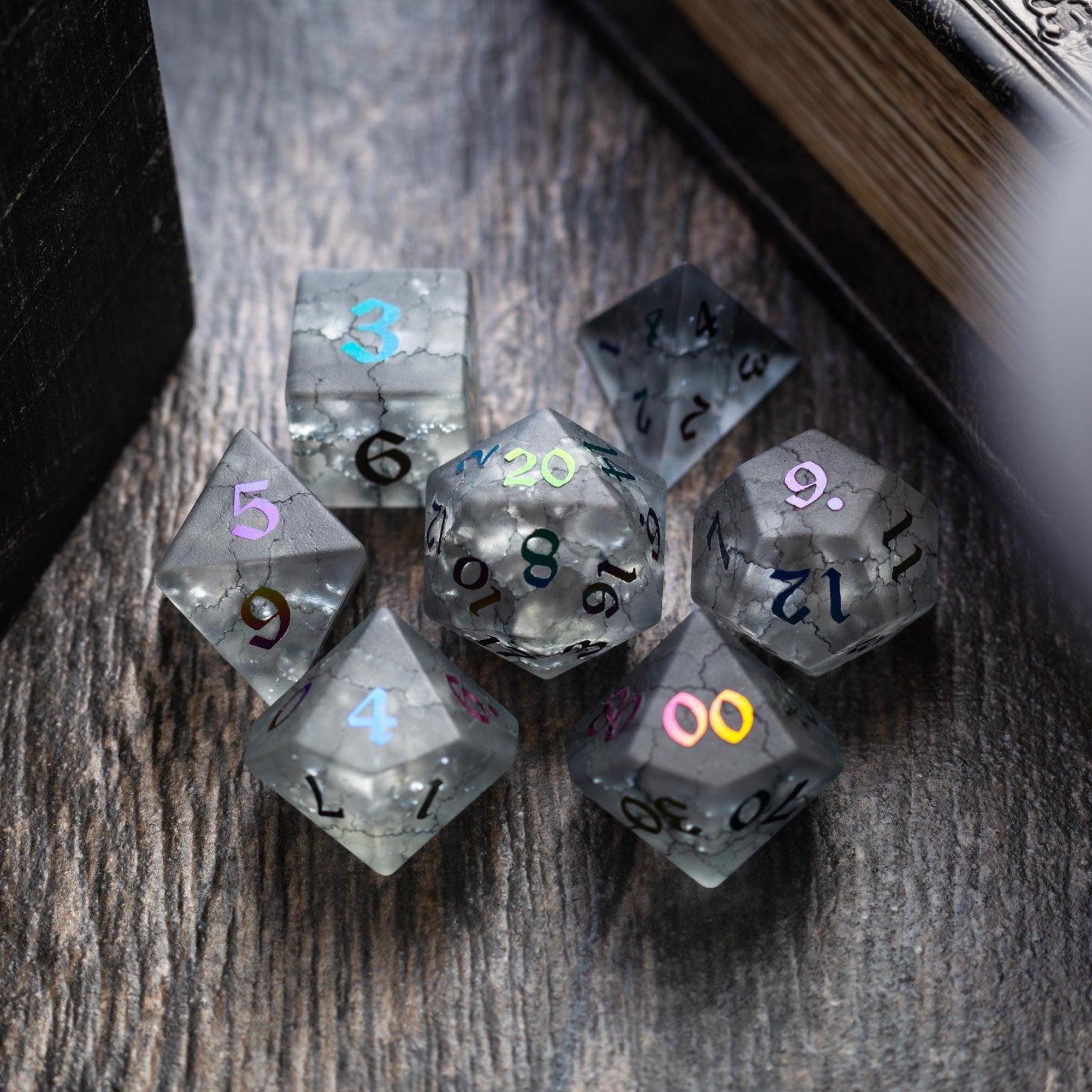
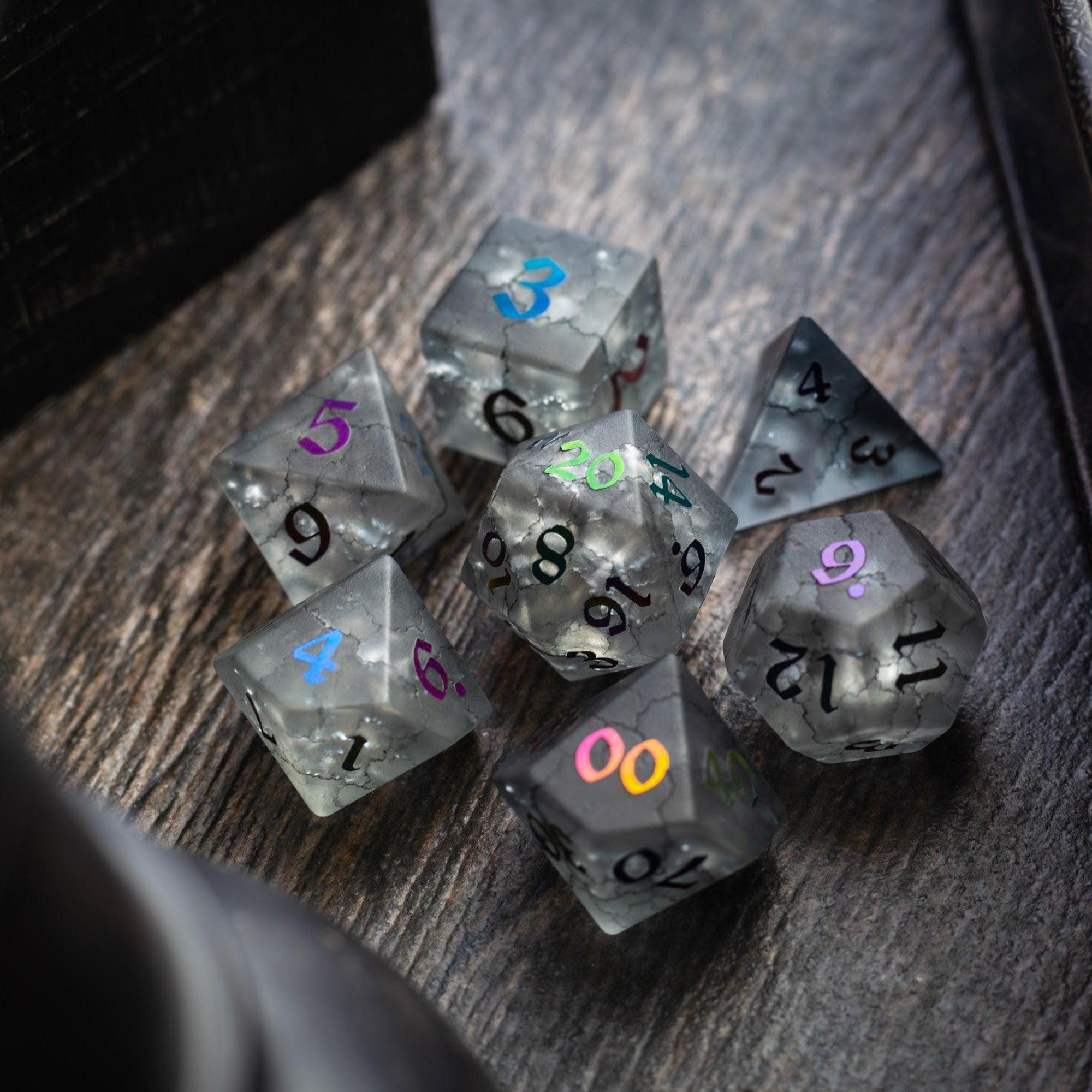
When you’re ready to celebrate your streamlined setup, treat the table with something shiny that fits your vibe—from elegant stones to bold cores. Standouts like the dramatic Starlit Rift or other premium options make every roll feel special and keep the focus on play.
FAQ Section
What should I include first?
Start with the 20–30 abilities you use every session. Include the name, action cost, range, duration, short summary, and any tricky rules. Add tags like “reaction” or “concentration.” This core set delivers the biggest return on time. Expand later with less common picks or situational options.
How do I keep it updated?
Use short, regular updates. After each session, add new rulings or fix any confusing text you noticed at the table. Mark changes with a simple version note so everyone knows what’s new. Archive rarely used entries to keep your main list lean, and revisit the archive when those abilities return.
Should I go digital or paper?
Pick the format you’ll open fastest during play. If your group uses devices at the table, go digital for filters and quick search. If you want fewer screens, use a slim binder with tabs and a one-page “Top Picks” sheet in front. Both can work brilliantly—consistency matters more than the medium.
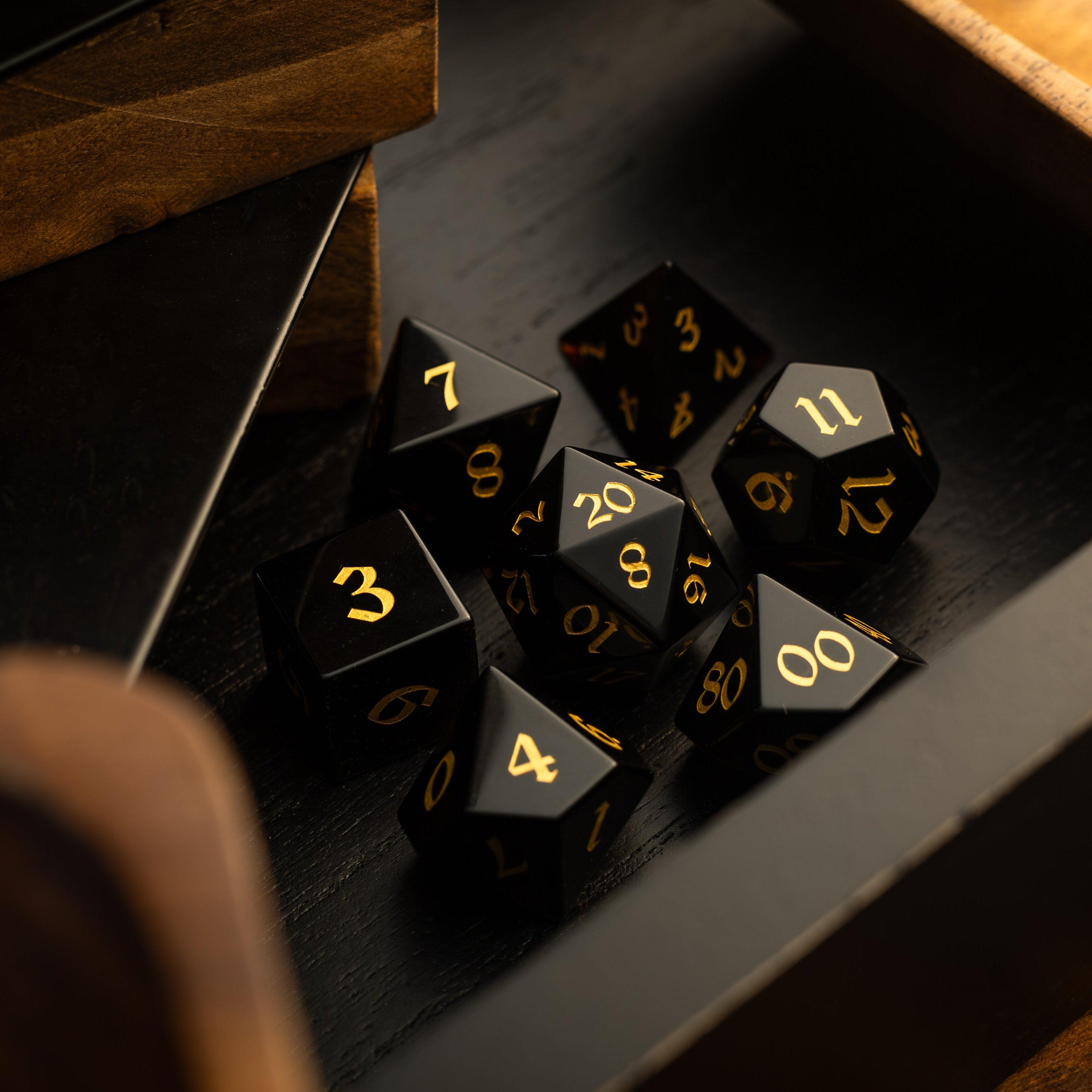
Final thought: your reference is a living document. Build small, improve often, and keep it friendly to skim. With a little structure and the right tools, your table will spend more time telling stories and less time flipping pages—and that’s the real win of a well-made rules lookup. When the session’s ready to kick off, roll in with confidence and gear that suits your style, whether that’s a classic gemstone set or a bold core that catches the light with every cast.






Leave a comment
This site is protected by hCaptcha and the hCaptcha Privacy Policy and Terms of Service apply.