
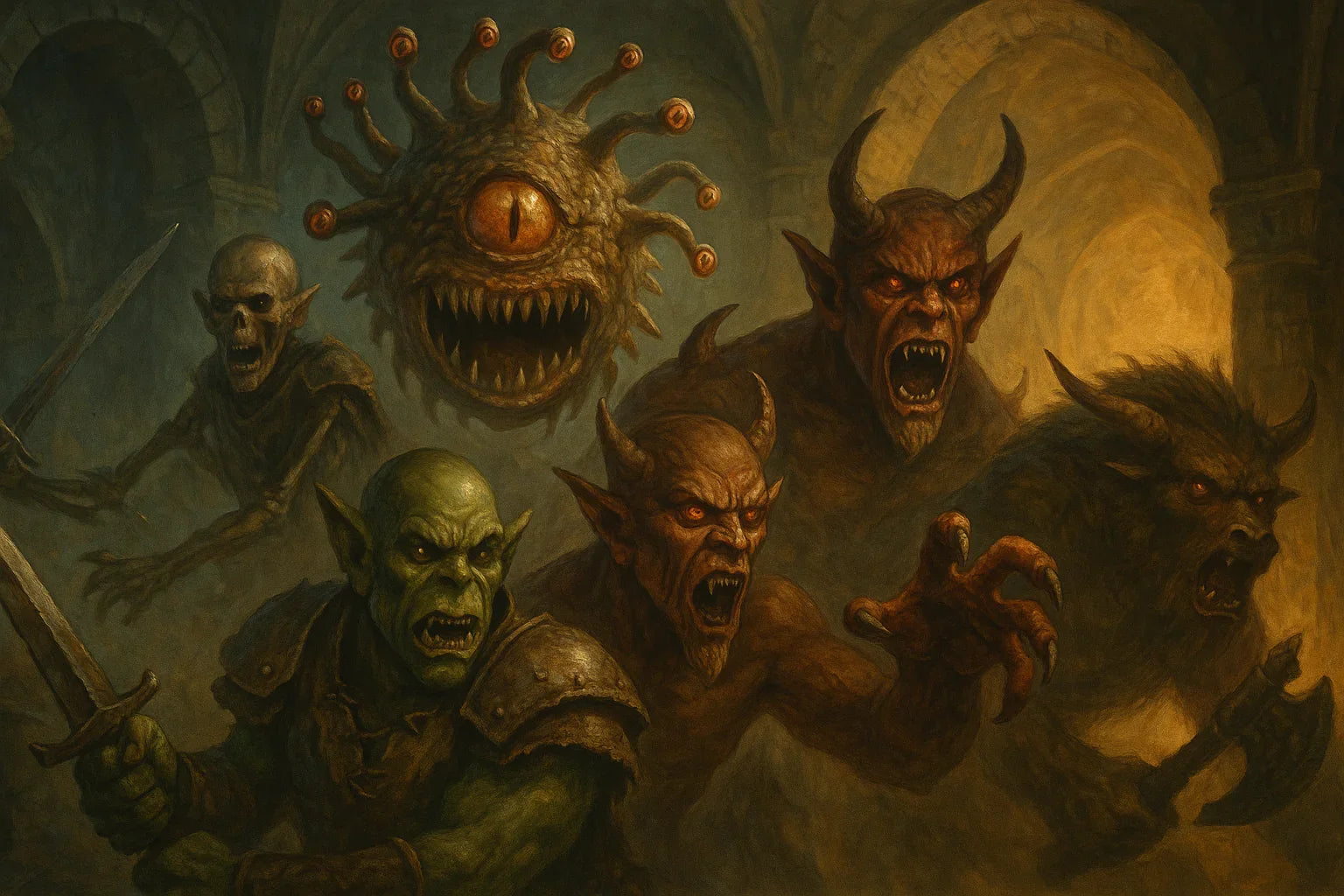
Monster Statistics Reference Guide for RPG Campaigns
Updated on: 2025-12-11
As a GM or DM, you don’t need more paperwork—you need faster decisions. This guide shows you how to create a clean creature stat quick reference so you can pick the right foes in seconds and keep the table energized. You’ll learn a practical build process, smart tagging, and layout tips that reduce prep and speed up every encounter.
- Pros & Cons of a Monster Statistics Reference Guide
- Step-by-Step Practical Guide
- Wrap-Up
- Q&A: Common Questions

If you’ve ever paused mid-session to flip through a bestiary, you know that momentum matters. A streamlined kit—your personal bestiary index—keeps combat fast, fair, and fun. Below, I’ll walk you through building a durable reference that fits your table, from choosing a structure to tagging and testing. You’ll end up with a practical tool you can trust, plus a few tips to make it look great and work even better during high-energy moments.
Pros & Cons of a Monster Statistics Reference Guide
- Pro: Faster encounters. With a quick stats cheat sheet, you can choose the right creature and start rolling without a long search.
- Pro: Consistent difficulty. Sorting by level or challenge lets you match party capability without guesswork.
- Pro: Less cognitive load. A compact layout with only the essentials prevents analysis paralysis when action is hot.
- Pro: Easier adjustments. Notes and tags help you tweak tactics or swap creatures on the fly.
- Con: Upfront time. Building a reliable compendium takes a few focused sessions.
- Con: Version control. House rules, errata, or new books mean updates—so keep a simple update routine.
- Con: Too much data. If you pack in every detail, you’ll slow back down. Curate carefully.
- Con: Style drift. Mixing sources can lead to inconsistent stat formats if you don’t standardize early.
Step-by-Step Practical Guide
Set your goal
Decide what you want this tool to do in play. If your priority is speed, focus on a concise stat block you can parse in five seconds. If you want variety, include swap-in traits or alternate tactics. Write a one-line purpose like: “Pick a right-fit foe in under 15 seconds with minimal reading.” That single sentence will guide every choice you make.
Pick a structure
Choose a format you’ll actually use. Many GMs like a slim binder with tab dividers. Others prefer a digital document with headings and internal links. You can also use cards: one creature per card, sorted by level. Whatever you pick, keep fields in the same order every time—defense, offense, movement, senses, special traits, and a short tactics note. Consistency beats complexity.
Choose reliable sources
Pull stats only from materials you own and trust. As you gather entries, normalize the terms you use (e.g., pick one label for armor, one for hit points, one for resistances). When a source has a specialty rule, add a one-sentence reminder so you don’t have to revisit the full text mid-session. Keep citations light but present, so you can revisit the source if needed.
Tag and categorize
Tags make your bestiary index smart. Add three layers: power band (level or challenge), role (brute, skirmisher, controller, support), and terrain (dungeon, urban, swamp, arctic, planar). With those three, you can filter quickly to “mid-tier, skirmisher, urban” and instantly find options. Add optional tags like “flyer,” “pack tactics,” or “fear aura” if they change encounter pacing.
Build fast-look layouts
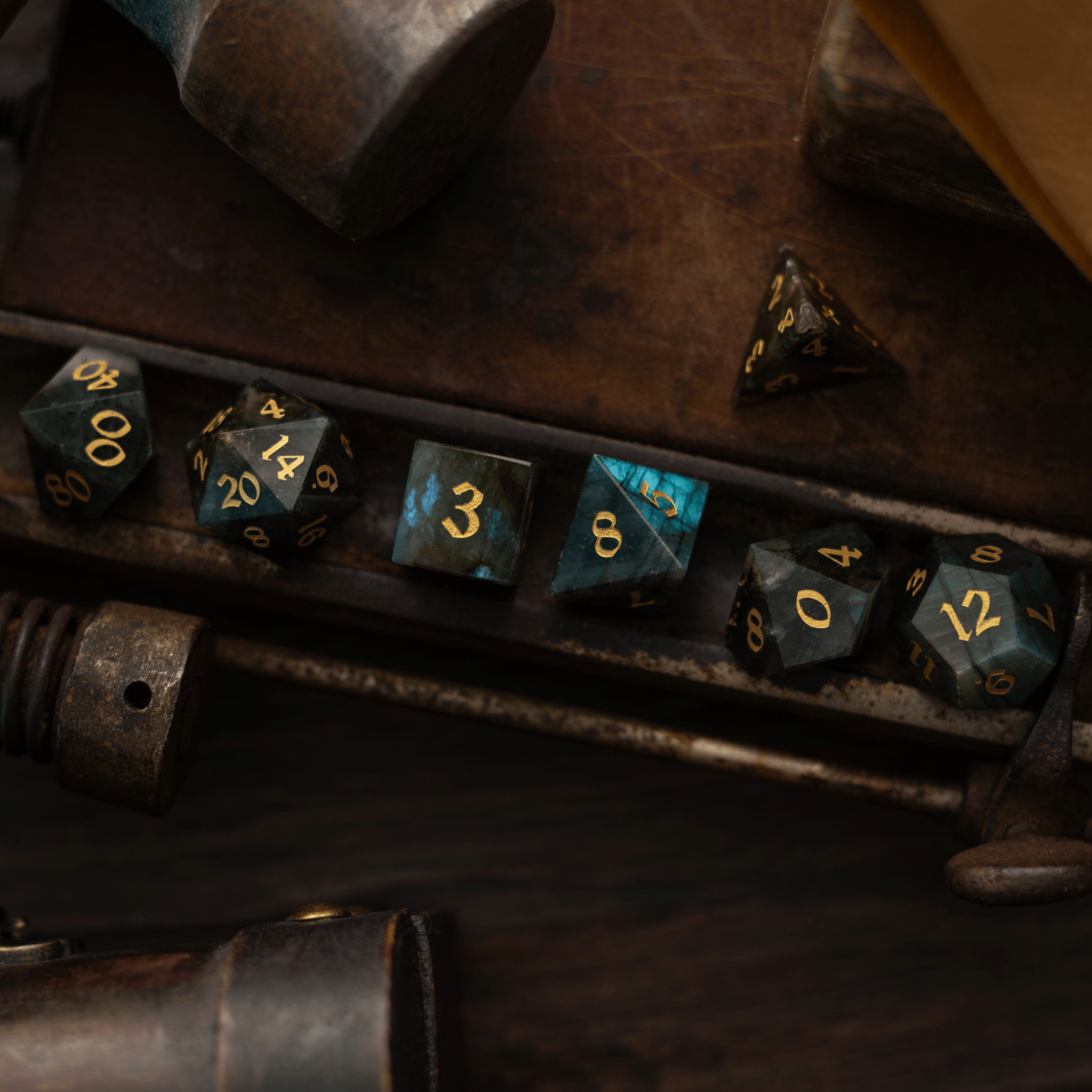
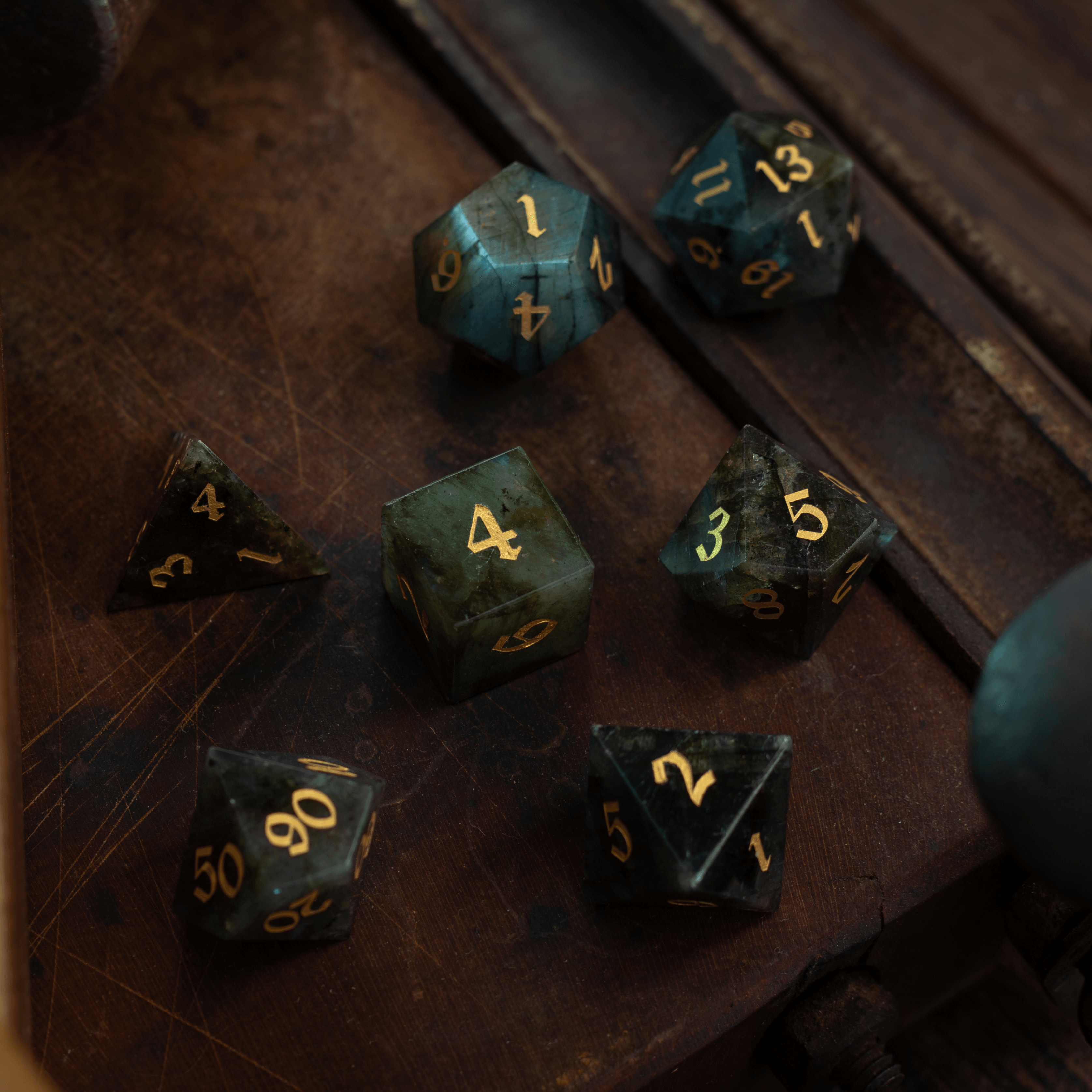
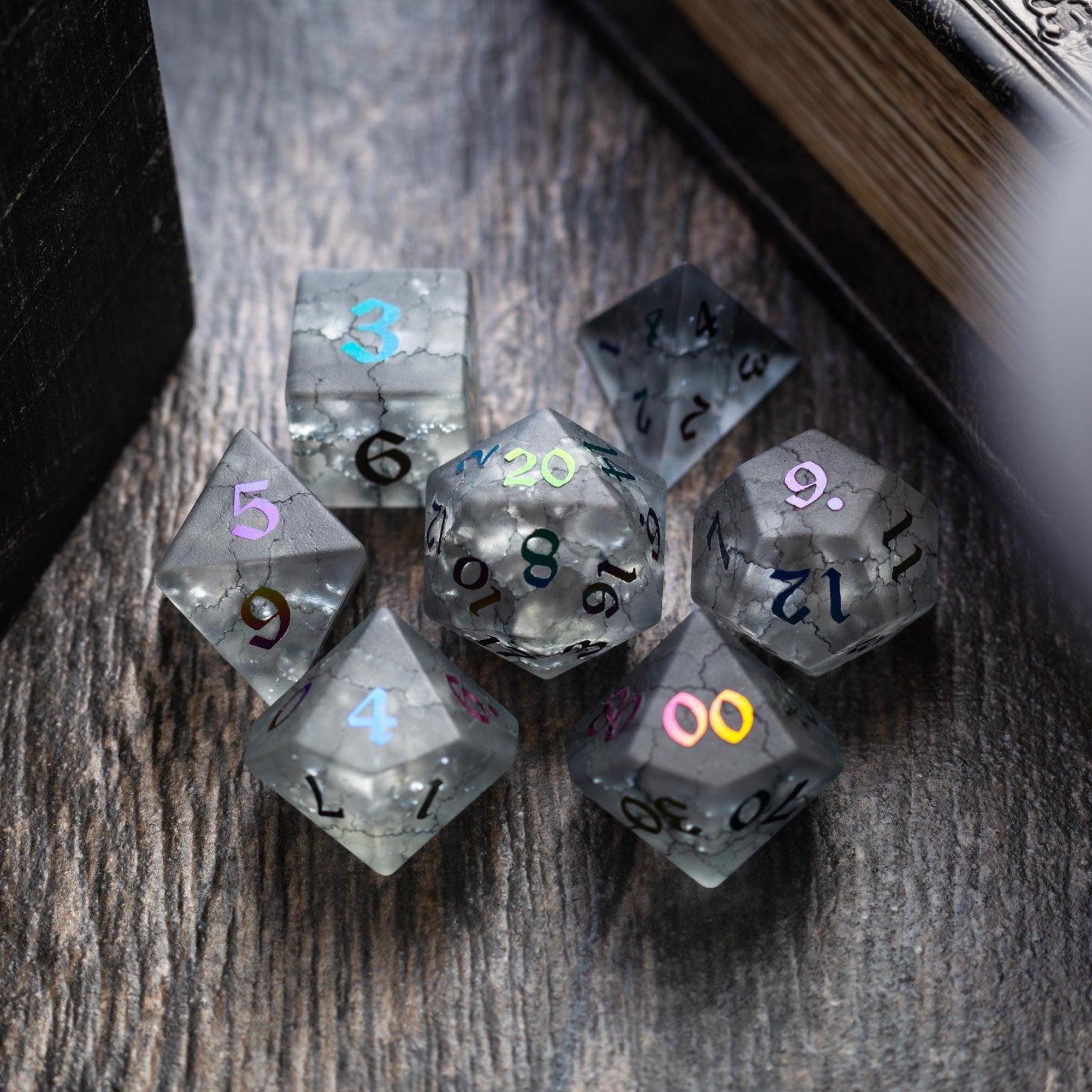
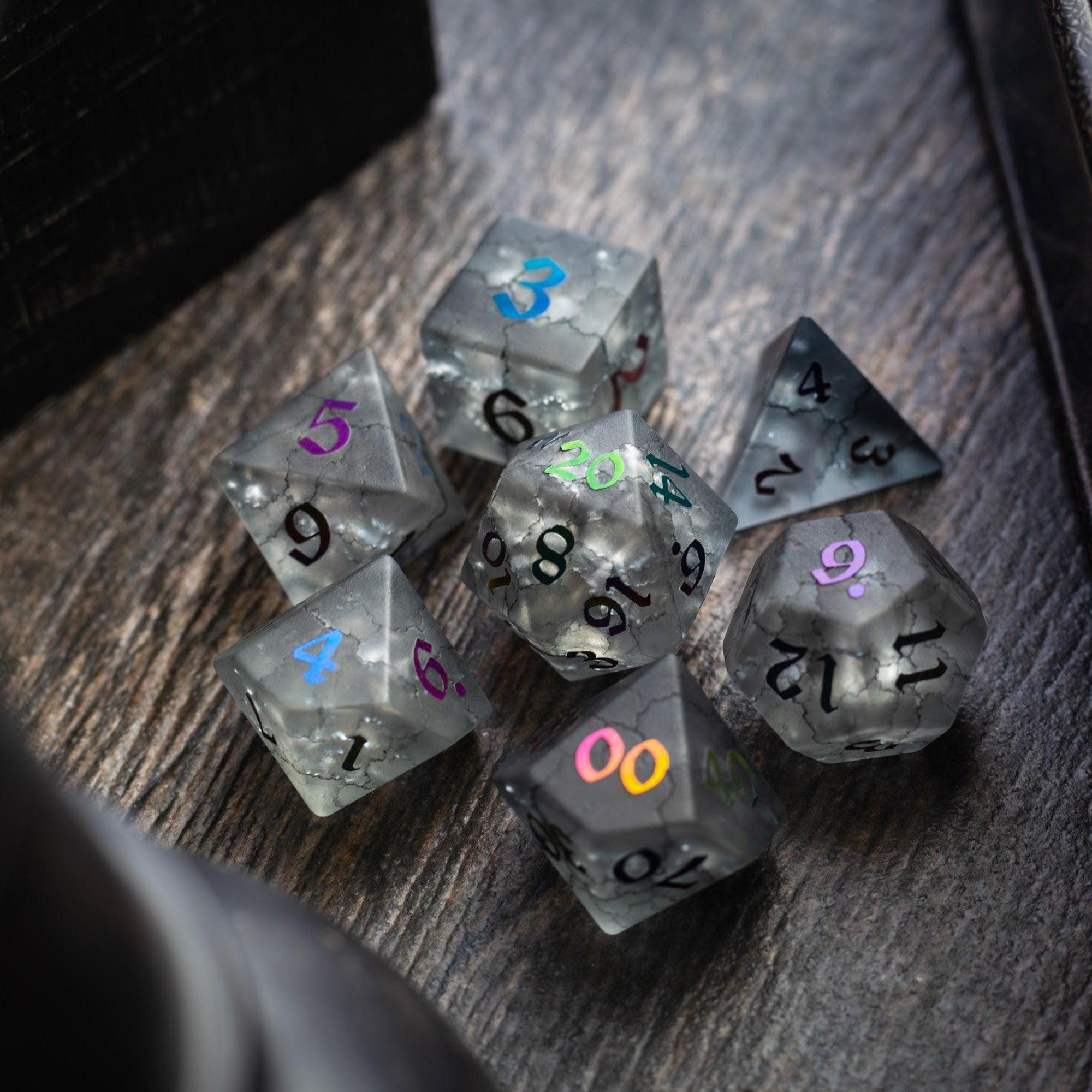
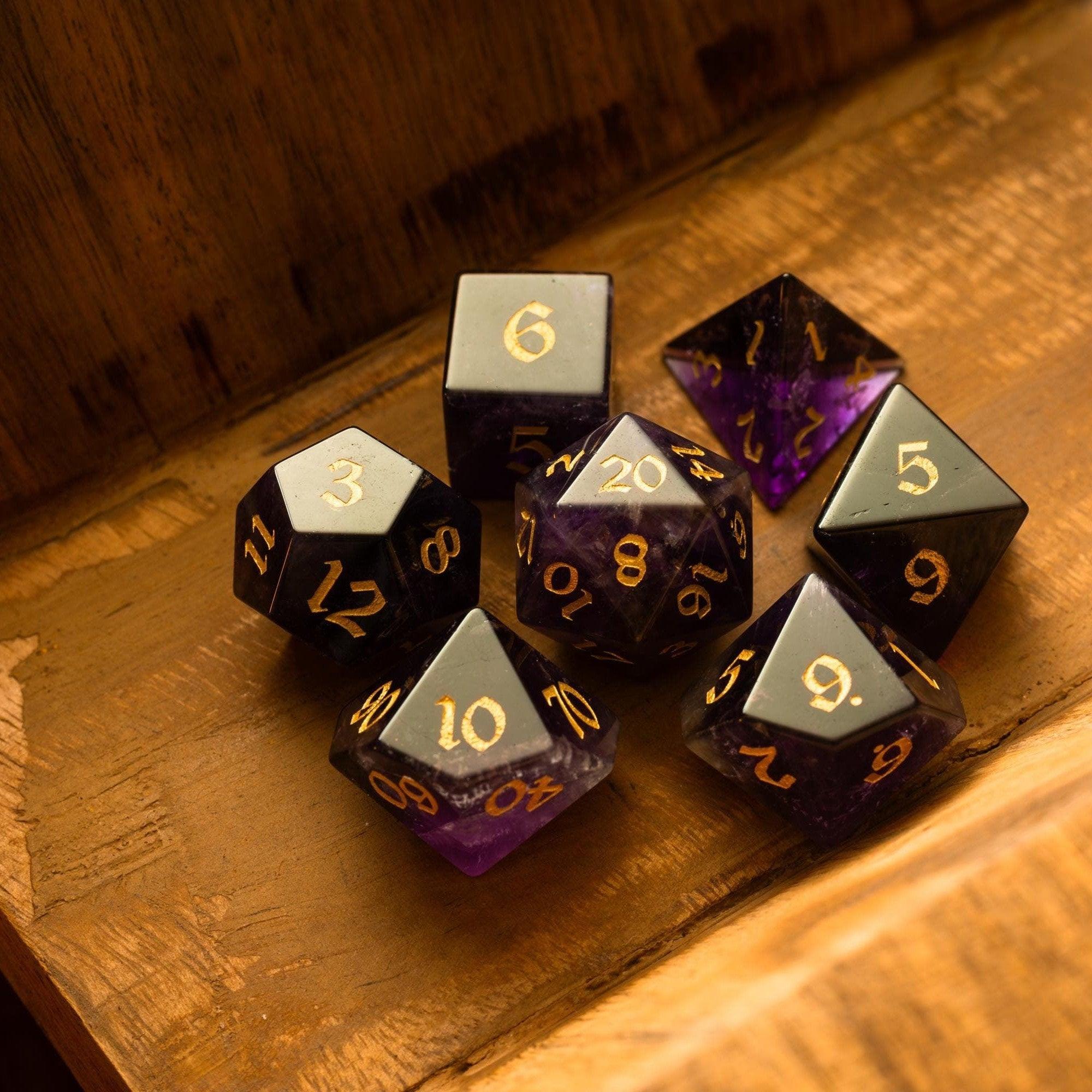
Design for scanning. Use a bold line for AC and HP, a single line for attack and damage, and short bullets for traits. Color accents help your eyes land on the right line; pick a restrained palette and stick to it. If you like to theme your kit, a classy set like the Green gemstone set can inspire your color cues without cluttering the page. Whatever you choose, aim for a clean, repeatable layout.

Playtest and refine
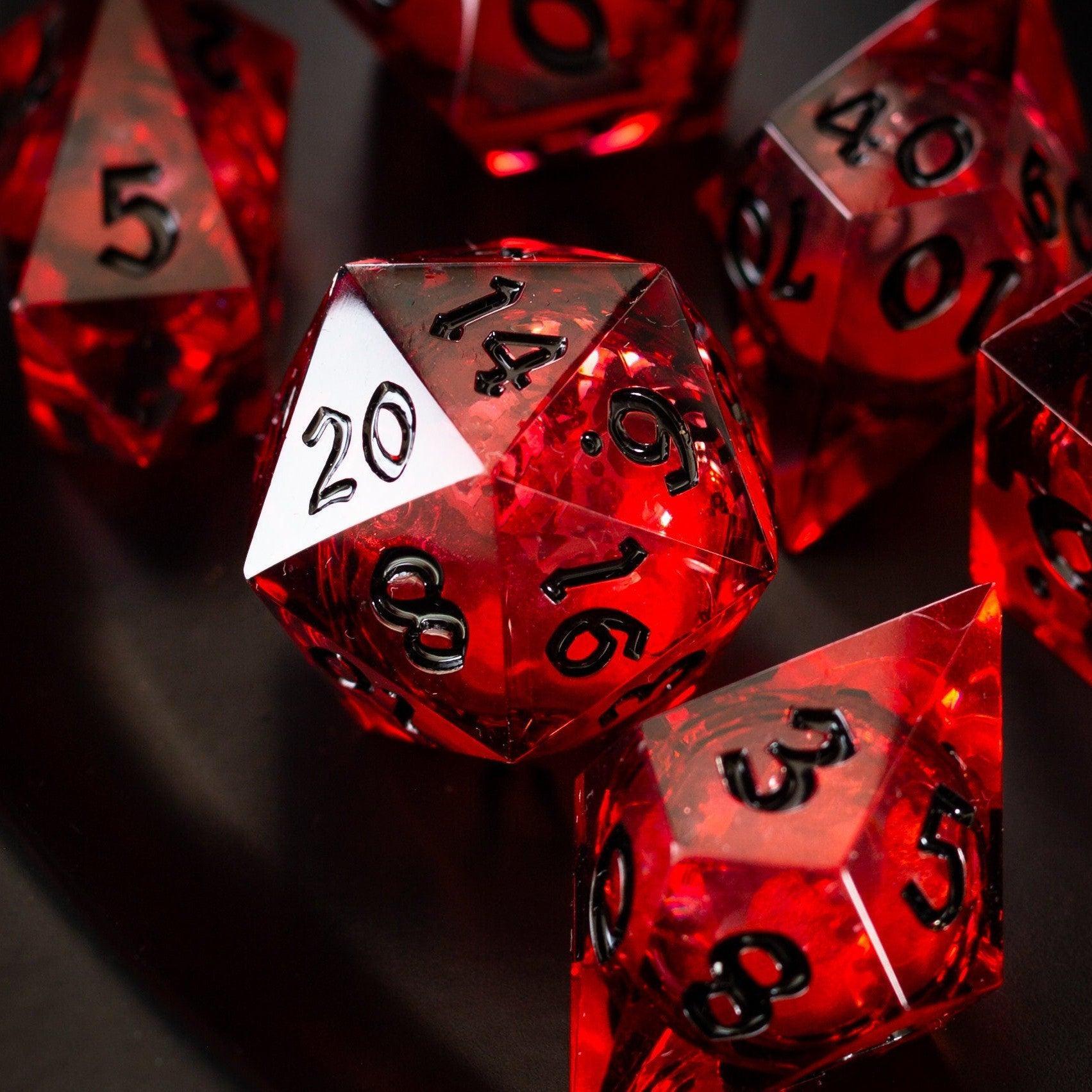
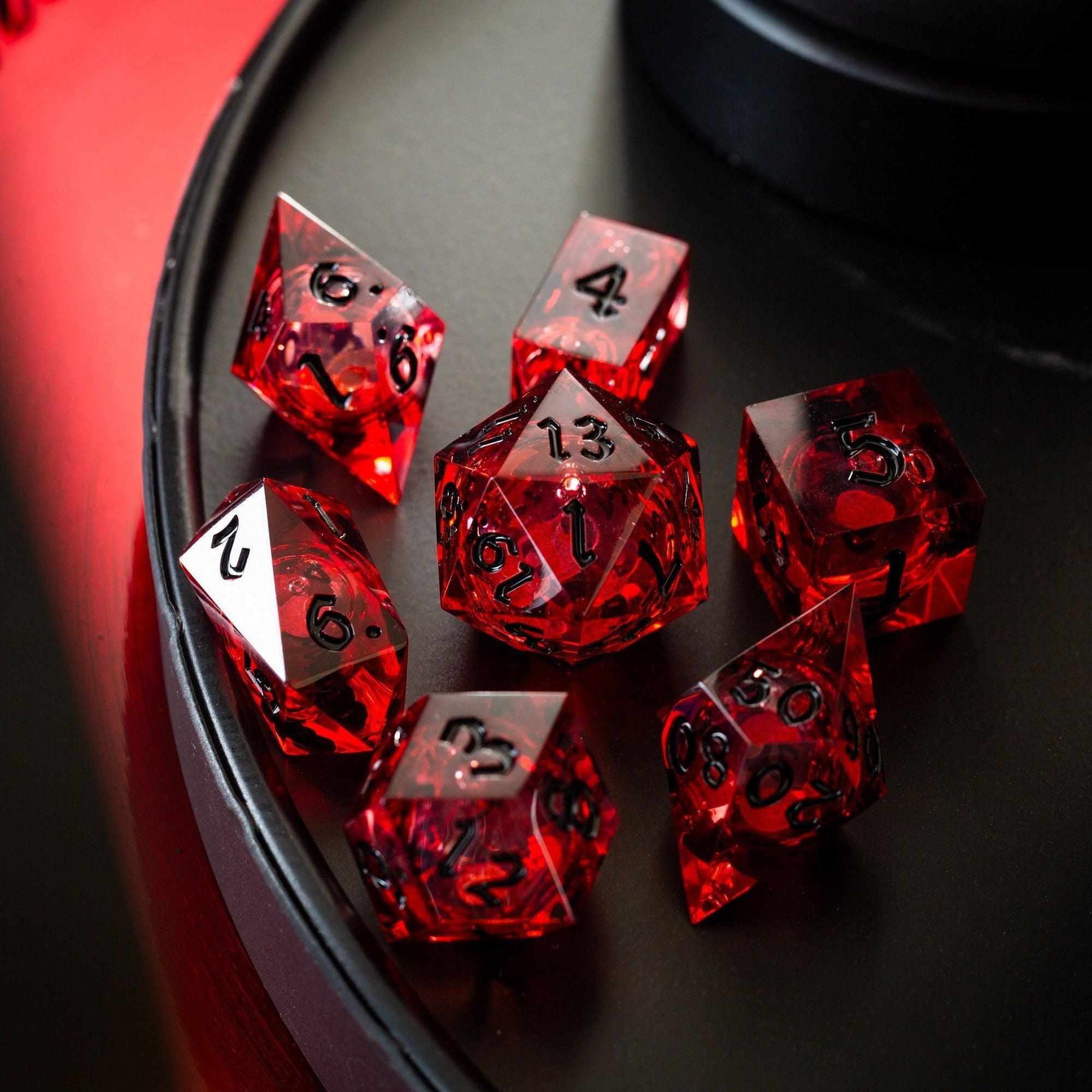
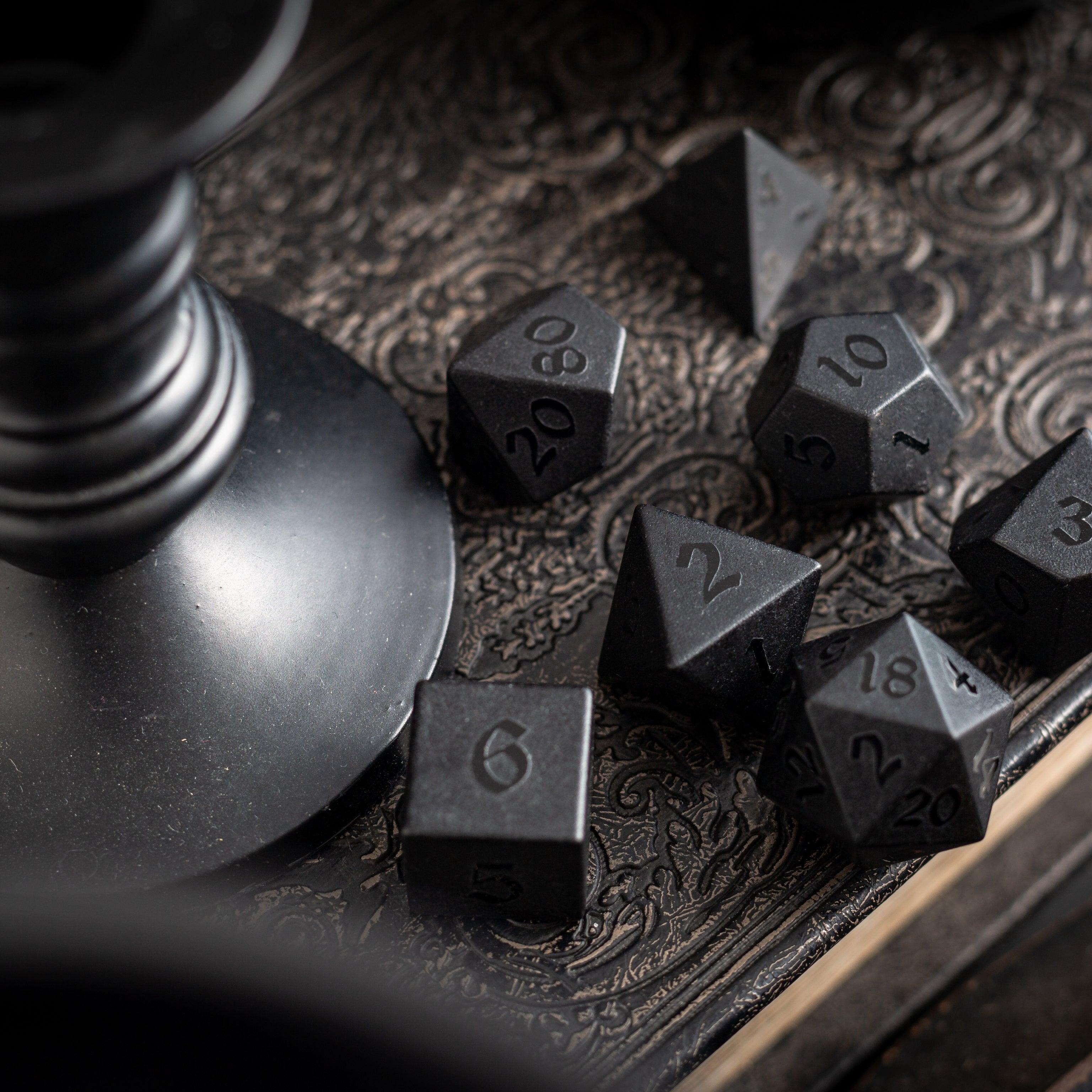
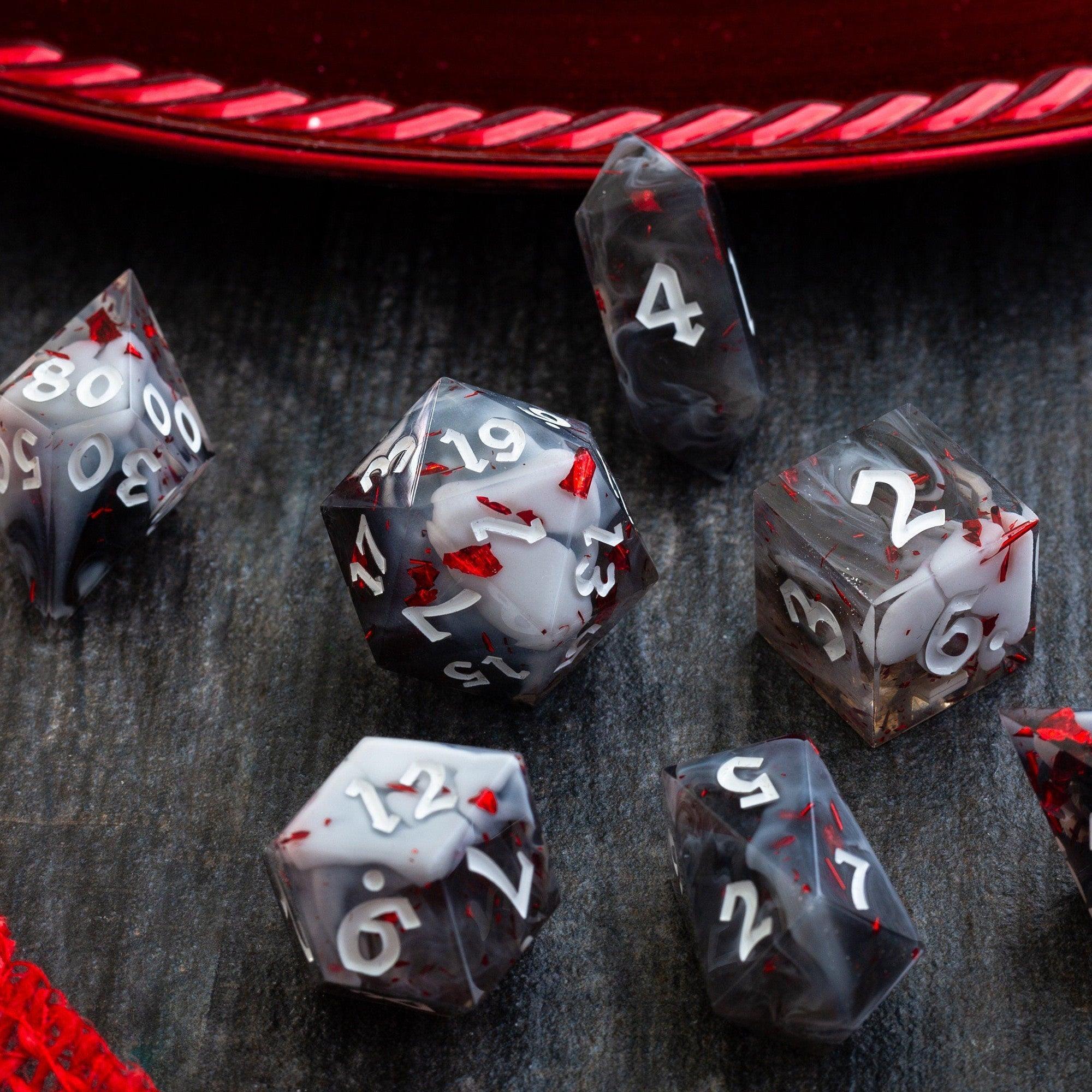
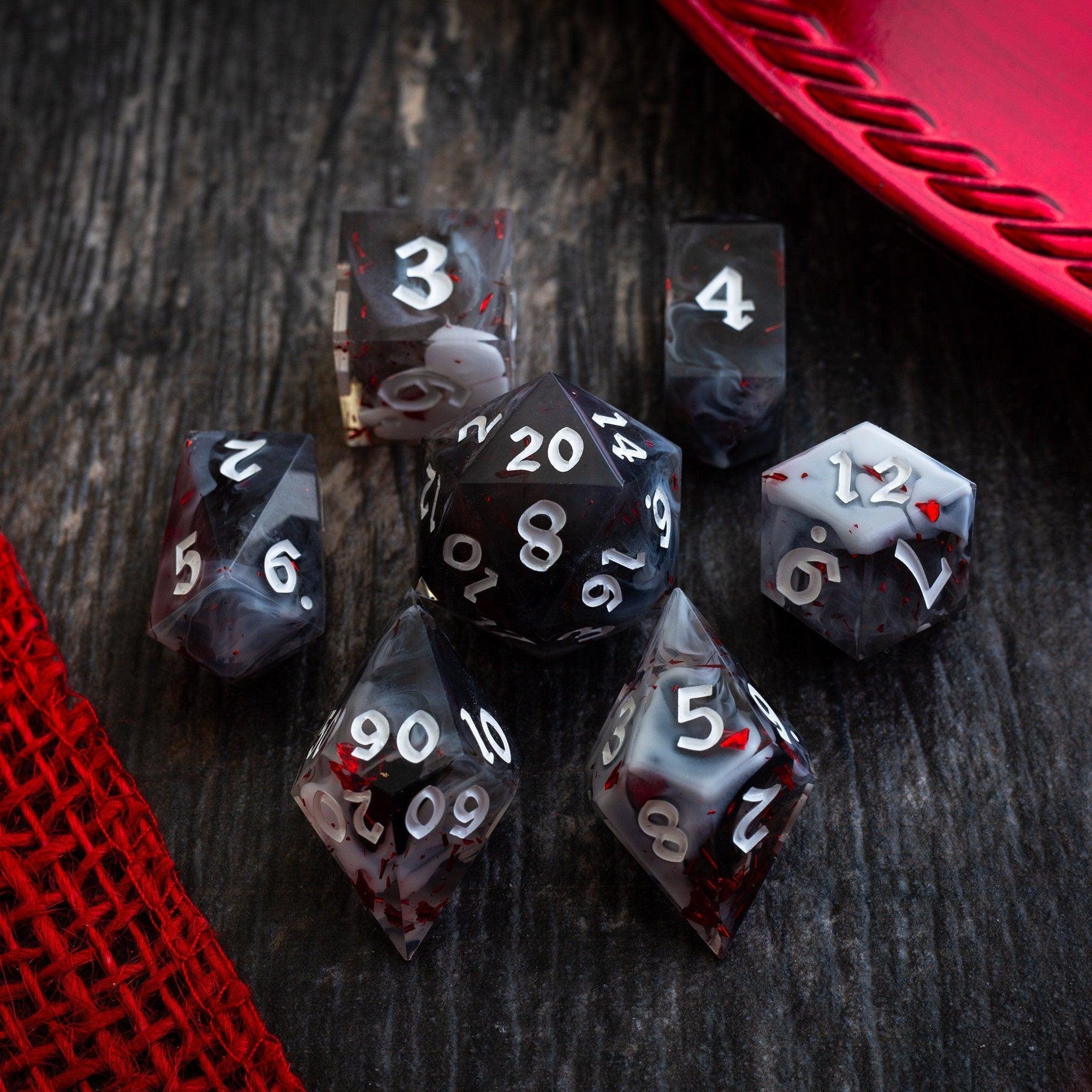
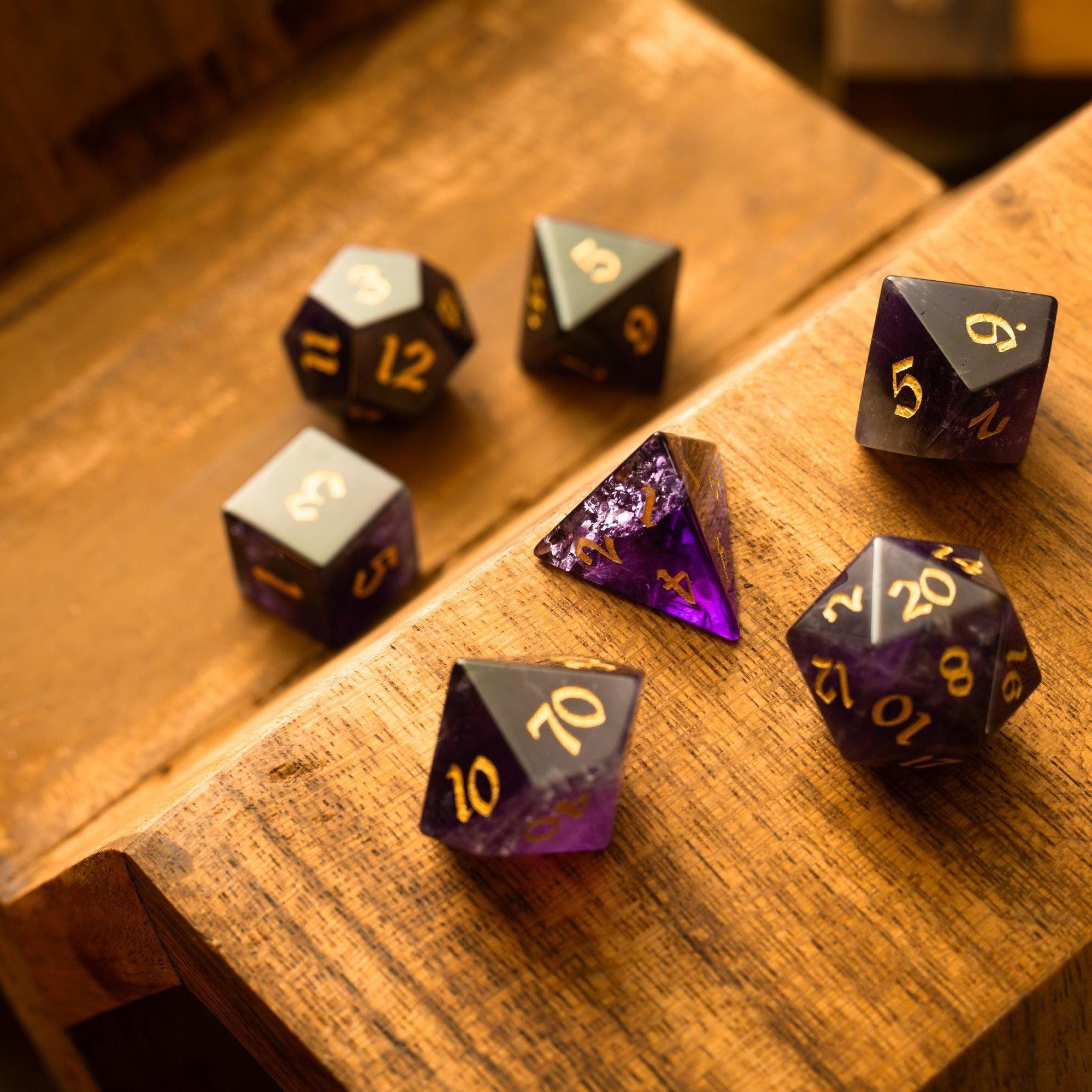
Run two or three short test encounters. Track what slowed you down: was it trait text length, damage math, or scrolling? Trim long sentences, move key numbers to the top, and add bold labels for must-know effects. If you roll a lot at the table, a smooth set like Liquid core dice keeps the tactile fun while you focus on strategy. Keep adjusting until your eyes land on the right info instantly.
Keep it portable
Portability is underrated. A half-size binder or a slim tablet you can hold in one hand beats a bulky stack every time. If you run in different locations, save a “travel” version with your top 30 creatures across power bands, plus a page of minions and reinforcements. That pack-and-go kit will cover most sessions with minimal prep.
Add encounter math
Include a small calculator strip on your divider or dashboard: average damage for your common attack patterns, a quick guideline for action economy, and a shorthand for conditions you apply often. Precompute typical hit chances against your party’s current defenses. When you already know “this brute hits the fighter on an 11+,” your pacing jumps.
Wrap-Up
A compact bestiary quick reference isn’t about doing more work—it’s about doing the right work once so you can improvise with confidence. Start small, stick to consistent fields, tag smart, and revise after a few sessions. Add table tools that support flow, like sturdy dice towers, and keep your layouts clean. When you’re ready to supercharge pacing, assemble your own monster statistics reference guide and watch combat run smoother, louder, and way more fun.
Q&A: Common Questions
How many creatures should I include?
Start with 30–40 that cover your usual levels, plus a handful of “wild cards” with unusual movement, control effects, or terrain tricks. That range gives you enough variety to avoid repetition without drowning you in options. Expand in batches of 10 after you’ve run a few sessions and noticed gaps.
What’s the best way to keep fights balanced?
Use bands (low, mid, high) that mirror your party’s current power. Combine roles: one controller to shape the field, a brute to pressure the front line, and a mobile skirmisher to threaten casters. Keep average damage per round in a narrow lane, and limit swingy save-or-sit effects unless that drama is the point of the encounter.
Can I use digital tools and still roll physical dice?
Absolutely. Many GMs keep a digital index for search and a printed top picks page for the current arc. If rolling is your ritual, mix in tactile upgrades that feel great in hand—browse options in Browse all dice and consider a solid, quiet tray. The key is reducing screen switching while keeping the joy of rolling.
Friendly note: Always follow your game’s official rules and licenses. This article is for educational use and table convenience.




Leave a comment
This site is protected by hCaptcha and the hCaptcha Privacy Policy and Terms of Service apply.