Master Virtual Tabletop Maps for Epic Campaigns Worldwide
Virtual tabletop maps have changed the way tabletop RPG groups gather for adventures. Whether your party is spread across different cities or simply enjoys the convenience of online play, virtual tabletop maps help everyone picture the world, follow tactical encounters, and stay engaged throughout each session.
From mysterious forests and bustling towns to dangerous dungeons and towering castles, digital maps create a shared space where players can see the action unfold together. They also help Game Masters organize encounters, track character positions, and present environments in a clear and exciting way.
While maps can greatly improve online games, they are only one part of a memorable campaign. Strong storytelling, interesting characters, and thoughtful preparation remain the foundation of every great adventure. Digital tools simply help bring those ideas to life.
Why Virtual Tabletop Maps Have Become Essential
Many gaming groups now play remotely, making online RPG maps an important part of modern campaigns. Instead of relying only on spoken descriptions, players can explore visual representations of the world together.
Some of the biggest benefits include:
-
Better visualization during exploration
-
Easier tactical positioning in combat
-
Faster communication between players
-
Clearer environmental details
-
Improved immersion for online sessions
-
More organized encounter management
Because everyone shares the same view, misunderstandings about room layouts, distances, or terrain become less common. This allows players to focus more on roleplaying and decision making.
Many Game Masters also discover that preparing tabletop RPG maps ahead of time reduces pauses during sessions. Instead of drawing locations on the fly, they can quickly introduce prepared environments that keep the adventure moving.
It is worth remembering that virtual tabletop features vary between platforms and software. Some provide basic grids and tokens, while others may include optional lighting, layers, or automation. Every group should choose tools that match their comfort level rather than assuming more features always create a better experience.
Common Types of Virtual Tabletop Maps
Different adventures call for different styles of maps. Understanding when to use each type helps keep your campaign fresh and engaging.
Battle Maps
These highly detailed digital battle maps focus on tactical encounters.
They commonly include:
-
Grid layouts
-
Obstacles
-
Terrain features
-
Cover locations
-
Doors and pathways
Battle maps work well whenever movement and positioning become important.
Regional Maps
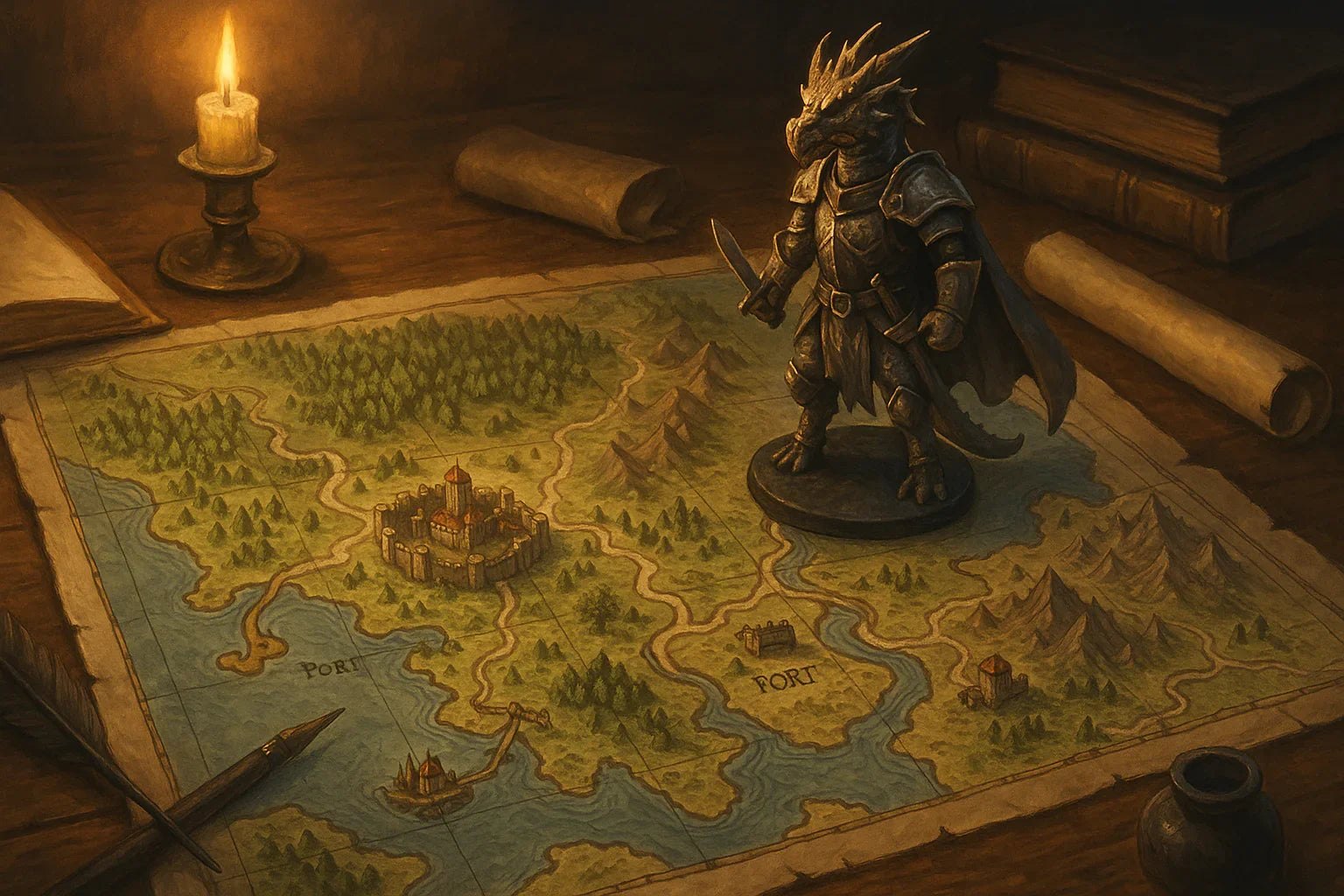
Regional maps show larger sections of the world.
They often include:
-
Kingdoms
-
Rivers
-
Mountains
-
Trade routes
-
Settlements
These maps help players understand where adventures fit into the larger campaign.
Dungeon Maps
Dungeons remain one of the most popular uses for online D&D maps.
They may feature:
-
Corridors
-
Secret passages
-
Puzzle rooms
-
Traps
-
Multiple levels
Dungeon maps help players visualize exploration while allowing Game Masters to reveal areas gradually if their chosen platform supports that option.
Town and City Maps
Urban adventures benefit from maps showing streets, districts, marketplaces, and important buildings.
Rather than focusing on combat, these maps encourage investigation, social encounters, and exploration.
World Maps
Large-scale campaign mapping often begins with a world map.
These provide context for:
-
Long journeys
-
Political regions
-
Climate zones
-
Oceans
-
Major landmarks
Players often enjoy watching their travels expand across the world as campaigns progress.
Choosing Maps for Different Adventures
No single map style works for every campaign. Instead, think about the experience you want your players to have.
Story Focused Campaigns
Simple maps often work well because they support the narrative without overwhelming players with unnecessary detail.
Tactical Campaigns
Groups that enjoy strategic combat may appreciate more detailed fantasy battle maps featuring varied terrain, elevation, and environmental hazards.
Exploration Heavy Adventures
Large wilderness maps encourage discovery while helping players keep track of travel and important landmarks.
Mystery Campaigns
Detailed towns, castles, and city districts support investigations by giving players recognizable locations to revisit.
Choose maps that serve the story rather than selecting them simply because they contain impressive artwork.
Virtual Tabletop Map Comparison
| Map Type | Primary Use | Level of Detail | Preparation Time | Ideal Campaign Style |
|---|---|---|---|---|
| Battle Map | Tactical combat | High | Moderate | Combat focused adventures |
| Dungeon Map | Exploration and encounters | High | Moderate to High | Classic dungeon crawls |
| Regional Map | Travel planning | Medium | Low | Sandbox campaigns |
| Town or City Map | Social encounters | Medium | Low to Moderate | Investigation and roleplaying |
| World Map | Campaign overview | Low to Medium | Low | Long-term adventures |
Remember that many Game Masters mix several map types throughout a campaign rather than relying on only one style.
Organizing Your Virtual Map Library
A growing collection of VTT maps can quickly become difficult to manage without a simple system.
Helpful organization tips include:
-
Sort maps by environment
-
Group maps by encounter size
-
Create folders for recurring locations
-
Use consistent file names
-
Save backup copies of important campaign maps
-
Keep notes about when each map was used
Many Game Masters also prepare a small collection of flexible maps that can represent unexpected encounters whenever players take an unplanned direction.
Good organization reduces preparation time and keeps sessions running smoothly.
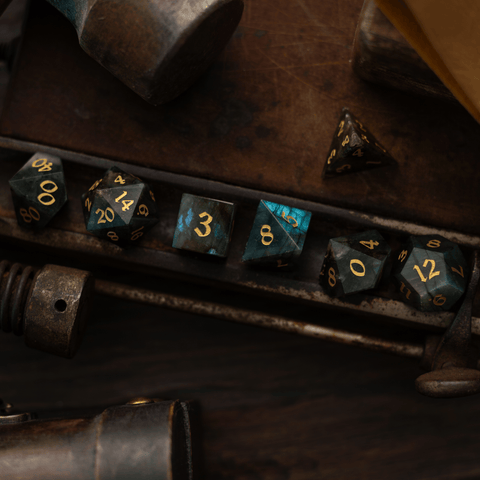
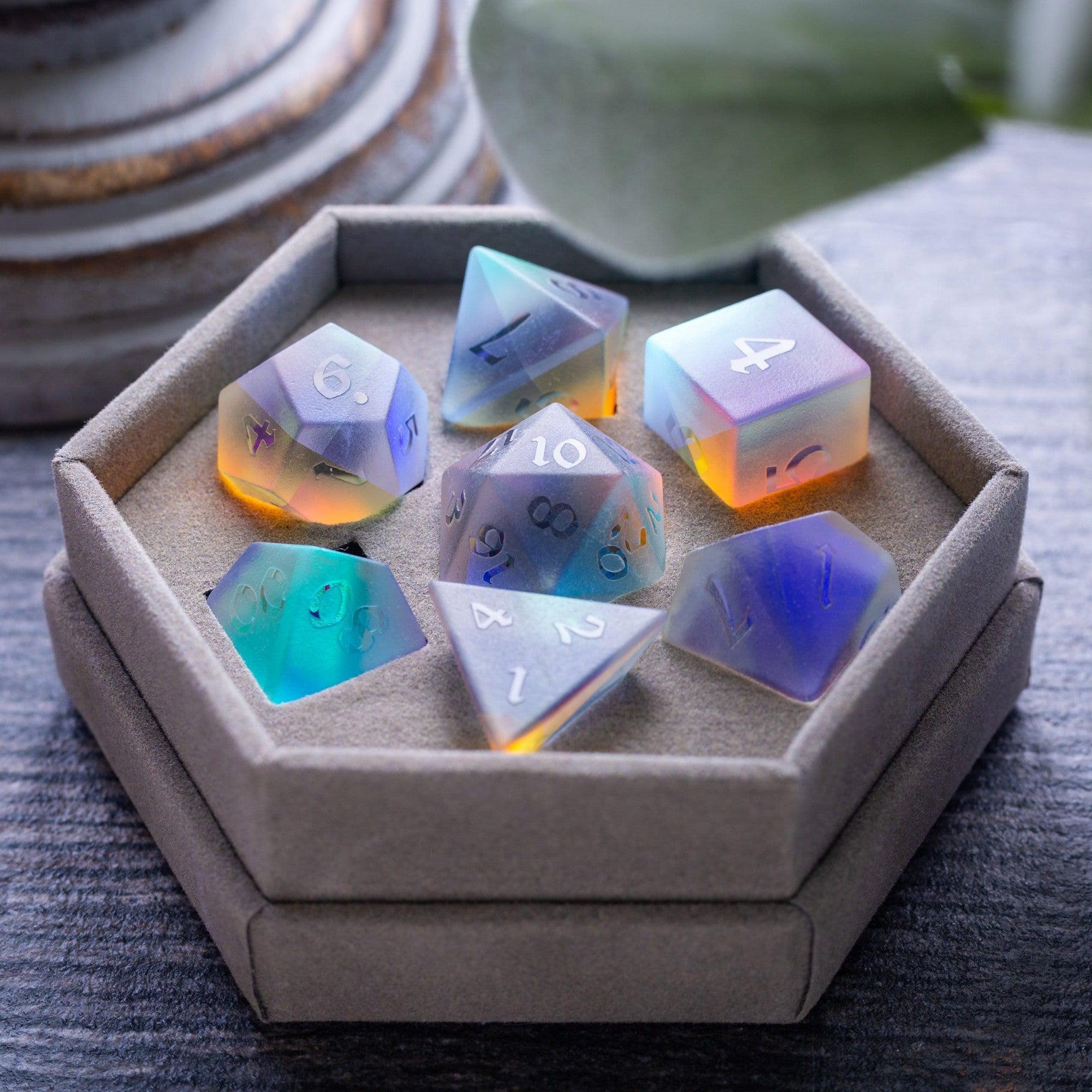
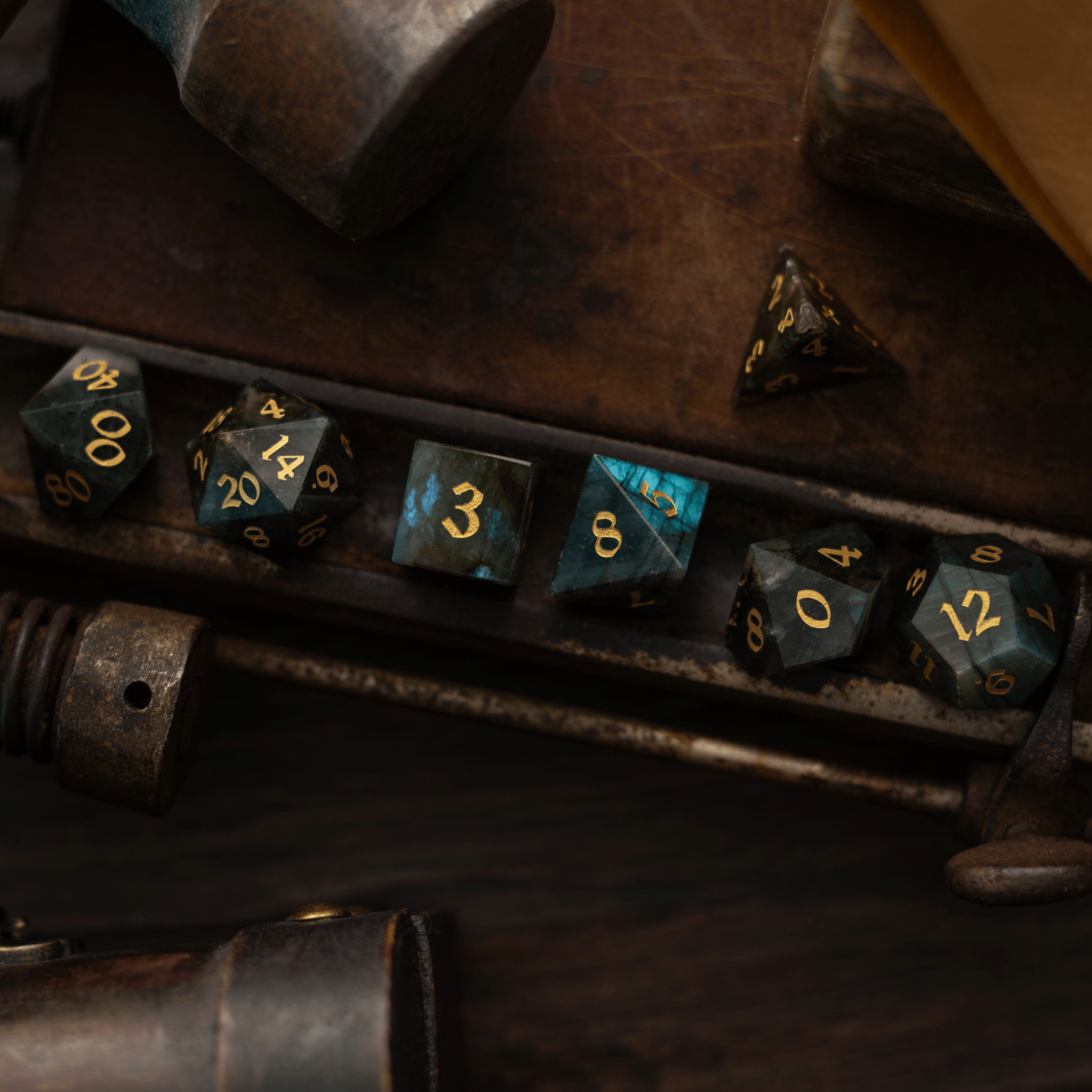
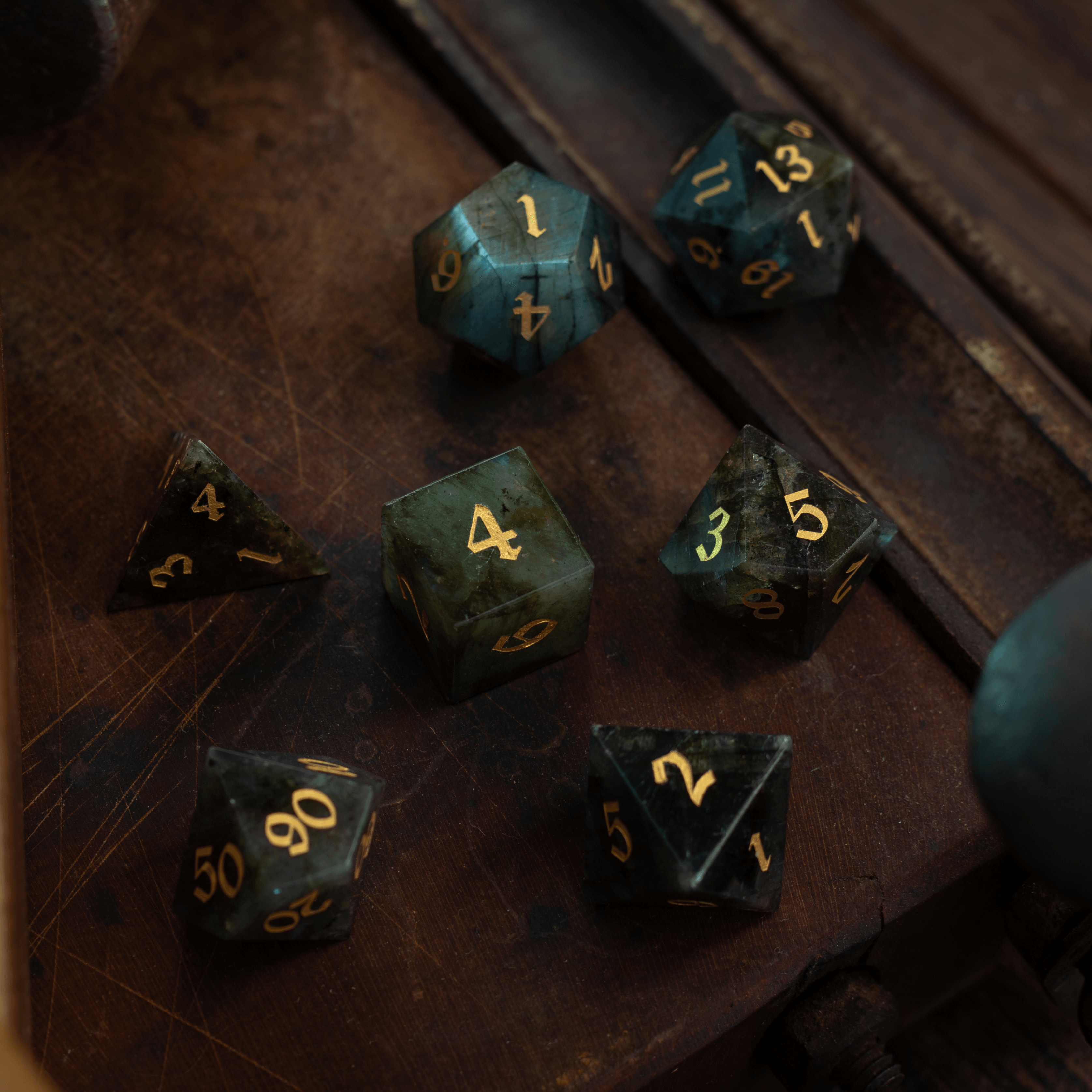
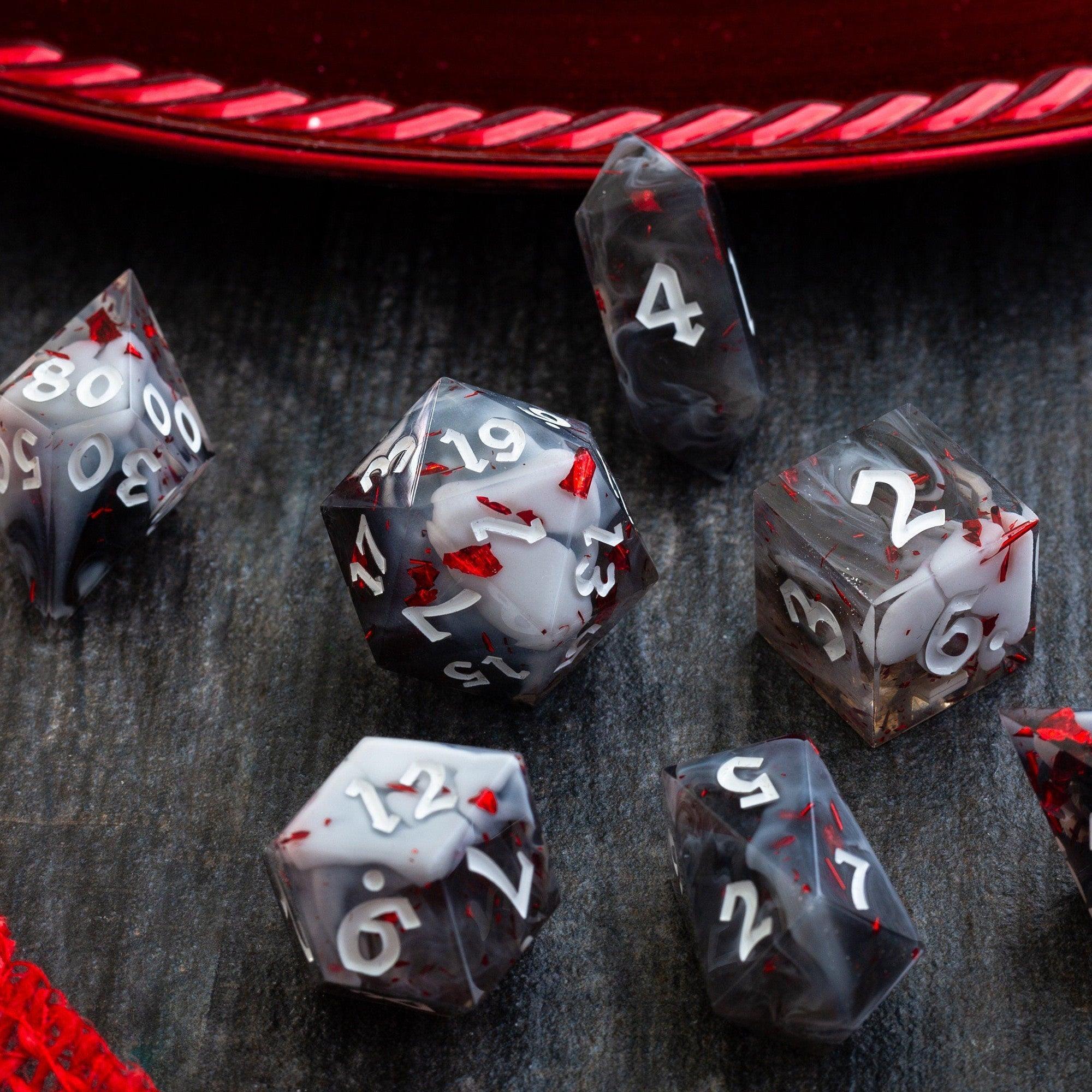
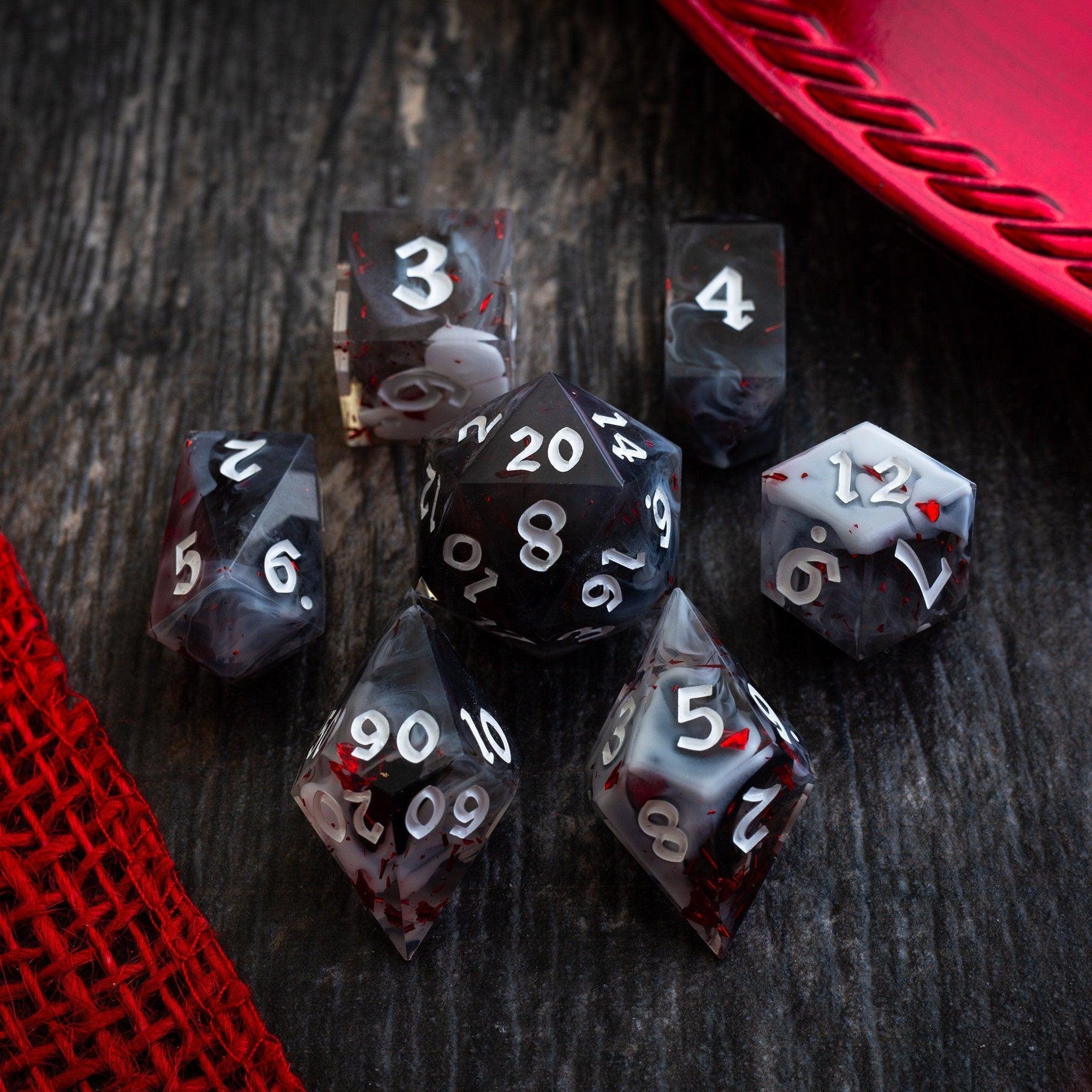
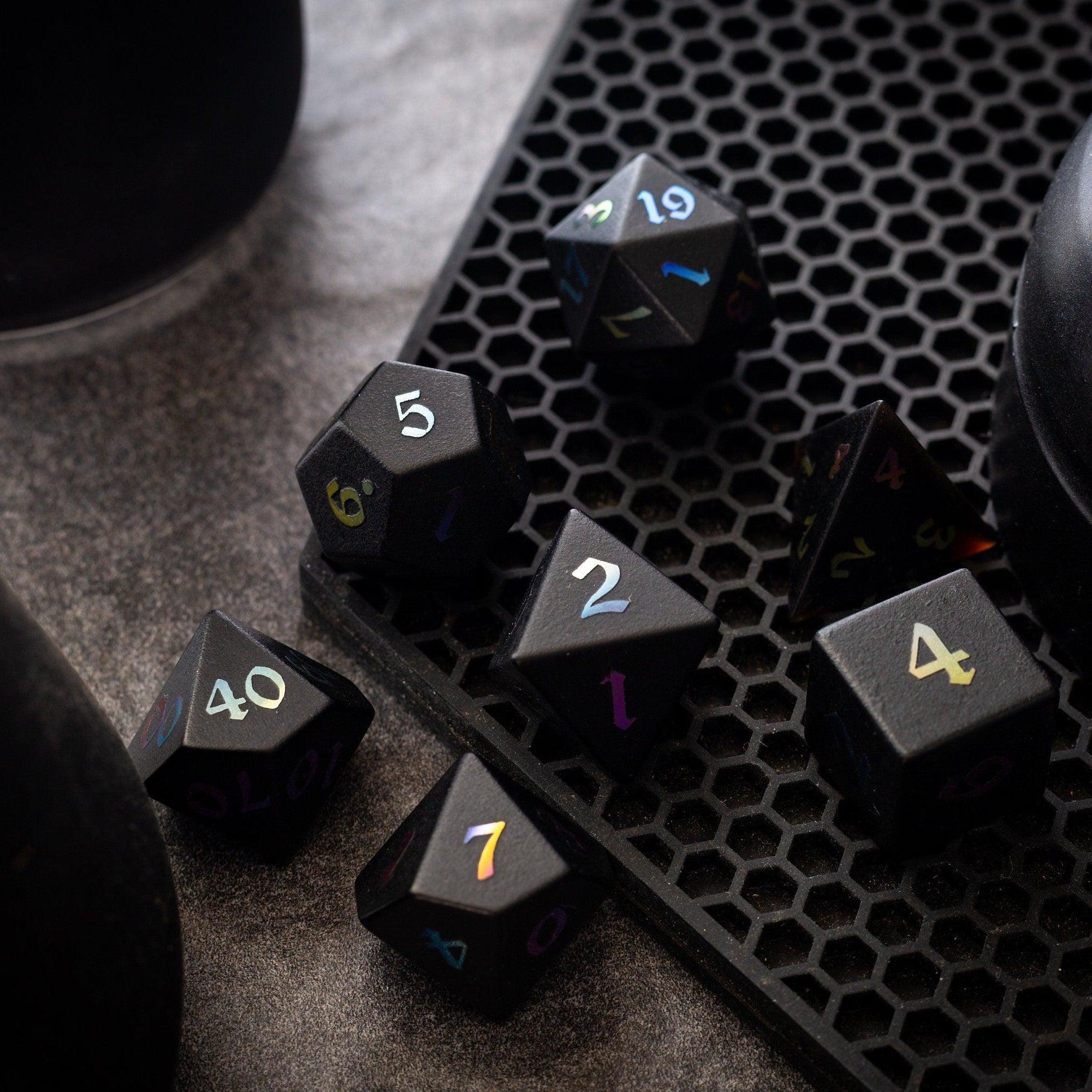
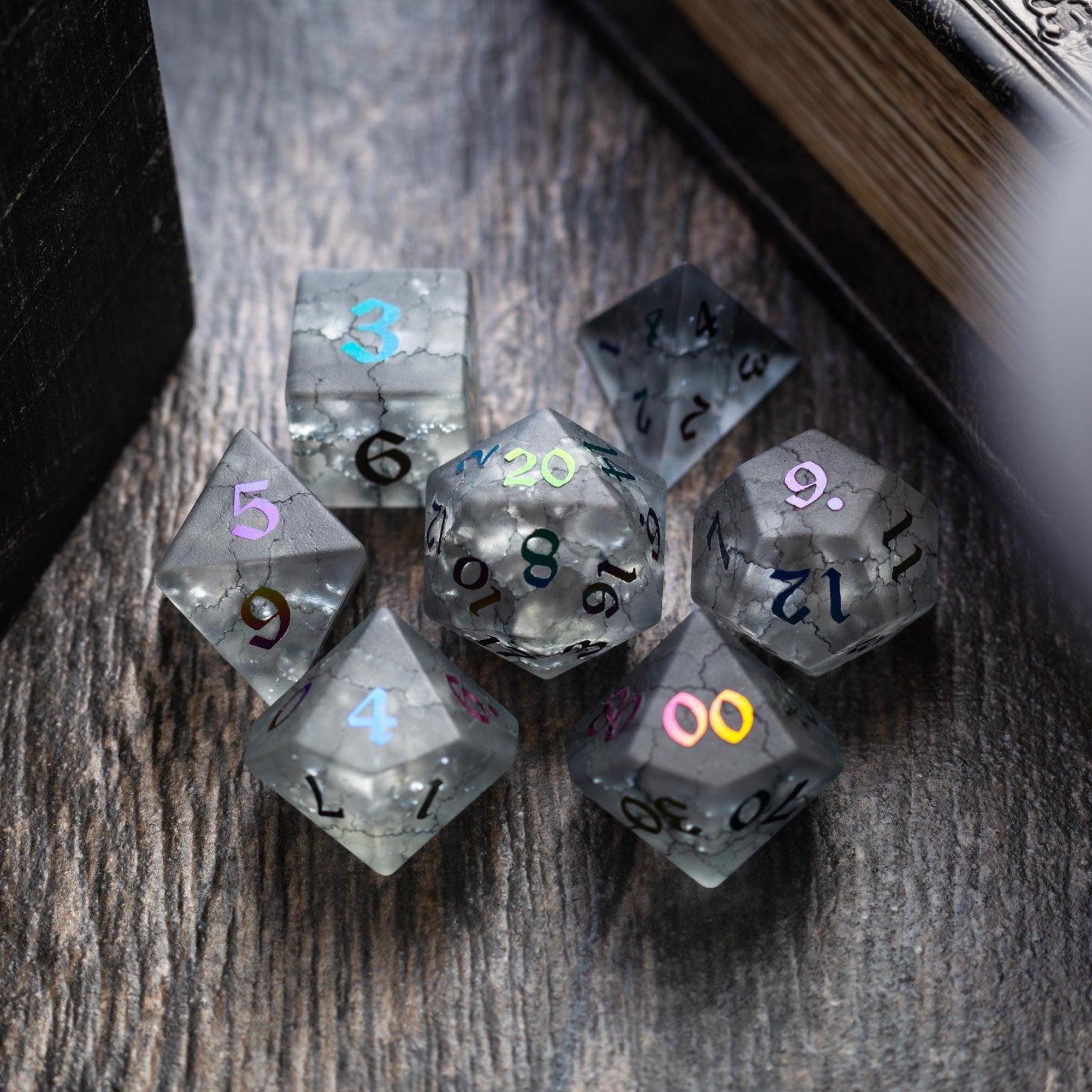
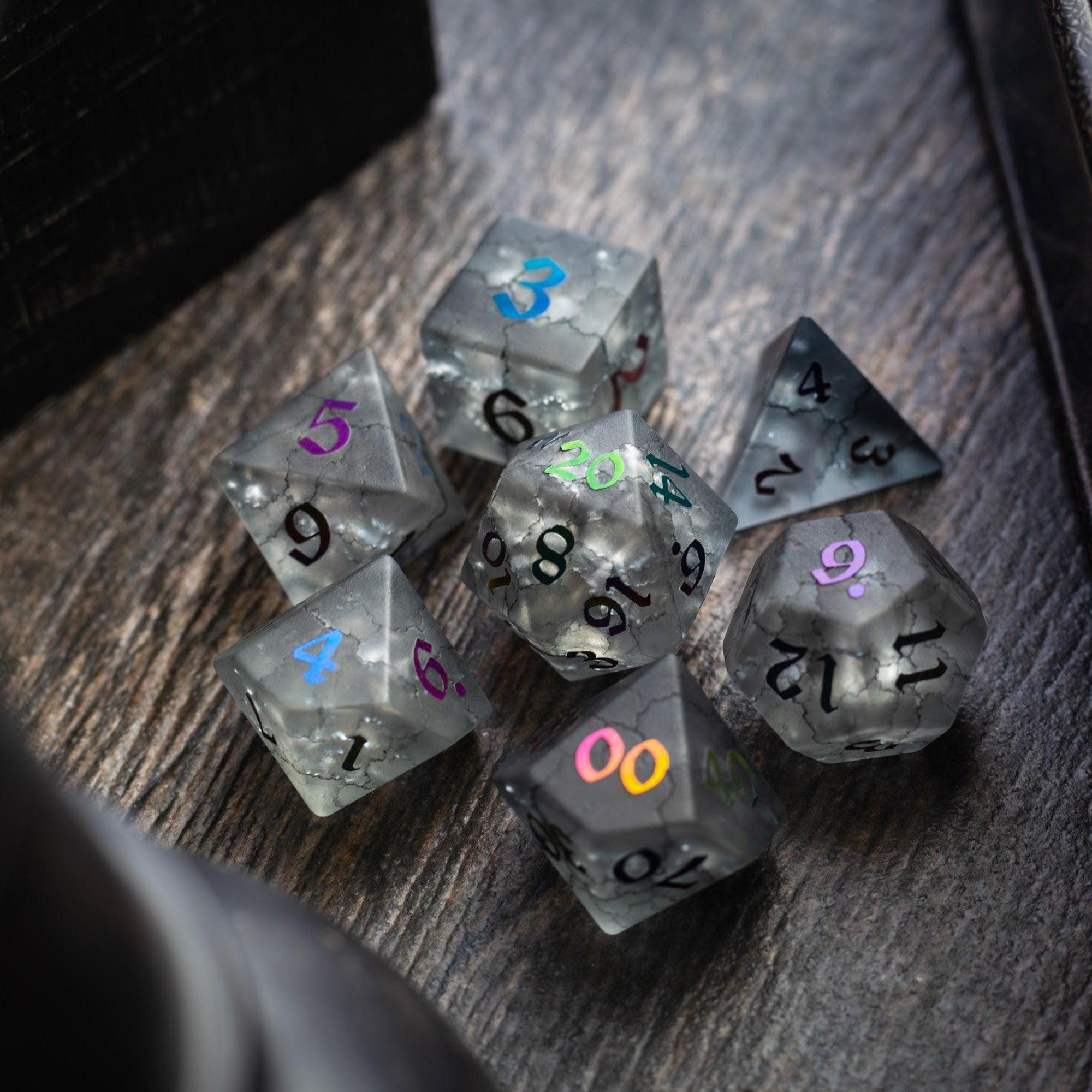
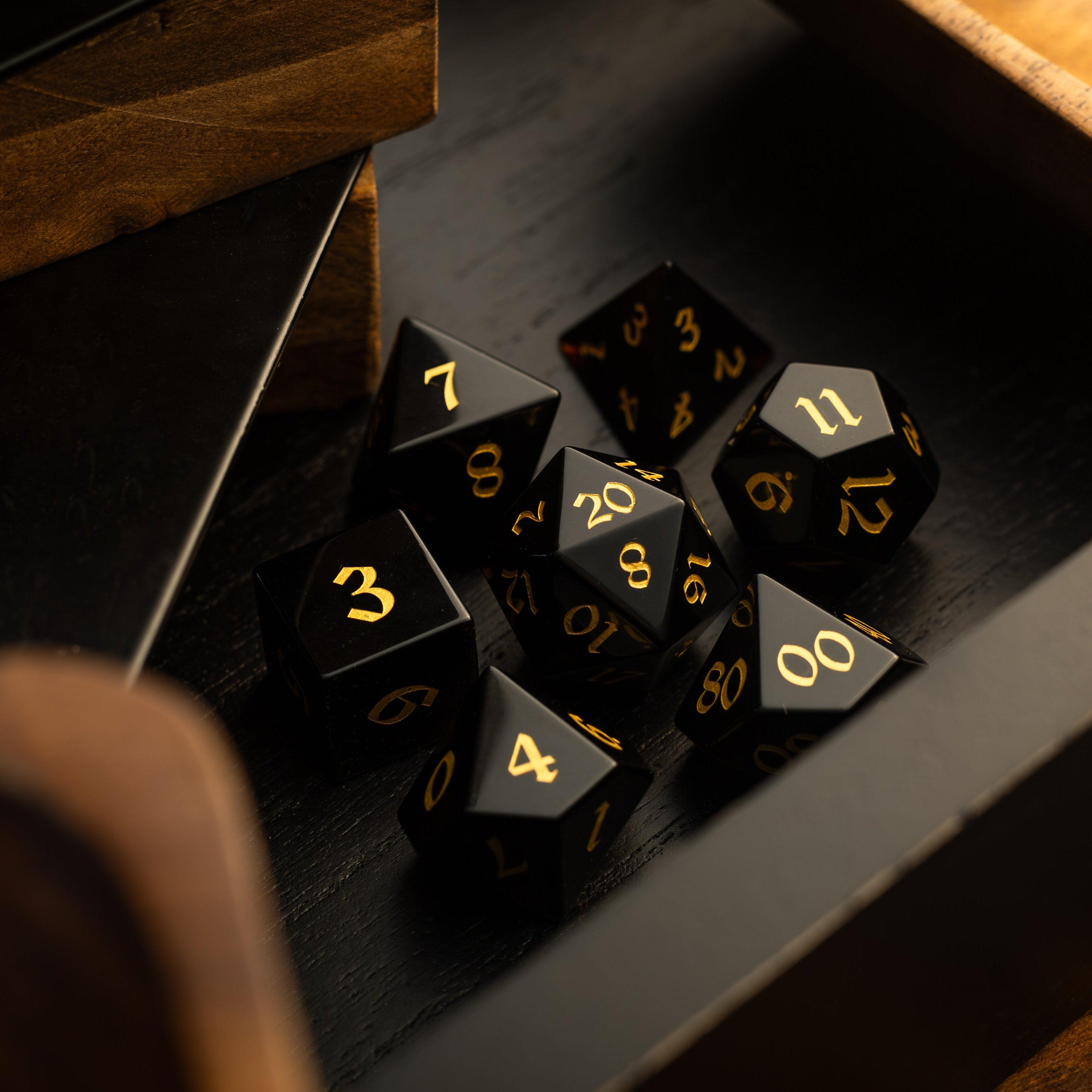
For groups that combine online sessions with occasional in-person games, many players still enjoy rolling physical dice. Premium gemstone, resin, or metal dice from Runic Dice provide the satisfying feel of traditional gameplay while digital maps handle positioning and exploration on screen.
Making the Most of Map Features
Modern virtual tabletop platforms may include a variety of optional features. Since these differ between software, learn only the tools your group actually plans to use.
Layers
Layers allow Game Masters to separate background art, tokens, notes, or hidden elements when supported by their platform.
Dynamic Lighting
Some platforms offer optional lighting systems that limit what characters can see.
When available, this feature can:
-
Increase suspense
-
Reward exploration
-
Emphasize dark environments
Not every campaign requires dynamic lighting, and many excellent games run perfectly without it.
Tokens
Character and creature tokens help everyone track movement and combat positions.
Keep tokens:
-
Easy to recognize
-
Properly sized
-
Consistent across sessions
Grids
Grids support tactical movement for many RPG systems.
However, not every game relies heavily on precise positioning. Some groups prefer gridless maps for greater narrative flexibility.
During hybrid sessions, a dice tray can help players keep physical rolls organized near their computer, while a dice tower offers consistent rolling for those who enjoy using traditional dice alongside digital maps. Groups that alternate between online and in-person adventures may also find condition rings useful for tracking effects consistently across both styles of play.
Common Mistakes When Using Virtual Tabletop Maps
Even experienced Game Masters occasionally fall into habits that reduce the effectiveness of digital maps.
Common mistakes include:
-
Spending more time preparing maps than preparing the story
-
Using overly detailed maps for simple encounters
-
Choosing maps that confuse players
-
Revealing too much information too early
-
Forgetting to organize files
-
Relying on maps for every scene instead of allowing theater of the mind when appropriate
-
Assuming every platform offers the same features
Remember that maps support storytelling. They should never replace meaningful roleplaying or creative descriptions.
Quick Virtual Map Preparation Checklist
Before each online session, review a few simple questions:
-
Are the correct maps prepared?
-
Are player tokens ready?
-
Have encounter locations been reviewed?
-
Are backup maps available for unexpected choices?
-
Do file names make maps easy to find?
-
Have grids or scale been checked if your game uses them?
-
Are important notes stored separately from player-facing maps?
-
Does every map support the story you want to tell?
A few minutes of preparation often prevents delays once the adventure begins.
Virtual maps continue to open new possibilities for tabletop gaming, making it easier than ever for friends around the world to share memorable adventures. Whether you prefer simple sketches, richly illustrated digital battle maps, or expansive world maps, thoughtful preparation helps create smoother encounters and stronger collaboration at the table. By choosing maps that fit your campaign, staying organized, and using platform features only when they enhance play, you can build immersive online experiences that support the story without overshadowing it. Combined with familiar tabletop accessories for hybrid sessions, virtual tabletop maps become another creative tool that helps every quest feel vivid, cooperative, and ready for the next chapter.










Leave a comment
This site is protected by hCaptcha and the hCaptcha Privacy Policy and Terms of Service apply.