
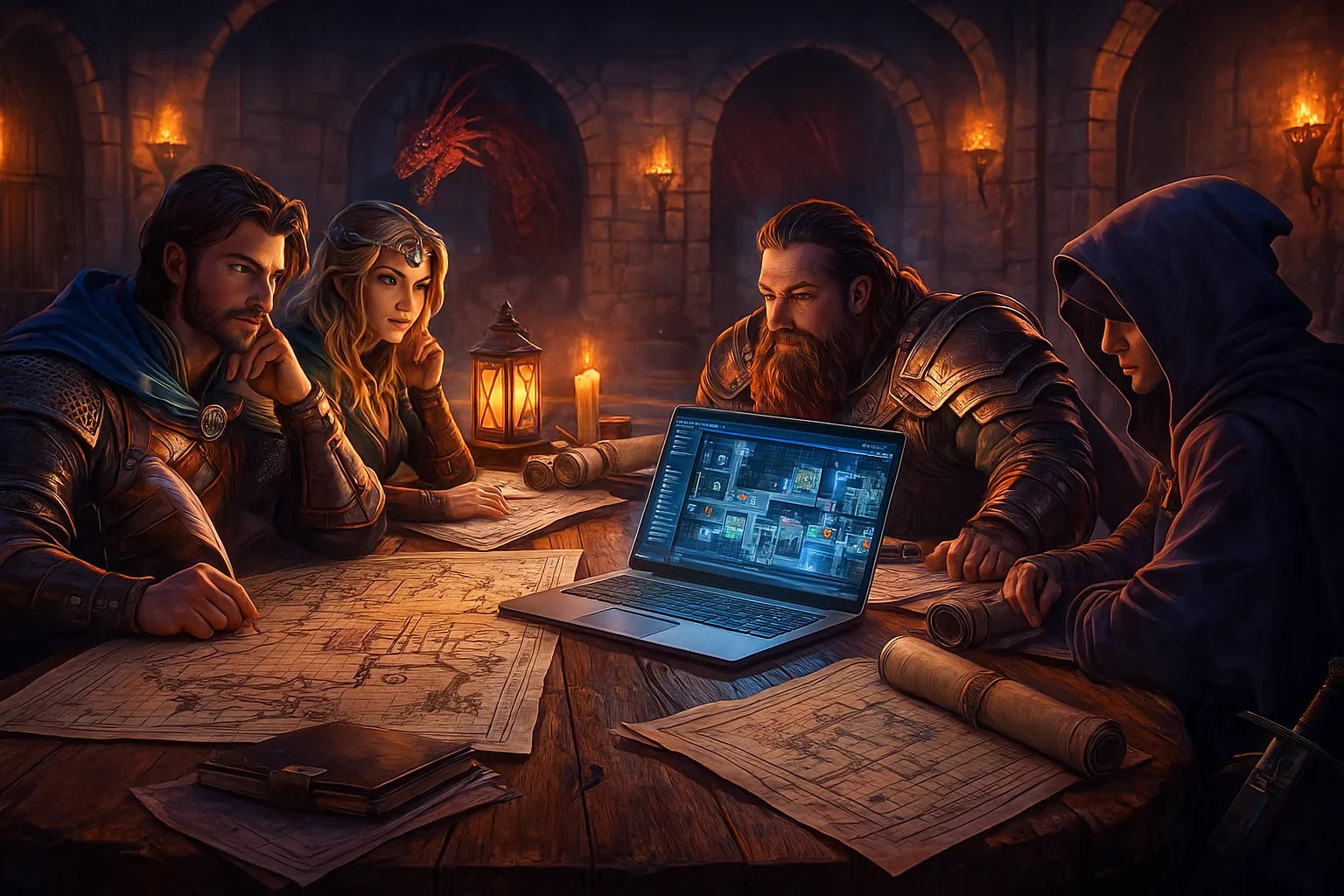
Campaign Planning Software for Dungeon Explorers A Guide
Updated on: 2025-12-03
- Pros and cons of campaign planning software for dungeon explorers
-
Step-by-step practical guide to using campaign planning software for dungeon explorers
- Step 1: Define goals in your tabletop RPG campaign planner
- Step 2: Structure dungeon modules, rooms, and routes
- Step 3: Build encounters, NPCs, and loot with reusable blocks
- Step 4: Balance difficulty and pace with tags and timelines
- Step 5: Create session scripts and at-table run views
- Step 6: Playtest, iterate, and version your dungeon
- Step 7: Sync across devices and prep on the go
- Wrap-up: campaign planning software for dungeon explorers
- What features should I look for in campaign planning software for dungeon explorers?
- Is campaign planning software suitable for D&D or tabletop dungeon campaigns?
- How to use campaign planning software for a dungeon crawl?
Running a dungeon should feel exciting, not exhausting. That’s where a campaign planning software for dungeon explorers shines: it keeps your maps, monsters, and mysteries tidy so you can focus on storytelling. Whether you prefer a simple tabletop RPG campaign planner or a robust campaign planning tool for dungeon explorers, the right setup helps you track clues, balance encounters, and improvise with confidence. If you’ve ever lost an NPC note or mixed up room keys, you’ll appreciate how organized your prep can become.
Pros and cons of campaign planning software for dungeon explorers
- Pro: Centralized prep. Dungeon master campaign planning tools consolidate maps, stat references, NPCs, and treasure tables. No more flipping between tabs and notebooks.
- Pro: Faster iteration. You can duplicate rooms, fork encounter variants, and roll back to earlier versions without rewriting everything.
- Pro: Searchable notes. Tag locations, factions, and items, then retrieve them mid-session in seconds—perfect for sprawling dungeon crawls.
- Pro: Visual clarity. Many dungeon campaign planning software options include flowcharts, grid maps, or node graphs to show how rooms connect and where hazards live.
- Pro: Player handouts. Export readable handouts or maps with fog-of-war so secrets stay secret while players get crisp visuals.
- Con: Learning curve. Even the best dungeon campaign planning software for tabletop RPGs can feel like “another thing to learn.” Start small, then add features as you go.
- Con: Distraction risk. Switching screens at the table can pull you out of the fiction. Use a dedicated “DM view” and keep your layout simple.
- Con: Overplanning. It’s easy to overbuild. Keep your dungeon modular so you can improvise when the party goes off-script.
- Con: Device dependence. If you’re offline, you’ll want a printable backup or a quick reference view cached locally.
Step-by-step practical guide to using campaign planning software for dungeon explorers
Step 1: Define goals in your tabletop RPG campaign planner
Begin with two or three clear goals. Are you testing a tricky puzzle, showcasing a villain’s lair, or creating a resource-pressure crawl with torches and time limits? In your tabletop RPG campaign planner, create a top-level “Dungeon Overview” page where you list themes, stakes, failure states, and player-facing clues. This clarity will guide every map and encounter you build.
Step 2: Structure dungeon modules, rooms, and routes
Break the location into modules: Entrance, Halls, Vault, Sanctum. Under each module, add rooms with short, skimmable blocks: Purpose, Features, Hazards, Clues, and Exits. Link rooms together with a node graph or a simple route list. Campaign planning software for dungeon explorers makes this easy with drag-and-drop outlines and backlinks, so you can follow any path your players choose without losing the thread.
Step 3: Build encounters, NPCs, and loot with reusable blocks
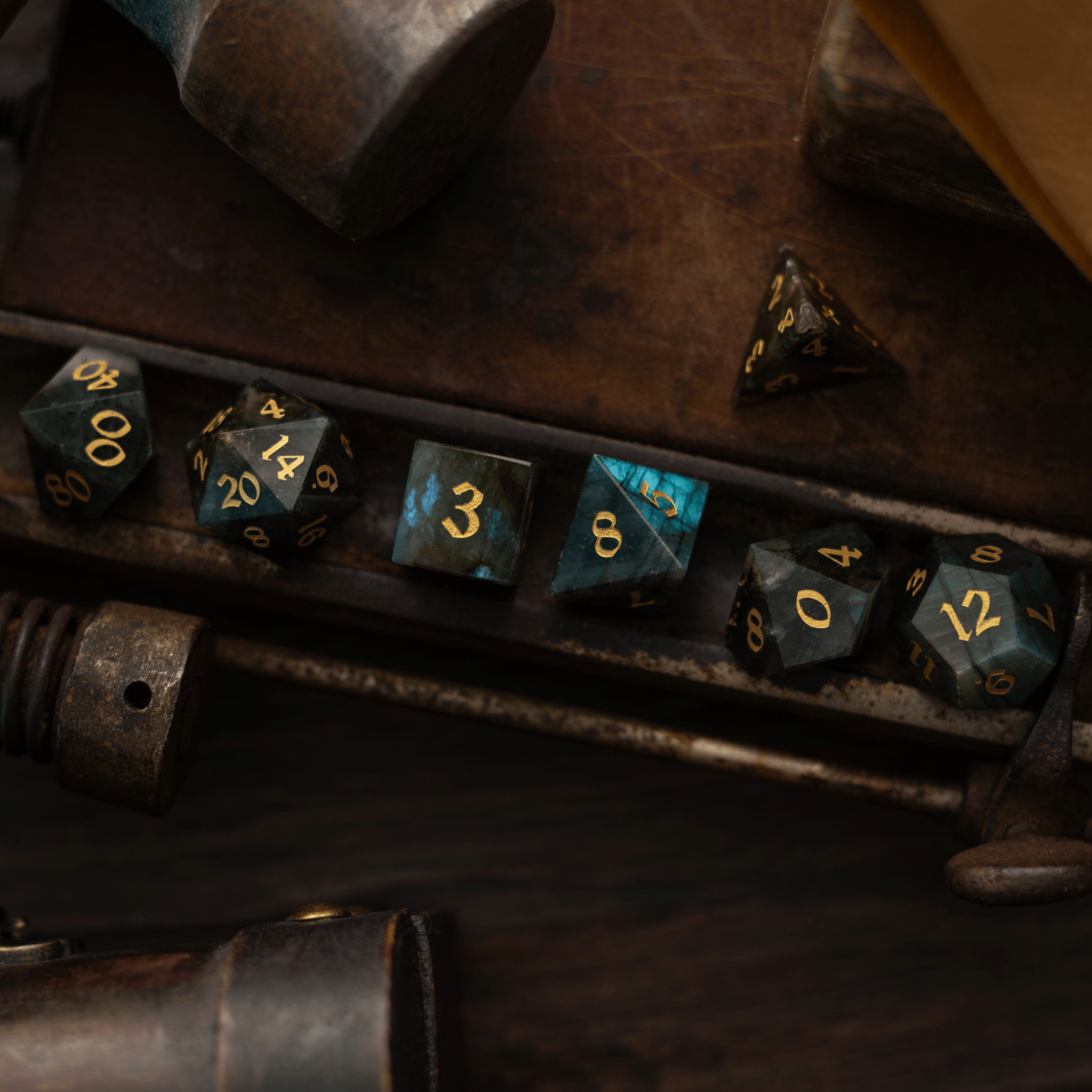
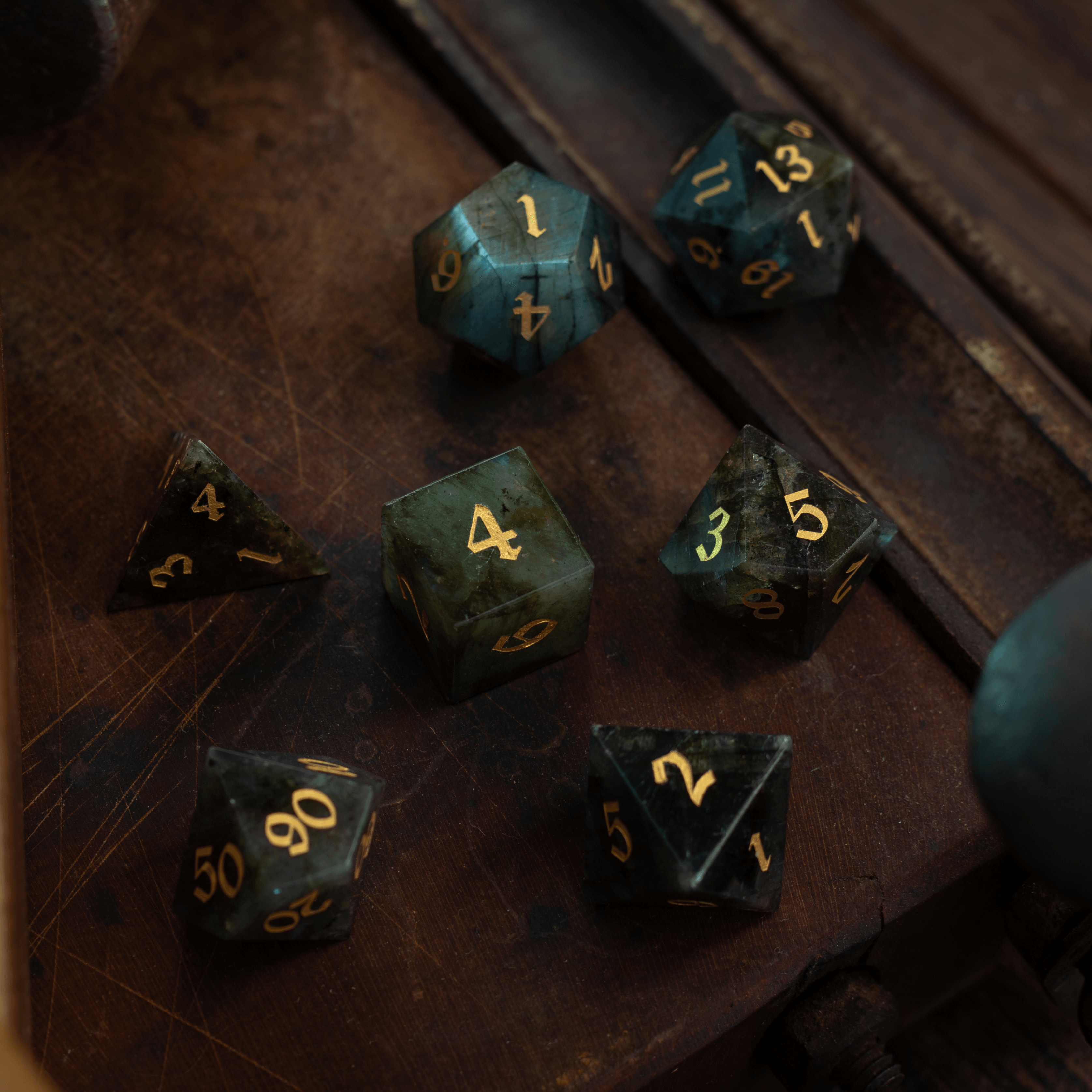
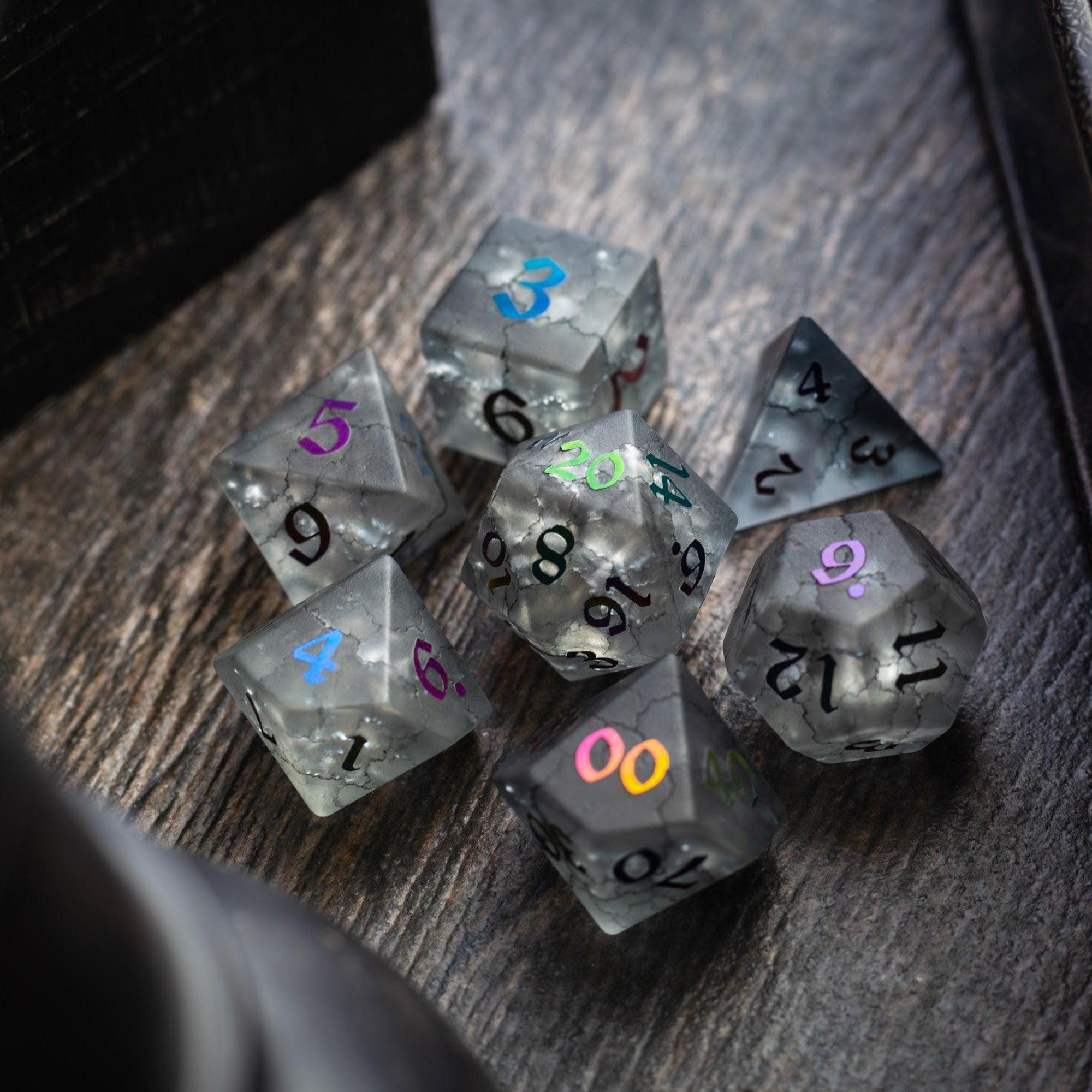
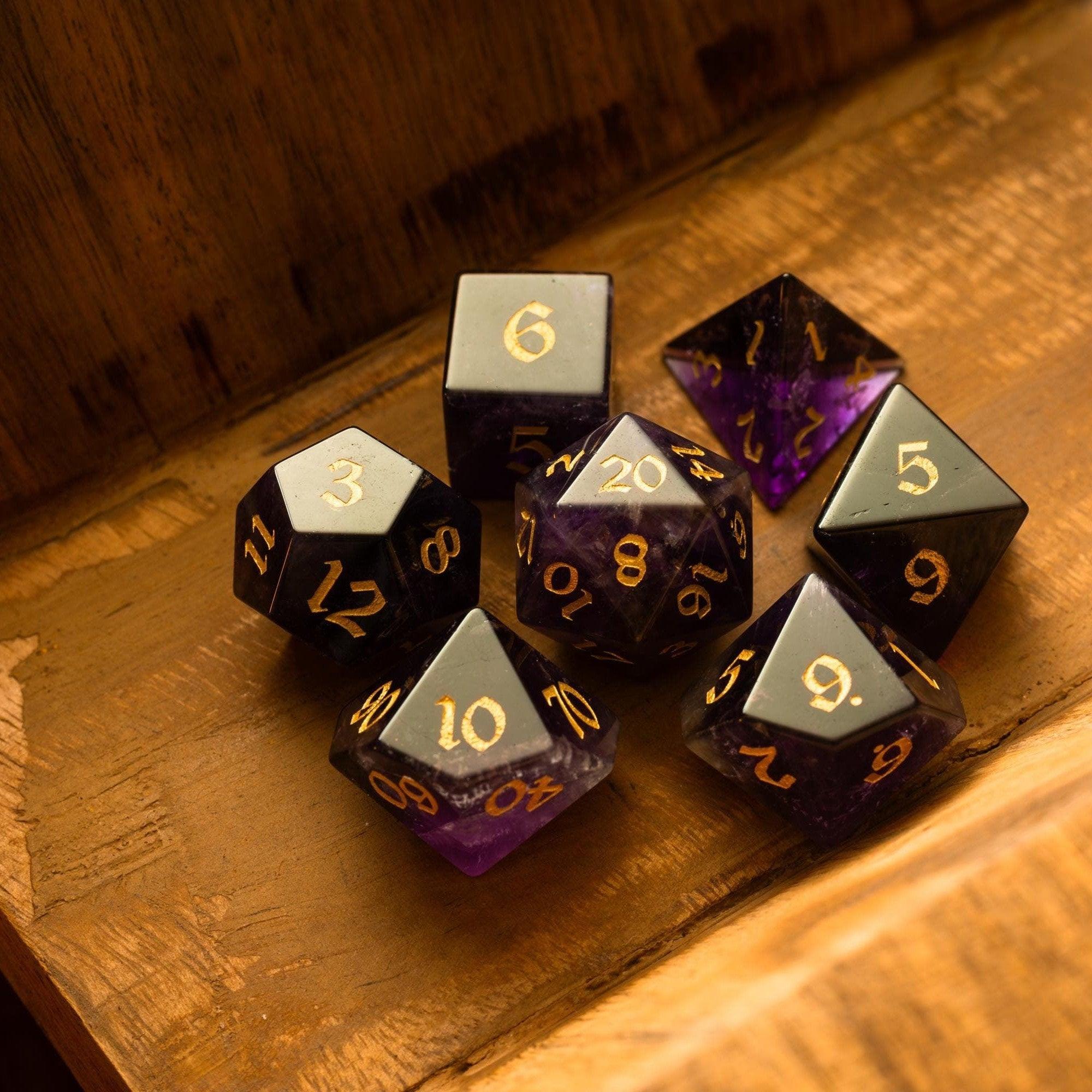
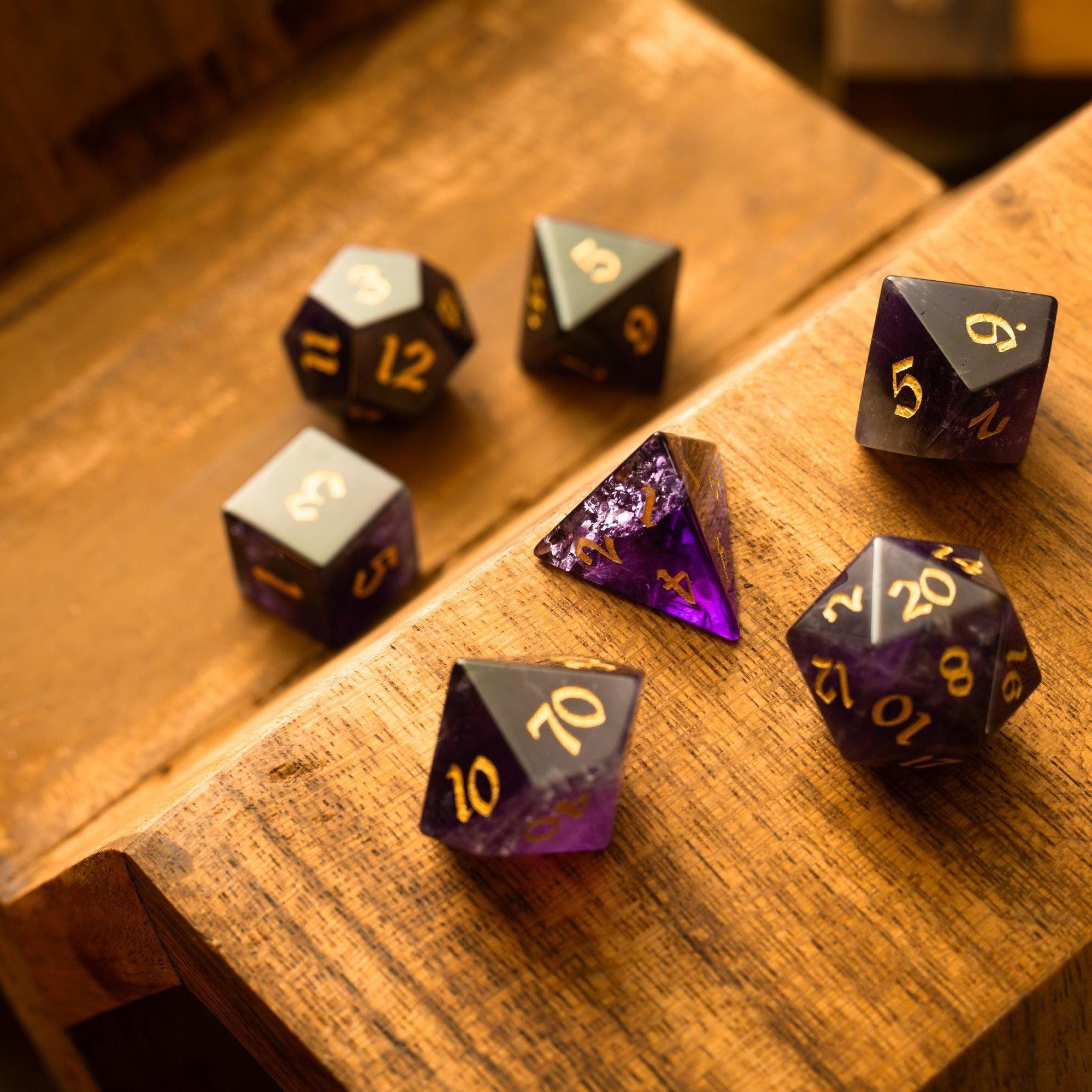
Create templates for “Combat,” “Social,” and “Exploration” encounters. Each template should include trigger, environment, tactics, scaling notes, and a fast escape hatch if players outwit the challenge. Store NPCs with role, motive, secret, and a two-line voice prompt. For loot, include coinless curios and story items alongside consumables. If you like pairing tactile rewards with story beats, consider themed dice as treasure handouts—something like labradorite gemstone dice can double as a memorable in-world artifact.
Step 4: Balance difficulty and pace with tags and timelines
Tag encounters with Difficulty, Noise, Light, and Resource Pressure. Add a lightweight timeline: “If players do nothing, what changes after each rest or turn?” This helps you tune the crawl’s rhythm. A campaign planning tool for dungeon explorers often includes boards or kanban-style views; use them to track which rooms are explored, escalated, or still unknown.
Step 5: Create session scripts and at-table run views
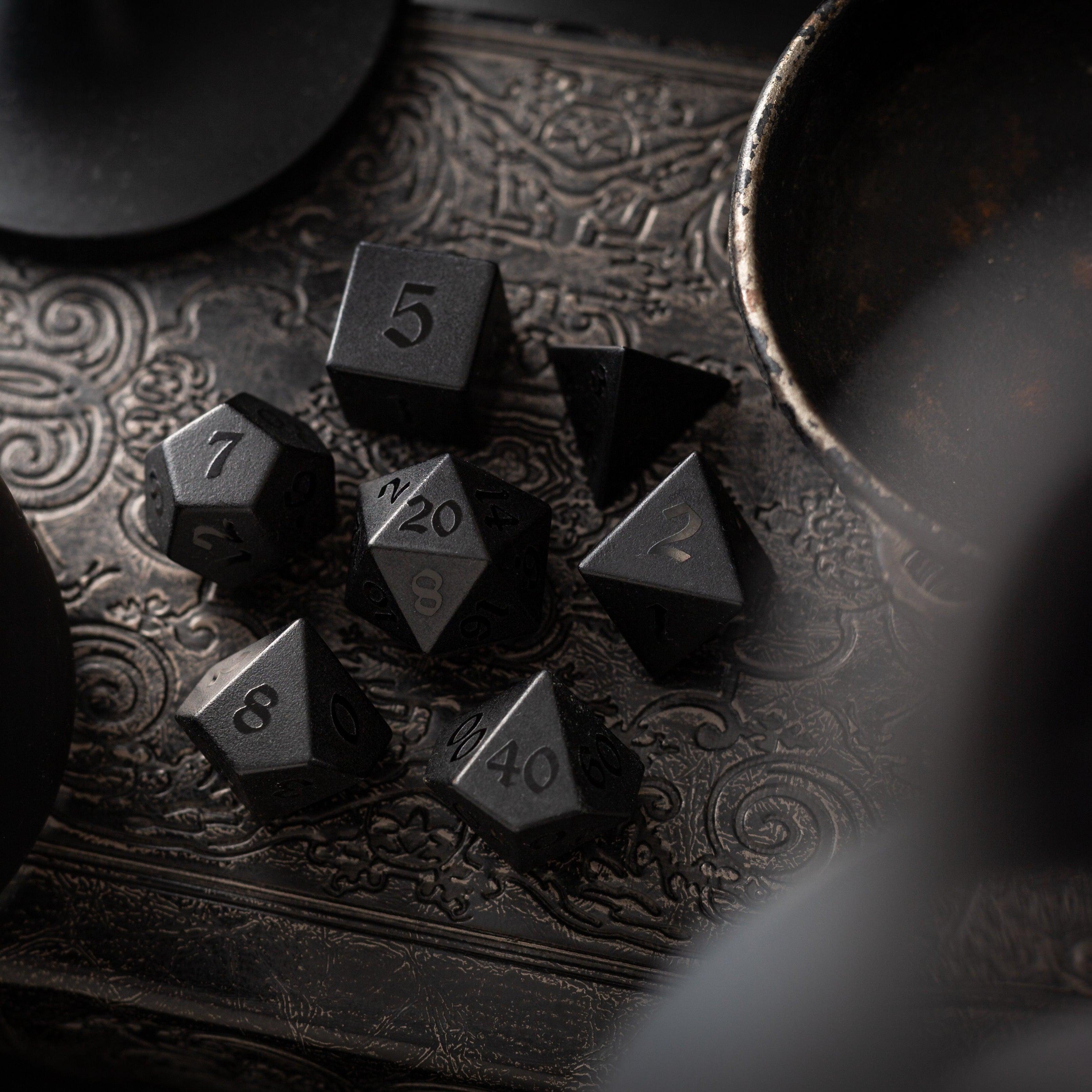
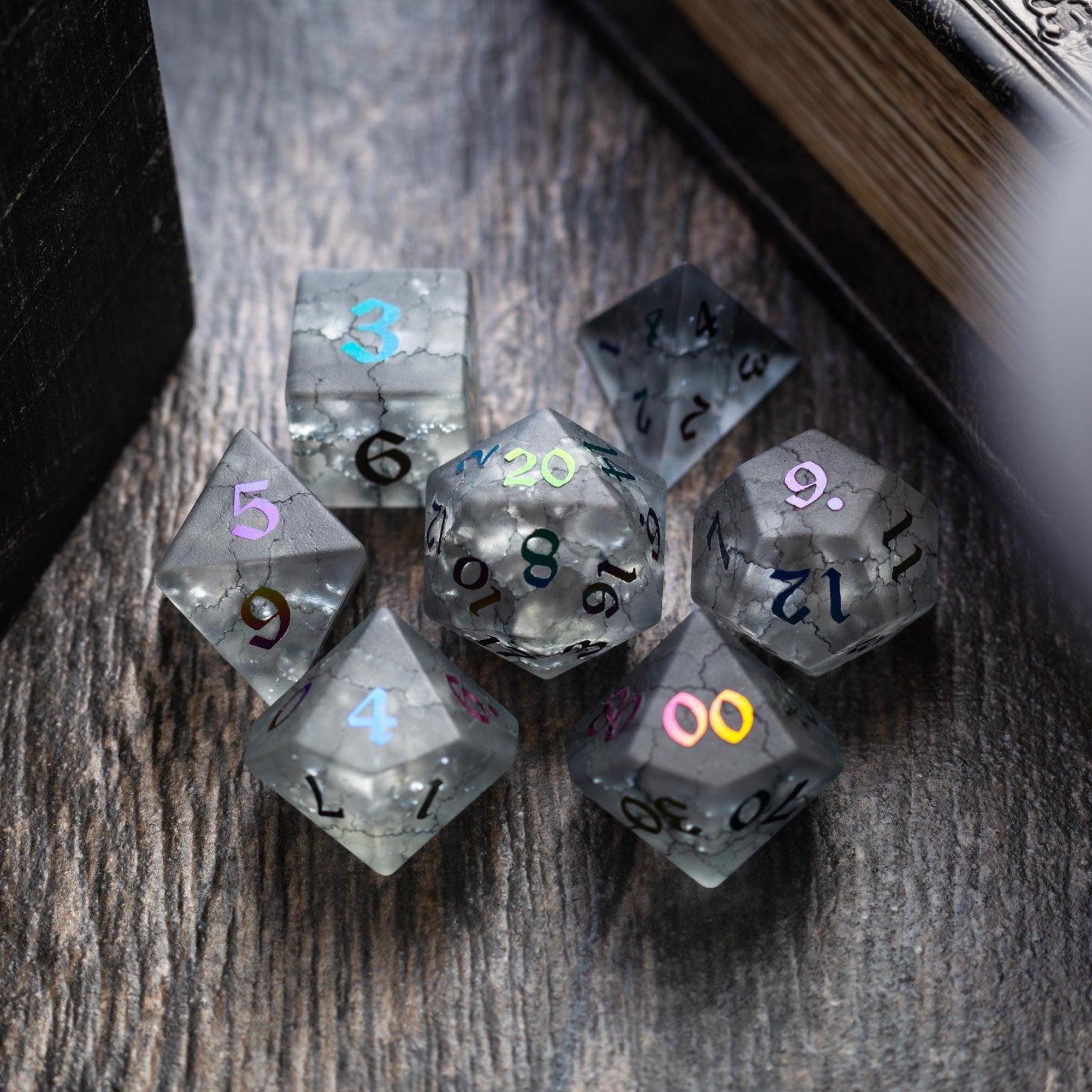
Before game night, draft a one-page run script with opening scene, three rising beats, a mid-dungeon twist, and a closing hook. In your software, pin a “DM view” that shows only what you need: boxed text, DCs, monster tactics, and any dynamic effects like alarms or flooding. Keep another panel ready with quick-roll tables. If you enjoy dramatic flair, you might roll rare items on a fun table and use something vivid like a Starlit Rift resin set for in-session reveals.
Step 6: Playtest, iterate, and version your dungeon
After each session, jot down an after-action note right in the room or encounter page: What worked? What dragged? Which clues landed? Duplicate the dungeon for your next run and iterate—merge rooms, sharpen tactics, and trim any text you didn’t actually use. Versioning is where dungeon master campaign planning tools really shine; you’ll keep learning without losing your earlier drafts.
Step 7: Sync across devices and prep on the go
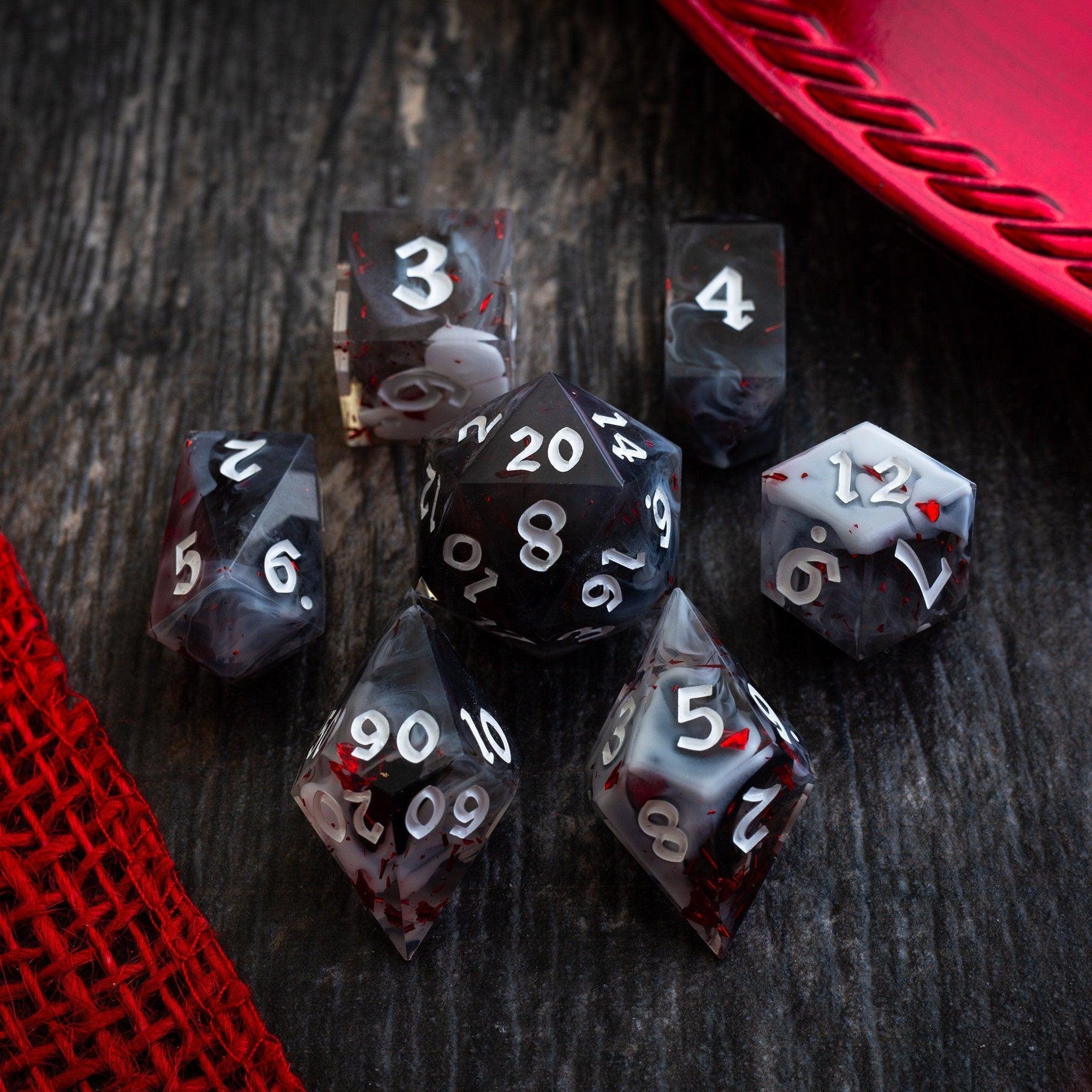
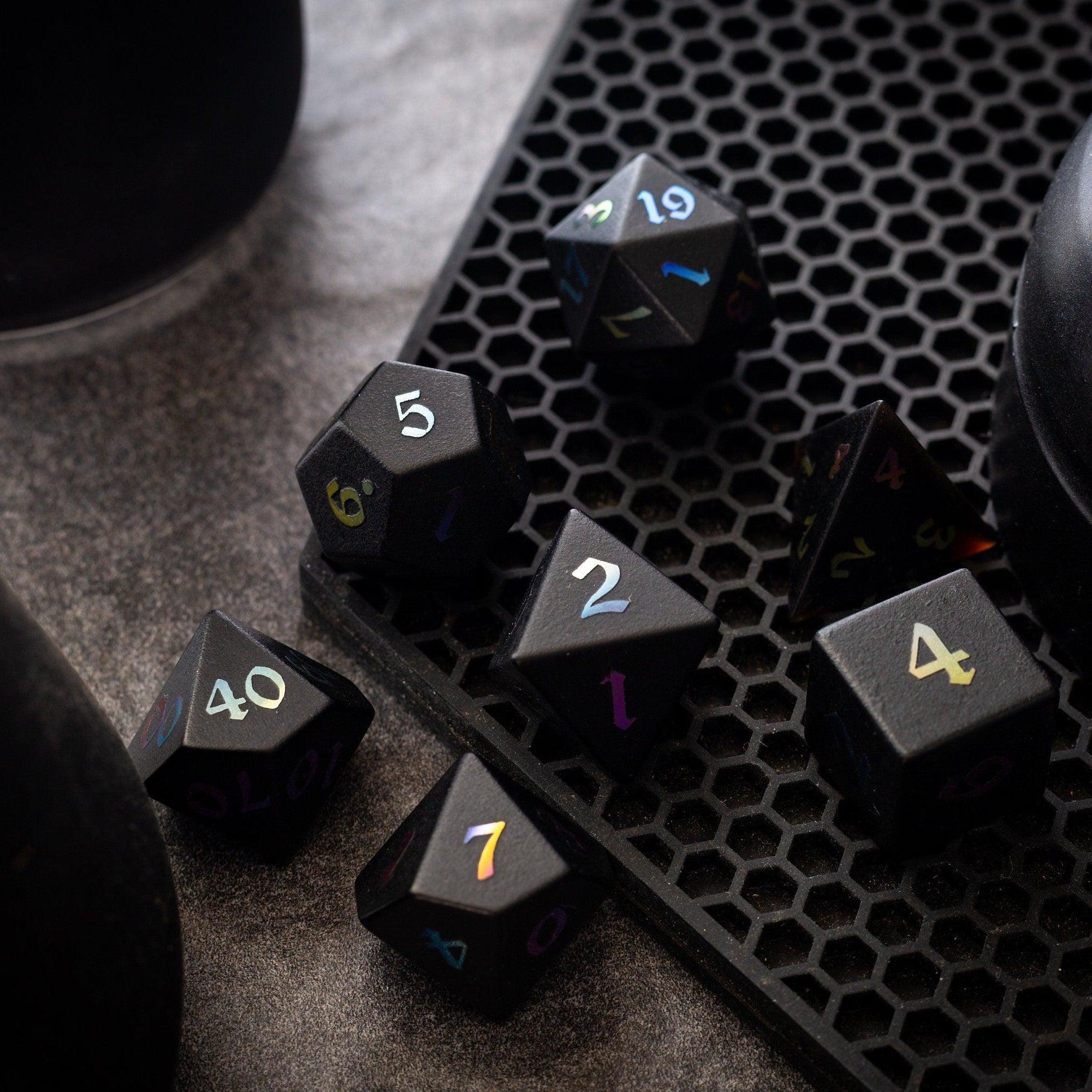
Use cloud sync to review hooks on your phone, then expand them on your laptop. A good dungeon campaign planning software gives you offline access or quick exports to PDF so you’re covered no matter where you’re prepping. For table presence, a dice theme can reinforce your dungeon’s mood; browse curated dice collections for inspiration or reward milestones with a special piece from the liquid core dice lineup.
Wrap-up: campaign planning software for dungeon explorers
Campaign planning software for dungeon explorers doesn’t replace your creativity—it amplifies it. By centralizing prep, streamlining updates, and giving you an at-table view built for speed, you’ll spend less time hunting notes and more time delivering tension, discovery, and payoffs. Start with a small dungeon, create a few reusable templates, and tag everything. With each run, you’ll refine your toolkit into a reliable, flexible system that supports any crawl—from torchlit tombs to clockwork citadels.
If you’re evaluating the best dungeon campaign planning software for tabletop RPGs, look for drag-and-drop outlines, bidirectional links, easy exports, offline access, and lightweight automation like random tables or room states. Above all, make sure it’s comfortable for you. The best tool is the one you’ll actually use week after week.
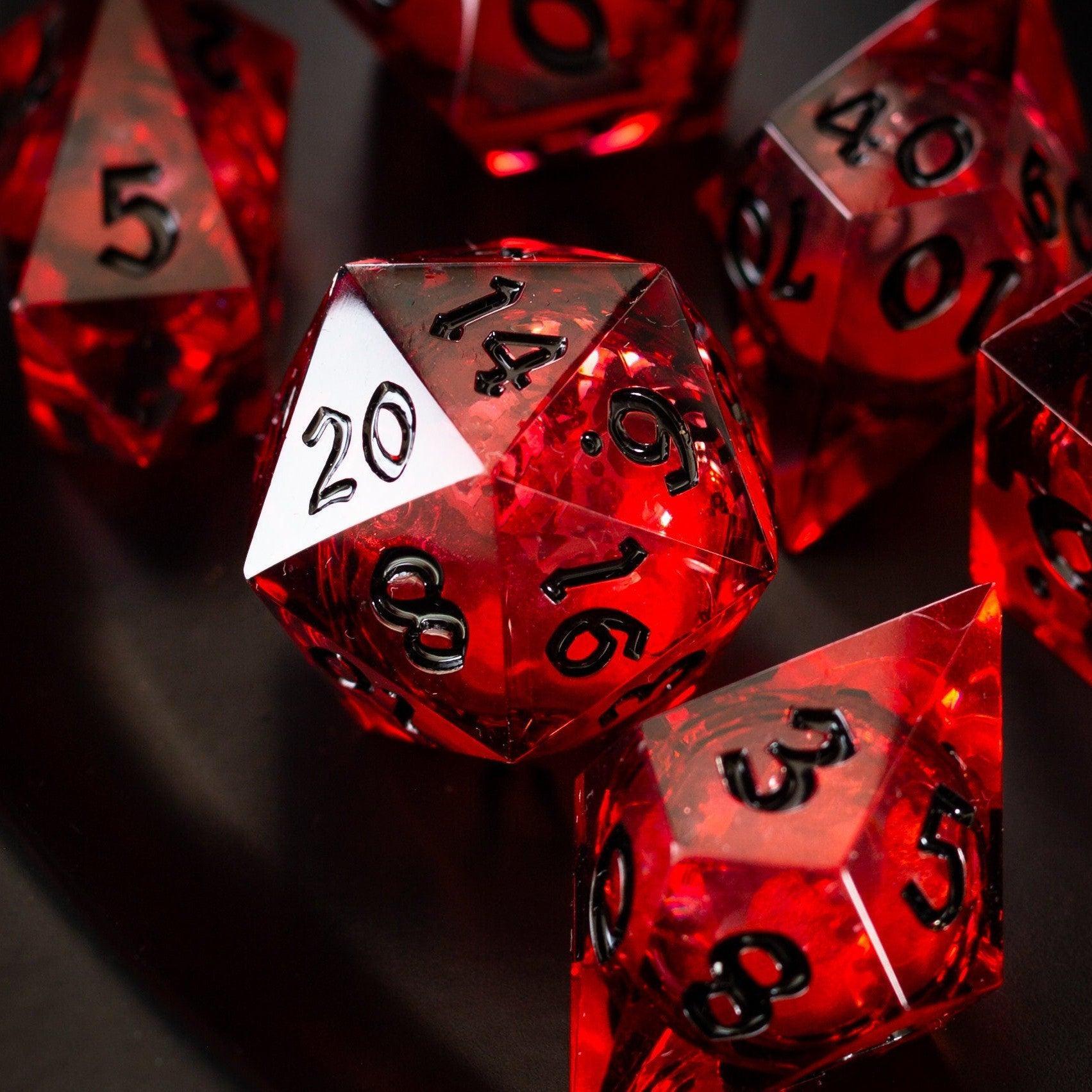
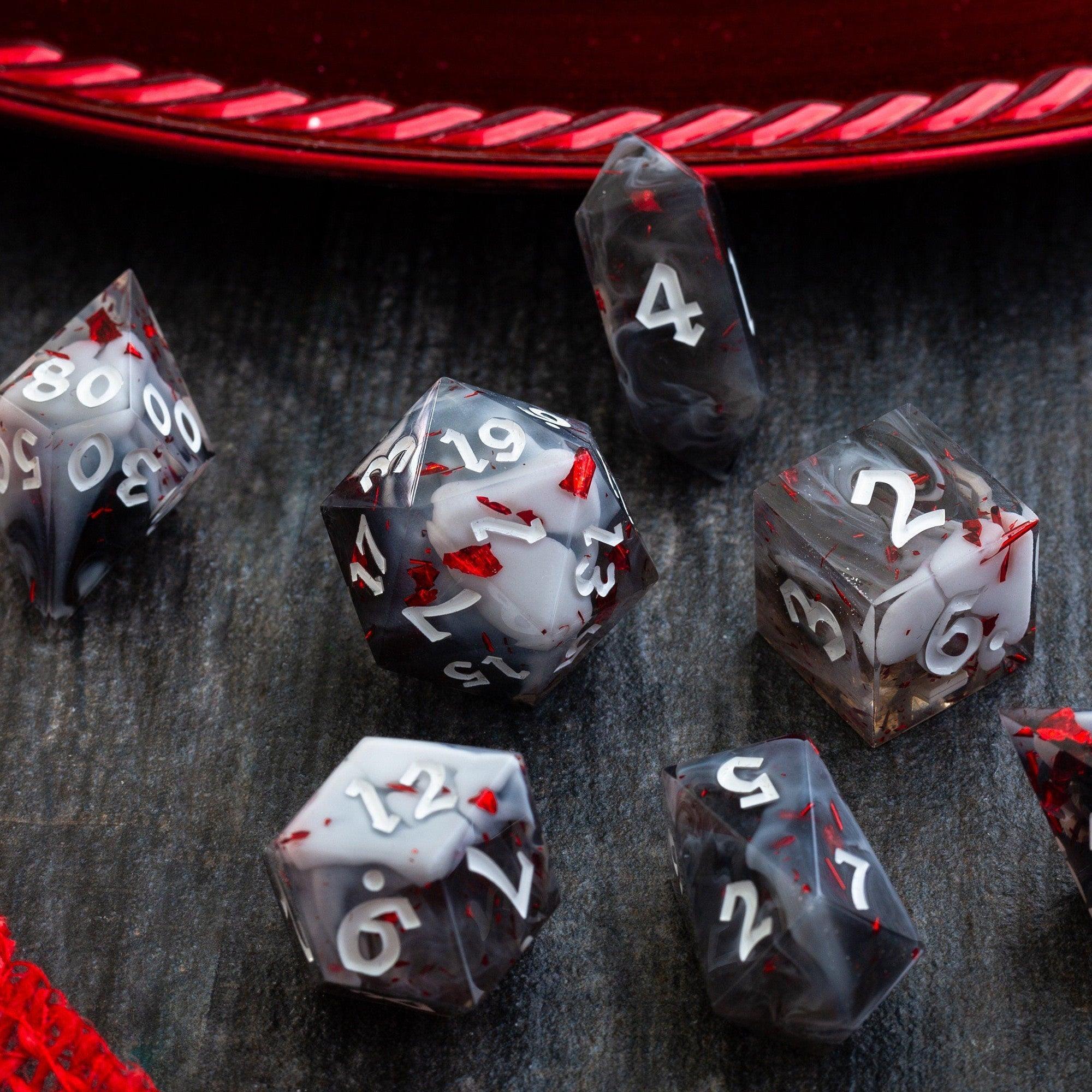
And if you like to add a physical flourish to your sessions, a thematic reward or keepsake can elevate key moments. A dramatic boss-room reveal feels even bigger when the treasure includes a distinctive set like the blood-red liquid core you’ve been hinting at since the first hook.
What features should I look for in campaign planning software for dungeon explorers?
Prioritize features that make prep and play faster. At minimum, you want room and encounter templates, tags, quick search, and a focused “DM view.” Visual mapping or node graphs help with complex layouts. Backlinks let you jump from a clue to the room it points to. Versioning protects your drafts. Exports ensure you can print or share handouts. If you’re running long campaigns, cross-session timelines and clocks keep factions active. These qualities are what separate a general note app from purpose-built dungeon master campaign planning tools.
Is campaign planning software suitable for D&D or tabletop dungeon campaigns?
Yes. Campaign planning software is well-suited for D&D or any tabletop dungeon campaign because it mirrors how these adventures are built: modular rooms, interconnected threats, and dynamic timelines. Most tools handle stat references with links to your preferred legal sources, while your planner stores tactics, clues, and layout notes. If your table loves tactile immersion, you can pair software with physical rewards—something like a striking treasure piece at the finale—for example, a themed die that matches the vault’s lore.
How to use campaign planning software for a dungeon crawl?
Start with a one-page overview, then outline modules and rooms with consistent, skimmable headings. Add encounter templates, populate NPC motives, and tag difficulty and noise. Create a session script that fits on a single screen. During play, keep your “DM view” open and update room states as the party explores. After the session, record outcomes directly in each room, adjust timelines, and version your prep for next time. This is the simplest, most reliable approach to how to use campaign planning software for a dungeon crawl.







Leave a comment
This site is protected by hCaptcha and the hCaptcha Privacy Policy and Terms of Service apply.